4DDiG Video Repair 4.1.5
v 4.1.5
Windows
試用版
7.62/10 (32)
- 目前版本4.1.5
- 更新日期2025-06-04
- 檔案大小187.01 MB
- 檔案名稱4ddig-file-repair.exe
- 作業系統Windows 7 / Windows 8 / Windows 10 / Windows 11
- 支援語系English
- 授權型式試用版
- 開發商 Tenorshare
- 軟體分類Windows 軟體 / 影片軟體
##
翻譯排程處理中,以下暫以英文原文呈現
軟體介紹
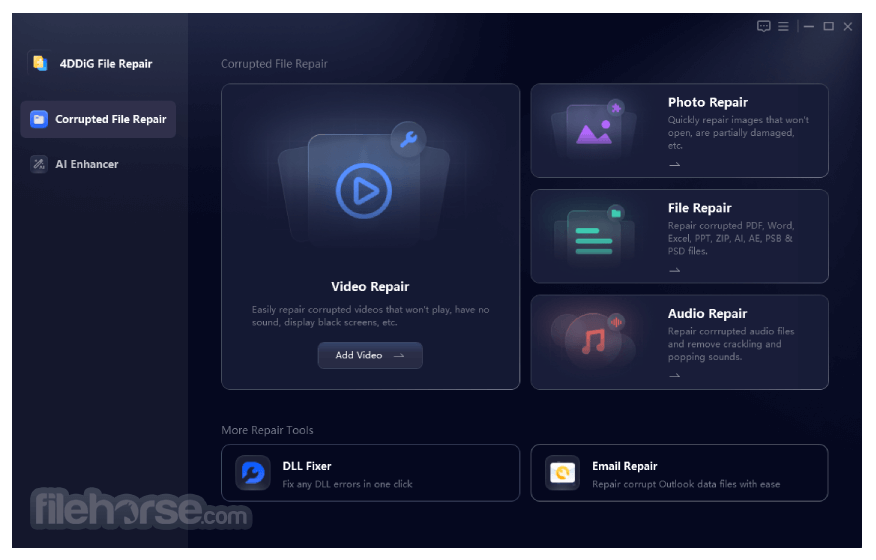
4DDiG Video Repair is a professional video repair and restoration utility that can help Windows PC users quickly regain access to their lost or corrupted video files and restore the various negative artifacts present in video files such as choppiness, jerky motions, grainy presentation, distortions, and more.
The app is especially useful for users who must regain access to damaged or corrupted video files, making them again perfectly usable after a short and automated repair procedure.
It features wide compatibility with all modern video file formats, containers, and codecs, which includes MP4, MOV, MKV, 3GP, and many others.
It can also handle videos hosted in an incredible variety of storage mediums (computer hard drives, portable USB sticks, SD cards), and can even directly detect and repair videos from mainstream cameras and other multimedia devices from Sony, Nikon, Canon, DJI Drones, and others.
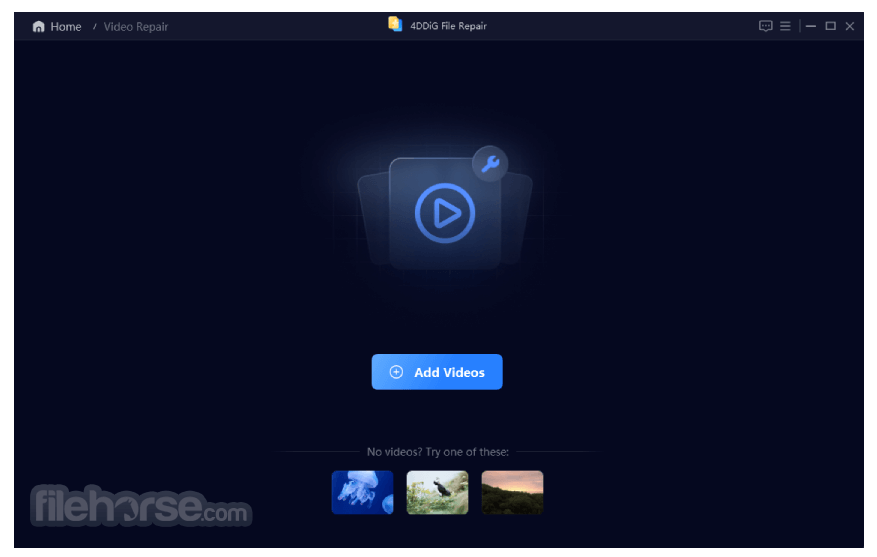
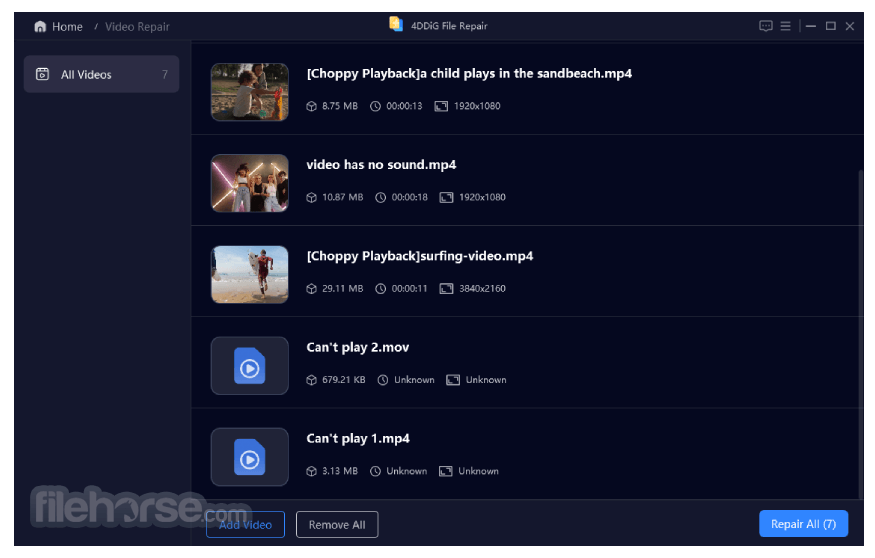
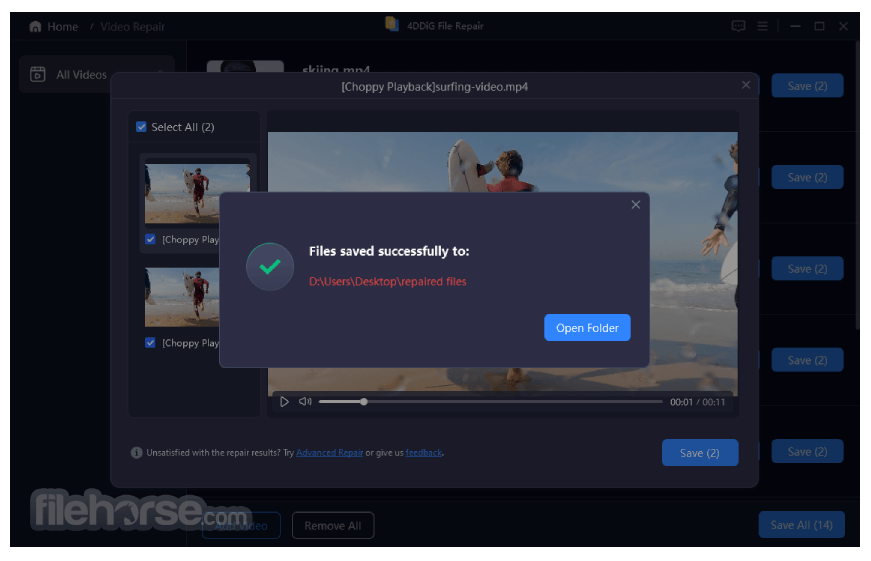
The entire procedure of repairing video files is done in just a few simple steps – add a video file by dragging & dropping it from a file manager or add it via a built-in file browser pop-up window, get informed about the video stats and metadata (such as detected resolution, length, file size), and then simply click on the blue “Star Repair” button.
The procedure of repairing and restoring video files can last a long time depending on the base video quality, video length, and the available CPU and GPU processing hardware.
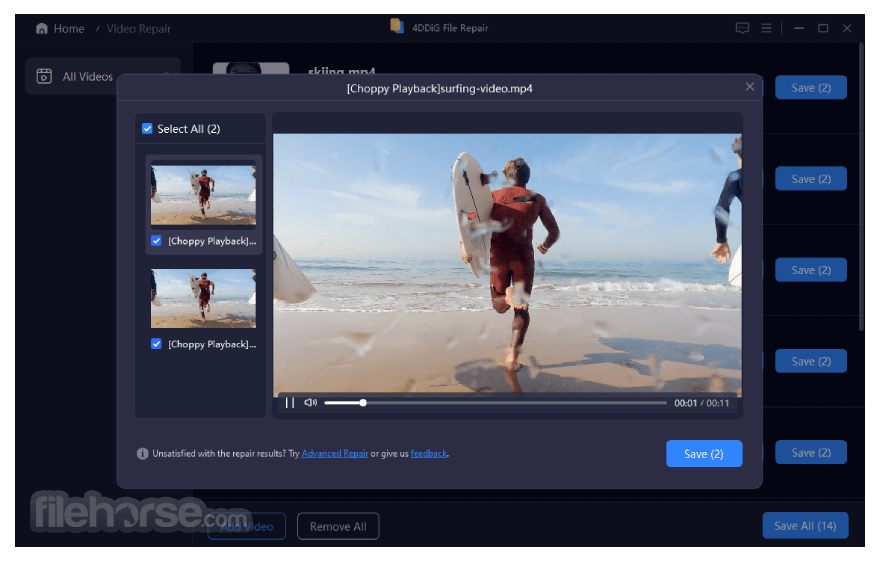
Fixed files are separated into the standalone “Repaired Results” tab on the top of the app dashboard. Once finished, the app offers a simple “Export” button that can transfer a finished video file to the desired storage location.
All in all, 4DDiG Video Repair is a reliable all-in-one solution for restoring video files of all sizes. But it is a premium app that can unlock all of its tools only to active subscription holders or owners of a lifetime usage license.
All licenses cover only the app usage on a single PC, and monthly/yearly license holders only get free updates while the license is active.
The app is optimized for Windows 11/10 and can also run flawlessly on all modern versions of Windows OS (Windows 7 and newer).
FAQ
Can I recover corrupted videos?
Certainly! Corrupted videos can be repaired and recovered using this program. This powerful tool is capable of restoring any corrupted or damaged video files, including formats like MP4, MOV, and M4V.
How can I fix a corrupted video file online?
Repairing a corrupted video file online is easy with Free Online Video Repair. Follow these three simple steps: Upload your videos, let the tool automatically repair them, then preview and save the fixed files.
What is the best video repair tool?
The ultimate choice for video repair is 4DDiG Video Repair. It excels in fixing corrupt, damaged, and broken MP4 and MOV videos, catering to a wide range of popular camera brands such as Canon, GoPro, and DJI.
What is the maximum size of an output video I can get?
The maximum size of an output video in AI-powered 4DDiG Video Repair depends on several factors, including the original size and quality of the input video, as well as the chosen output resolution. While our AI Video Enhancer supports upscaling videos to 8K resolution, attempting to go beyond this limit will result in a failure.
PROS
Download 4DDiG Video Repair Latest Version Why is this app published on FileHorse? (More info)
- Repair unplayable, corrupted, choppy, jerky, grainy, distorted, or fuzzy videos, etc.
- AI-enhance video quality, up to 8K resolution. NEW
- Restore and colorize black & white videos with AI technology. NEW
- Work with a wide range of storage media including SD cards, USB flash drives, and HDDs.
- Efficiently perform batch repairs across multiple formats such as MP4, AVI, MOV, MKV, M4V, 3G2, 3GP, SWF, etc.
The app is especially useful for users who must regain access to damaged or corrupted video files, making them again perfectly usable after a short and automated repair procedure.
It features wide compatibility with all modern video file formats, containers, and codecs, which includes MP4, MOV, MKV, 3GP, and many others.
It can also handle videos hosted in an incredible variety of storage mediums (computer hard drives, portable USB sticks, SD cards), and can even directly detect and repair videos from mainstream cameras and other multimedia devices from Sony, Nikon, Canon, DJI Drones, and others.
The entire procedure of repairing video files is done in just a few simple steps – add a video file by dragging & dropping it from a file manager or add it via a built-in file browser pop-up window, get informed about the video stats and metadata (such as detected resolution, length, file size), and then simply click on the blue “Star Repair” button.
The procedure of repairing and restoring video files can last a long time depending on the base video quality, video length, and the available CPU and GPU processing hardware.
Fixed files are separated into the standalone “Repaired Results” tab on the top of the app dashboard. Once finished, the app offers a simple “Export” button that can transfer a finished video file to the desired storage location.
All in all, 4DDiG Video Repair is a reliable all-in-one solution for restoring video files of all sizes. But it is a premium app that can unlock all of its tools only to active subscription holders or owners of a lifetime usage license.
All licenses cover only the app usage on a single PC, and monthly/yearly license holders only get free updates while the license is active.
The app is optimized for Windows 11/10 and can also run flawlessly on all modern versions of Windows OS (Windows 7 and newer).
FAQ
Can I recover corrupted videos?
Certainly! Corrupted videos can be repaired and recovered using this program. This powerful tool is capable of restoring any corrupted or damaged video files, including formats like MP4, MOV, and M4V.
How can I fix a corrupted video file online?
Repairing a corrupted video file online is easy with Free Online Video Repair. Follow these three simple steps: Upload your videos, let the tool automatically repair them, then preview and save the fixed files.
What is the best video repair tool?
The ultimate choice for video repair is 4DDiG Video Repair. It excels in fixing corrupt, damaged, and broken MP4 and MOV videos, catering to a wide range of popular camera brands such as Canon, GoPro, and DJI.
What is the maximum size of an output video I can get?
The maximum size of an output video in AI-powered 4DDiG Video Repair depends on several factors, including the original size and quality of the input video, as well as the chosen output resolution. While our AI Video Enhancer supports upscaling videos to 8K resolution, attempting to go beyond this limit will result in a failure.
PROS
- User-friendly interface for easy navigation.
- Supports various video formats for broad compatibility.
- Efficiently repairs corrupted or damaged videos.
- Offers preview feature to verify repair results before saving.
- Fast and reliable repair process.
- May not fully restore severely damaged videos.
- Limited in terms of advanced customization options.
- System resource-intensive during repair process, potentially slowing down other tasks.
- Updates and support may vary, impacting long-term reliability.
Download 4DDiG Video Repair Latest Version Why is this app published on FileHorse? (More info)
##
畫面截圖