A1RunGuard 2.20.2026.120
v 2.20.2026.120
Windows
試用版
8.5/10 (6)
- 目前版本2.20.2026.120
- 更新日期2026-01-22
- 檔案大小19.48 MB
- 檔案名稱a1runguard.zip
- 作業系統Windows 7 / Windows 8 / Windows 10 / Windows 11
- 支援語系English
- 授權型式試用版
- 開發商 Greatis Software
- 軟體分類Windows 軟體 / 安全工具
##
翻譯排程處理中,以下暫以英文原文呈現
軟體介紹
A1RunGuard is a capable antivirus and firewall utility for Windows PCs that presents itself to a user as a “process firewall” - a security feature that monitors in real-time what apps are currently active and do they represent a threat to users’ data, internet communication, system stability, and more.
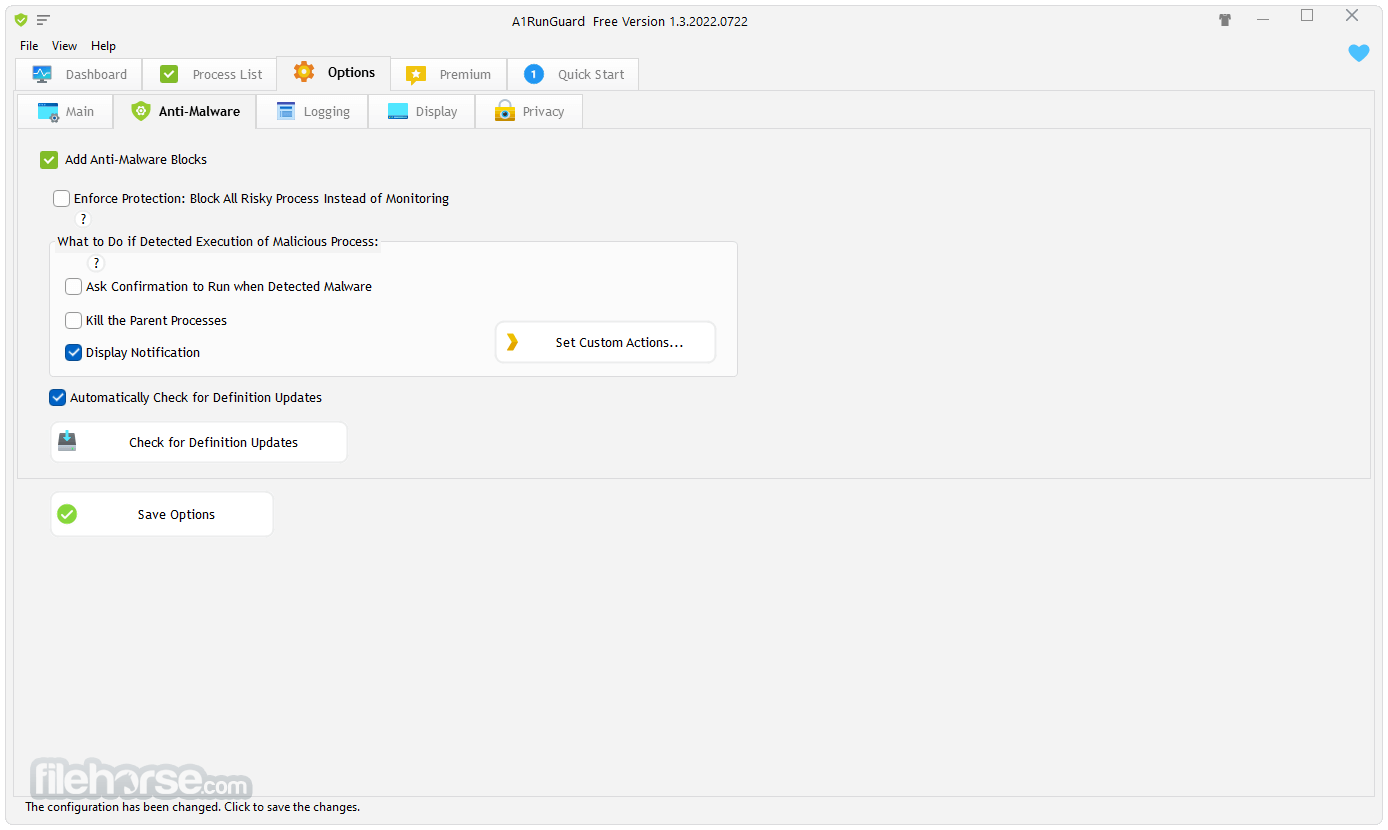
By having an additional layer of protection, users can identify unknown apps, prohibit processes from running, lock important executable programs with passwords, and enjoy added protection against malicious Ransomware attacks.
A1RunGuard is distributed online as an automated installer that can be quickly deployed even on more modest desktop and laptop configurations. Since it features lightweight architecture, it does not take too many resources away from the user when it is running.
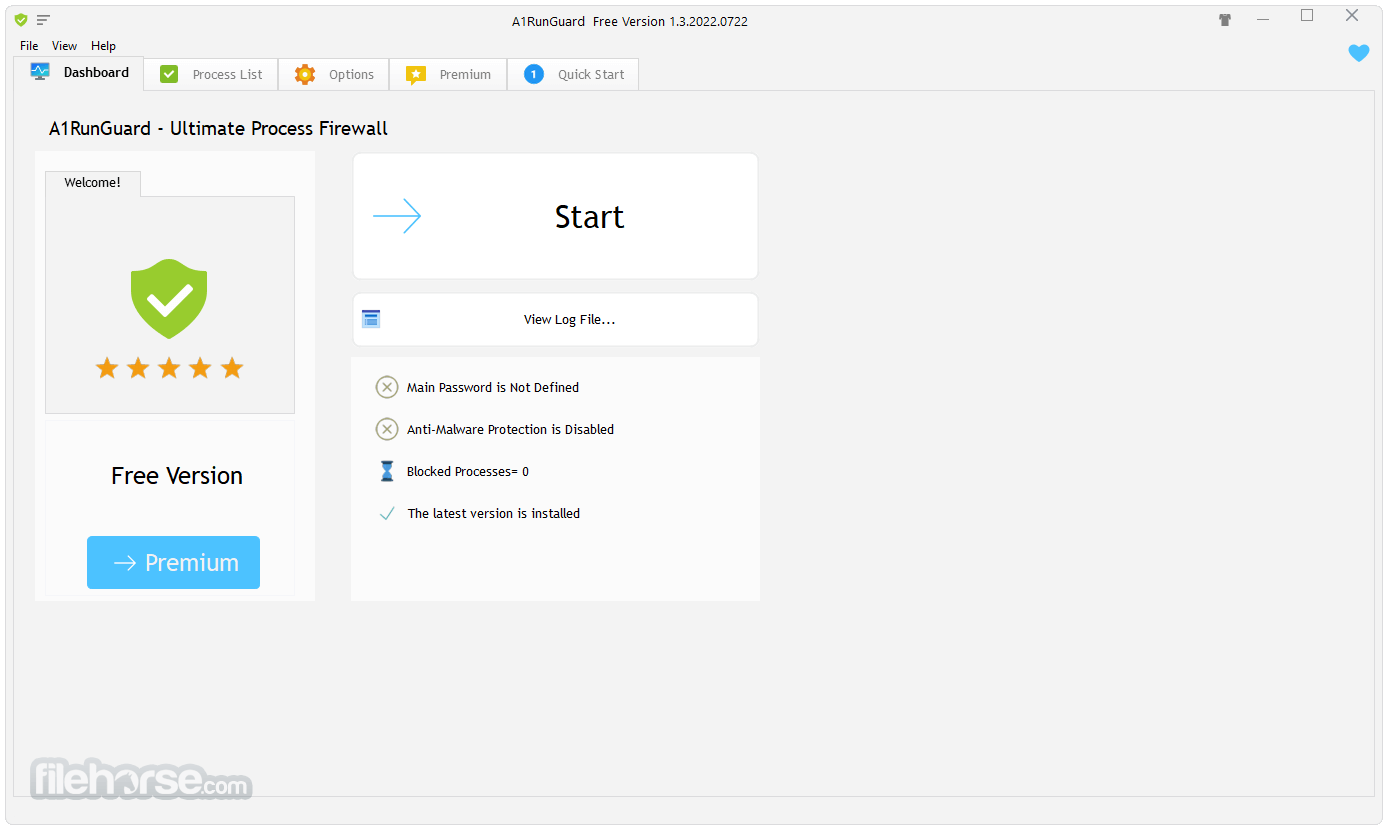
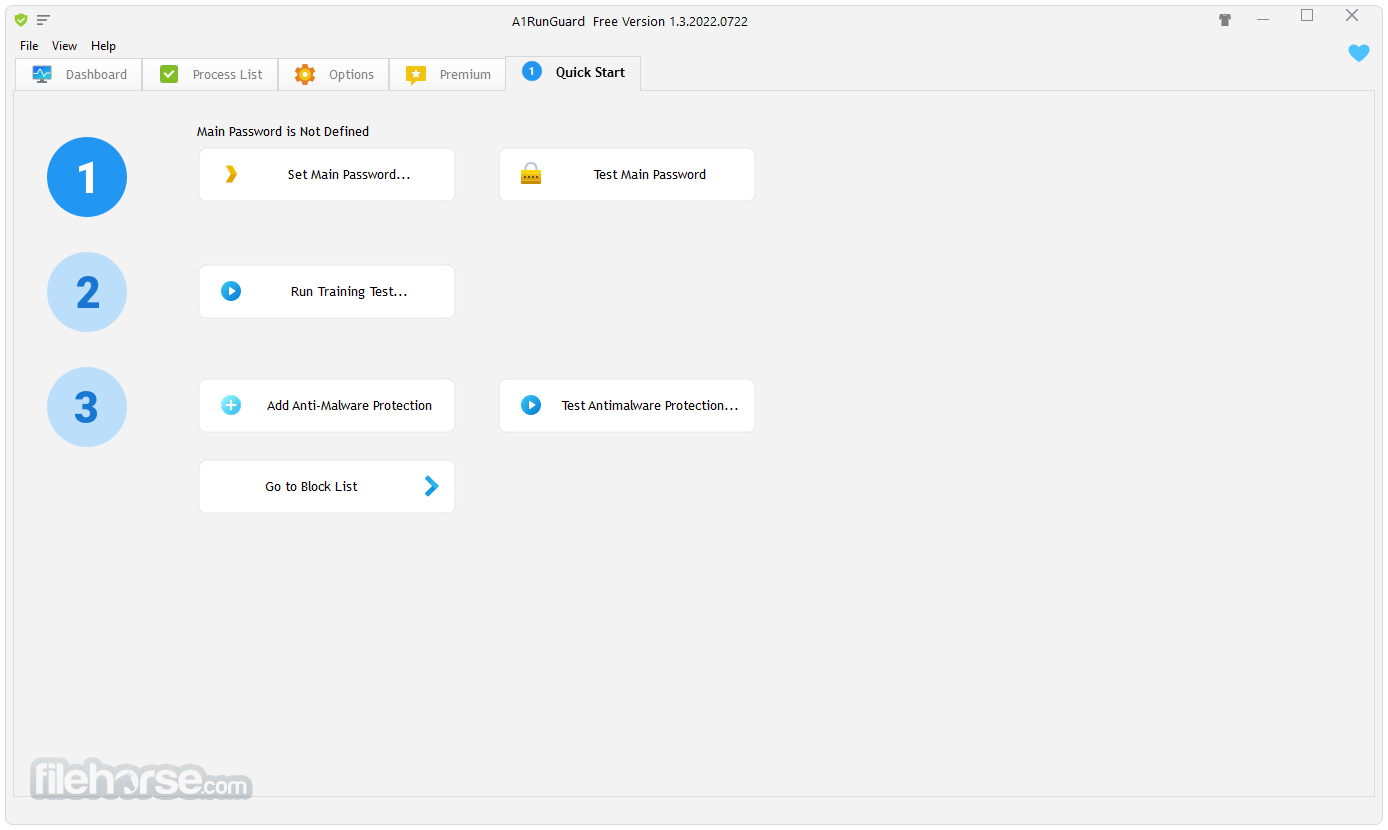
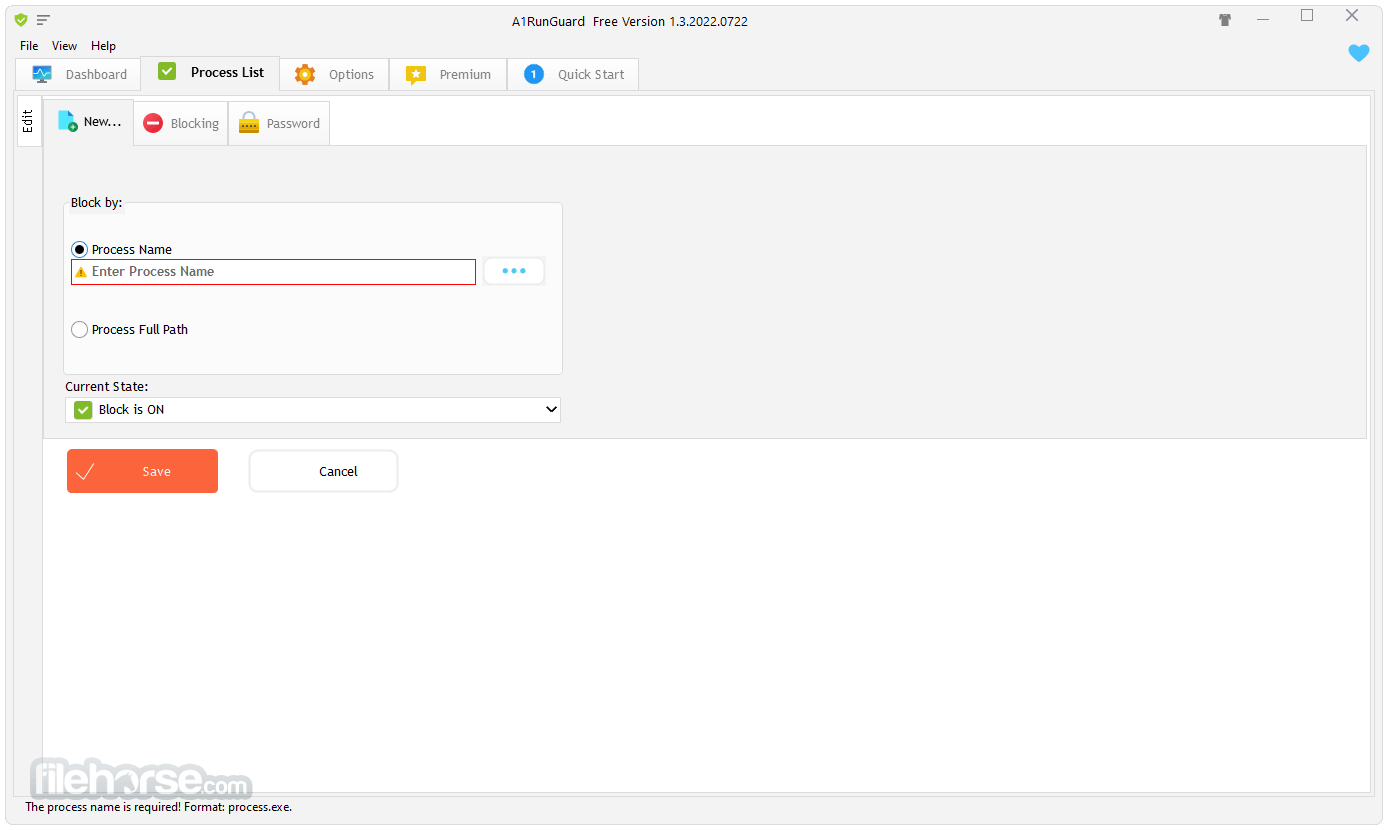
Once its main dashboard is presented for the first time, the user will have to set up a master password and see a brief simulation of all of its basic features. This includes the ability to overview all active apps in real-time mode, block (shut down) or redirect (start another app) active processes, and assign passwords to any certain processes.
Processes can be protected either with a master password, or a brand new one for each process. Placing a password on a process means that anyone who gains access to your PC will not be able to start those apps, and will instead be greeted with a password prompt!
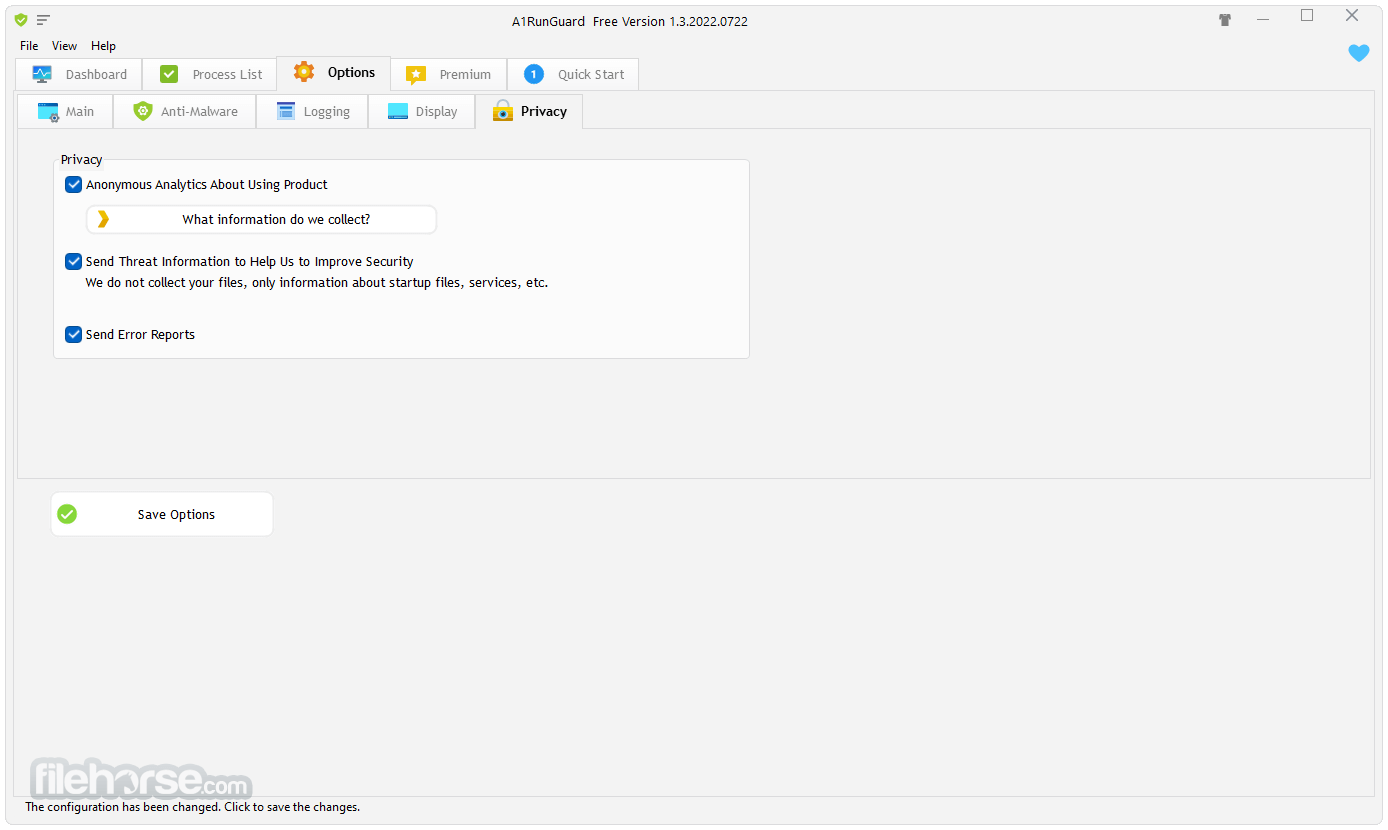
The main dashboard features a simple-to-use tabbed interface, easy-to-find tools, and options to expand the capabilities of this app by linking to it additional anti-malware protection. A1RunGuard does not feature all services found in commonly used antivirus apps, but it can provide a valuable additional layer of protection.
A1RunGuard can be used as a FREE app where the majority of its features are unlocked (process blocking, process password, anti-ransomware protection, auto-updater, event logger), but some additional services can be unlocked by paying for a lifetime Premium license (available for a single user, 2 PCs, and 5 PCs).
How to Use
Operating System: Windows 7, 8, 10, 11 (32-bit and 64-bit)
Processor: 1 GHz or faster
RAM: Minimum 512 MB
Disk Space: At least 10 MB free space
Internet: Required for activation and updates
PROS
Download A1RunGuard Latest Version Why is this app published on FileHorse? (More info)
- Compatible with All Known Antivirus Software
- Supported Windows 11/10/8/7 64-bit and 32-bit
- Free Ultimate Process Firewall for Windows PC!
- Blocking Executable Program with 100% Efficiency
- Password Lock for Any Program!
- Low CPU usage!
By having an additional layer of protection, users can identify unknown apps, prohibit processes from running, lock important executable programs with passwords, and enjoy added protection against malicious Ransomware attacks.
A1RunGuard is distributed online as an automated installer that can be quickly deployed even on more modest desktop and laptop configurations. Since it features lightweight architecture, it does not take too many resources away from the user when it is running.
Once its main dashboard is presented for the first time, the user will have to set up a master password and see a brief simulation of all of its basic features. This includes the ability to overview all active apps in real-time mode, block (shut down) or redirect (start another app) active processes, and assign passwords to any certain processes.
Processes can be protected either with a master password, or a brand new one for each process. Placing a password on a process means that anyone who gains access to your PC will not be able to start those apps, and will instead be greeted with a password prompt!
The main dashboard features a simple-to-use tabbed interface, easy-to-find tools, and options to expand the capabilities of this app by linking to it additional anti-malware protection. A1RunGuard does not feature all services found in commonly used antivirus apps, but it can provide a valuable additional layer of protection.
A1RunGuard can be used as a FREE app where the majority of its features are unlocked (process blocking, process password, anti-ransomware protection, auto-updater, event logger), but some additional services can be unlocked by paying for a lifetime Premium license (available for a single user, 2 PCs, and 5 PCs).
How to Use
- Install the software using the setup wizard
- Launch the application after installation
- Add programs to the block or allow list
- Set up password protection for settings
- Enable protection from the main dashboard
- Customize rules for apps or file paths
- Check logs to monitor blocked attempts
- Update the app regularly for best performance
- Disable or uninstall from Control Panel if needed
Operating System: Windows 7, 8, 10, 11 (32-bit and 64-bit)
Processor: 1 GHz or faster
RAM: Minimum 512 MB
Disk Space: At least 10 MB free space
Internet: Required for activation and updates
PROS
- Simple user interface
- Lightweight and fast
- Effective app blocking
- Password protection feature
- Good for parental control
- No real-time alerts
- Basic rule configuration
- Limited customer support
Download A1RunGuard Latest Version Why is this app published on FileHorse? (More info)
##
畫面截圖