- 目前版本3.8.0.4
- 更新日期2025-05-30
- 檔案大小48.4 MB
- 檔案名稱AirDroid_Desktop_Client_3.8.0.4.exe
- 作業系統Windows 8 / Windows 10 / Windows 11
- 支援語系English
- 授權型式免費軟體
- 開發商 Sand Studio
- 軟體分類Windows 軟體 / 手機工具
##
翻譯排程處理中,以下暫以英文原文呈現
軟體介紹
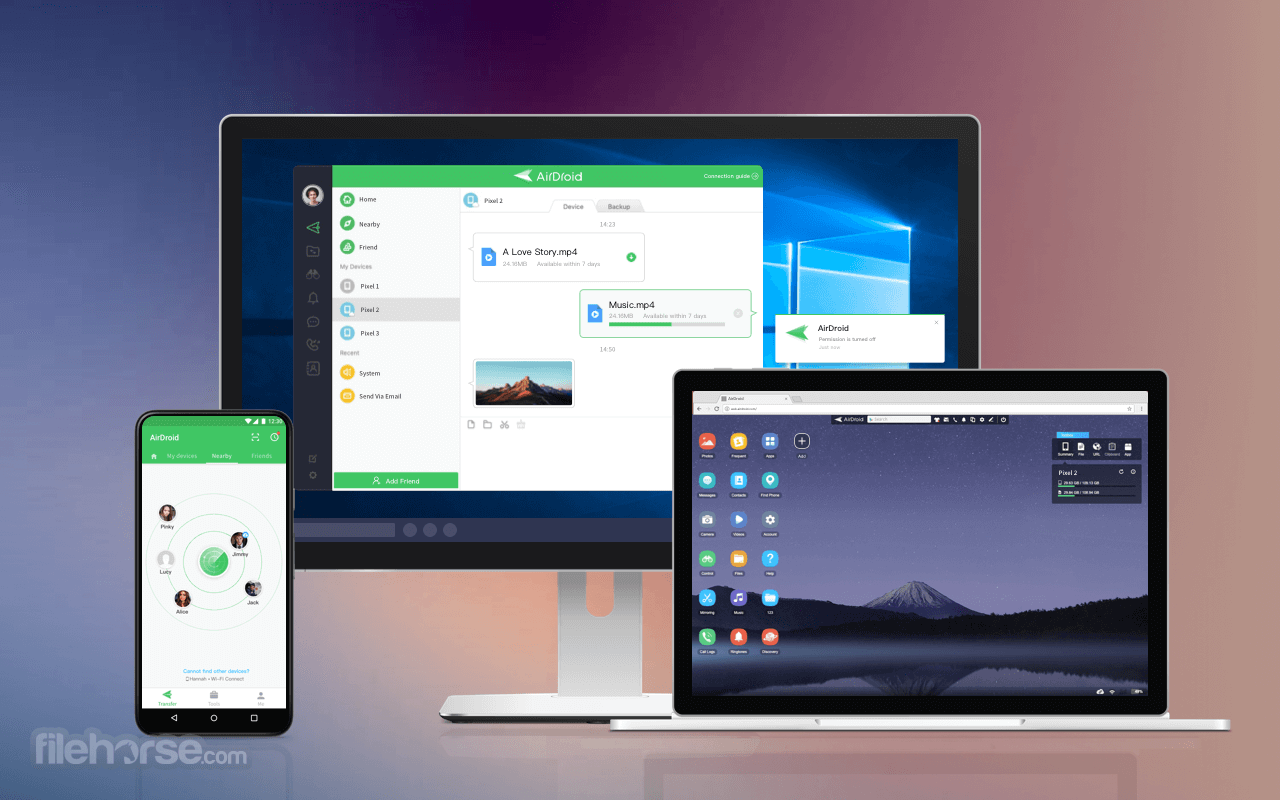
AirDroid Personal allows you to access and manage your Android phone or tablet from Windows, Mac, or the Web, wirelessly, for free. Transfer files between your devices, and share files with your friends.
Better focused: Calls, SMS, and the app notifications you allowed, mirrored to the large computer screen you are focusing on.
Better equipped: Type with full physical keyboard and control with a mouse.
Transfer things faster without looking for a cable. Better equipment, better life.
Better connected: Control your Android from the computer and use any apps on the computer, like WhatsApp, WeChat, and Line. (root required for some devices) Featured on Google Play in 30+ countries.
Features and Highlights
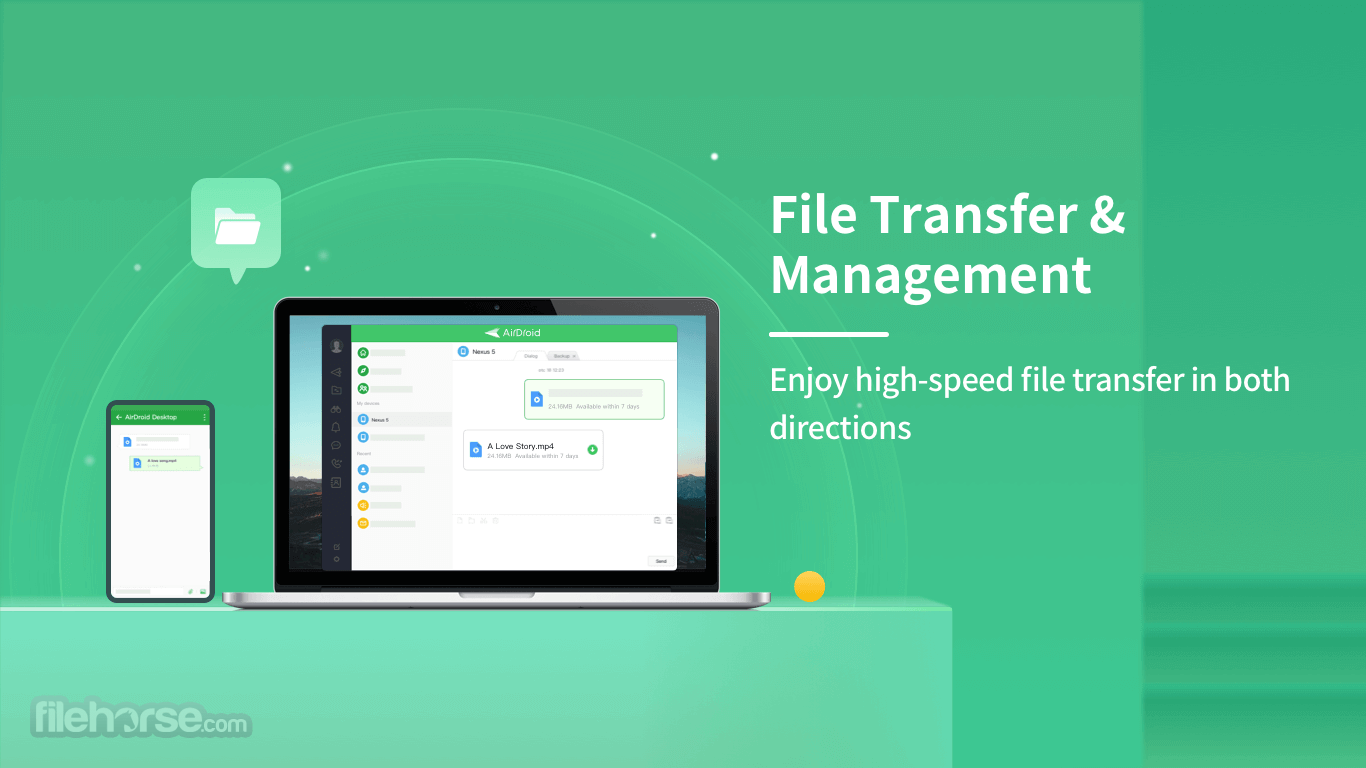
File Transfer & Management
Enjoy high-speed file transfer in both directions and manage documents across platforms, enabling you to work with ease.
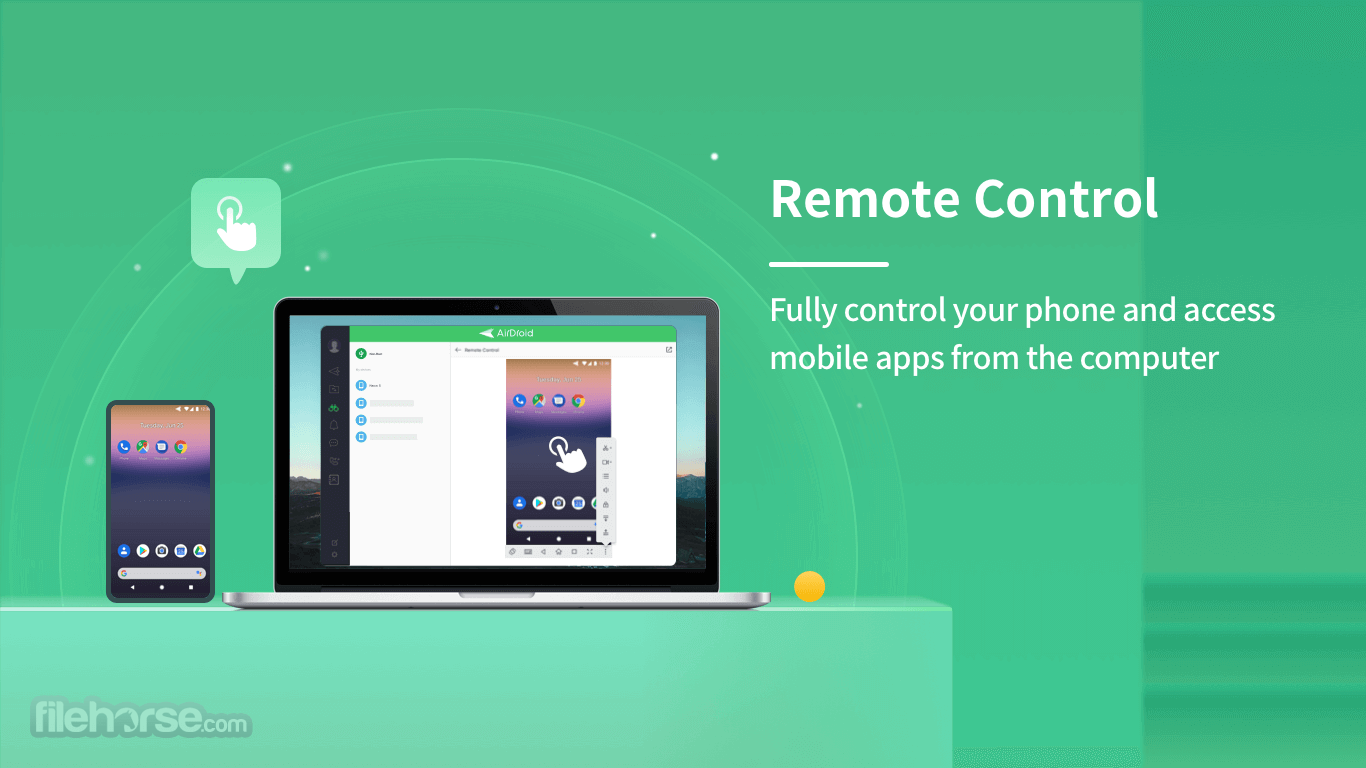
Remote Control
Without rooting, you can fully control your phone and access mobile apps from the computer, giving you a way to enjoy a large screen while using your phone.
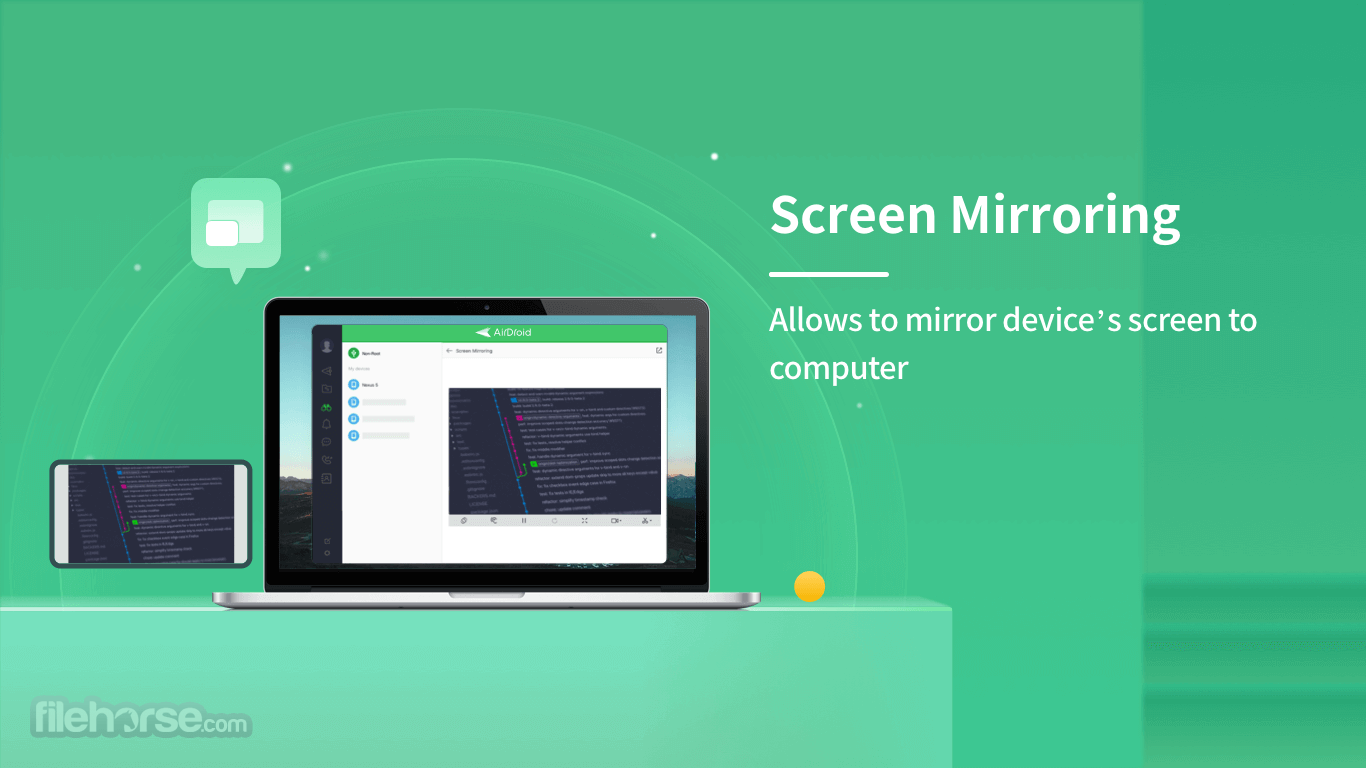
Screen Mirroring
Even not connecting with the same network, it allows you to mirror your phone screen to computer wireless so that you can share anything with students or customers easily.
Notifications & SMS Management
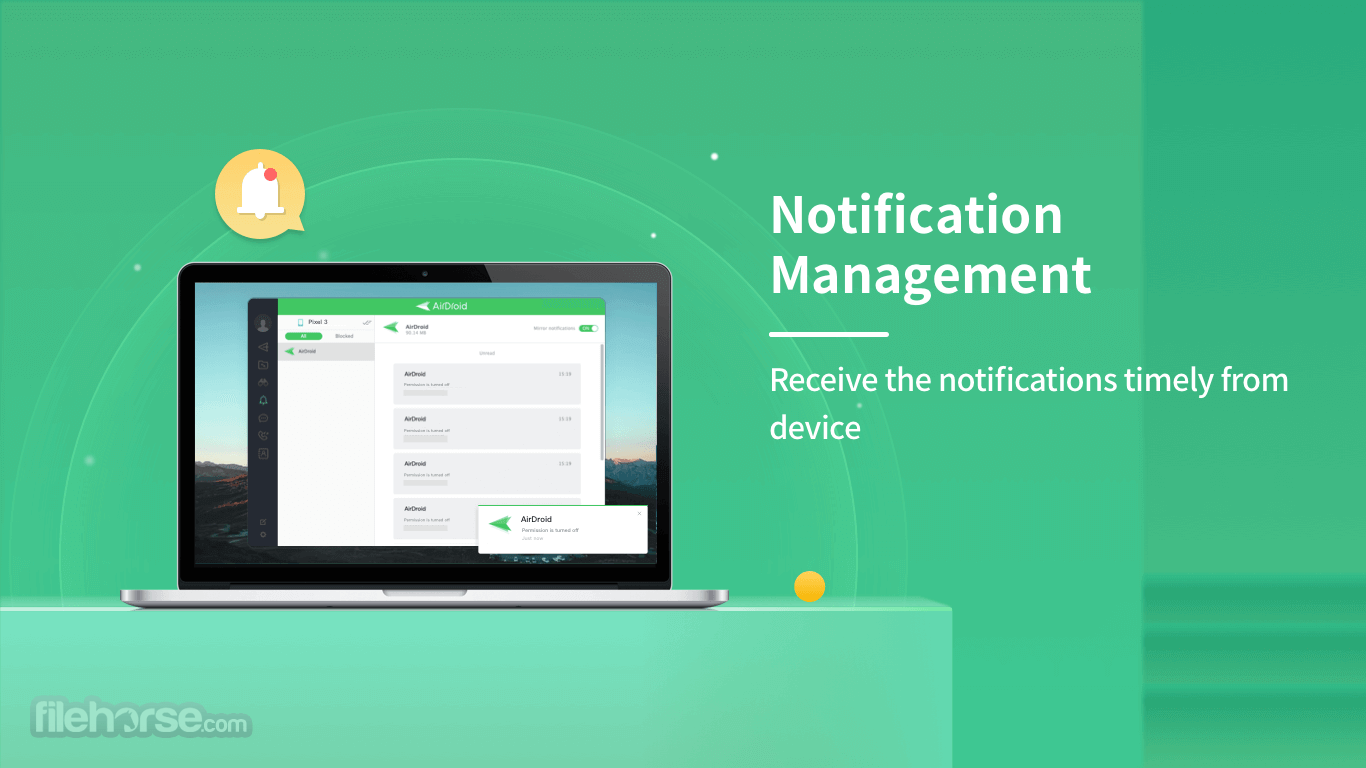
Allow you to receive & send text, make a call and receive the notifications timely while you focus on the screen, never missing the important messages even at work.
Remote Monitoring
Monitor the surroundings by remote control of your phone's camera rom anywhere, which is a good way to take care of your family in need.
Your Best Mobile Device Management Suite
Safe Mobile Device Management
Connect and manage up to 10 devices securely. Transfer files, perform backups in various formats, and maintain strict data privacy controls with ease.
Repurpose Your Old Phone
Transform your old phone into a functional tool, such as a camera or a U-disk for file storage, giving it a new purpose and extending its usefulness.
Centralized Mobile Management on PC
Remotely control and manage up to 4 mobile devices simultaneously from your computer, streamlining multitasking and enhancing productivity.
Web-Based Management Access
In addition to desktop management apps, you can conveniently access and manage your devices directly from a web browser.
How to Use
Launch Program
Download and Install AirDroid Personal for PC.
Connect Devices
Sign in with the same account on PC/web and mobile.
Select Features
Select features you would like to start enjoying.
FAQ
Will AirDroid Personal continue to remotely access my Android after I start using it?
It will only access your Android remotely when you explicitly connect and confirm the use of the app. Once disconnected, AirDroid Personal will no longer have access to your device.
What types of file formats does AirDroid Personal support?
It supports all types of file formats for transferring and management. However, its backup feature is limited to photos and videos.
Can I remotely control and access an Android tablet?
Yes, it supports remote access for all Android devices, including tablets.
How many devices can I access and control at once?
With the free version of AirDroid Personal, you can access and control one device at a time. Premium users can connect up to four Android devices simultaneously. By default, the maximum number of connected devices is set to three, but premium users can increase this limit if needed.
Alternatives
Monthly - $ 3.99 /mo.
Windows 7 and higher, 500 MB and above free space. For Web version, any modern browser (Chrome, Opera, Edge, Firefox).
PROS
Also Available: Download AirDroid Personal for Mac
Download AirDroid Personal Latest Version Why is this app published on FileHorse? (More info)
Better focused: Calls, SMS, and the app notifications you allowed, mirrored to the large computer screen you are focusing on.
Better equipped: Type with full physical keyboard and control with a mouse.
Transfer things faster without looking for a cable. Better equipment, better life.
Better connected: Control your Android from the computer and use any apps on the computer, like WhatsApp, WeChat, and Line. (root required for some devices) Featured on Google Play in 30+ countries.
Features and Highlights
File Transfer & Management
Enjoy high-speed file transfer in both directions and manage documents across platforms, enabling you to work with ease.
Remote Control
Without rooting, you can fully control your phone and access mobile apps from the computer, giving you a way to enjoy a large screen while using your phone.
Screen Mirroring
Even not connecting with the same network, it allows you to mirror your phone screen to computer wireless so that you can share anything with students or customers easily.
Notifications & SMS Management
Allow you to receive & send text, make a call and receive the notifications timely while you focus on the screen, never missing the important messages even at work.
Remote Monitoring
Monitor the surroundings by remote control of your phone's camera rom anywhere, which is a good way to take care of your family in need.
Your Best Mobile Device Management Suite
Safe Mobile Device Management
Connect and manage up to 10 devices securely. Transfer files, perform backups in various formats, and maintain strict data privacy controls with ease.
Repurpose Your Old Phone
Transform your old phone into a functional tool, such as a camera or a U-disk for file storage, giving it a new purpose and extending its usefulness.
Centralized Mobile Management on PC
Remotely control and manage up to 4 mobile devices simultaneously from your computer, streamlining multitasking and enhancing productivity.
Web-Based Management Access
In addition to desktop management apps, you can conveniently access and manage your devices directly from a web browser.
How to Use
Launch Program
Download and Install AirDroid Personal for PC.
Connect Devices
Sign in with the same account on PC/web and mobile.
Select Features
Select features you would like to start enjoying.
FAQ
Will AirDroid Personal continue to remotely access my Android after I start using it?
It will only access your Android remotely when you explicitly connect and confirm the use of the app. Once disconnected, AirDroid Personal will no longer have access to your device.
What types of file formats does AirDroid Personal support?
It supports all types of file formats for transferring and management. However, its backup feature is limited to photos and videos.
Can I remotely control and access an Android tablet?
Yes, it supports remote access for all Android devices, including tablets.
How many devices can I access and control at once?
With the free version of AirDroid Personal, you can access and control one device at a time. Premium users can connect up to four Android devices simultaneously. By default, the maximum number of connected devices is set to three, but premium users can increase this limit if needed.
Alternatives
- ApowerMirror
- RemotePC
- iMyFone MirrorTo
- AnyDesk
- TeamViewer
- SHAREit
- Xender
- ShareMe
- MyPhoneExplorer
- Wondershare MirrorGo
Monthly - $ 3.99 /mo.
- 1-month access to all features
- Auto renew, cancel anytime
- Billed annually at $29.99
Windows 7 and higher, 500 MB and above free space. For Web version, any modern browser (Chrome, Opera, Edge, Firefox).
PROS
- Seamless Cross-Platform File Transfers
- Remote Access to Android Devices
- User-Friendly Interface and Setup
- Secure Data Transmission with Encryption
- Powerful Device Management Features
- Limited Features in Free Version
- Remote Connection Lag for Some Users
- Premium Subscription Required for Full Functionality
- Occasional Connection Stability Issues
- Privacy Concerns Due to Data Access Permissions
Also Available: Download AirDroid Personal for Mac
Download AirDroid Personal Latest Version Why is this app published on FileHorse? (More info)
##
影片介紹
##
畫面截圖