⚠ 這是歷史版本頁面 — 查看 AirServer 5.7.2 (32-bit) 最新版本 →

AirServer 5.5.8 (32-bit)
v 5.5.8 (32-bit)
Windows
商業試用
7.64/10 (30)
- 目前版本5.5.8 (32-bit)
- 更新日期2019-08-09
- 檔案大小12.3 MB
- 檔案名稱AirServer-5.5.8-x86.msi
- 作業系統Windows 7 / Windows 8 / Windows 10 / Windows 11
- 支援語系English
- 授權型式商業試用
- 開發商 App Dynamic ehf
- 軟體分類Windows 軟體 / 檔案傳輸與網路
##
編輯短評
AirServer 是一款把電腦變成無線投影接收端的工具,能接收 AirPlay、Google Cast 與 Miracast 串流,讓手機、平板或筆電的畫面直接投到大螢幕或投影機上,等同於把 PC 當成 Apple TV 或 Chromecast 來用。它最特別的地方在於同時支援三大主流協定,不用為了不同裝置準備多套軟體;開發商持續維護,更新頻率不算頻繁但穩定,在同類工具中屬於特定用途的熱門選擇,評價普遍不錯。
這套軟體適合教室授課、會議簡報,或是想讓 Xbox One 變成多媒體中心的使用者,只要電腦接上大螢幕,就能無線鏡像各種裝置。相較於 Internet Download Manager 或 uTorrent 這類傳輸工具,AirServer 專注在「接收投影」而非檔案傳輸,取捨在於它需要穩定的無線環境,且僅提供試用版,沒有中文介面,使用前需留意授權限制與英文操作介面。
##
翻譯排程處理中,以下暫以英文原文呈現
軟體介紹
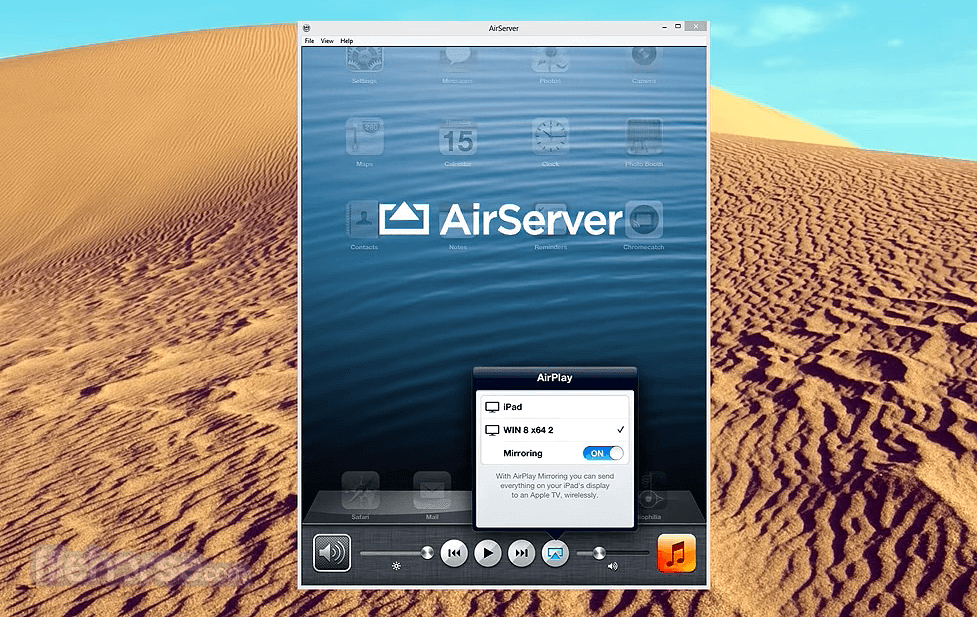
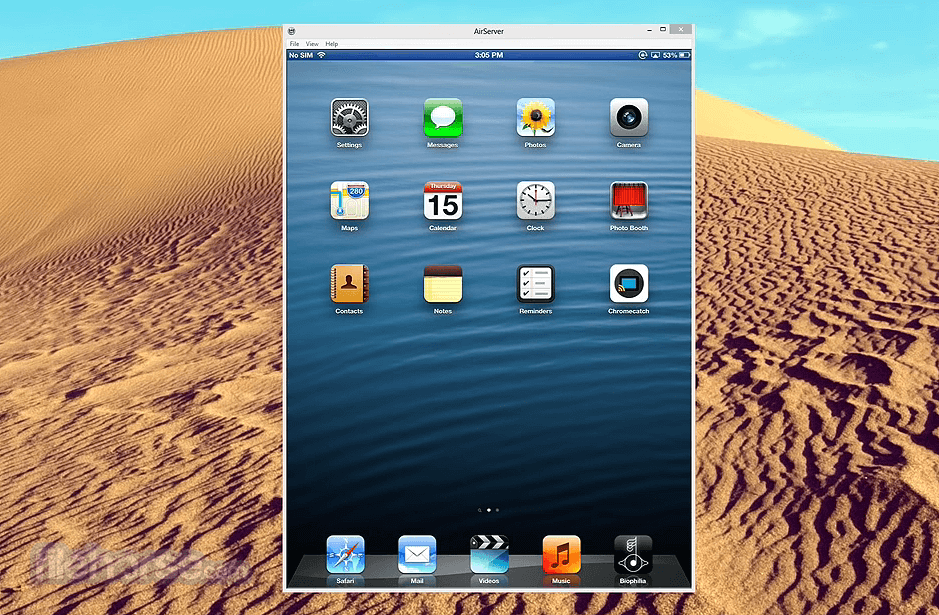
AirServer for PC is the most advanced screen mirroring software receiver for Mac, PC, and Xbox One. It allows you to receive AirPlay, Google Cast, and Miracast streams, similar to an Apple TV or a Chromecast device.
Use this technology to screen mirror iPads, Windows laptops, and Chromebooks in classrooms, wirelessly project your desktop in meeting rooms or supercharge your Xbox One at home by turning it into a wireless multimedia hub.
With the help of a PC or any other supported hardware, the program can transform a simple big screen or a projector into a universal screen mirroring receiver.
It does this by implementing all the major screen mirroring technologies such as AirPlay, Google Cast, and Miracast into one universal receiver.
With the tool enabled on your big screen, users can use their own devices such as an iPhone, iPad, Mac, Android, Nexus, Pixel, Chromebook, or a Windows 11/10 PC to wirelessly mirror their display over to the big screen, instantly turning the room into a collaborative space.
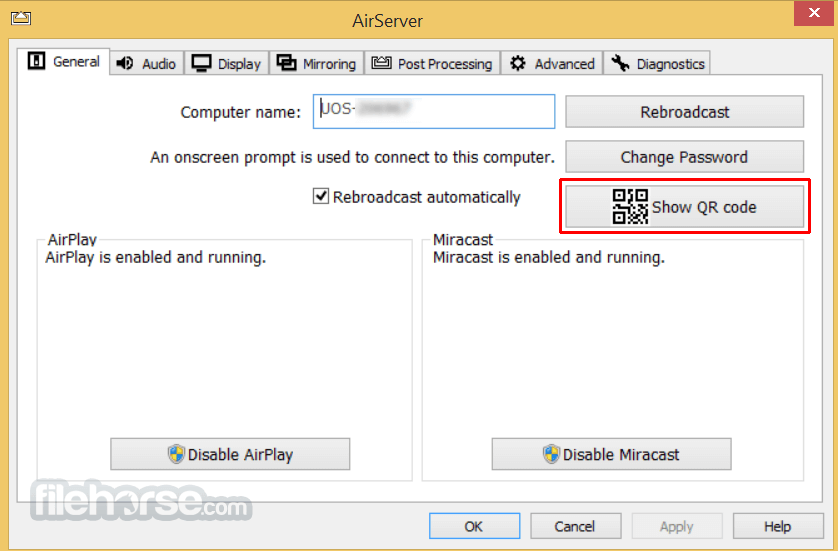
AirServer 32bit Universal turns your Windows PC into a universal mirroring receiver, allowing you to mirror your device's display using the built-in AirPlay, Google Cast, or Miracast based screen projection functionality; one-by-one or simultaneously to the app (patent pending).
On a PC, users can mirror or cast their screen from any AirPlay, Google Cast, or Miracast compatible devices such as an iPhone, iPad, Mac, Windows 11/Windows 10, Android, or Chromebook. Windows 7 and Linux are also supported using the screen casting sender built into the Google Chrome browser.
Main Features
Bring Your Own Device
The world’s first BYOD solution that enables collaboration across different apps across platforms. It achieves this by sending the entire display over AirPlay or Google Cast. For the first time, you can exercise the freedom of choice for your devices.
Retina quality mirroring
The tool can provide drastically improved picture quality during mirroring. An iPhone 12 can now mirror at full 1080 x 1920 resolution, which delivers over three times the previous pixel count in portrait mode.
Ultra-high quality recording
The app helps you create professional videos of your mirroring sessions in stunning quality. Showcase your iOS apps and games in action or archive your classroom collaboration in the best quality possible.
AirPlay + Google Cast
AirServer for Windows builds upon its existing AirPlay receiver functionality, including iOS 10 compatibility, and adds Google Cast receiving capabilities.
Chromebook Compatible
The tool supports both tab casting and desktop casting which is built into all Chromebooks and all desktop platforms with Google Chrome browser.
Android Compatible
Works with all Google Cast enabled Android devices. Devices that do not have the cast functionality can enable this by downloading the Google Cast app.
Live streaming to YouTube
Steam live with unique features such as picture-in-picture webcam, enables iOS gamers to broadcast their gameplay. Teachers can also use this powerful technology to spread their knowledge beyond the classroom.
Encrypted AirPlay
The tool protects your personal photos and videos as they are transmitted over the network. This important security feature is only offered by the program and the Apple TV.
AirPlay from the YouTube app
The app once again supports this feature. Besides Apple TV, Air Server was the first application to provide this feature.
Alternatives
ApowerMirror - Versatile screen mirroring with recording.
LetsView - Free mirroring with annotation features.
Reflector - Wireless screen mirroring with media streaming.
Vysor - Mirror and control Android devices on PC.
PROS
Also Available: AirServer (64-bit) and AirServer for Mac
Download AirServer (32-bit) Latest Version Why is this app published on FileHorse? (More info)
Use this technology to screen mirror iPads, Windows laptops, and Chromebooks in classrooms, wirelessly project your desktop in meeting rooms or supercharge your Xbox One at home by turning it into a wireless multimedia hub.
With the help of a PC or any other supported hardware, the program can transform a simple big screen or a projector into a universal screen mirroring receiver.
It does this by implementing all the major screen mirroring technologies such as AirPlay, Google Cast, and Miracast into one universal receiver.
With the tool enabled on your big screen, users can use their own devices such as an iPhone, iPad, Mac, Android, Nexus, Pixel, Chromebook, or a Windows 11/10 PC to wirelessly mirror their display over to the big screen, instantly turning the room into a collaborative space.
AirServer 32bit Universal turns your Windows PC into a universal mirroring receiver, allowing you to mirror your device's display using the built-in AirPlay, Google Cast, or Miracast based screen projection functionality; one-by-one or simultaneously to the app (patent pending).
On a PC, users can mirror or cast their screen from any AirPlay, Google Cast, or Miracast compatible devices such as an iPhone, iPad, Mac, Windows 11/Windows 10, Android, or Chromebook. Windows 7 and Linux are also supported using the screen casting sender built into the Google Chrome browser.
Main Features
Bring Your Own Device
The world’s first BYOD solution that enables collaboration across different apps across platforms. It achieves this by sending the entire display over AirPlay or Google Cast. For the first time, you can exercise the freedom of choice for your devices.
Retina quality mirroring
The tool can provide drastically improved picture quality during mirroring. An iPhone 12 can now mirror at full 1080 x 1920 resolution, which delivers over three times the previous pixel count in portrait mode.
Ultra-high quality recording
The app helps you create professional videos of your mirroring sessions in stunning quality. Showcase your iOS apps and games in action or archive your classroom collaboration in the best quality possible.
AirPlay + Google Cast
AirServer for Windows builds upon its existing AirPlay receiver functionality, including iOS 10 compatibility, and adds Google Cast receiving capabilities.
Chromebook Compatible
The tool supports both tab casting and desktop casting which is built into all Chromebooks and all desktop platforms with Google Chrome browser.
Android Compatible
Works with all Google Cast enabled Android devices. Devices that do not have the cast functionality can enable this by downloading the Google Cast app.
Live streaming to YouTube
Steam live with unique features such as picture-in-picture webcam, enables iOS gamers to broadcast their gameplay. Teachers can also use this powerful technology to spread their knowledge beyond the classroom.
Encrypted AirPlay
The tool protects your personal photos and videos as they are transmitted over the network. This important security feature is only offered by the program and the Apple TV.
AirPlay from the YouTube app
The app once again supports this feature. Besides Apple TV, Air Server was the first application to provide this feature.
Alternatives
ApowerMirror - Versatile screen mirroring with recording.
LetsView - Free mirroring with annotation features.
Reflector - Wireless screen mirroring with media streaming.
Vysor - Mirror and control Android devices on PC.
PROS
- High-Quality Mirroring with Low Latency
- Multi-Platform Compatibility and Versatility
- Supports Mirroring Multiple Devices Simultaneously
- Enhanced Security Features and Encryption
- Customizable Settings for Optimal Performance
- Requires Paid License for Full Features
- Complex Initial Setup for New Users
- No Native Screen Recording Functionality
- Occasional Stability Issues with Large Sessions
- Limited Compatibility with Older Devices
Also Available: AirServer (64-bit) and AirServer for Mac
Download AirServer (32-bit) Latest Version Why is this app published on FileHorse? (More info)
##
影片介紹
##
畫面截圖
- 2026-01-11 AirServer 5.7.2 (32-bit) 20.4 MB
- 2024-03-26 AirServer 5.7.1 (32-bit) 20.4 MB
- 2023-11-27 AirServer 5.7.0 (32-bit) 18.4 MB
- 2020-09-23 AirServer 5.6.3 (32-bit) 13.8 MB
- 2020-07-30 AirServer 5.6.2 (32-bit) 13.7 MB
- 2020-07-29 AirServer 5.6.1 (32-bit) 13.7 MB
- 2020-07-09 AirServer 5.6.0 (32-bit) 11.6 MB
- 2020-02-11 AirServer 5.5.11 (32-bit) 12.6 MB