- 目前版本5.8.0
- 更新日期2026-07-07
- 檔案大小64.9 MB
- 檔案名稱AnyViewerSetup.exe
- 作業系統Windows 7 / Windows 8 / Windows 10 / Windows 11
- 支援語系English
- 授權型式免費軟體
- 開發商 AnyViewer Team
- 軟體分類Windows 軟體 / 檔案傳輸與網路
##
翻譯排程處理中,以下暫以英文原文呈現
軟體介紹
AnyViewer is a highly capable remote desktop software for Windows OS that is optimized not only for regular use-case-scenarios such as remote troubleshooting and file transfer but also for low-latency access to its entire display output, enabling anyone to easily enjoy video games by streaming them from their home PC via the internet to any destination in the world.
This generous business structure makes AnyViewer one of the most accessible remote desktop software on the market.
To get AnyViewer up and running on any modern PC, users simply have to install it on all of their computers, with an added option to install a client app on iOS devices such as iPhones and iPad (Android devices are not supported at the time of this review).
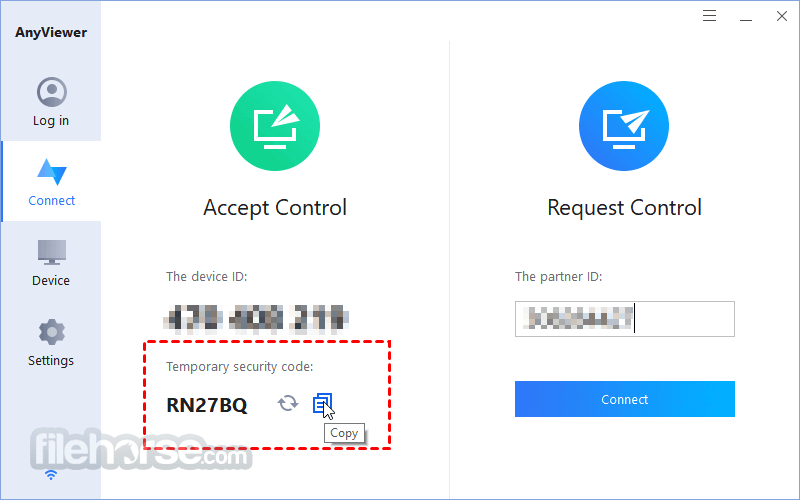
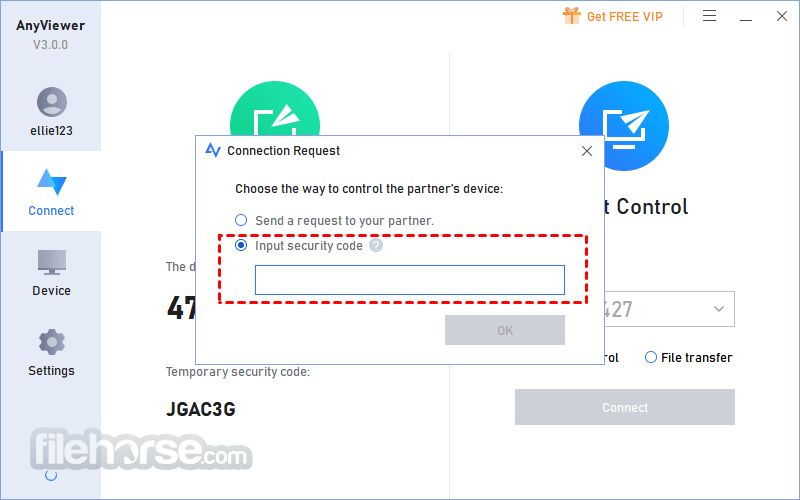
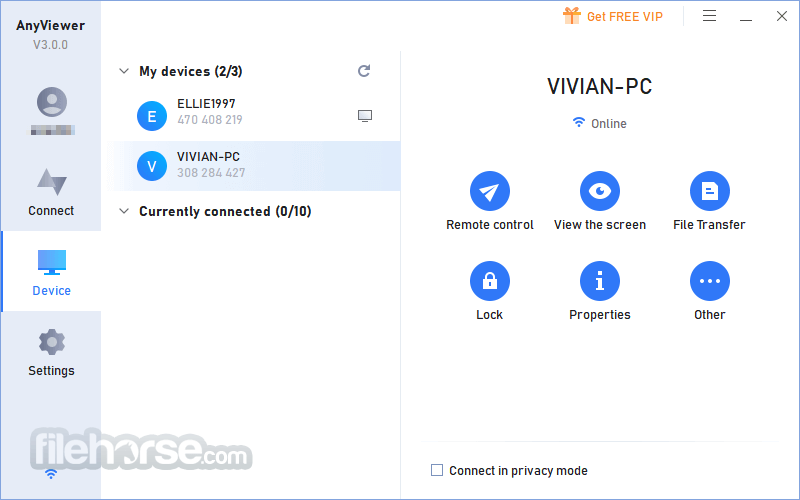
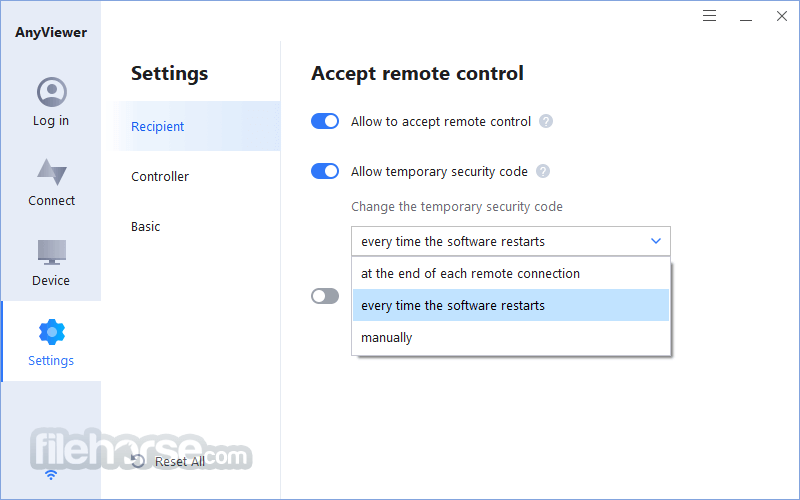
The app allows a single-click connection to a remote PC that is running an authenticated the software. The connection can be attended to or unattended (this option requires a security code), the remote screen can be blacked in order to preserve privacy in open-plan offices, and the connection can even monitor multiple-display PCs.
When accessing remote PCs via iOS device, users gain access to a virtual mouse with several flexible control modes, and a control mode with shortcuts to several highly effective tools – show/hide desktop wallpaper, Power Management, Show Desktop, Image Quality, and more.
It prides itself on fast, reliable, and secure connection (powered by y Elliptic Curve Cryptography (ECC) encryption) that prevents anyone to access remote PCs without proper authorization.
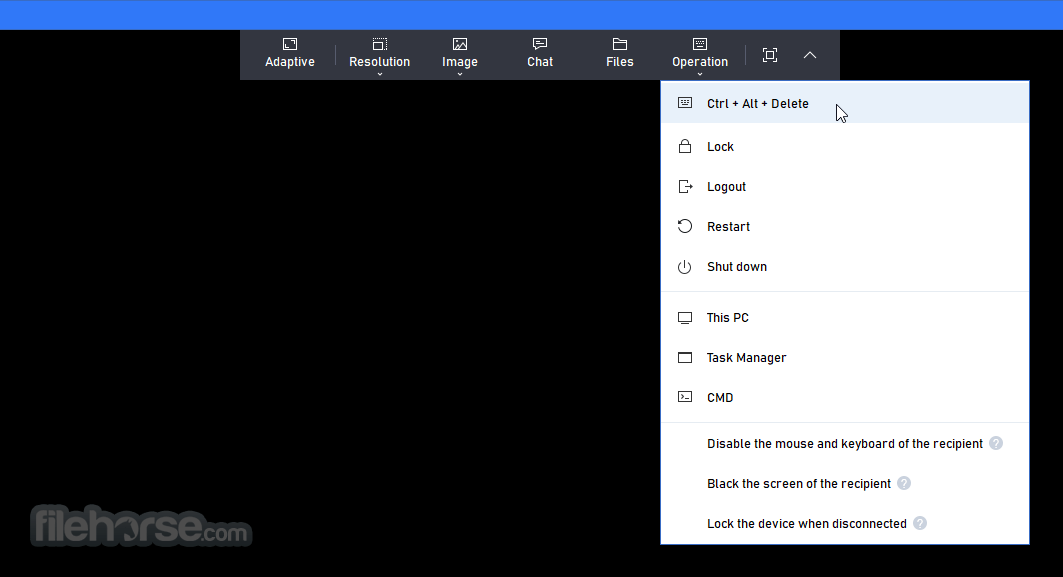
The live video streaming feature even allows real-time access to video media and even video games, with adjustable image quality and resolution options. The remote screen session can even be showcased as a full-screen app, making it like the user is actually sitting in front of a distant PC.
In the Free/Demo version:
Premium tiers offer a 15-day unconditional Money Back Guarantee, and the app can run on all modern versions of Windows OS.
Alternatives
AnyDesk - Lightweight and fast remote desktop software.
TeamViewer Remote - Remote access and support with cross-platform compatibility.
RustDesk - Open-source alternative with self-hosting options.
Chrome Remote Desktop - Google’s simple remote access tool.
Parsec - High-performance remote desktop for gaming and work.
Splashtop - Secure remote access for individuals and businesses.
Zoho Assist - Cloud-based remote support and access tool.
Microsoft Remote Desktop - Windows-native remote desktop solution.
UltraVNC - Free and open-source remote desktop tool.
RemotePC - Secure and affordable remote access service.
PROS
Download AnyViewer Latest Version Why is this app published on FileHorse? (More info)
- Safely access remote computers for Windows 11 or Windows 10
- Quickly transfer files between local and remote PCs
- Easily offer remote support to customers
- Flexibly play PC game from any place
This generous business structure makes AnyViewer one of the most accessible remote desktop software on the market.
To get AnyViewer up and running on any modern PC, users simply have to install it on all of their computers, with an added option to install a client app on iOS devices such as iPhones and iPad (Android devices are not supported at the time of this review).
The app allows a single-click connection to a remote PC that is running an authenticated the software. The connection can be attended to or unattended (this option requires a security code), the remote screen can be blacked in order to preserve privacy in open-plan offices, and the connection can even monitor multiple-display PCs.
When accessing remote PCs via iOS device, users gain access to a virtual mouse with several flexible control modes, and a control mode with shortcuts to several highly effective tools – show/hide desktop wallpaper, Power Management, Show Desktop, Image Quality, and more.
It prides itself on fast, reliable, and secure connection (powered by y Elliptic Curve Cryptography (ECC) encryption) that prevents anyone to access remote PCs without proper authorization.
The live video streaming feature even allows real-time access to video media and even video games, with adjustable image quality and resolution options. The remote screen session can even be showcased as a full-screen app, making it like the user is actually sitting in front of a distant PC.
In the Free/Demo version:
- Lower speed
- Maximum 3 assigned PCs for access
- Maximum 10 managed PCs
- Only One to 2 Remote Access
- No privacy access
Premium tiers offer a 15-day unconditional Money Back Guarantee, and the app can run on all modern versions of Windows OS.
Alternatives
AnyDesk - Lightweight and fast remote desktop software.
TeamViewer Remote - Remote access and support with cross-platform compatibility.
RustDesk - Open-source alternative with self-hosting options.
Chrome Remote Desktop - Google’s simple remote access tool.
Parsec - High-performance remote desktop for gaming and work.
Splashtop - Secure remote access for individuals and businesses.
Zoho Assist - Cloud-based remote support and access tool.
Microsoft Remote Desktop - Windows-native remote desktop solution.
UltraVNC - Free and open-source remote desktop tool.
RemotePC - Secure and affordable remote access service.
PROS
- User-Friendly Interface
- High Security with ECC Encryption
- Fast and Stable Connections
- Affordable Pricing Options
- Effortless Group Management
- Limited Compatibility with Operating Systems
- No Support for Linux or macOS
- Compulsory Installation on All Devices
- Free Tier May Have Slower Speeds
- Lacks Advanced Features of Competitors
Download AnyViewer Latest Version Why is this app published on FileHorse? (More info)
##
畫面截圖