Brave Browser 1.93.134 (32-bit)
v 1.93.134 (32-bit)
Windows
開源軟體
8.2/10 (339)
- 目前版本1.93.134 (32-bit)
- 更新日期2026-08-13
- 檔案大小1.2 MB
- 檔案名稱BraveBrowserSetup32.exe
- 作業系統Windows 7 / Windows 8 / Windows 10
- 支援語系English
- 授權型式開源軟體
- 開發商 Brave Software Inc.
- 軟體分類Windows 軟體 / 瀏覽器與外掛
##
翻譯排程處理中,以下暫以英文原文呈現
軟體介紹
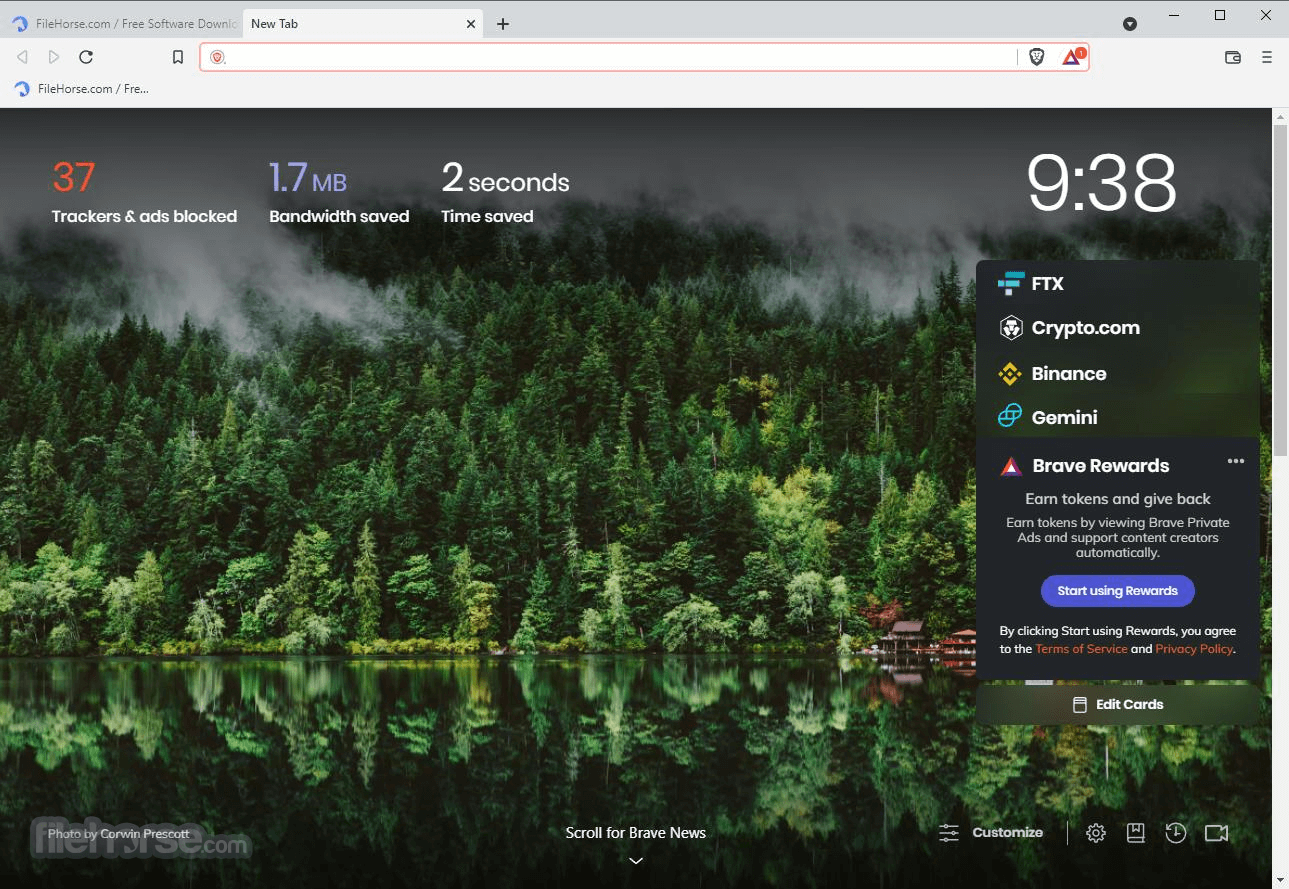
Brave is a lightweight, fast, and feature-full internet web browser that allows users of all knowledge levels to take maximize their internet connection and access the entirety of the web safely.
Particularly optimized for speed, Brave Browser 32-bit can even outpace popular Chrome and Firefox browsers in some cases by 3-6x faster webpage load and processing times, making this browser a perfect fit for users who want to access the web with maximum responsiveness.
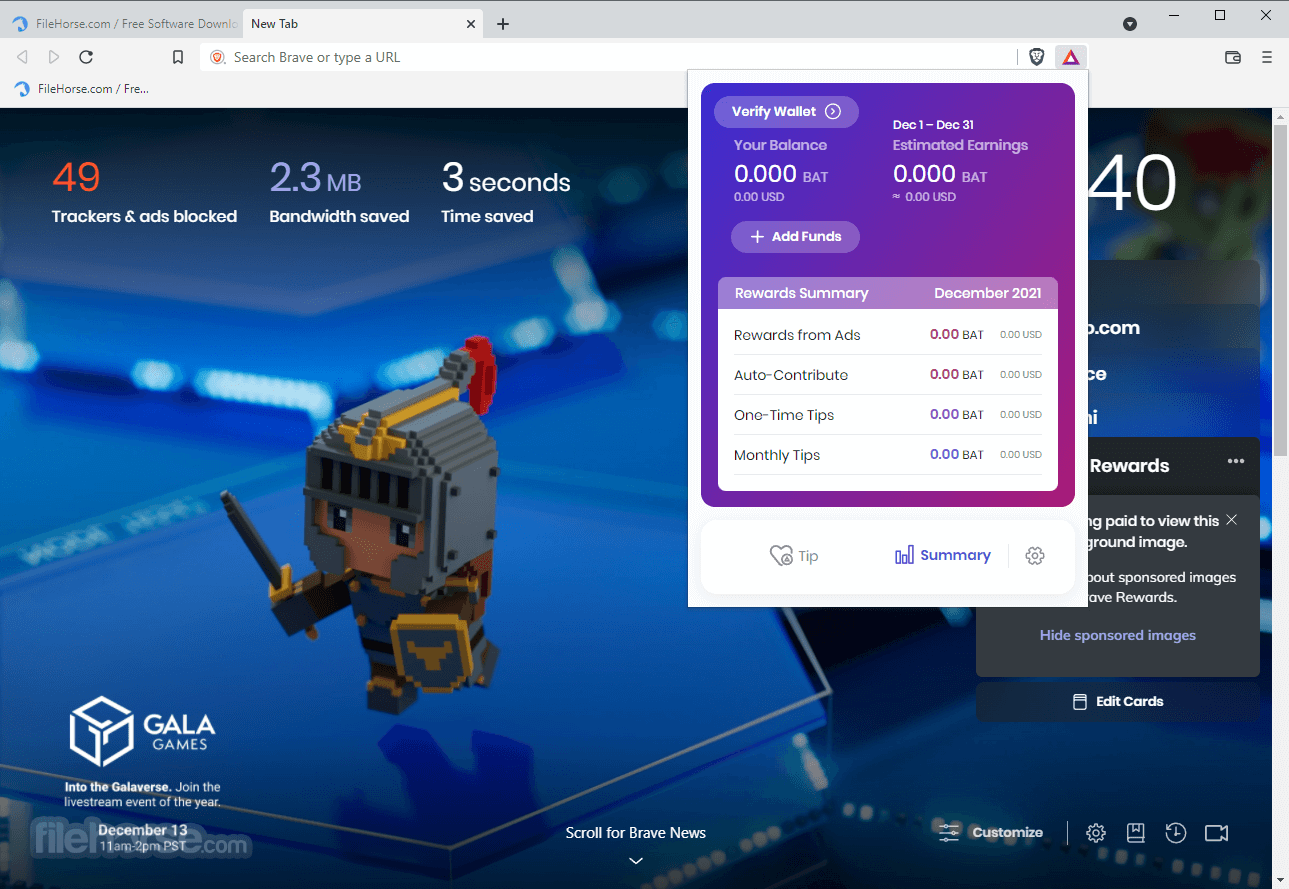
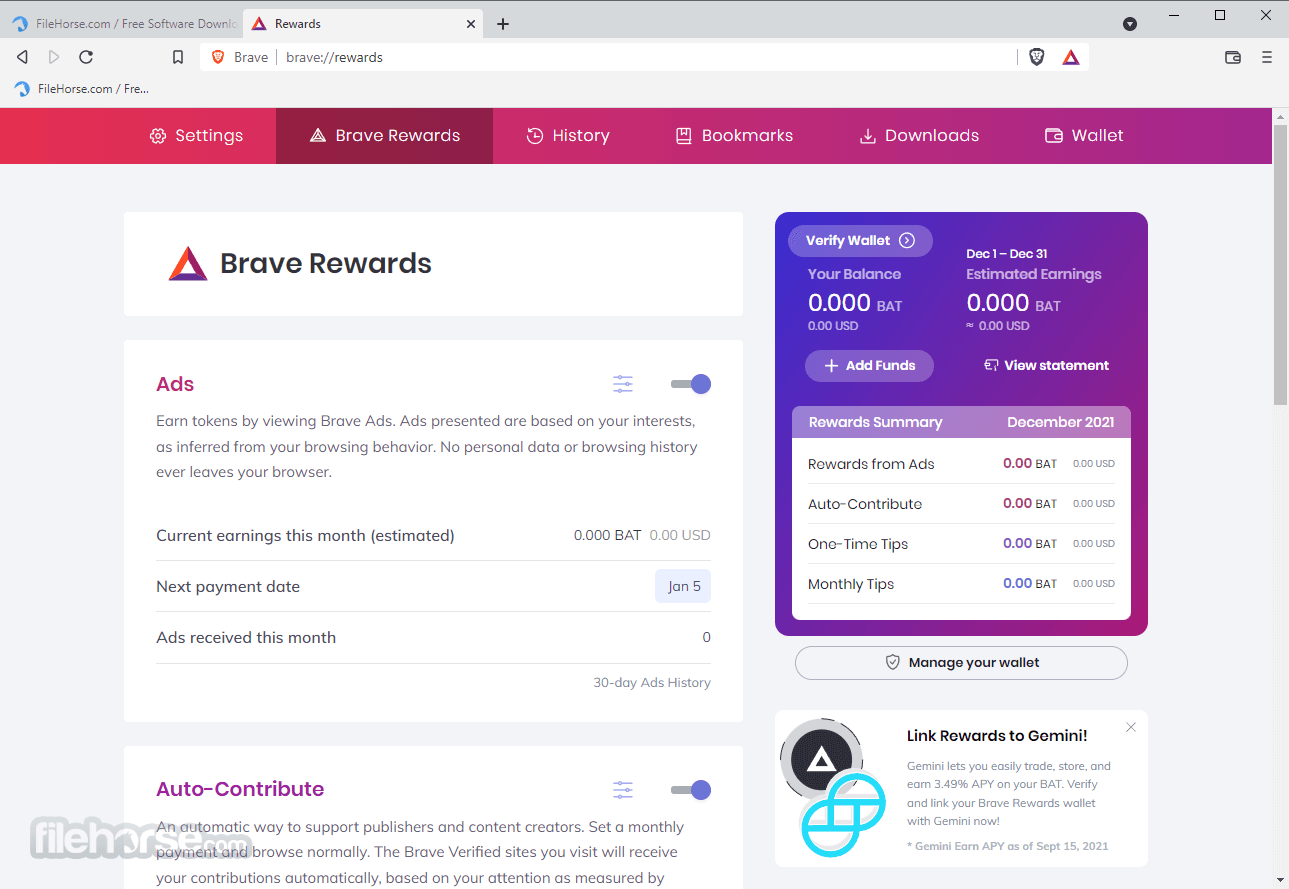
Built on top of the widely used Brave Rewards platform, users of this internet browser can even gather BAT token rewards by watching privacy-respecting ads, distributing them to favorite content creators, or even automatically sharing them with the most visited websites.
Offering unparalleled security and privacy, these VPN servers are optimized to always protect user data (which is not keep logs of user’s online behavior or ever sell any data to 3rd parties) and in-depth customization options, this crypto browser manages to elevate the use of secure VPNs to a whole new level.
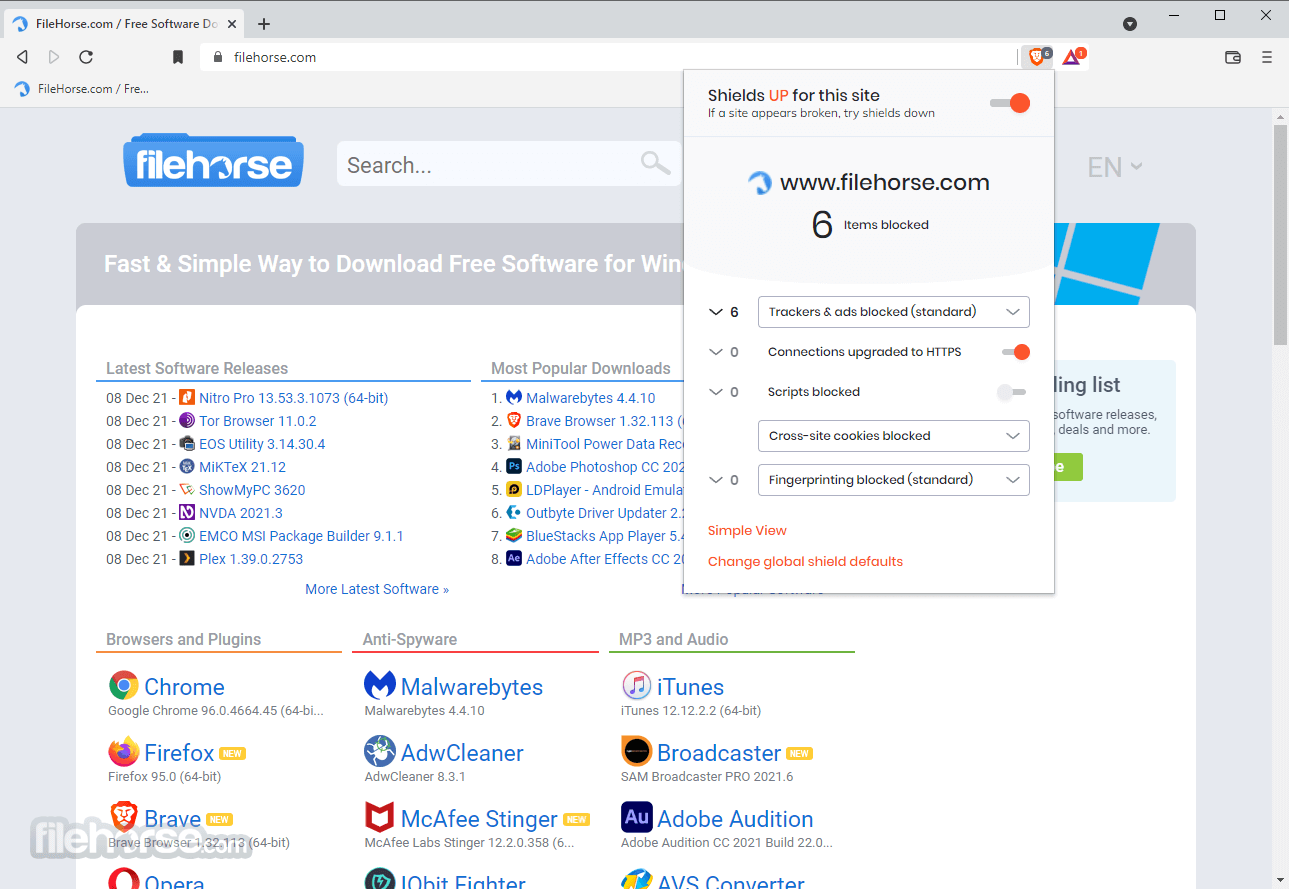
It even provides users access to the security dashboard with tools for per-site security options and numerous tools for defeating malware, phishing, and malicious advertising. Most security-focused users can even elect to use Brave Sync, a plugin for encryption and synchronization of personal settings and bookmarks.
The full list of Brave Browser 2026 features is long and expansive, but it can be most easily separated into main categories – Address Bar tools, Shields plugin for protecting the user from malicious websites, Security services, Search, Tabs, and Window tools, Brave Rewards service with extensive dashboard for monitoring earnings, contribution, tipping and more, Brave Firewall & VPN, and much more.
Some features found in Brave are present only in the Premium tier of Use or only on the iOS platform.
It has quickly become one of the favorite internet clients for Windows OS users on both desktop, laptop, and mobile. It provides fast and secure browsing, automatically blocks ads and trackers, and offers an innovative and secure way to get rewarded for browsing.
FAQ
Q1: Is Brave Browser safe to use?
Answer: Yes, Brave is built on Chromium, the same foundation as Google Chrome, making it inherently secure. Moreover, its focus on privacy with built-in ad and tracker blocking enhances its safety.
Q2: How does Brave make money?
Answer: It makes money through its opt-in Brave Rewards program. They take a small cut of the advertising revenue generated.
Q3: Can I import my data from my current browser to Brave?
Answer: Yes, it allows you to import your bookmarks, history, and cookies from your current browser.
Q4: Does Brave block all ads?
Answer: By default, it blocks third-party ads and trackers. However, you can opt into the Brave Rewards program to view privacy-respecting ads.
Q5: Is Brave faster than Chrome or Firefox?
Answer: It claims to load major news sites up to six times faster than Chrome and Firefox by blocking ads and trackers that slow down page loading.
Features and Highlights
Brave Rewards allows you to Earn and Give anonymously. With the Rewards, you can enable Ads to earn anonymously and get paid for your attention and utilize the earnings to give Creators anonymously for their Content
If you utilize an Uphold wallet for contributions, then any contribution made to a Creator is visible to Uphold as your bank and is no longer anonymous.
Is Brave Browser Safe to Use?
It is absolutely 100% Safe to use on any system. Feel free to download and install it and give it a chance. View VirusTotal Report (VirusTotal aggregates many antivirus products and online scan engines).
Do I have to pay Brave to go ad-free?
No, the browser will always be free to use — you don’t need to pay to block ads and tracking.
What are the system requirements to install Brave?
Download the installation file. If prompted, click Run or Save. If you chose Save, double-click the download to start installing. For Windows 7: A window opens once everything is done. Windows 8 & 8.1: A welcome dialog appears. Click Next to select your default browser. Windows 10: A window opens after everything is done.
PROS
Download Brave Browser (32-bit) Latest Version Why is this app published on FileHorse? (More info)
Particularly optimized for speed, Brave Browser 32-bit can even outpace popular Chrome and Firefox browsers in some cases by 3-6x faster webpage load and processing times, making this browser a perfect fit for users who want to access the web with maximum responsiveness.
Built on top of the widely used Brave Rewards platform, users of this internet browser can even gather BAT token rewards by watching privacy-respecting ads, distributing them to favorite content creators, or even automatically sharing them with the most visited websites.
- Load pages 3x to 6x faster
- Block data-grabbing ads and trackers
- Earn frequent flier-like tokens just for browsing
- Tip and contribute to websites directly through Rewards
Offering unparalleled security and privacy, these VPN servers are optimized to always protect user data (which is not keep logs of user’s online behavior or ever sell any data to 3rd parties) and in-depth customization options, this crypto browser manages to elevate the use of secure VPNs to a whole new level.
It even provides users access to the security dashboard with tools for per-site security options and numerous tools for defeating malware, phishing, and malicious advertising. Most security-focused users can even elect to use Brave Sync, a plugin for encryption and synchronization of personal settings and bookmarks.
The full list of Brave Browser 2026 features is long and expansive, but it can be most easily separated into main categories – Address Bar tools, Shields plugin for protecting the user from malicious websites, Security services, Search, Tabs, and Window tools, Brave Rewards service with extensive dashboard for monitoring earnings, contribution, tipping and more, Brave Firewall & VPN, and much more.
Some features found in Brave are present only in the Premium tier of Use or only on the iOS platform.
It has quickly become one of the favorite internet clients for Windows OS users on both desktop, laptop, and mobile. It provides fast and secure browsing, automatically blocks ads and trackers, and offers an innovative and secure way to get rewarded for browsing.
FAQ
Q1: Is Brave Browser safe to use?
Answer: Yes, Brave is built on Chromium, the same foundation as Google Chrome, making it inherently secure. Moreover, its focus on privacy with built-in ad and tracker blocking enhances its safety.
Q2: How does Brave make money?
Answer: It makes money through its opt-in Brave Rewards program. They take a small cut of the advertising revenue generated.
Q3: Can I import my data from my current browser to Brave?
Answer: Yes, it allows you to import your bookmarks, history, and cookies from your current browser.
Q4: Does Brave block all ads?
Answer: By default, it blocks third-party ads and trackers. However, you can opt into the Brave Rewards program to view privacy-respecting ads.
Q5: Is Brave faster than Chrome or Firefox?
Answer: It claims to load major news sites up to six times faster than Chrome and Firefox by blocking ads and trackers that slow down page loading.
Features and Highlights
- Ad blocking
- Fingerprinting prevention
- Cookie control
- HTTPS upgrading
- Block scripts
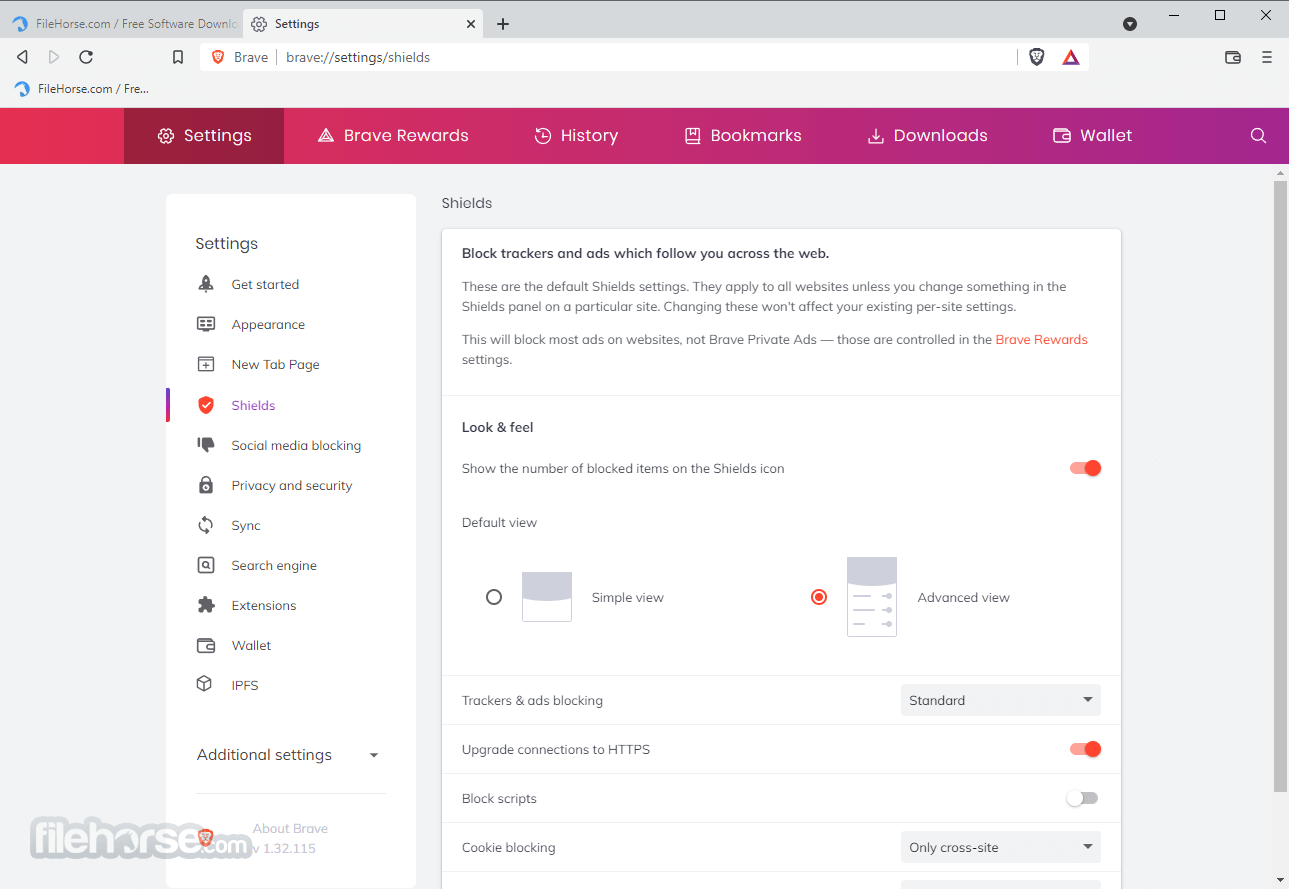
- Per-site shield settings
- Configurable global shield defaults
- Earn by viewing private ads
- Tip your favorite creators
- Contribute monthly to sites
- Auto-contribute to sites
- Verify with Uphold and move funds in and out of your wallet
- Become a verified creator and start earning BAT from tips, contributions, and referrals
- Add Bookmark
- Autosuggest URLs
- Search from the address bar
- Autosuggest search terms
- Show/hide bookmarks toolbar
- Show secure or insecure site
- Brave Desktop now supports most of the Chrome extensions in the Chrome web store
- Clear browsing data
- Built-in password manager
- Form autofill
- Control content access to full-screen presentation
- Control site access to autoplay media
- Send “Do not track” with browsing requests
- Brave Firewall + VPN Software
- Block trackers across all apps
- Protects all connections
- It never shares or sells your info
- The VPN server does not know who you are
- Choose the default search engine
- Use keyboard shortcuts for alternate search engines
- Option to use DuckDuckGo for private window search
- Browsing without intermediaries
- Access content directly from the IPFS network
- Make a playlist. Right in your browser
- Save now, watch or listen later
- On a flight, a commute, or a road trip to nowhere
- Any media, any stream
Brave Rewards allows you to Earn and Give anonymously. With the Rewards, you can enable Ads to earn anonymously and get paid for your attention and utilize the earnings to give Creators anonymously for their Content
If you utilize an Uphold wallet for contributions, then any contribution made to a Creator is visible to Uphold as your bank and is no longer anonymous.
Is Brave Browser Safe to Use?
It is absolutely 100% Safe to use on any system. Feel free to download and install it and give it a chance. View VirusTotal Report (VirusTotal aggregates many antivirus products and online scan engines).
Do I have to pay Brave to go ad-free?
No, the browser will always be free to use — you don’t need to pay to block ads and tracking.
What are the system requirements to install Brave?
- Windows 7, Windows 8, Windows 8.1, Windows 10, and Windows 11
- An Intel Pentium 4 processor or later that's SSE2 capable
PROS
- Fast browsing experience due to ad-blocking and tracker-blocking by default
- Built-in privacy and security features, including HTTPS Everywhere and Tor support
- Brave Rewards system allows users to earn cryptocurrency by viewing privacy-respecting ads
- Customizable with themes and extensions from the Brave Store
- Free to download and use on multiple platforms
- Some users may find the Brave Rewards system intrusive or may not want to view ads in order to earn cryptocurrency
- Some websites may not function correctly due to the built-in ad and tracker blocking, although this can usually be fixed by adjusting the settings
Download Brave Browser (32-bit) Latest Version Why is this app published on FileHorse? (More info)
##
影片介紹
##
畫面截圖