Classic Solitaire 2.8.1
v 2.8.1
Windows
免費軟體
9/10 (12)
- 目前版本2.8.1
- 更新日期2026-03-10
- 檔案大小1.1 MB
- 檔案名稱Classic Solitaire (Free) Installer.exe
- 作業系統Windows 10 / Windows 11
- 支援語系English
- 授權型式免費軟體
- 開發商 Alexey Garbuzenko
- 軟體分類Windows 軟體 / 遊戲
##
翻譯排程處理中,以下暫以英文原文呈現
軟體介紹
Classic Solitaire is a free version of the popular tabletop card game that can now be enjoyed by all PC users running Windows 10 and Windows 11.
Fully optimized for touch interactions on tablets and laptops that feature touchscreens, this can fully emulate this fun, challenging, and addictive game without the need to manually handle physical cards on your table.
Instead, users can simply leave the job of managing the card deck and neatly organizing the play area surface to this lightweight, fast, and stable application that is always fully observing the ruleset of “Klondike Solitaire”, the basic and most popular version of the Solitaire game in the world.
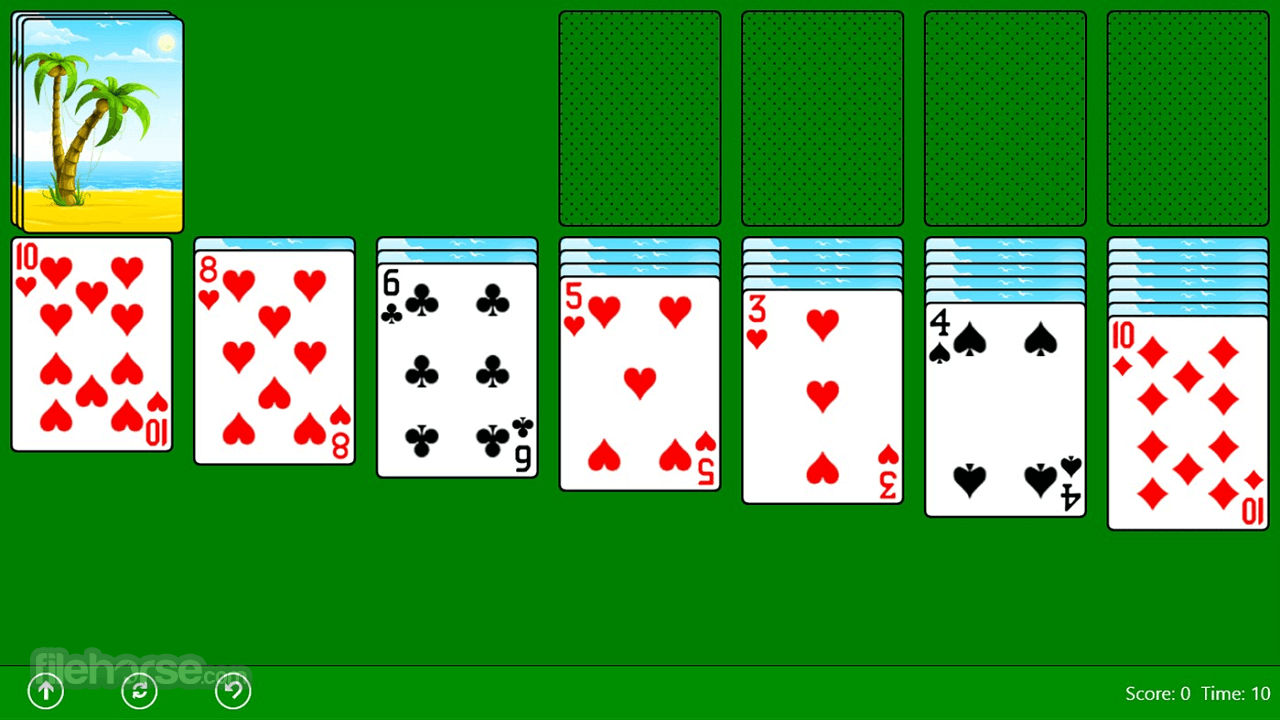
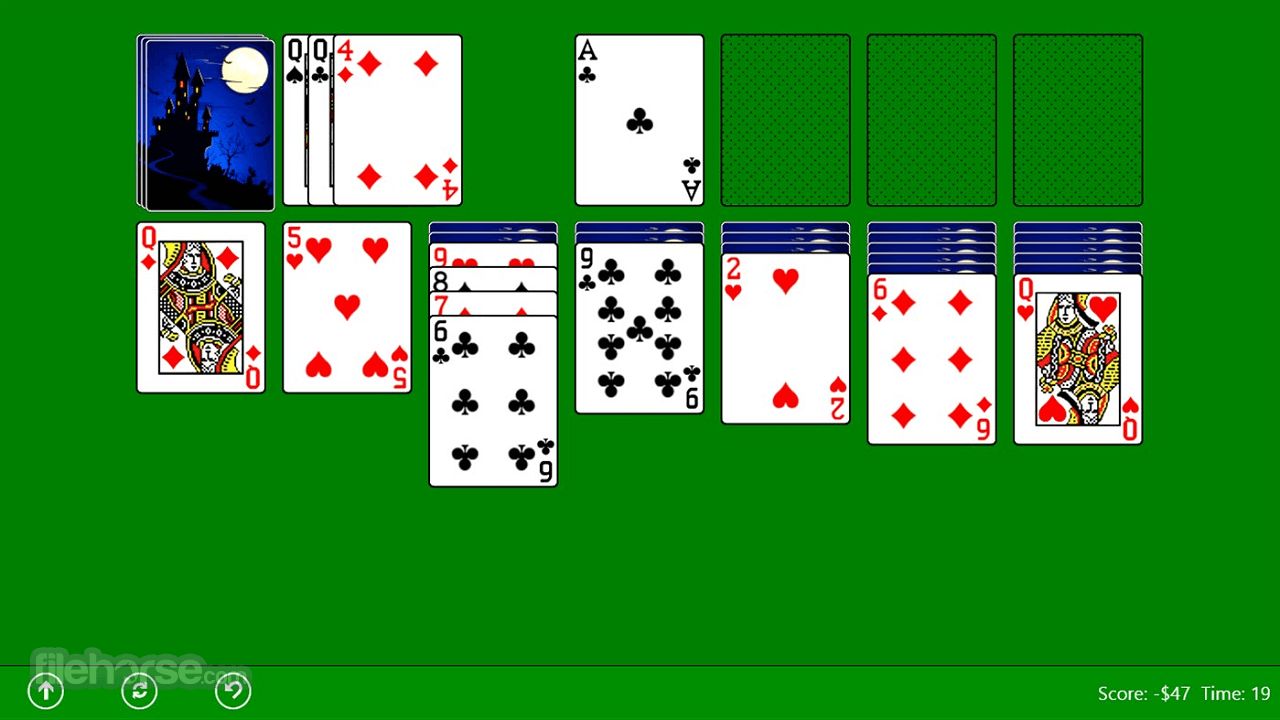
Since it is based on the most basic version of this card game, Classic Solitaire presents the players with the 28 cards randomly dealt into 7 columns, presenting a nice challenge of sorting all the cards on the 4 piles of cards separated by suits.
Main Features
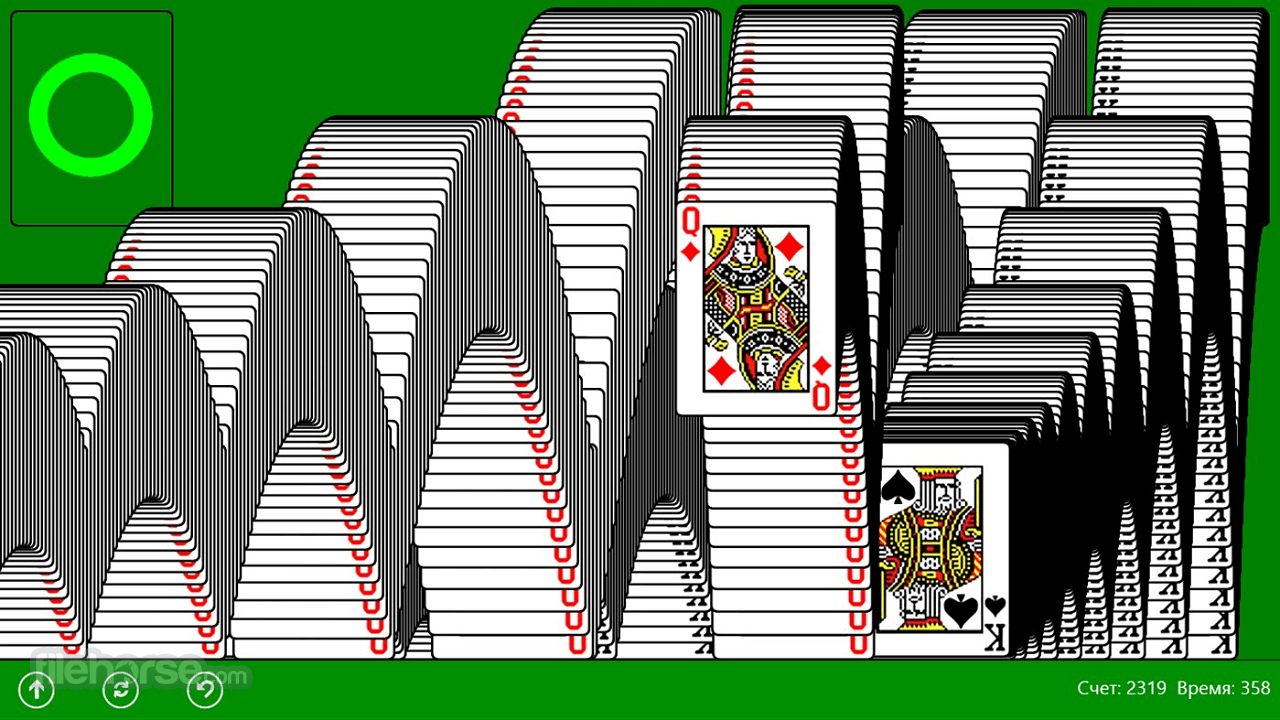
Slowly but surely, users can eliminate cards one by one, reorganize stacks of cards to unveil hidden cards, and, by the end, eliminate the entire deck. This simple and easy-to-understand formula has made solitaire one of the most popular tabletop card games in the world for solo players who want to challenge themselves without the need for an opponent.
The user interface of Classic Solitaire is as simple as it gets. The playing field is presented as the green table surface on which cards are neatly organized, and all the players have to do is drag and drop cards into available positions.
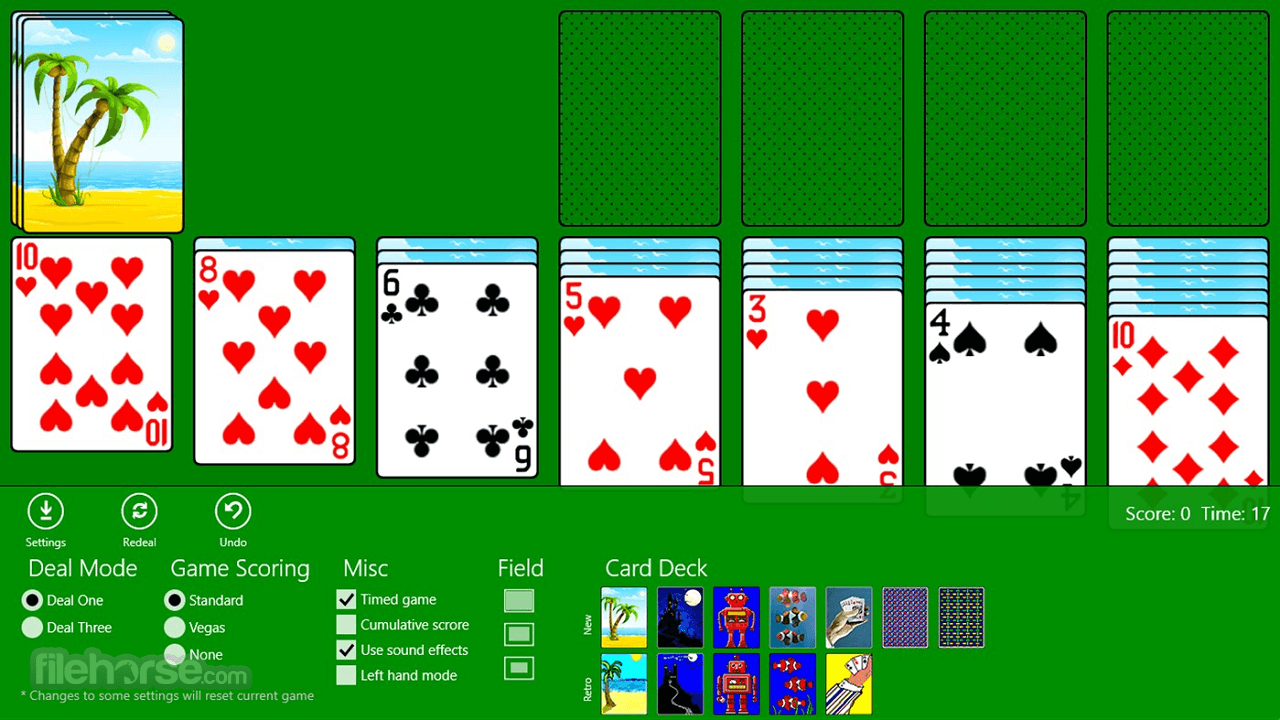
The only other tools that are available are the undo and restart buttons on the bottom left, and the simple move and time counter on the bottom right corners of the screen. There are no additional settings beyond the option to draw single or three cards from the main deck.
The installation procedure of this app on any Windows 11/Windows 10 desktop, laptop, or tablet PC is handled automatically by the Microsoft Store.
Users simply have to go to the game’s official page and click on the “Get” button. The app is only 22 MB in size, and it has built-in support for four international languages (English, Spanish, Russian, and Ukrainian).
FAQs
What is Classic Solitaire?
Classic Solitaire is a digital version of the traditional Klondike solitaire card game available on Windows through the Microsoft Store. It recreates the familiar single-player card gameplay where players organize cards by suit in ascending order.
Is Classic Solitaire free to play?
Most versions available on the Microsoft Store are free to download and play, though some may include ads or optional premium features depending on the publisher.
Is Classic Solitaire still relevant in 2026?
Yes. In 2026, Classic Solitaire remains popular as a simple, relaxing card game for casual players. Its low system requirements and timeless gameplay make it suitable for all age groups.
System Requirements
Download Classic Solitaire Latest Version Why is this app published on FileHorse? (More info)
Fully optimized for touch interactions on tablets and laptops that feature touchscreens, this can fully emulate this fun, challenging, and addictive game without the need to manually handle physical cards on your table.
Instead, users can simply leave the job of managing the card deck and neatly organizing the play area surface to this lightweight, fast, and stable application that is always fully observing the ruleset of “Klondike Solitaire”, the basic and most popular version of the Solitaire game in the world.
Since it is based on the most basic version of this card game, Classic Solitaire presents the players with the 28 cards randomly dealt into 7 columns, presenting a nice challenge of sorting all the cards on the 4 piles of cards separated by suits.
Main Features
- Traditional Klondike Solitaire gameplay with classic rules.
- Simple and intuitive drag-and-drop controls.
- Multiple difficulty options, including Draw 1 and Draw 3 modes.
- Clean, user-friendly interface optimized for Windows devices.
- Customizable card backs and backgrounds.
- Undo and hint features to assist gameplay.
- Statistics tracking to monitor wins and performance.
- Lightweight design with smooth performance.
- Resolved an issue that prevented settings from being saved correctly.
- Fixed various startup problems to improve launch stability.
- Reduced the frequency of advertisements.
- Applied general performance and optimization improvements.
Slowly but surely, users can eliminate cards one by one, reorganize stacks of cards to unveil hidden cards, and, by the end, eliminate the entire deck. This simple and easy-to-understand formula has made solitaire one of the most popular tabletop card games in the world for solo players who want to challenge themselves without the need for an opponent.
The user interface of Classic Solitaire is as simple as it gets. The playing field is presented as the green table surface on which cards are neatly organized, and all the players have to do is drag and drop cards into available positions.
The only other tools that are available are the undo and restart buttons on the bottom left, and the simple move and time counter on the bottom right corners of the screen. There are no additional settings beyond the option to draw single or three cards from the main deck.
The installation procedure of this app on any Windows 11/Windows 10 desktop, laptop, or tablet PC is handled automatically by the Microsoft Store.
Users simply have to go to the game’s official page and click on the “Get” button. The app is only 22 MB in size, and it has built-in support for four international languages (English, Spanish, Russian, and Ukrainian).
FAQs
What is Classic Solitaire?
Classic Solitaire is a digital version of the traditional Klondike solitaire card game available on Windows through the Microsoft Store. It recreates the familiar single-player card gameplay where players organize cards by suit in ascending order.
Is Classic Solitaire free to play?
Most versions available on the Microsoft Store are free to download and play, though some may include ads or optional premium features depending on the publisher.
Is Classic Solitaire still relevant in 2026?
Yes. In 2026, Classic Solitaire remains popular as a simple, relaxing card game for casual players. Its low system requirements and timeless gameplay make it suitable for all age groups.
System Requirements
- OS: Windows 10 or Windows 11
- Processor: 1 GHz or faster
- RAM: 2 GB (minimum)
- Storage: 50 MB free space
- Display: 800x600 resolution or higher
- Internet: Required for installation via Microsoft Store
- Touch Support: Optional, but optimized for touchscreen devices
- Free to Play – No cost for download or use.
- Optimized for Touch – Works well on touchscreens.
- Simple UI – Easy drag-and-drop gameplay.
- Small File Size – Only 22 MB, quick install.
- Automatic Installation – One-click install via Microsoft Store.
- Basic Features – No advanced settings or modes.
- No Customization – No themes or card designs.
- Unremovable Ads – Built-in ads cannot be disabled.
- Limited Settings – Only single or three-card draw.
- No Multiplayer Mode – Strictly solo gameplay.
Download Classic Solitaire Latest Version Why is this app published on FileHorse? (More info)
##
畫面截圖