⚠ 這是歷史版本頁面 — 查看 CopyTrans 最新版本 →

- 目前版本5.530
- 更新日期2017-08-17
- 檔案大小15.07 MB
- 檔案名稱CopyTransv5.530.zip
- 作業系統Windows 7 / Windows 8 / Windows 10 / Windows 11
- 支援語系English
- 授權型式試用版
- 開發商 Ursa Minor Ltd
- 軟體分類Windows 軟體 / 手機工具
##
編輯短評
CopyTrans 是 Windows 平台上的 iOS 媒體管理工具,主要解決 iTunes 操作繁瑣的問題,讓使用者能更直接地傳輸音樂、影片、照片等檔案。它的特色在於提供完整的備份功能,並可選擇性傳輸內容,不必整機同步。這款軟體維護步調較慢,但仍有持續更新,評價普通,使用者數量不多,屬於小眾工具。
適合不想依賴 iTunes、但需要頻繁管理 iOS 媒體檔案的使用者,例如要將 iPhone 上的音樂備份到電腦,或從電腦匯入影片。與 3uTools 等替代軟體相比,CopyTrans 專注於媒體傳輸與備份,操作相對單純,但功能範圍較窄。需注意的是,它僅提供 Windows 版本,且介面只有英文,授權為試用版,可能限制部分功能。
##
翻譯排程處理中,以下暫以英文原文呈現
軟體介紹
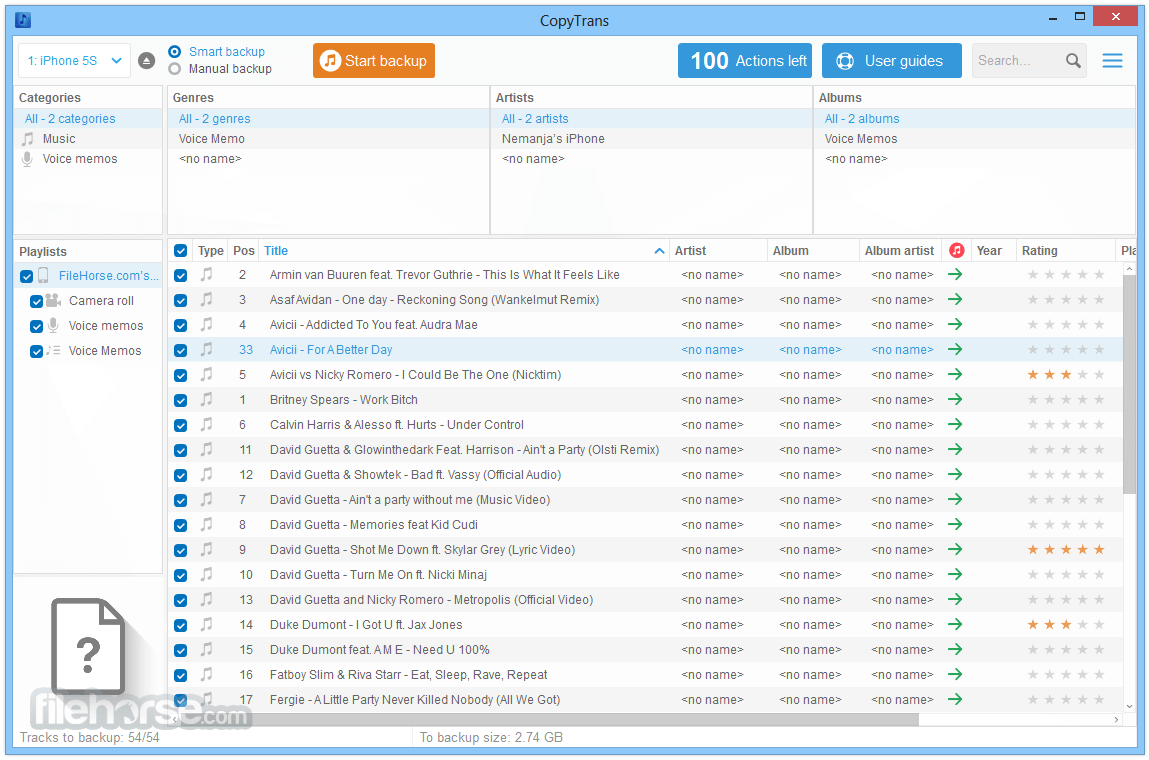
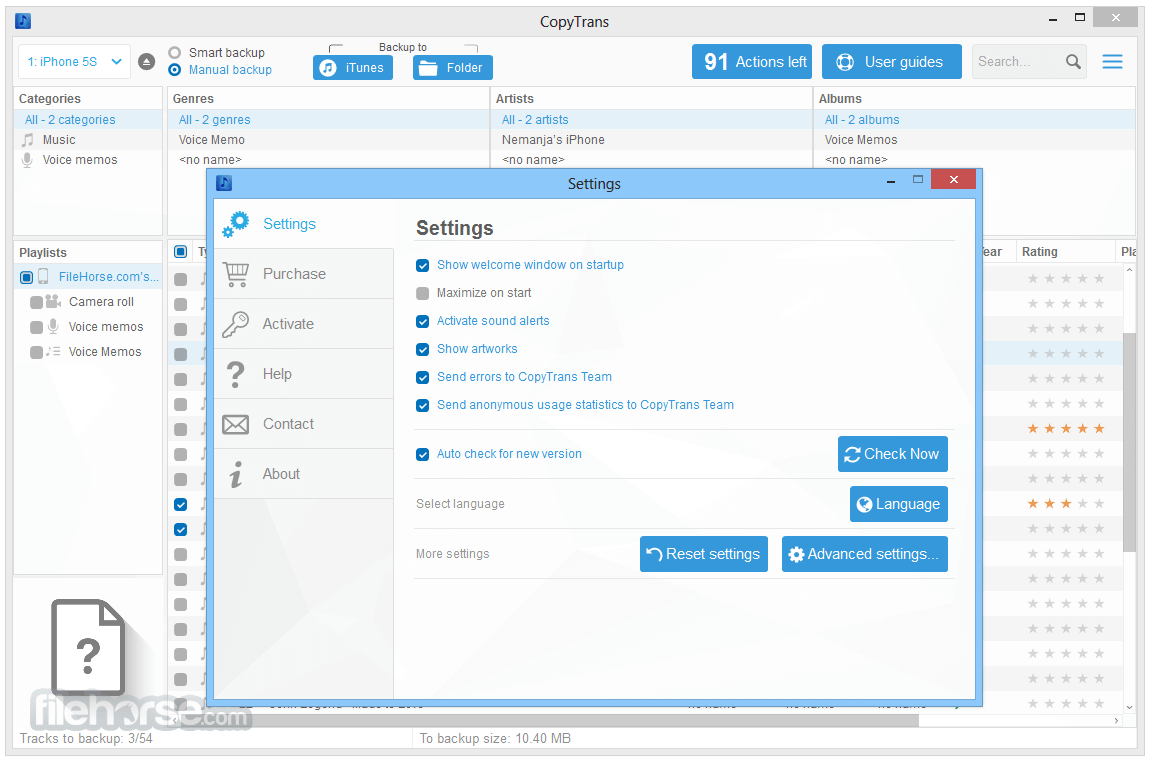
CopyTrans is a Windows-based program designed to facilitate the transfer and management of media files between iOS devices and PCs.
Serving as an alternative to iTunes, it offers users a more streamlined approach to handling their music, videos, photos, and other media content.
Features
Media Transfer: It allows users to transfer music, playlists, videos, podcasts, voice memos, and books from iPhone, iPod, or iPad to a PC or directly into iTunes.
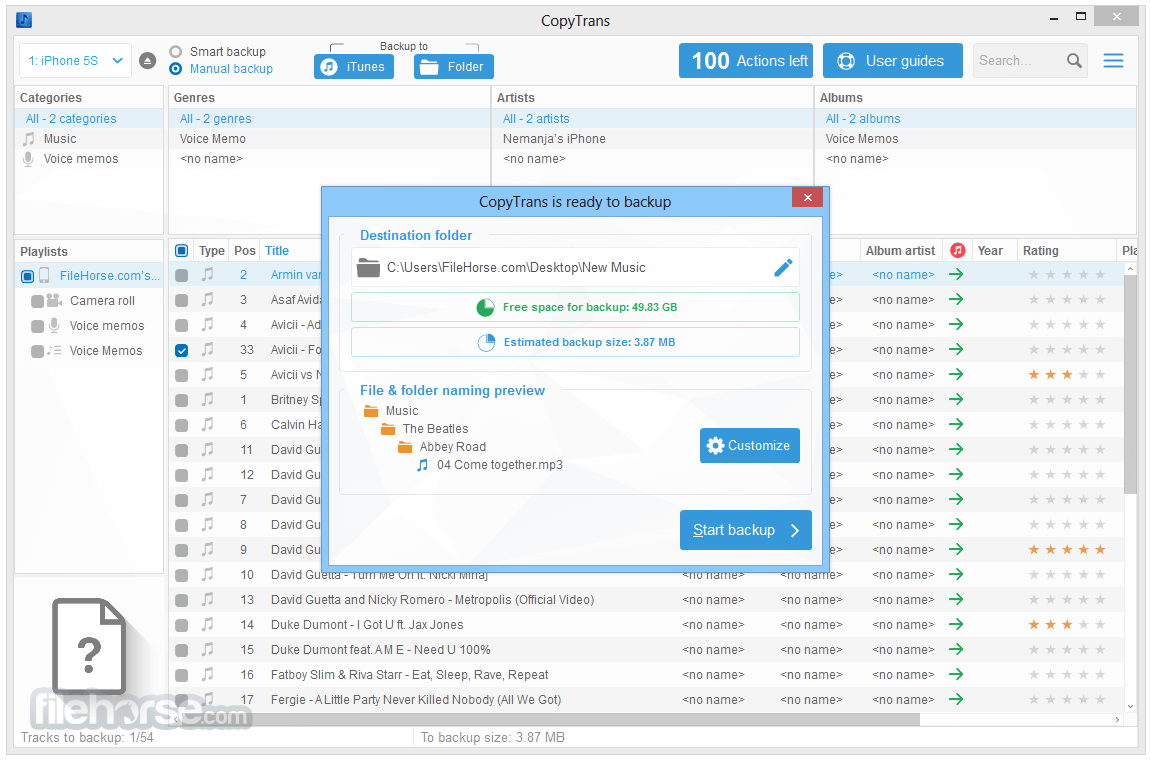
Backup Functionality: The software enables comprehensive backups of media libraries, ensuring that users can restore their content if needed.
Selective Transfer: Users can choose specific files or entire libraries for transfer, providing flexibility based on individual needs.
Duplicate Management: CopyTrans intelligently detects and prevents duplicate files during transfers, optimizing storage space.
How to Use
FAQs
Can CopyTrans transfer non-purchased music from my iPhone to my PC?
Yes, it can transfer both purchased and non-purchased music from your iOS device to your computer.
Is CopyTrans compatible with the latest iOS versions?
It supports all iPhone, iPad, and iPod models and is compatible with all iOS versions.
Does CopyTrans work on macOS?
No, CopyTrans is exclusively designed for Windows operating systems. Mac users might need to explore alternative software solutions.
Is there a free trial available?
Yes, it offers a free trial with limited functionalities, allowing users to evaluate the software before purchasing.
How does CopyTrans handle duplicate files during transfer?
It automatically detects and prevents duplicate files, ensuring efficient use of storage space.
Alternatives
iMazing - A comprehensive iOS device manager offering features like data transfer, backup, and advanced management tools.
Syncios - Provides data transfer, backup, and management features for iOS and Android devices.
Pricing
This program is available for a one-time purchase of $19.99 per module or $29.99 for the complete suite. Each license includes two years of free updates.
System Requirements
CopyTrans serves as a robust alternative to iTunes for Windows users, offering efficient media transfer and management capabilities. While it excels in stability and user-friendliness, the lack of macOS support and the segmented nature of its features may prompt some users to consider other options.
Note: Limitations: 100 actions are allowed. iPhone/iPod Touch/iPad: iOS drivers must be installed.
Download CopyTrans Latest Version Why is this app published on FileHorse? (More info)
Serving as an alternative to iTunes, it offers users a more streamlined approach to handling their music, videos, photos, and other media content.
Features
Media Transfer: It allows users to transfer music, playlists, videos, podcasts, voice memos, and books from iPhone, iPod, or iPad to a PC or directly into iTunes.
Backup Functionality: The software enables comprehensive backups of media libraries, ensuring that users can restore their content if needed.
Selective Transfer: Users can choose specific files or entire libraries for transfer, providing flexibility based on individual needs.
Duplicate Management: CopyTrans intelligently detects and prevents duplicate files during transfers, optimizing storage space.
How to Use
- Launch: Open the application from the CopyTrans Control Center.
- Connect Device: Use a USB cable to connect your iOS device to the PC.
- Select Media: Browse and select the media files you wish to transfer or back up.
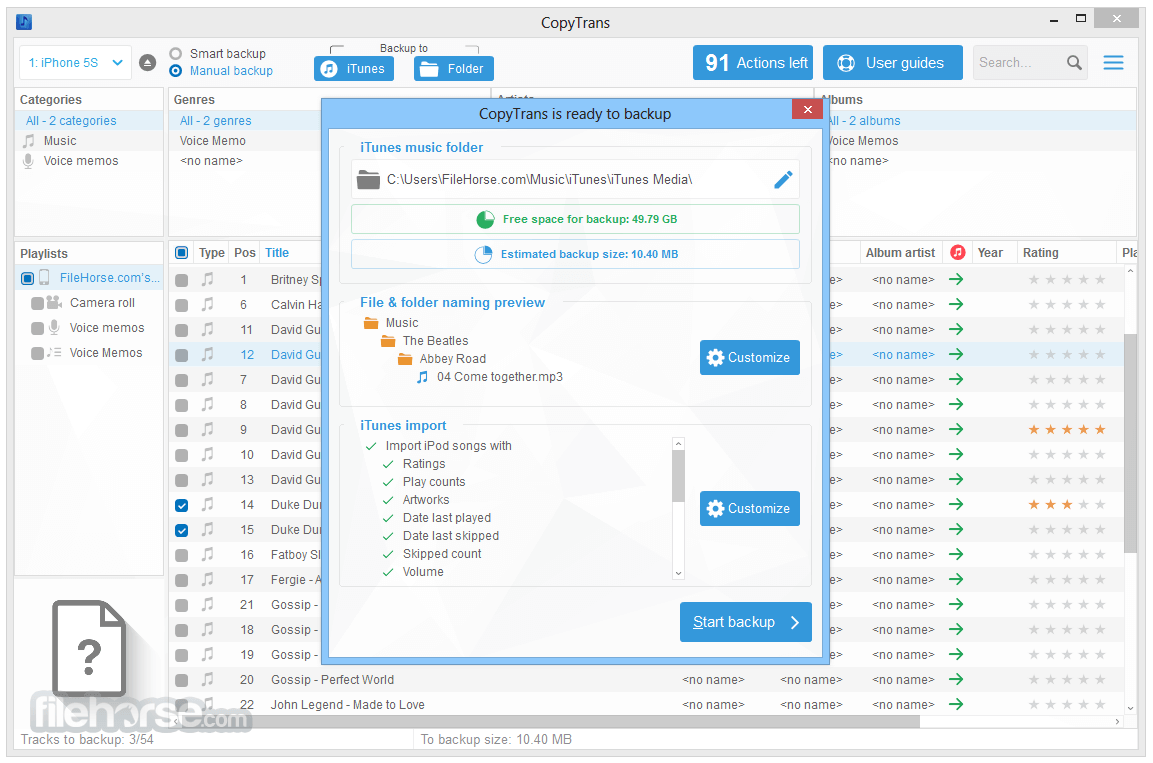
- Choose Destination: Decide whether to transfer files to a specific folder on your PC or directly into iTunes.
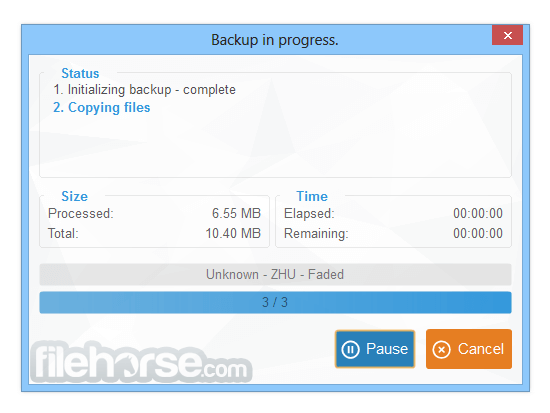
- Initiate Transfer: Click the appropriate button to start the transfer process.
FAQs
Can CopyTrans transfer non-purchased music from my iPhone to my PC?
Yes, it can transfer both purchased and non-purchased music from your iOS device to your computer.
Is CopyTrans compatible with the latest iOS versions?
It supports all iPhone, iPad, and iPod models and is compatible with all iOS versions.
Does CopyTrans work on macOS?
No, CopyTrans is exclusively designed for Windows operating systems. Mac users might need to explore alternative software solutions.
Is there a free trial available?
Yes, it offers a free trial with limited functionalities, allowing users to evaluate the software before purchasing.
How does CopyTrans handle duplicate files during transfer?
It automatically detects and prevents duplicate files, ensuring efficient use of storage space.
Alternatives
iMazing - A comprehensive iOS device manager offering features like data transfer, backup, and advanced management tools.
Syncios - Provides data transfer, backup, and management features for iOS and Android devices.
Pricing
This program is available for a one-time purchase of $19.99 per module or $29.99 for the complete suite. Each license includes two years of free updates.
System Requirements
- Operating System: Windows 11, 10, 8.1, or 7
- Supported Devices: All iPhone, iPad, and iPod models
- Stable and reliable data transfer
- User-friendly interface
- Comprehensive backup options
- Lacks macOS support
- Features are divided across multiple modules
- Some design elements appear outdated
CopyTrans serves as a robust alternative to iTunes for Windows users, offering efficient media transfer and management capabilities. While it excels in stability and user-friendliness, the lack of macOS support and the segmented nature of its features may prompt some users to consider other options.
Note: Limitations: 100 actions are allowed. iPhone/iPod Touch/iPad: iOS drivers must be installed.
Download CopyTrans Latest Version Why is this app published on FileHorse? (More info)
##
畫面截圖
- 2026-08-13 CopyTrans 6.502 15.94 MB
- 2024-05-30 CopyTrans 6.501 18.27 MB
- 2024-02-08 CopyTrans 6.402 17.42 MB
- 2022-10-21 CopyTrans 6.401 16.91 MB
- 2022-10-18 CopyTrans 6.400 16.71 MB
- 2021-11-16 CopyTrans 6.300 17.38 MB
- 2021-04-24 CopyTrans 6.202 17.22 MB
- 2020-12-01 CopyTrans 6.201 17.57 MB