CSS HTML Validator 2026 26.0100
v 26.0100
Windows
商業試用
8/10 (9)
- 目前版本26.0100
- 更新日期2026-01-03
- 檔案大小40 MB
- 檔案名稱css-html-validator-trial-setup.exe
- 作業系統Windows 7 / Windows 8 / Windows 10 / Windows 11
- 支援語系English
- 授權型式商業試用
- 開發商 AI Internet Solutions
- 軟體分類Windows 軟體 / 開發者工具
##
翻譯排程處理中,以下暫以英文原文呈現
軟體介紹
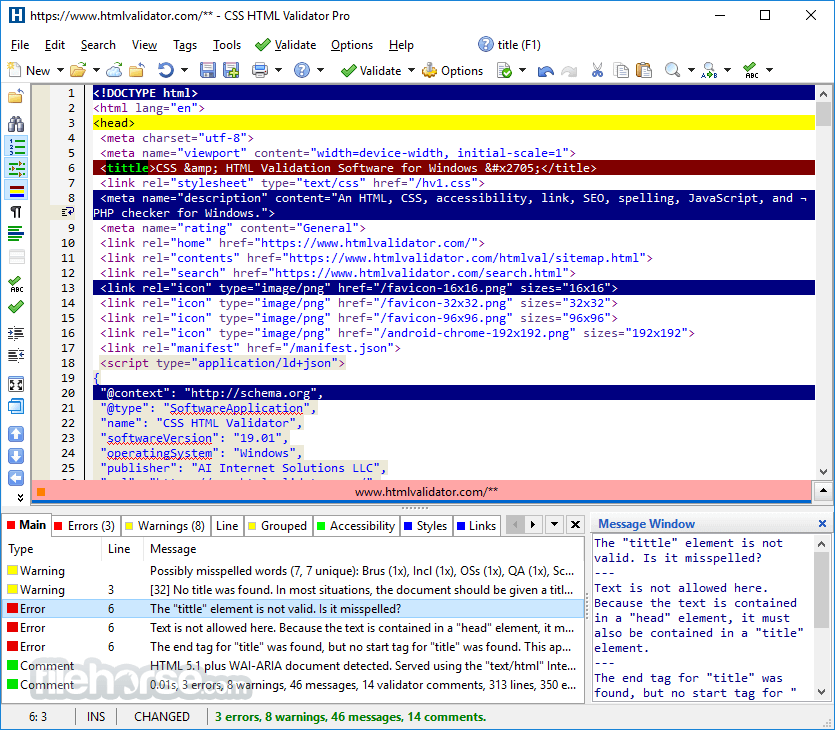
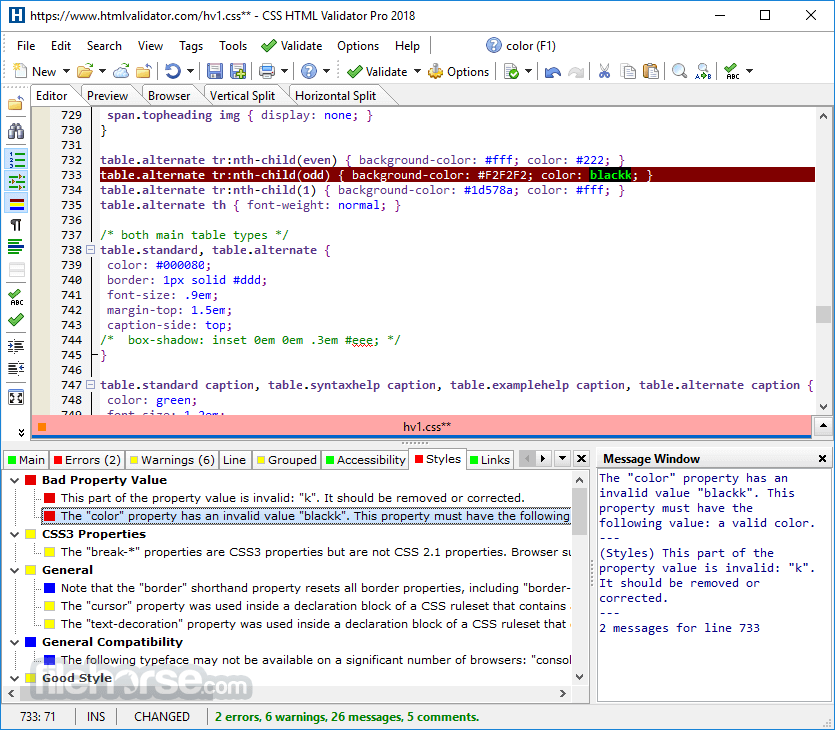
CSS HTML Validator is a powerful, easy to use, user configurable, and all-in-one HTML, XHTML, CSS, link, spelling, JavaScript, PHP syntax, SEO, and accessibility checker.
It helps eliminate website problems that cause visitors to leave your website. It increases your productivity and saves you time and money.
Unlike many other HTML checkers, CSS HTML Validator Pro features an unusually powerful custom syntax checking engine that is specifically designed to check HTML, XHTML, and CSS.
CSS HTML Validator Professional is a big step up from the standard edition due to some significant extras. It includes the Batch Wizard, the Configuration Editor, 180 days of free major upgrades, and more.
The differences among the enterprise, professional, and standard edition are listed in the following table.
The app will save you time and help you eliminate many website problems that cause visitors to abandon your website. CSS HTML Validator for PC also protects your privacy because it doesn't send your HTML and CSS documents over the Internet. This also means that no Internet access is required.
Features and Highlights
How to Use
Download CSS HTML Validator Latest Version Why is this app published on FileHorse? (More info)
It helps eliminate website problems that cause visitors to leave your website. It increases your productivity and saves you time and money.
Unlike many other HTML checkers, CSS HTML Validator Pro features an unusually powerful custom syntax checking engine that is specifically designed to check HTML, XHTML, and CSS.
CSS HTML Validator Professional is a big step up from the standard edition due to some significant extras. It includes the Batch Wizard, the Configuration Editor, 180 days of free major upgrades, and more.
The differences among the enterprise, professional, and standard edition are listed in the following table.
The app will save you time and help you eliminate many website problems that cause visitors to abandon your website. CSS HTML Validator for PC also protects your privacy because it doesn't send your HTML and CSS documents over the Internet. This also means that no Internet access is required.
Features and Highlights
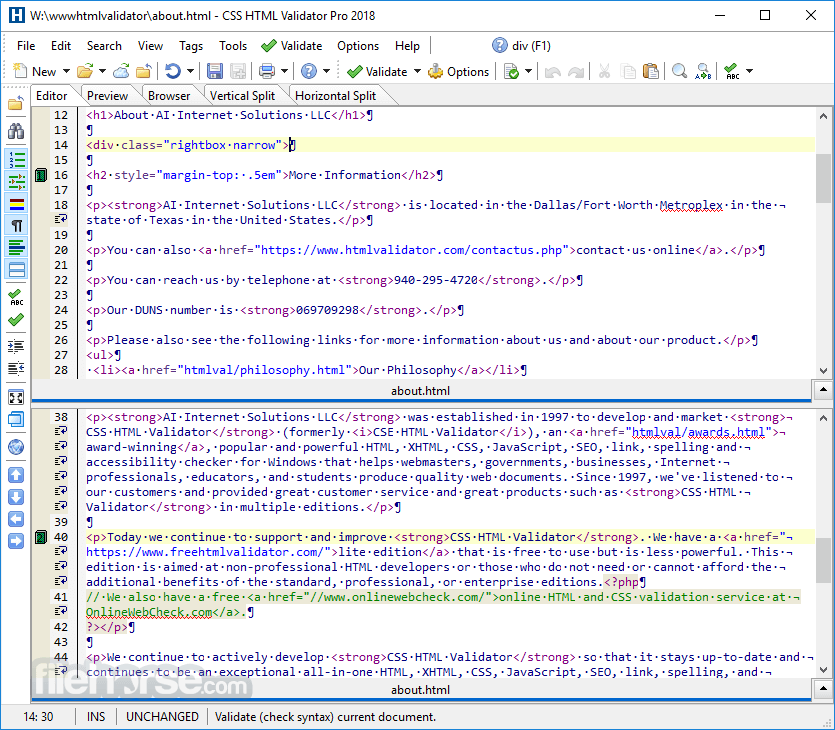
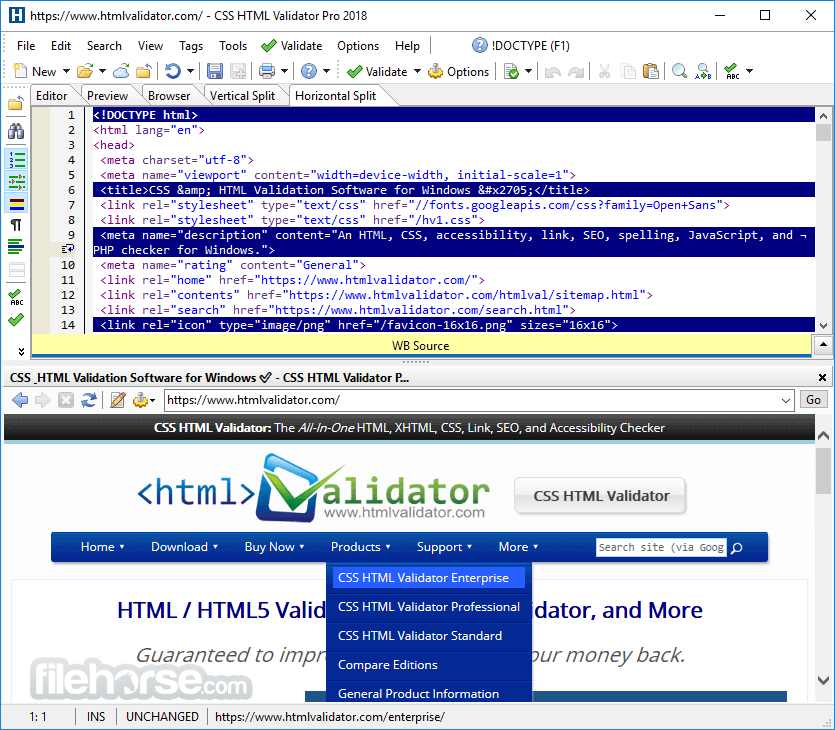
- Built-in HTML/text editor with syntax highlighting.
- Powerful Batch Wizard (professional and enterprise editions only) that lets you easily validate multiple documents. You can also give it a URL and follow its links to validate a small to a medium-sized web site. The Batch Wizard can also be used as a web site spell checker and link checker.
- Link checking (standard and professional editions) finds broken and problematic links. The Batch Wizard can be used as a link checker to check an entire website.
- Help functions available from most dialog boxes.
- Comes preconfigured with HTML 2.0, HTML 3.2, HTML 4.0, HTML 4.01, HTML5, XHTML, Microsoft Internet Explorer tags, SMIL, RealText, WebTV, WML, frame, table tags, and more.
- Supports XHTML!
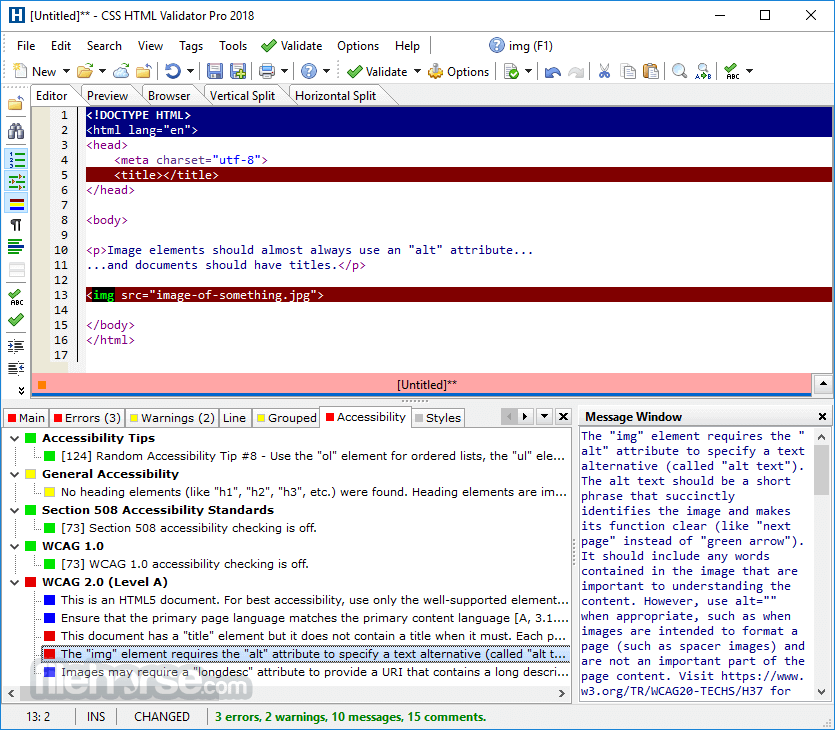
- Accessibility Checking checks for accessibility issues based on Section 508 US Government Standards and/or the industry-standard Web Content Accessibility Guidelines 1.0 (WCAG 1.0) and 2.0 (WCAG 2.0)
- Notifies you when using tags and attributes that are browser-specific (Std+).
- Add your own tag names, attributes, and attribute values, or edit existing ones (Pro+)
- Using command-line arguments, HTML Validator has the ability to let you right-click on an HTML document, select a menu item from the pop-up menu, and then instantly have the errors (if any) displayed on the screen.
- Drag and Drop multiple files onto HTML Validator for validating multiple files at one time or for using a tool on multiple files at one time.
- Uppercase and Lowercase Tools that let you easily convert tags and attributes to all uppercase or lowercase.
- Strip HTML Tool that takes HTML tags out of a document.
- Convert text files from Unix, Mac, or MS-DOS to Unix, Mac, or MS-DOS.
- The Template Tool allows you to change parts of HTML documents quickly and easily. We use it extensively on this web site.
- Quick Quote Tool places quotation marks around all attribute values that don't already have them.
- Easy to use, productive, and powerful interface.
How to Use
- Open the software and load your HTML or CSS file
- Click "Validate" to check for errors and warnings
- Review the results and suggested fixes
- Edit your code using the built-in editor
- Revalidate to ensure all issues are resolved
- Save or export the corrected file
- Windows 11 or Windows 10 (64-bit recommended)
- 4GB RAM (8GB recommended)
- 200MB free disk space
- Internet connection for updates
- 1920x1080 resolution recommended
- Fast and accurate validation
- Detailed error explanations
- Built-in HTML and CSS editor
- Customizable validation rules
- Supports modern web standards
- Windows-only software
- Interface feels outdated
- No real-time browser preview
- Limited free version features
Download CSS HTML Validator Latest Version Why is this app published on FileHorse? (More info)
##
畫面截圖