Dell Display Manager (DDM) 2.3.2.18
v 2.3.2.18
Windows
免費軟體
7.4/10 (59)
- 目前版本2.3.2.18
- 更新日期2025-11-20
- 檔案大小71.46 MB
- 檔案名稱ddmsetup.exe
- 作業系統Windows 10 (64-bit) / Windows 11
- 支援語系English
- 授權型式免費軟體
- 開發商 Dell
- 軟體分類Windows 軟體 / 桌面強化
##
翻譯排程處理中,以下暫以英文原文呈現
軟體介紹
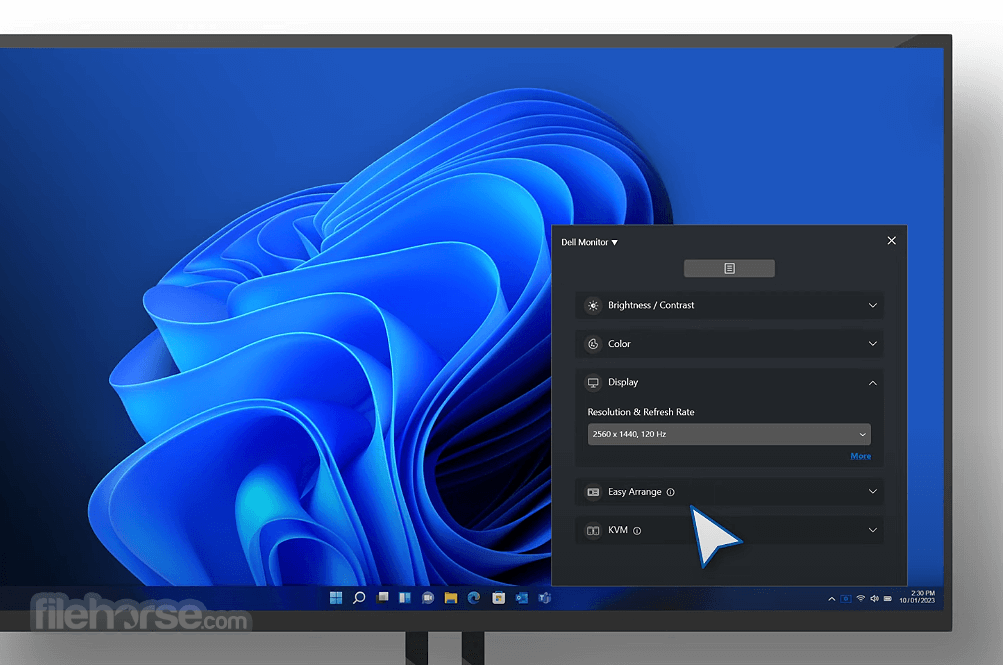
Dell Display Manager - DDM is a comprehensive management tool giving you optimal front of screen experience, efficient display management, easy and effortless multitasking, helping you increase everyday productivity.
This software works only on Dell monitors produced from 2013 and beyond, with the exception of Dell D-Series and Nvidia G-SYNC based models.
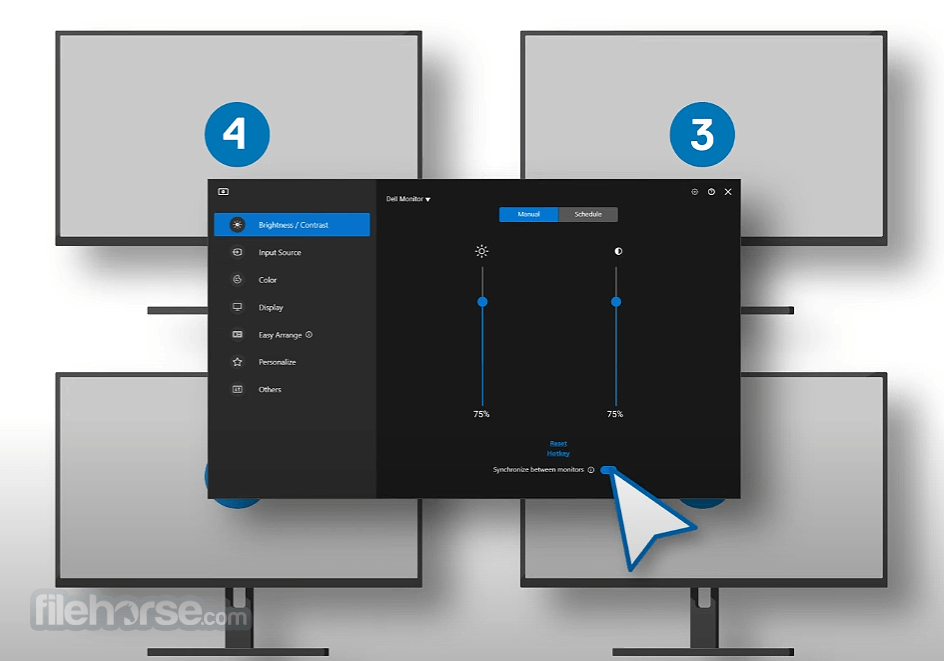
This software can support up to 16 monitor setups and is compatible with all major graphics vendors like Nvidia, AMD, and Intel.
Multitask redefined
With the Easy Arrange feature, you can organize multiple application windows on your screen and snap their positions and sizes into a template of your choice and then reuse it when needed.
You can split screen horizontally or vertically, or in various other patterns, making it easier to use the full potential of your large Dell monitor when having the need to work in more than one window at the same time.
In the case of a dual monitor setup, Easy Arrange can also be used to expand desktop space across two monitors.
The auto-restore feature remembers where you left off and restores application windows as they were.
Input Manager
Enables easy switching of inputs without the need to click on any Monitor hardware buttons and go through its OSD screens. A great feature if you want to switch the input video source from VGA to HDMI in a single click.
In case you use the same monitor for your PC and for your laptop, this feature allows you to switch easily between them. You can even assign names to each input and define a shortcut key, making it even easier to switch between input screens.
The DDM tool for PC is very useful for programmers or gamers.
Manual or Automatic
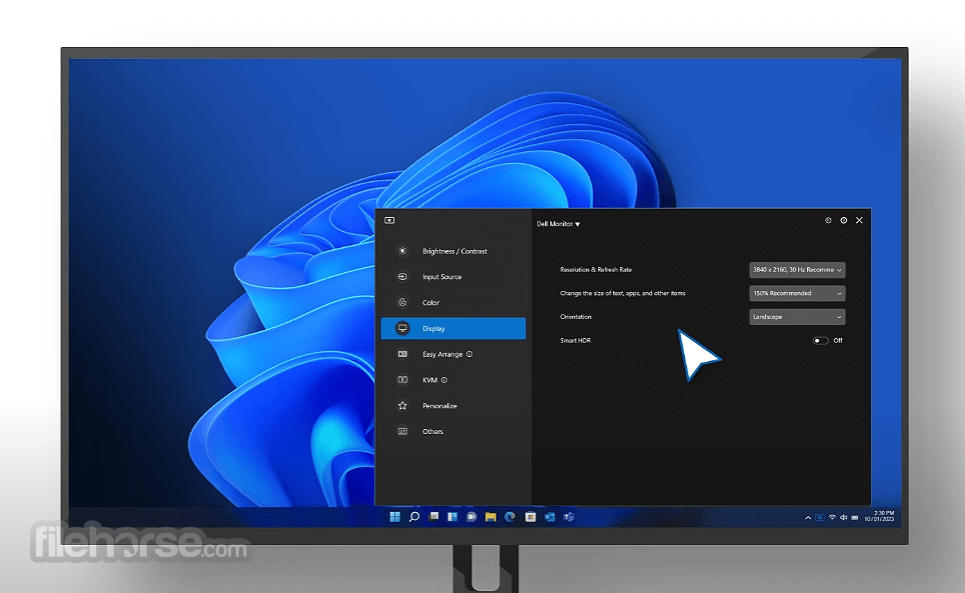
Adjusting monitor brightness, contrast, or resolution can now be done directly through the Dell Display Monitor DDM software.
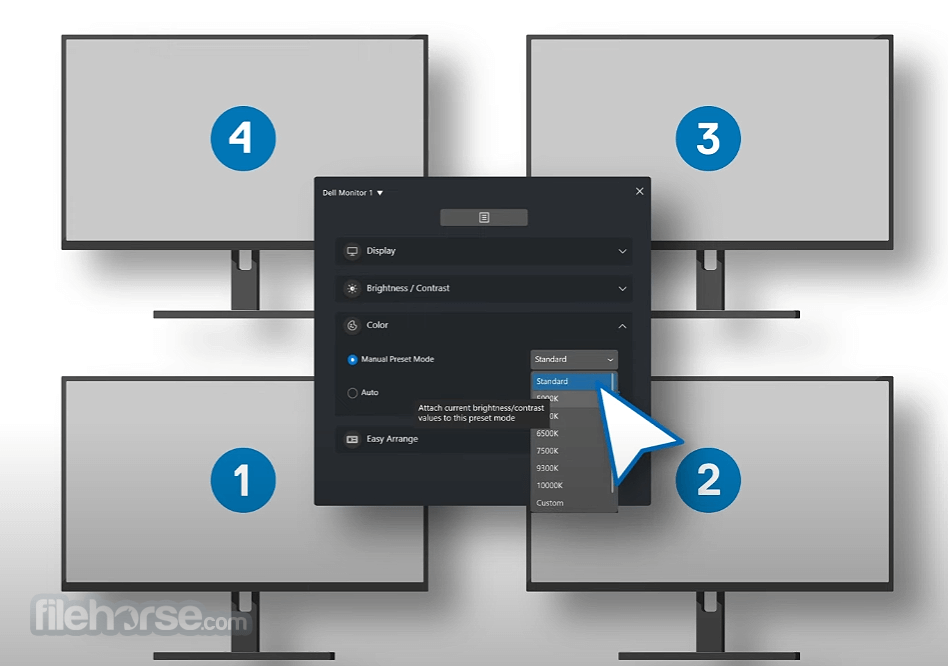
These settings can then be saved as presets and used again when writing a document, playing games, or watching movies, all within the application.
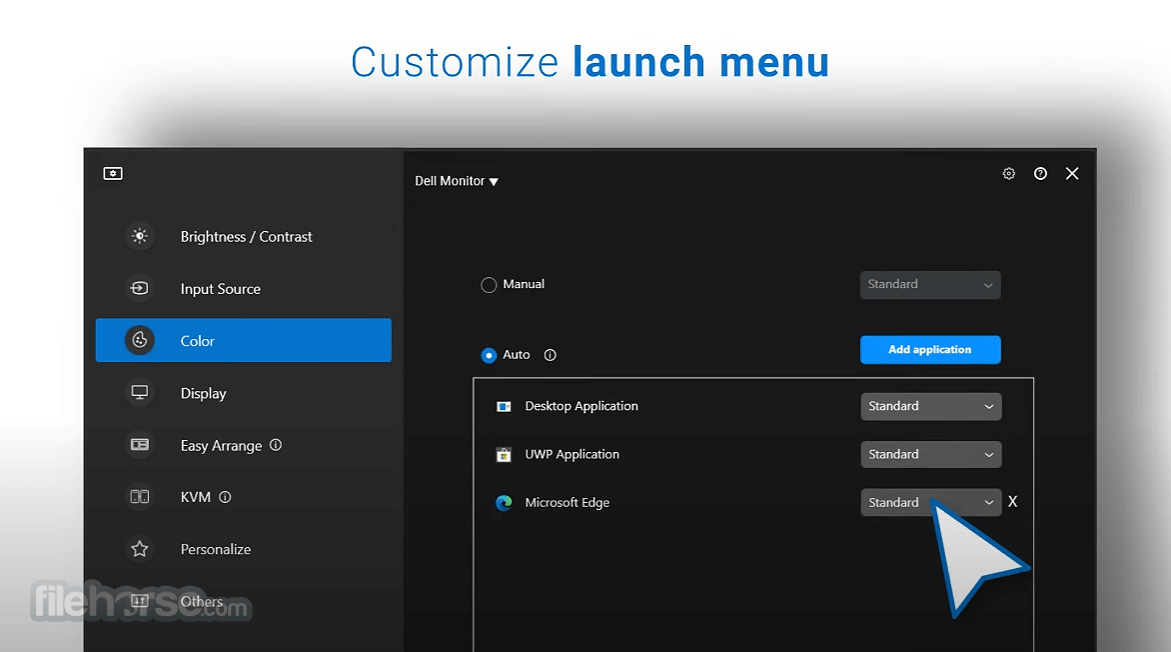
To make things even better, Auto Mode allows you to assign presets to applications you use: so once you launch VLC Player, a movie preset will get auto-applied, and you can enjoy the video without the need to switch modes manually.
Efficient and Eco-friendly
Making an asset report document is a one-click process, allowing IT managers to save and monitor asset information documents with just one click.
Saving energy is an important PowerNap function that allows power consumption management.
Putting your monitor to sleep when you’re not using it saves energy.
To download and install Dell Display Manager for your Dell monitor:
Figure 1: Connecting your monitor to a desktop
Figure 2: Connecting your monitor to a laptop
Figure 3: Enabling DDC/CI in the OSD menu of the Dell Monitor before using DDM2.x
Figure 4: The App Display Menu
Figure 5: Manual Mode for Brightness or Contrast
Figure 6: Schedule Mode for Brightness or Contrast
Figure 7: Scheduling Time for Brightness or Contrast Settings in Schedule Mode
Figure 8: Auto Mode for Brightness or Contrast
Figure 9: Easy Arrange Layout
Figure 10: Customized Layout
And many more!
FAQs
What operating systems and processors does Dell Display Manager (DDM) support?
DDM 2.x is compatible with Windows 11 (x64-based) and Windows 10 (x64-based), starting from build 17763. For ARM-based computers, it supports Windows 11 (arm64-based) with Qualcomm Snapdragon X-Elite/X-Plus and higher chipsets from version 2.3.2 onward. This tool does not support certain chipsets as detailed in Table 7.
Does the DDM application vary for each Dell monitor?
No, DDM 1.x and 2.x versions are consistent across all Dell monitor models. However, the specific features available may vary depending on the monitor model.
Can Dell Display Manager (DDM) support more than two monitors?
Yes, it can support up to 16 monitors. Some high-end graphics cards allow up to four external monitors, and with four such cards, DDM can manage up to 16 monitors.
Is DDM supported on a VDI desktop?
No, the app does not support VDI desktops or other virtualized environments.
Does Dell Display Manager support remote updates for both Windows and macOS?
Remote firmware updates are available only for Windows.
PROS
Download Dell Display Manager (DDM) Latest Version Why is this app published on FileHorse? (More info)
This software works only on Dell monitors produced from 2013 and beyond, with the exception of Dell D-Series and Nvidia G-SYNC based models.
This software can support up to 16 monitor setups and is compatible with all major graphics vendors like Nvidia, AMD, and Intel.
Multitask redefined
With the Easy Arrange feature, you can organize multiple application windows on your screen and snap their positions and sizes into a template of your choice and then reuse it when needed.
You can split screen horizontally or vertically, or in various other patterns, making it easier to use the full potential of your large Dell monitor when having the need to work in more than one window at the same time.
In the case of a dual monitor setup, Easy Arrange can also be used to expand desktop space across two monitors.
The auto-restore feature remembers where you left off and restores application windows as they were.
Input Manager
Enables easy switching of inputs without the need to click on any Monitor hardware buttons and go through its OSD screens. A great feature if you want to switch the input video source from VGA to HDMI in a single click.
In case you use the same monitor for your PC and for your laptop, this feature allows you to switch easily between them. You can even assign names to each input and define a shortcut key, making it even easier to switch between input screens.
The DDM tool for PC is very useful for programmers or gamers.
Manual or Automatic
Adjusting monitor brightness, contrast, or resolution can now be done directly through the Dell Display Monitor DDM software.
These settings can then be saved as presets and used again when writing a document, playing games, or watching movies, all within the application.
To make things even better, Auto Mode allows you to assign presets to applications you use: so once you launch VLC Player, a movie preset will get auto-applied, and you can enjoy the video without the need to switch modes manually.
Efficient and Eco-friendly
Making an asset report document is a one-click process, allowing IT managers to save and monitor asset information documents with just one click.
Saving energy is an important PowerNap function that allows power consumption management.
Putting your monitor to sleep when you’re not using it saves energy.
To download and install Dell Display Manager for your Dell monitor:
- Go to the Dell Display Manager page.
- Click the Download button next to this desktop Application.
- See the list of Dell monitors that support Dell Display Manager to find the supported version of Dell Display Manager.
- Using File Explorer (also known as Windows Explorer), browse to the location where the downloaded file is saved.
- Double-click the .exe driver installation file that you downloaded and follow the on-screen instructions to complete the installation process.
- After the installation is complete, restart the computer.
Figure 1: Connecting your monitor to a desktop
Figure 2: Connecting your monitor to a laptop
Figure 3: Enabling DDC/CI in the OSD menu of the Dell Monitor before using DDM2.x
Figure 4: The App Display Menu
Figure 5: Manual Mode for Brightness or Contrast
Figure 6: Schedule Mode for Brightness or Contrast
Figure 7: Scheduling Time for Brightness or Contrast Settings in Schedule Mode
Figure 8: Auto Mode for Brightness or Contrast
Figure 9: Easy Arrange Layout
Figure 10: Customized Layout
And many more!
FAQs
What operating systems and processors does Dell Display Manager (DDM) support?
DDM 2.x is compatible with Windows 11 (x64-based) and Windows 10 (x64-based), starting from build 17763. For ARM-based computers, it supports Windows 11 (arm64-based) with Qualcomm Snapdragon X-Elite/X-Plus and higher chipsets from version 2.3.2 onward. This tool does not support certain chipsets as detailed in Table 7.
Does the DDM application vary for each Dell monitor?
No, DDM 1.x and 2.x versions are consistent across all Dell monitor models. However, the specific features available may vary depending on the monitor model.
Can Dell Display Manager (DDM) support more than two monitors?
Yes, it can support up to 16 monitors. Some high-end graphics cards allow up to four external monitors, and with four such cards, DDM can manage up to 16 monitors.
Is DDM supported on a VDI desktop?
No, the app does not support VDI desktops or other virtualized environments.
Does Dell Display Manager support remote updates for both Windows and macOS?
Remote firmware updates are available only for Windows.
PROS
- Easy Multi-Monitor Management
- Customizable Display Presets
- Quick Access to Settings
- Improved Workflow Efficiency
- Seamless Window Snap Feature
- Limited Compatibility with Non-Dell Displays
- Occasional Software Glitches
- Lack of Advanced Color Calibration
- Limited Multi-OS Support
Download Dell Display Manager (DDM) Latest Version Why is this app published on FileHorse? (More info)
##
影片介紹
##
畫面截圖