Electron 43.4.0 (64-bit)
v 43.4.0 (64-bit)
Windows
開源軟體
8.08/10 (46)
- 目前版本43.4.0 (64-bit)
- 更新日期2026-07-22
- 檔案大小138 MB
- 檔案名稱electron-v43.4.0-win32-x64.zip
- 作業系統Windows 7 64 / Windows 8 64 / Windows 10 64 / Windows 11
- 支援語系English
- 授權型式開源軟體
- 開發商 OpenJS Foundation
- 軟體分類Windows 軟體 / 開發者工具
##
翻譯排程處理中,以下暫以英文原文呈現
軟體介紹
Electron is an open-source framework that enables developers to build cross-platform desktop applications using web technologies like JavaScript, HTML, and CSS.
It leverages the Chromium rendering engine and Node.js runtime, allowing developers to create desktop applications with the same tools they use for web development.
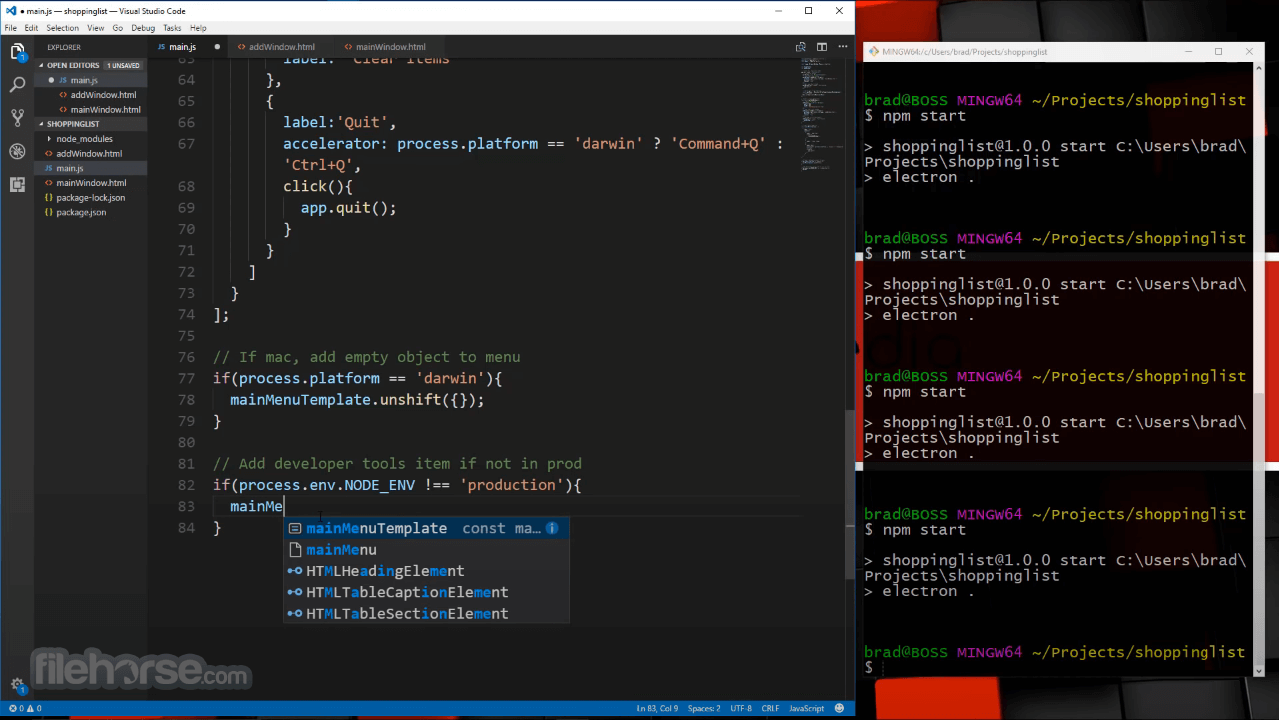
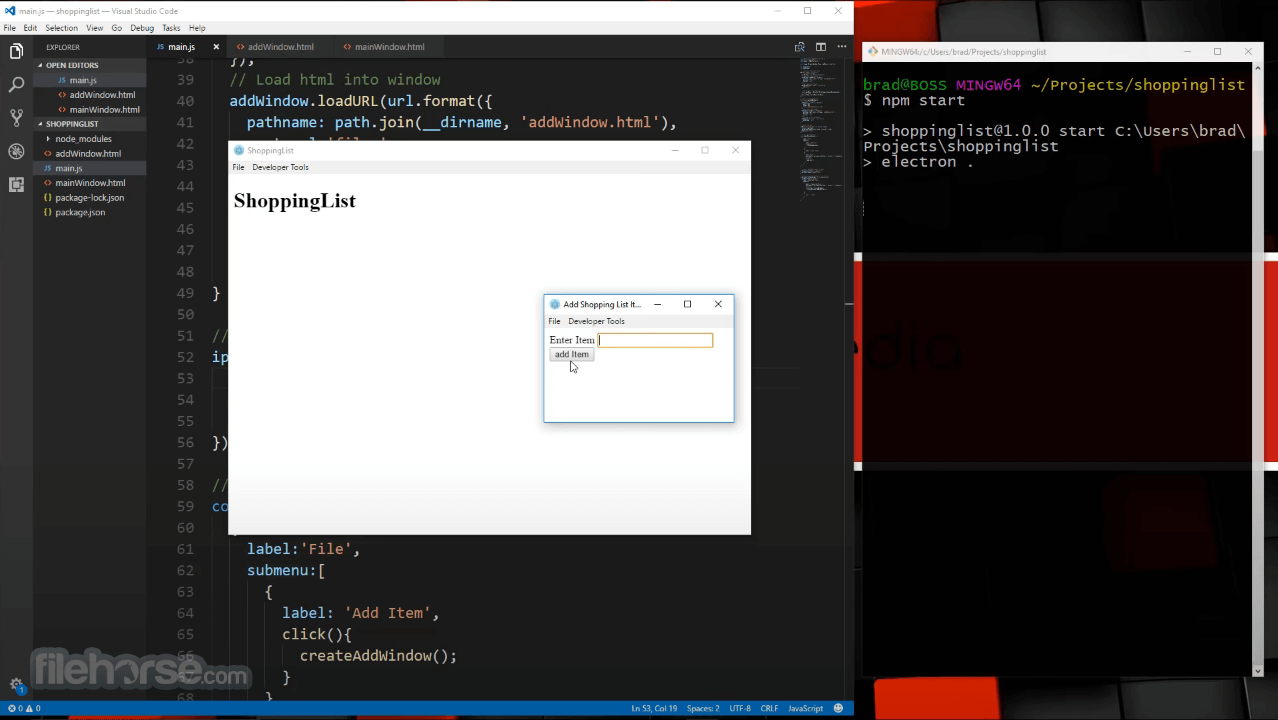
Many well-known apps, such as Visual Studio Code, Slack, and Discord, are built using Electron developed by the OpenJS Foundation.
Main Features
Cross-Platform Development: Write code once and deploy it on Windows, macOS, and Linux.
Web Technology Integration: Use JavaScript, HTML, and CSS for building applications.
Chromium-Based Rendering: Ensures a consistent UI experience across platforms.
Node.js Support: Allows integration with backend services and APIs.
Auto Updates: Enables seamless application updates.
Customizable Native Menu & Dialogs: Supports platform-specific UI elements.
Security Features: Includes sandboxing, content security policies, and process isolation.
Rich Ecosystem: Supports plugins and modules from npm and the Electron community.
User Interface
Electron itself does not impose a UI but allows developers to design interfaces using web-based technologies.
Since it uses Chromium, the applications can have modern, dynamic, and visually appealing interfaces that resemble web apps.
Many developers integrate UI libraries such as React, Vue.js, or Bootstrap to enhance the experience.
Installation and Setup
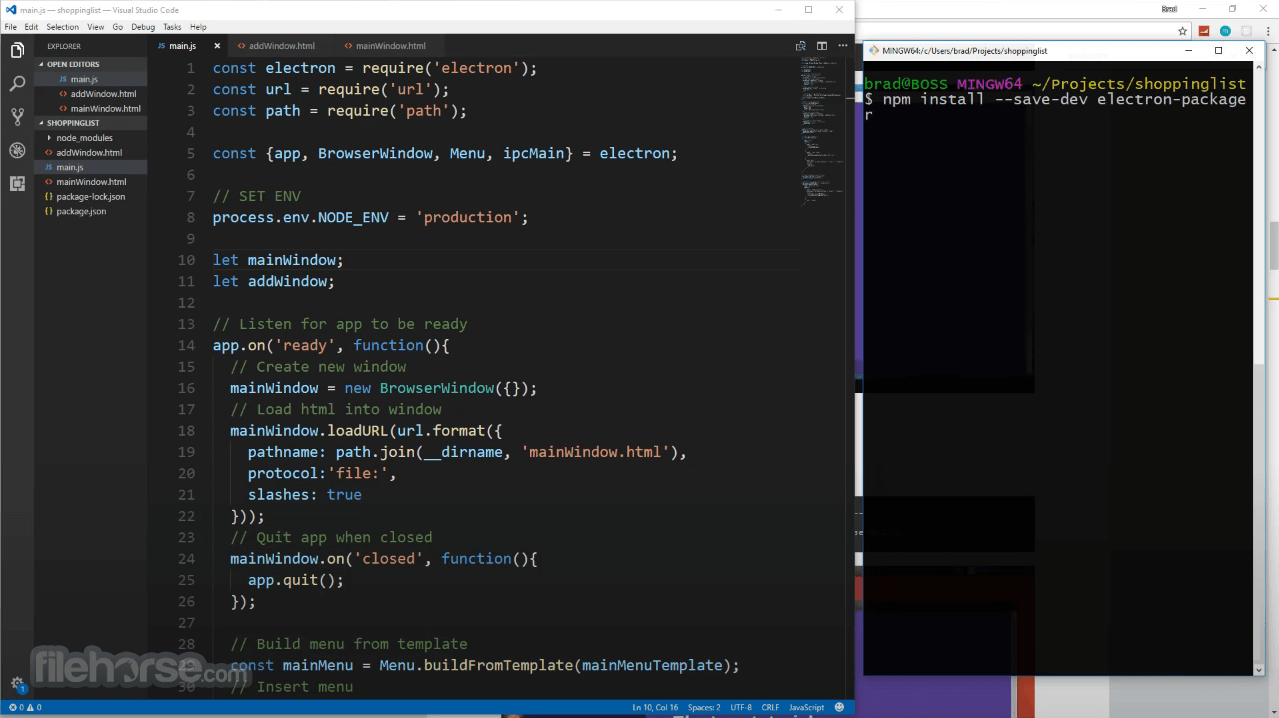
Project Initialization: Create an Electron project using npm or manually set up a package.json file.
Main & Renderer Process: Develop a main process (handles OS-level tasks) and a renderer process (renders the UI using web technologies).
Building UI: Use JavaScript frameworks or vanilla HTML/CSS.
Packaging & Distribution: Use tools like Electron Forge or Electron Packager to distribute apps.
Testing & Debugging: Utilize the Chromium Developer Tools for debugging.
FAQ
Is Electron free to use?
Yes, Electron is open-source and free for commercial and non-commercial projects.
Does Electron support native OS features?
Yes, it allows access to OS-specific features like file handling, system notifications, and clipboard access.
Are Electron apps resource-intensive?
Electron apps tend to use more RAM than native applications because they include a full Chromium instance.
How can I reduce the size of my Electron app?
Use Electron’s built-in optimizations, tree shaking, and tools like electron-builder to minimize application size.
Can I use Electron with other JavaScript frameworks?
Yes, frameworks like React, Angular, and Vue.js are commonly used with Electron.
Alternatives
Flutter for Desktop: Uses Dart and a different rendering engine.
Qt: A C++-based framework for native desktop applications.
Tauri: A lightweight alternative that uses Rust instead of Node.js.
NW.js: Similar to Electron but offers tighter Node.js integration.
React Native for Windows: An alternative for Windows-focused applications.
System Requirements
Electron is an excellent choice for developers who want to build cross-platform desktop applications using web technologies. While it may not be the most lightweight or performance-efficient solution, it offers flexibility, ease of development, and extensive community support.
If you prioritize fast development cycles and cross-platform compatibility, this program is a solid choice, though alternatives like Tauri or Flutter may be preferable for performance-sensitive applications.
Download Electron Latest Version Why is this app published on FileHorse? (More info)
It leverages the Chromium rendering engine and Node.js runtime, allowing developers to create desktop applications with the same tools they use for web development.
Many well-known apps, such as Visual Studio Code, Slack, and Discord, are built using Electron developed by the OpenJS Foundation.
Main Features
Cross-Platform Development: Write code once and deploy it on Windows, macOS, and Linux.
Web Technology Integration: Use JavaScript, HTML, and CSS for building applications.
Chromium-Based Rendering: Ensures a consistent UI experience across platforms.
Node.js Support: Allows integration with backend services and APIs.
Auto Updates: Enables seamless application updates.
Customizable Native Menu & Dialogs: Supports platform-specific UI elements.
Security Features: Includes sandboxing, content security policies, and process isolation.
Rich Ecosystem: Supports plugins and modules from npm and the Electron community.
User Interface
Electron itself does not impose a UI but allows developers to design interfaces using web-based technologies.
Since it uses Chromium, the applications can have modern, dynamic, and visually appealing interfaces that resemble web apps.
Many developers integrate UI libraries such as React, Vue.js, or Bootstrap to enhance the experience.
Installation and Setup
- Install Node.js from the official website (it includes npm, the Node.js package manager).
- Open a command prompt and run:npm install -g electron
- To create a new app, use:npx create-electron-app my-app
- Navigate to your project folder and start the app with:npm start
Project Initialization: Create an Electron project using npm or manually set up a package.json file.
Main & Renderer Process: Develop a main process (handles OS-level tasks) and a renderer process (renders the UI using web technologies).
Building UI: Use JavaScript frameworks or vanilla HTML/CSS.
Packaging & Distribution: Use tools like Electron Forge or Electron Packager to distribute apps.
Testing & Debugging: Utilize the Chromium Developer Tools for debugging.
FAQ
Is Electron free to use?
Yes, Electron is open-source and free for commercial and non-commercial projects.
Does Electron support native OS features?
Yes, it allows access to OS-specific features like file handling, system notifications, and clipboard access.
Are Electron apps resource-intensive?
Electron apps tend to use more RAM than native applications because they include a full Chromium instance.
How can I reduce the size of my Electron app?
Use Electron’s built-in optimizations, tree shaking, and tools like electron-builder to minimize application size.
Can I use Electron with other JavaScript frameworks?
Yes, frameworks like React, Angular, and Vue.js are commonly used with Electron.
Alternatives
Flutter for Desktop: Uses Dart and a different rendering engine.
Qt: A C++-based framework for native desktop applications.
Tauri: A lightweight alternative that uses Rust instead of Node.js.
NW.js: Similar to Electron but offers tighter Node.js integration.
React Native for Windows: An alternative for Windows-focused applications.
System Requirements
- OS: Windows 11, 10, 8 or 7 (64-bit recommended)
- RAM: 4GB minimum (8GB recommended)
- Storage: 500MB+ for development and installation
- Node.js: Latest LTS version recommended
- Graphics: GPU acceleration recommended for performance
- Cross-platform support
- Uses widely known web technologies
- Large developer community
- Frequent updates and security patches
- Seamless auto-update functionality
- High memory consumption
- Larger application size compared to native apps
- Performance overhead due to Chromium and Node.js
- Some security concerns when improperly configured
- Can be slower compared to native frameworks
Electron is an excellent choice for developers who want to build cross-platform desktop applications using web technologies. While it may not be the most lightweight or performance-efficient solution, it offers flexibility, ease of development, and extensive community support.
If you prioritize fast development cycles and cross-platform compatibility, this program is a solid choice, though alternatives like Tauri or Flutter may be preferable for performance-sensitive applications.
Download Electron Latest Version Why is this app published on FileHorse? (More info)
##
畫面截圖