- 目前版本4.9.5.0
- 更新日期2026-05-19
- 檔案大小819.2 KB
- 檔案名稱setup.exe
- 作業系統Windows 7 / Windows 8 / Windows 10 / Windows 11
- 支援語系English
- 授權型式開源軟體
- 開發商 Emby Team
- 軟體分類Windows 軟體 / 影片軟體
##
翻譯排程處理中,以下暫以英文原文呈現
軟體介紹
Emby Server is designed to help you manage your personal media libraries, such as home videos and photos. Powerful tools to manage your content, users, sharing, security, and more.
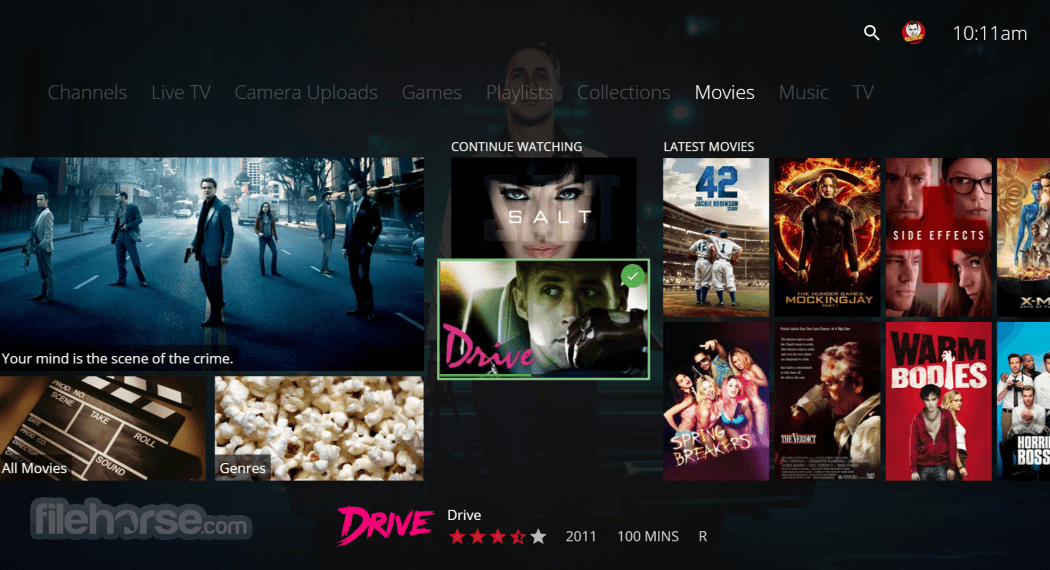
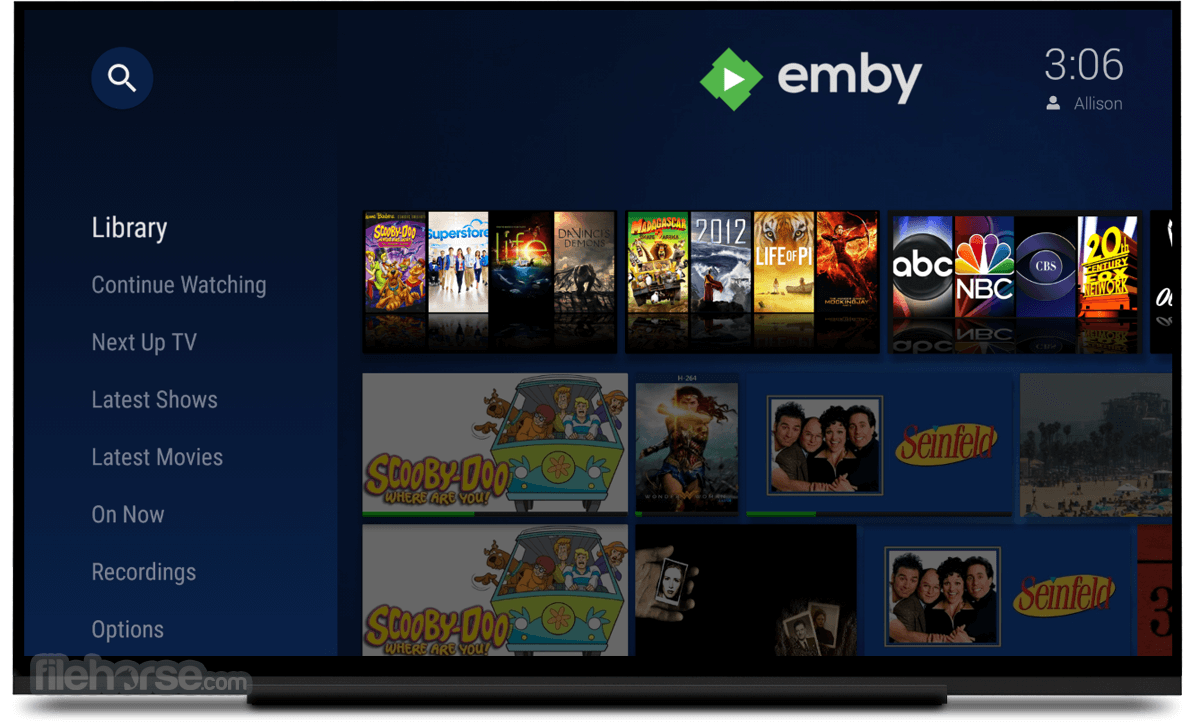
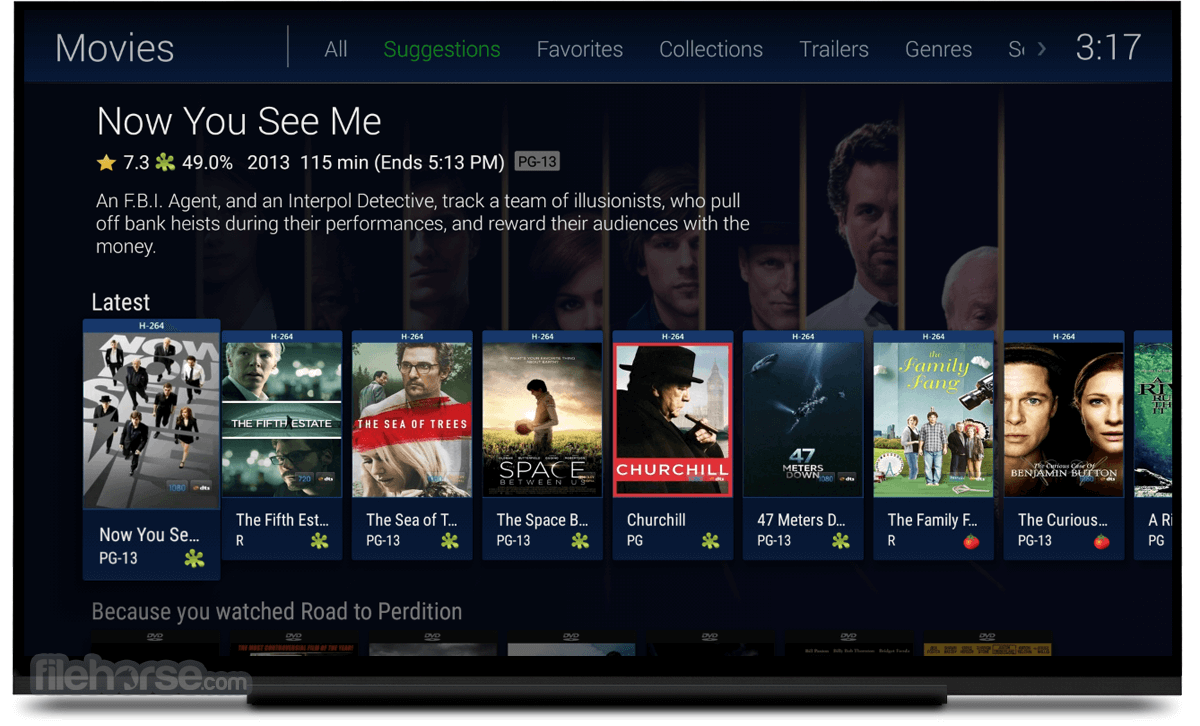
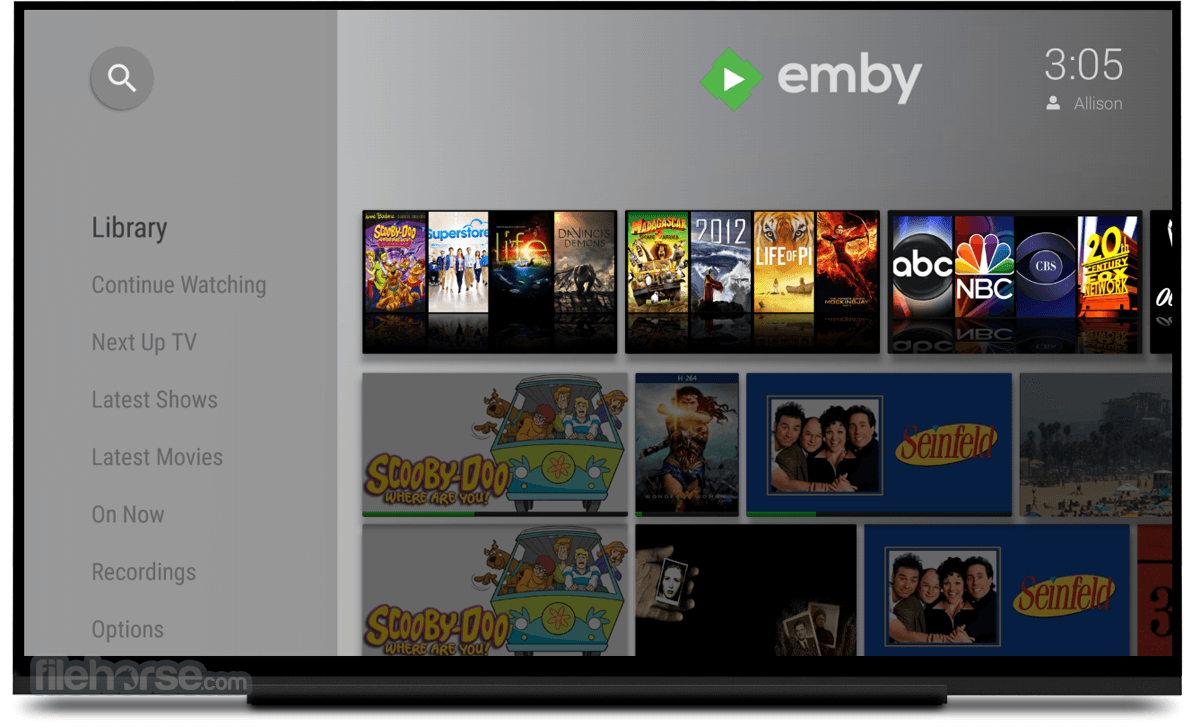
The Emby Server dashboard is designed for smartphones, tablets, and big screens, allowing you to manage your media anytime, anywhere.
Bringing all of your home videos, music, and photos together into one place has never been easier. Your personal Emby Server automatically converts and streams your media on-the-fly to play on any device.
Emby Connect makes it easy to enjoy your personal media while away from home. No more fumbling with IP addresses. Just sign in and play. Stream Live TV to any device, manage your DVR, and enjoy your library of recordings. Easily control content access for your children. Monitor and remote control their sessions as you need to.
Take your personal home videos, music, and photos with you wherever you go, even offline with Emby Mobile Sync. Emby apps are available for Android, iPhone, iPad, Windows Phone, and Windows Tablets. Sit back and enjoy Emby from the living room.
Emby apps are available for Android TV, Amazon Fire TV, Chromecast, Roku, Xbox, Home Theater Computers, and more.
It takes the fuss out of managing your home videos, music, and photos so that you can spend more time enjoying and less time struggling. Purchase Emby Premiere and receive additional bonus features such as Cover Art, Mobile Sync, Cloud Sync, and free Android apps.
Features and Highlights
Your Media on Any Device
Emby Server automatically converts and streams your personal media on the fly to play on any device.
Easy Access
Emby Connect makes it easy to enjoy your personal media while away from home. Just sign in and play.
Live TV
Stream Live TV to any device, manage your DVR, and enjoy your library of recordings.
Mobile Sync
Sync your personal media to smartphones and tablets for easy offline access. Automatically sync new content as you add it.
Beautiful Displays
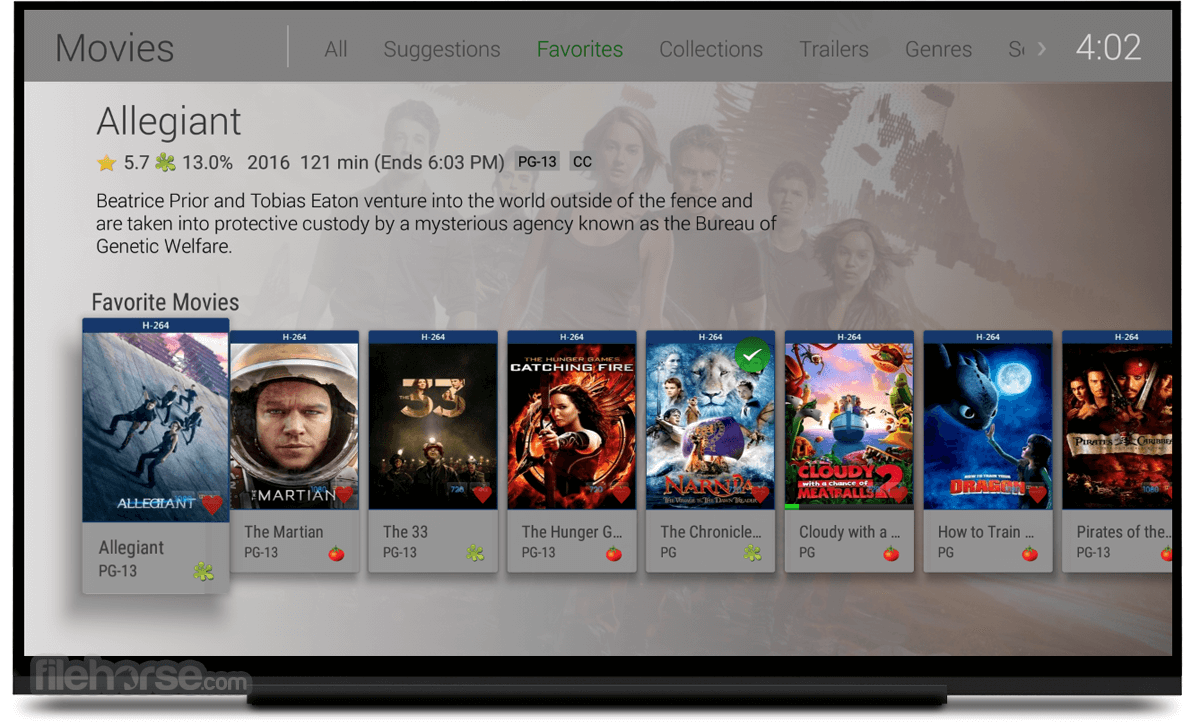
It organizes your content into easy and elegant presentations. Your personal media will never look the same.
Manage Your Media
Easy web-based tools help you edit metadata and images, search for subtitles, and more.
Manage Your Home
Easily control content access for your children. Monitor and remote control their sessions as you need to.
Parental Controls
Specify parental restrictions for your children, create access schedules, time limits, and more.
Easy DLNA
It automatically detects Dlna devices on your network so that you can easily send content, remote control, and more.
Chromecast
Send videos, music, photos, and Live TV to Chromecast with ease.
Cloud Sync
Sync your personal media to the cloud for easy backup, archiving, and converting. Store your content in multiple resolutions to enable direct streaming from any device.
How to Use
Also Available: Download Emby Server for Mac
Download Emby Server Latest Version Why is this app published on FileHorse? (More info)
The Emby Server dashboard is designed for smartphones, tablets, and big screens, allowing you to manage your media anytime, anywhere.
Bringing all of your home videos, music, and photos together into one place has never been easier. Your personal Emby Server automatically converts and streams your media on-the-fly to play on any device.
Emby Connect makes it easy to enjoy your personal media while away from home. No more fumbling with IP addresses. Just sign in and play. Stream Live TV to any device, manage your DVR, and enjoy your library of recordings. Easily control content access for your children. Monitor and remote control their sessions as you need to.
Take your personal home videos, music, and photos with you wherever you go, even offline with Emby Mobile Sync. Emby apps are available for Android, iPhone, iPad, Windows Phone, and Windows Tablets. Sit back and enjoy Emby from the living room.
Emby apps are available for Android TV, Amazon Fire TV, Chromecast, Roku, Xbox, Home Theater Computers, and more.
It takes the fuss out of managing your home videos, music, and photos so that you can spend more time enjoying and less time struggling. Purchase Emby Premiere and receive additional bonus features such as Cover Art, Mobile Sync, Cloud Sync, and free Android apps.
Features and Highlights
Your Media on Any Device
Emby Server automatically converts and streams your personal media on the fly to play on any device.
Easy Access
Emby Connect makes it easy to enjoy your personal media while away from home. Just sign in and play.
Live TV
Stream Live TV to any device, manage your DVR, and enjoy your library of recordings.
Mobile Sync
Sync your personal media to smartphones and tablets for easy offline access. Automatically sync new content as you add it.
Beautiful Displays
It organizes your content into easy and elegant presentations. Your personal media will never look the same.
Manage Your Media
Easy web-based tools help you edit metadata and images, search for subtitles, and more.
Manage Your Home
Easily control content access for your children. Monitor and remote control their sessions as you need to.
Parental Controls
Specify parental restrictions for your children, create access schedules, time limits, and more.
Easy DLNA
It automatically detects Dlna devices on your network so that you can easily send content, remote control, and more.
Chromecast
Send videos, music, photos, and Live TV to Chromecast with ease.
Cloud Sync
Sync your personal media to the cloud for easy backup, archiving, and converting. Store your content in multiple resolutions to enable direct streaming from any device.
How to Use
- Run the installer and complete the setup
- Open Emby Server from the system tray or Start Menu
- Follow the web-based setup wizard in your browser
- Add media libraries for movies, shows, music, etc.
- Create user accounts and set access controls
- Install Emby apps on your devices (TV, mobile, etc.)
- Stream your media from the server to any connected device
- Customize server settings for metadata, transcoding, etc.
- Keep Emby Server updated for best performance
- OS: Windows 7 SP1 or later (including Windows 10/11)
- CPU: Intel or AMD processor, 2 GHz or faster
- RAM: 4 GB minimum (8 GB recommended for HD streaming)
- Storage: At least 1 GB for installation, more for media
- Network: Wired Ethernet recommended for streaming
- GPU: Optional, for hardware transcoding (e.g., Intel Quick Sync, NVIDIA NVENC)
- .NET Framework: Version 6.0 or later
- Great media organization tools
- Multiple user account support
- Live TV and DVR functionality
- Hardware transcoding support
- Cross-platform device streaming
- Premium features require subscription
- Setup may be complex for beginners
- Interface less modern than competitors
- Limited plugin selection compared to others
- Remote access setup can be tricky
Also Available: Download Emby Server for Mac
Download Emby Server Latest Version Why is this app published on FileHorse? (More info)
##
畫面截圖