- 目前版本1.49
- 更新日期2026-02-20
- 檔案大小3.85 MB
- 檔案名稱ECPSU_149.exe
- 作業系統Windows XP / Vista / Windows 7 / Windows 8 / Windows 10 / Windows 11
- 支援語系English
- 授權型式免費軟體
- 開發商 Epson America, Inc.
- 軟體分類Windows 軟體 / 驅動程式
##
翻譯排程處理中,以下暫以英文原文呈現
軟體介紹
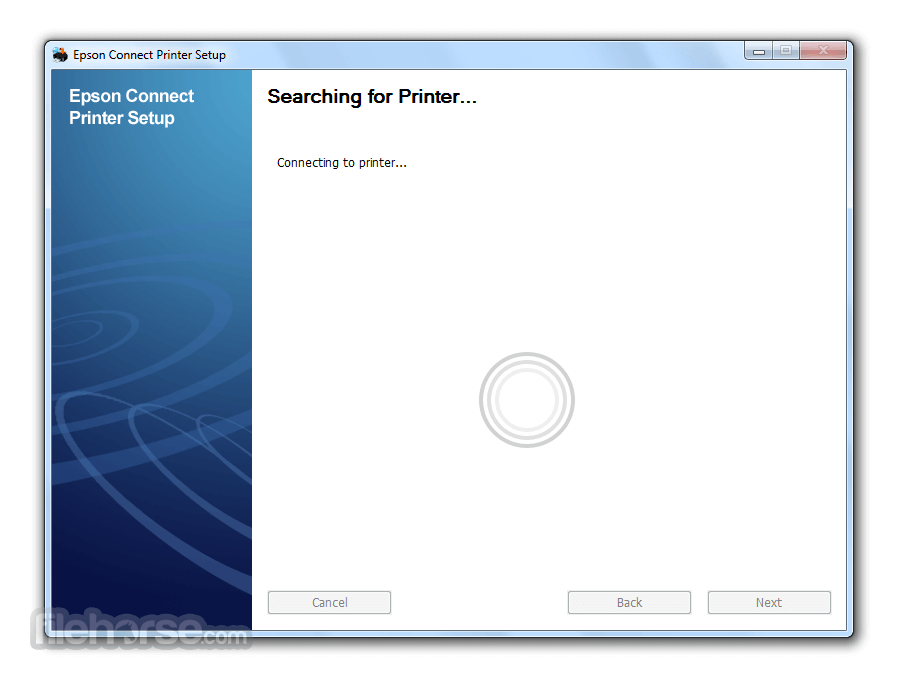
Epson Connect Printer Setup Utility (ECPSU) is used to enable Epson Connect so you can print emails, documents, or photos from any device that can send an email.
This utility is required for Epson Email Print, Remote Print, or Scan To Cloud. No other software is required for Epson Email Print or Scan To Cloud.
How to Use
What is the Epson Connect Printer Setup Utility used for?
Epson Connect Printer Setup Utility is a configuration tool that helps users enable and manage Epson Connect services on compatible Epson printers. It allows you to register your printer to Epson’s cloud services so you can print remotely via Email Print, Epson iPrint, or other supported remote printing features.
Do you need the Epson Connect Printer Setup Utility for wireless printing?
Not always. Standard Wi-Fi printing can often be configured directly through your printer’s control panel or operating system drivers, but the Epson Connect Printer Setup Utility is required if you want to activate Epson’s cloud-based services, such as remote email printing or printing from outside your local network.
Is Epson Connect Printer Setup Utility still necessary in 2026?
Yes, for users who want to use Epson’s remote and cloud printing services, the utility remains relevant in 2026 for initial setup and service activation. However, once the printer is registered and configured, ongoing daily printing typically does not require the utility to remain installed.
Pricing
Epson Connect Printer Setup Utility is completely free to download and use.
It is provided at no cost through the official Epson support website to help users configure Epson printers for cloud and remote printing services.
PROS
Download Epson Connect Printer Setup Utility Latest Version Why is this app published on FileHorse? (More info)
This utility is required for Epson Email Print, Remote Print, or Scan To Cloud. No other software is required for Epson Email Print or Scan To Cloud.
How to Use
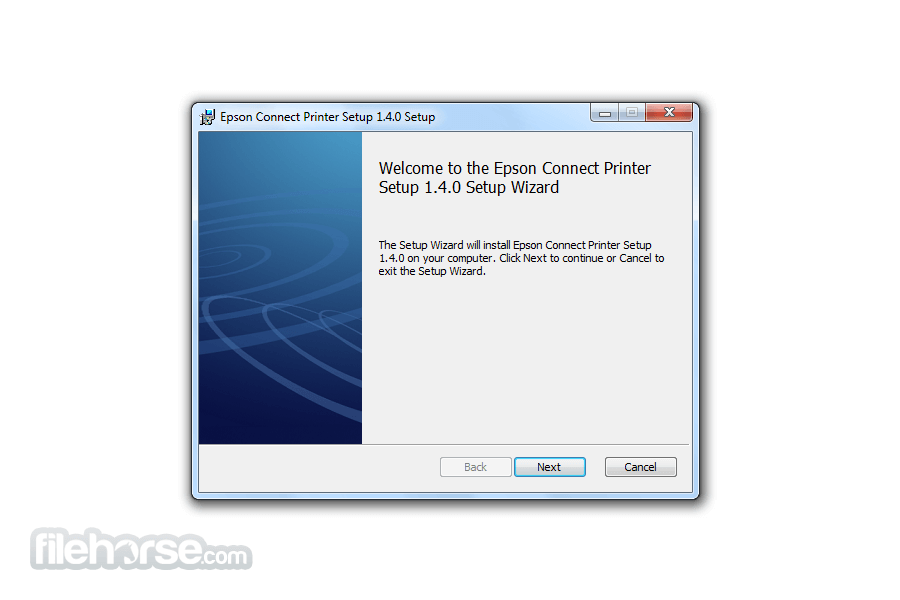
- Download and install the Epson Connect Printer Setup Utility for PC
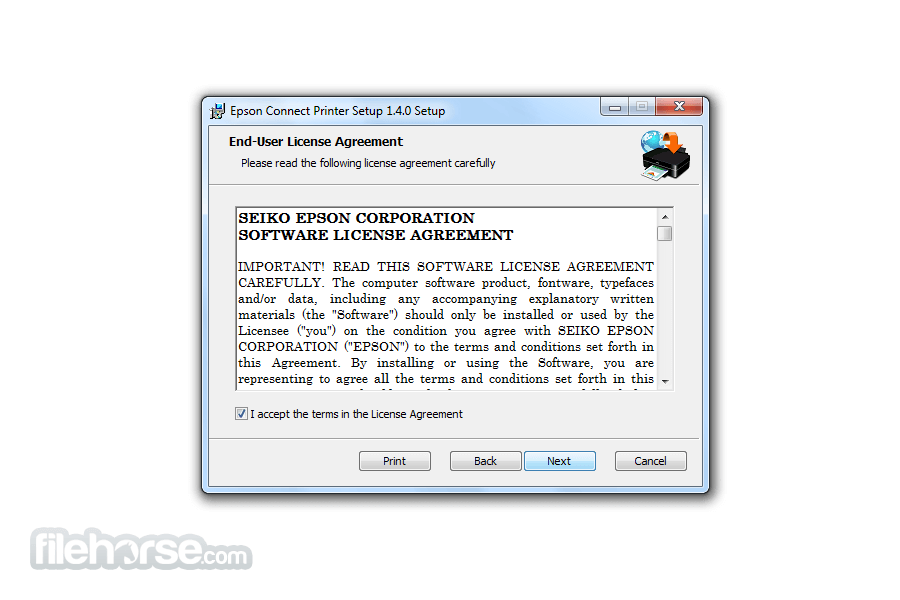
- Agree to the End-User License Agreement, then click Next.
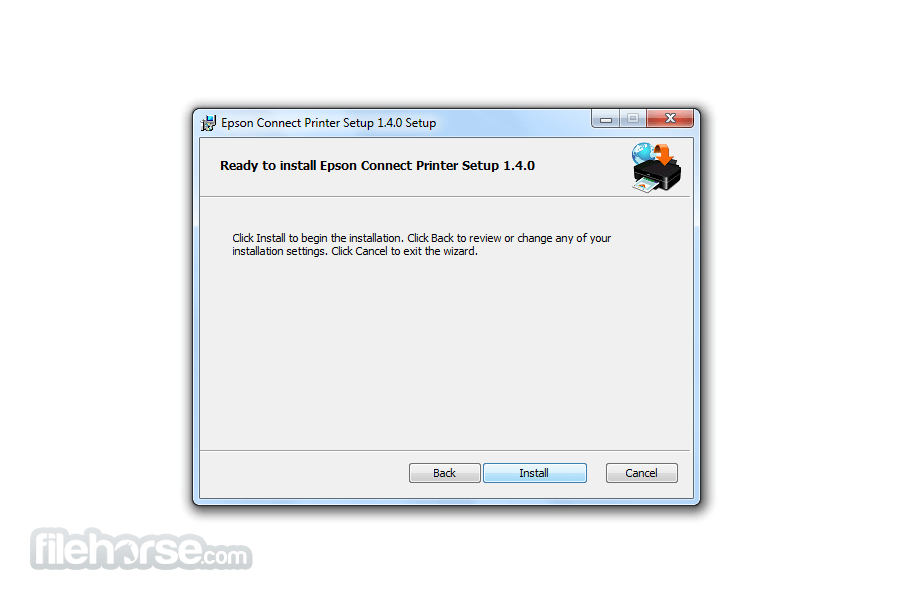
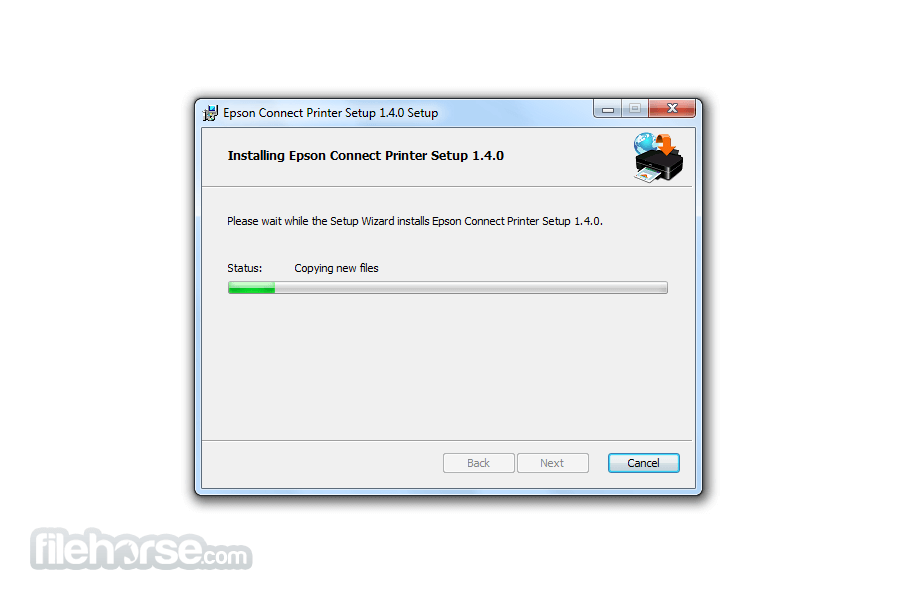
- Click Install, then Finish.
- Select your product, then click Next.
- Select Printer Registration, then click Next.
- Select Agree, then click Next.
- When you see the Register a printer to Epson Connect message, click OK.
- Activate Scan To Cloud and Remote Print instructions to activate the Scan to Cloud and Remote Print services.
- If you're creating a new account, fill out the Create an Epson Connect Account form, then click Finish.
- If you're registering a new product with an existing account, select I already have an account, fill out the Add a new printer form, then click Add.
What is the Epson Connect Printer Setup Utility used for?
Epson Connect Printer Setup Utility is a configuration tool that helps users enable and manage Epson Connect services on compatible Epson printers. It allows you to register your printer to Epson’s cloud services so you can print remotely via Email Print, Epson iPrint, or other supported remote printing features.
Do you need the Epson Connect Printer Setup Utility for wireless printing?
Not always. Standard Wi-Fi printing can often be configured directly through your printer’s control panel or operating system drivers, but the Epson Connect Printer Setup Utility is required if you want to activate Epson’s cloud-based services, such as remote email printing or printing from outside your local network.
Is Epson Connect Printer Setup Utility still necessary in 2026?
Yes, for users who want to use Epson’s remote and cloud printing services, the utility remains relevant in 2026 for initial setup and service activation. However, once the printer is registered and configured, ongoing daily printing typically does not require the utility to remain installed.
Pricing
Epson Connect Printer Setup Utility is completely free to download and use.
It is provided at no cost through the official Epson support website to help users configure Epson printers for cloud and remote printing services.
PROS
- Easy Wireless Setup
- Supports Remote Printing
- User-Friendly Interface
- Compatible with Multiple Devices
- Cloud Printing Enabled
- Limited Advanced Features
- Occasional Connectivity Issues
- Setup Can Be Confusing
- Requires Internet for Full Use
- Not All Models Supported
Download Epson Connect Printer Setup Utility Latest Version Why is this app published on FileHorse? (More info)
##
畫面截圖