ESET Smart Security Premium 19.2.7.0 (64-bit)
v 19.2.7.0 (64-bit)
Windows
商業試用
7.6/10 (191)
- 目前版本19.2.7.0 (64-bit)
- 更新日期2026-07-01
- 檔案大小86.1 MB
- 檔案名稱essp_nt64.exe
- 作業系統Windows 8 (64-bit) / Windows 10 (64-bit) / Windows 11
- 支援語系English
- 授權型式商業試用
- 開發商 ESET, LLC.
- 軟體分類Windows 軟體 / 安全工具
##
翻譯排程處理中,以下暫以英文原文呈現
軟體介紹
ESET Smart Security Premium 64bit is an advanced cybersecurity solution designed to provide comprehensive protection for personal computers.
Developed by ESET, a global leader in antivirus and cybersecurity software, this application combines antivirus, antispyware, and antimalware capabilities with additional features like a firewall, anti-theft tools, and parental controls.
It is aimed at both individuals and small businesses seeking a robust, all-in-one security suite that ensures data privacy and device safety without compromising performance.
ESET Smart Security Premium has been replaced with a new, improved solution - ESET Internet Security!
Features
Antivirus and Antimalware: Real-time scanning for viruses, trojans, and ransomware.
Firewall: Blocks unauthorized access to your computer and monitors network traffic.
Anti-Theft: Helps locate and retrieve stolen devices with location tracking and remote control options.
Parental Controls: Provides customizable content filtering to safeguard children online.
Email Protection: Scans emails for phishing scams and malicious attachments.
Secure Browser: Ensures safe online shopping and banking by isolating sensitive transactions.
Device Control: Prevents unauthorized access via USB drives or other external devices.
Game Mode: Suppresses pop-ups and notifications during gaming or other full-screen applications.
User Interface
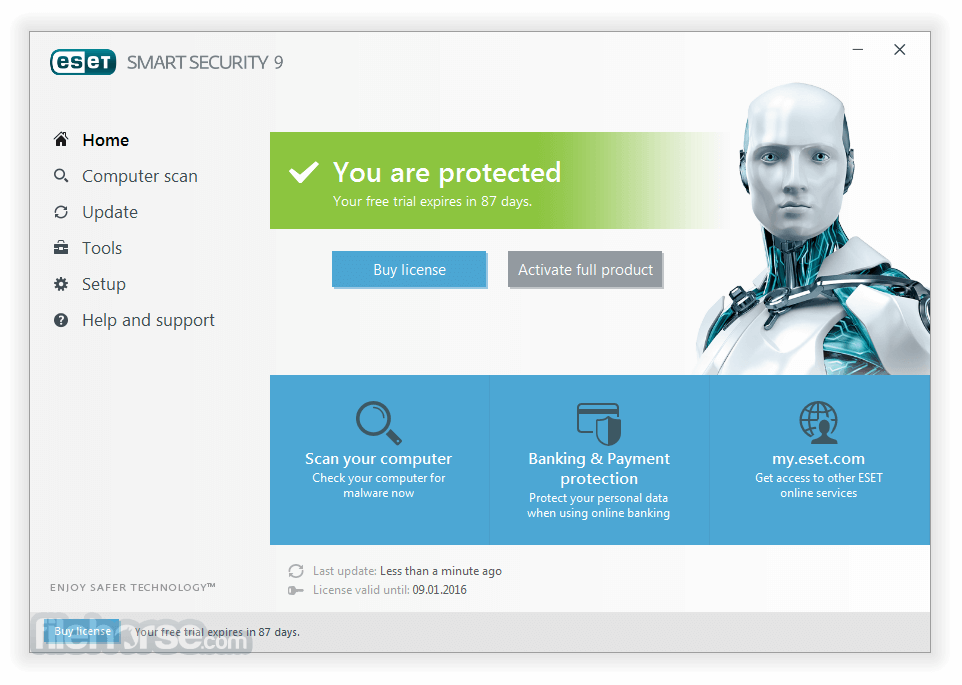
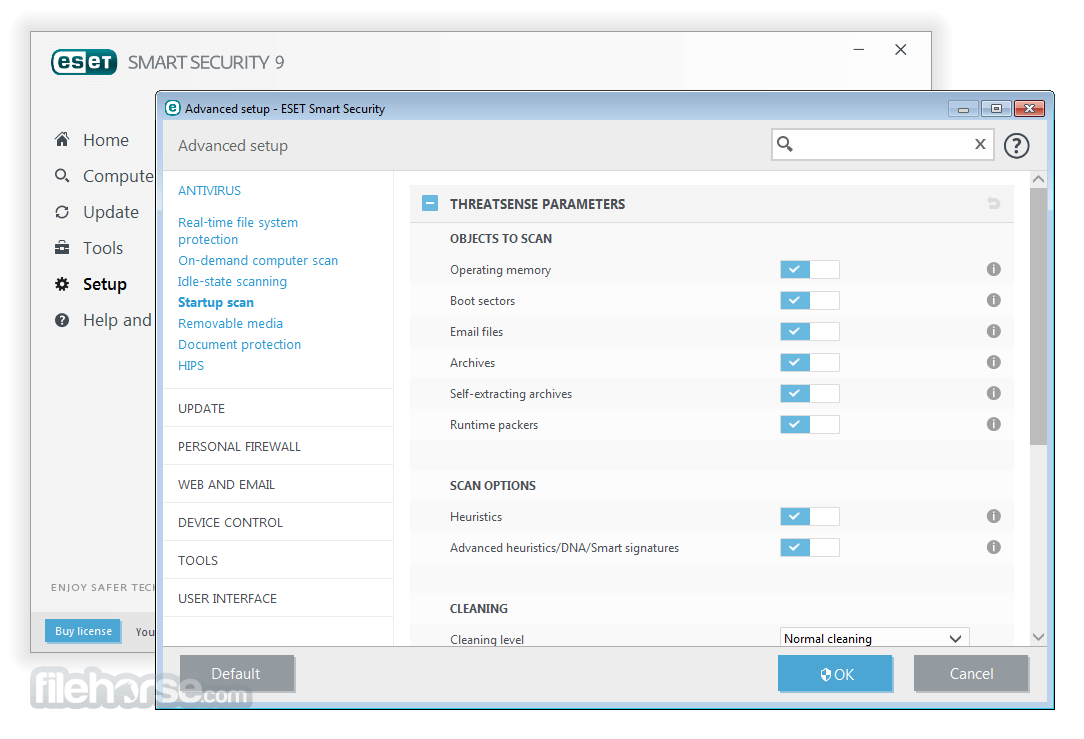
The user interface (UI) of ESET Smart Security is sleek and intuitive. The main dashboard offers a clear overview of your protection status, including virus definitions, firewall activity, and scheduled scans.
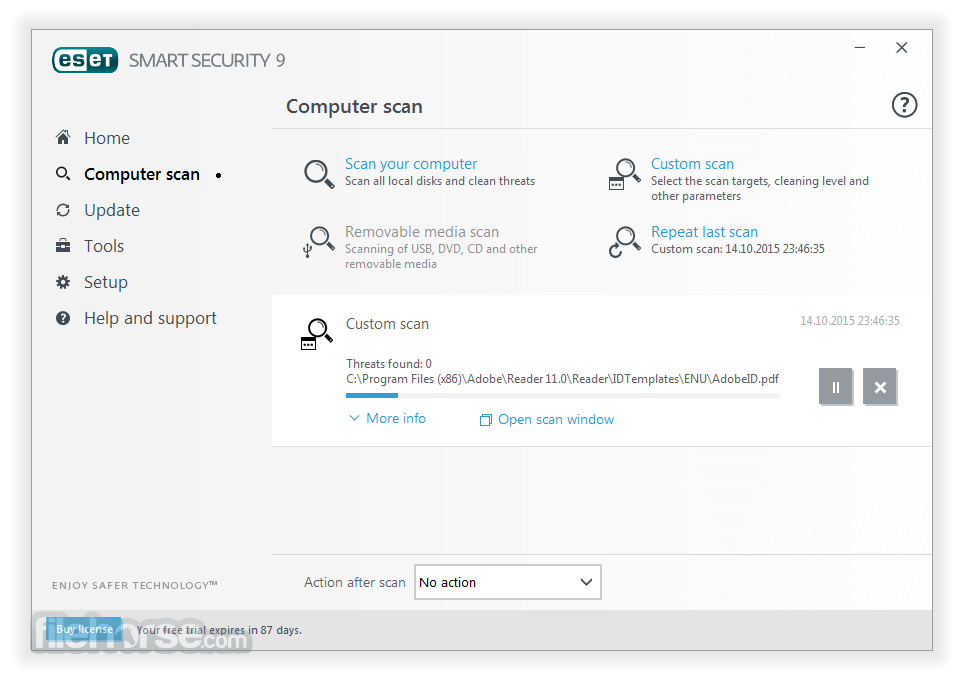
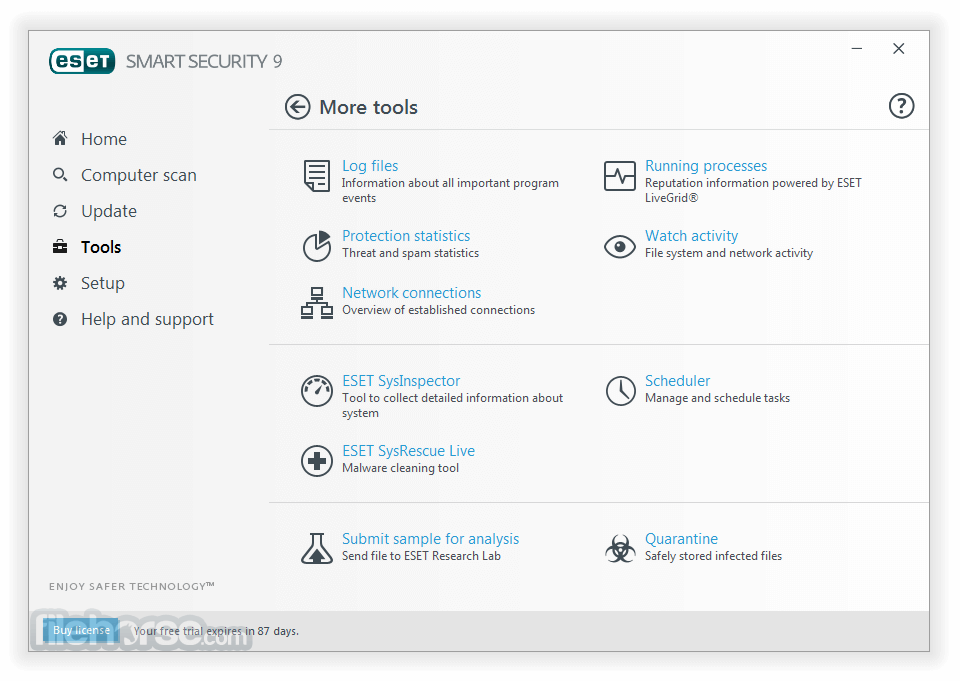
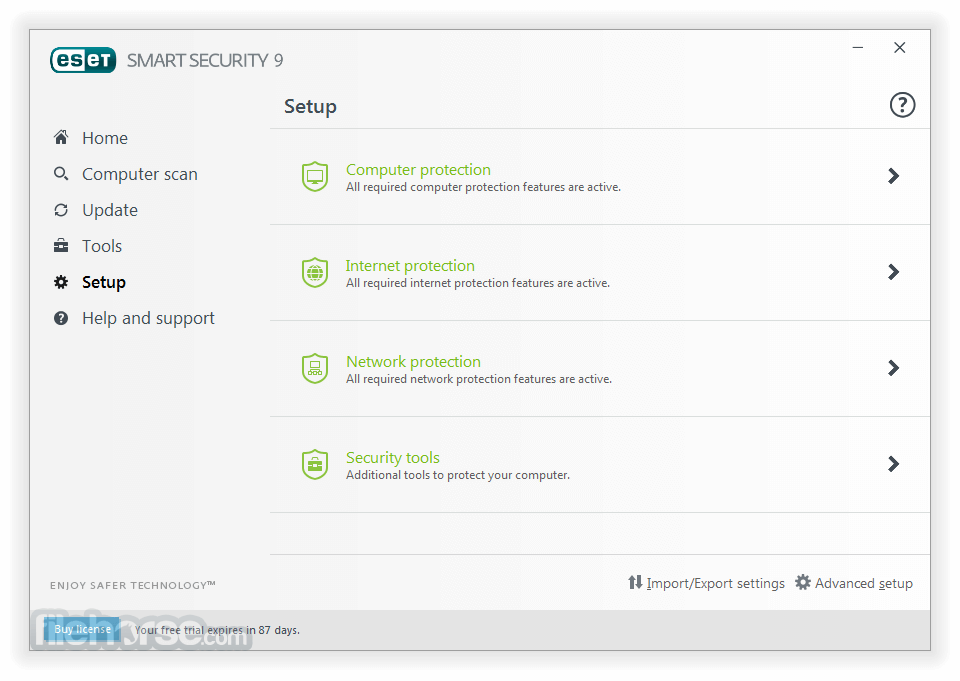
Users can easily navigate through sections like “Computer Scan,” “Update,” “Tools,” and “Settings.” The layout is minimalist yet informative, catering to both tech-savvy individuals and beginners.
Installation and Setup
Initial Scan: After installation, perform a full system scan to identify and eliminate potential threats.
Real-Time Protection: Ensure that real-time protection is enabled to guard against ongoing threats.
Custom Scans: Schedule scans for specific files or folders to maintain optimal security.
Anti-Theft Configuration: Register your device with ESET’s Anti-Theft platform and set up recovery options.
Parental Controls: Configure content filters and time limits for safe internet usage.
FAQ
Can I use ESET Smart Security on multiple devices?
Yes, ESET offers multi-device licenses that allow you to protect several devices under one subscription.
Does ESET Smart Security slow down my computer?
ESET is known for its lightweight performance and minimal impact on system resources.
What should I do if I lose my license key?
You can retrieve your license key by contacting ESET support or accessing your account on their website.
Is there a mobile version of ESET Smart Security?
Yes, ESET offers a mobile security app for Android and iOS devices with features like antivirus, anti-theft, and app locking.
How often are virus definitions updated?
Virus definitions are updated multiple times daily to ensure protection against the latest threats.
Alternatives
Norton 360 Deluxe
Features antivirus, VPN, cloud backup, and parental controls. Slightly pricier but well-regarded for robust protection.
McAfee Total Protection
Focuses on multi-device protection and identity theft prevention, with similar VPN capabilities.
Bitdefender Total Security
Known for excellent malware detection rates and lightweight performance.
Kaspersky Premium
Offers strong antivirus protection and privacy tools, though with fewer system optimization features.
AVG Ultimate
It offers comparable features but lacks the unified interface of this app.
Pricing
It offers flexible pricing plans based on the number of devices and subscription length.
For a single device, prices start at approximately $40 per year. Discounts are available for multi-year and multi-device plans.
A 30-day free trial is also available for users to explore its features.
System Requirements
ESET Smart Security is a powerful and versatile cybersecurity solution suitable for personal and professional use. Its broad feature set, lightweight performance, and ease of use make it a top contender among security suites.
While it may not be the cheapest option, the comprehensive protection it offers justifies the investment.
Note: 30 days trial version.
Also Available: ESET Smart Security (32-bit)
Download ESET Smart Security (64-bit) Latest Version Why is this app published on FileHorse? (More info)
Developed by ESET, a global leader in antivirus and cybersecurity software, this application combines antivirus, antispyware, and antimalware capabilities with additional features like a firewall, anti-theft tools, and parental controls.
It is aimed at both individuals and small businesses seeking a robust, all-in-one security suite that ensures data privacy and device safety without compromising performance.
ESET Smart Security Premium has been replaced with a new, improved solution - ESET Internet Security!
Features
Antivirus and Antimalware: Real-time scanning for viruses, trojans, and ransomware.
Firewall: Blocks unauthorized access to your computer and monitors network traffic.
Anti-Theft: Helps locate and retrieve stolen devices with location tracking and remote control options.
Parental Controls: Provides customizable content filtering to safeguard children online.
Email Protection: Scans emails for phishing scams and malicious attachments.
Secure Browser: Ensures safe online shopping and banking by isolating sensitive transactions.
Device Control: Prevents unauthorized access via USB drives or other external devices.
Game Mode: Suppresses pop-ups and notifications during gaming or other full-screen applications.
User Interface
The user interface (UI) of ESET Smart Security is sleek and intuitive. The main dashboard offers a clear overview of your protection status, including virus definitions, firewall activity, and scheduled scans.
Users can easily navigate through sections like “Computer Scan,” “Update,” “Tools,” and “Settings.” The layout is minimalist yet informative, catering to both tech-savvy individuals and beginners.
Installation and Setup
- Download the software from the official ESET website.
- Run the installer and follow the on-screen instructions.
- Enter your license key or activate a free trial.
- Customize your security settings during the initial setup.
- The installation process typically takes less than 10 minutes, depending on your system.
Initial Scan: After installation, perform a full system scan to identify and eliminate potential threats.
Real-Time Protection: Ensure that real-time protection is enabled to guard against ongoing threats.
Custom Scans: Schedule scans for specific files or folders to maintain optimal security.
Anti-Theft Configuration: Register your device with ESET’s Anti-Theft platform and set up recovery options.
Parental Controls: Configure content filters and time limits for safe internet usage.
FAQ
Can I use ESET Smart Security on multiple devices?
Yes, ESET offers multi-device licenses that allow you to protect several devices under one subscription.
Does ESET Smart Security slow down my computer?
ESET is known for its lightweight performance and minimal impact on system resources.
What should I do if I lose my license key?
You can retrieve your license key by contacting ESET support or accessing your account on their website.
Is there a mobile version of ESET Smart Security?
Yes, ESET offers a mobile security app for Android and iOS devices with features like antivirus, anti-theft, and app locking.
How often are virus definitions updated?
Virus definitions are updated multiple times daily to ensure protection against the latest threats.
Alternatives
Norton 360 Deluxe
Features antivirus, VPN, cloud backup, and parental controls. Slightly pricier but well-regarded for robust protection.
McAfee Total Protection
Focuses on multi-device protection and identity theft prevention, with similar VPN capabilities.
Bitdefender Total Security
Known for excellent malware detection rates and lightweight performance.
Kaspersky Premium
Offers strong antivirus protection and privacy tools, though with fewer system optimization features.
AVG Ultimate
It offers comparable features but lacks the unified interface of this app.
Pricing
It offers flexible pricing plans based on the number of devices and subscription length.
For a single device, prices start at approximately $40 per year. Discounts are available for multi-year and multi-device plans.
A 30-day free trial is also available for users to explore its features.
System Requirements
- Operating System: Windows 11, 10, 8.1, 8, or 7 SP1
- Processor: 1 GHz or higher
- RAM: 2 GB minimum
- Disk Space: 1 GB free storage
- Comprehensive security features
- Minimal system impact
- Intuitive user interface
- Flexible pricing options
- Multi-device compatibility
- Advanced features may require a learning curve
- No free version (beyond the trial)
- Premium pricing compared to basic antivirus software
ESET Smart Security is a powerful and versatile cybersecurity solution suitable for personal and professional use. Its broad feature set, lightweight performance, and ease of use make it a top contender among security suites.
While it may not be the cheapest option, the comprehensive protection it offers justifies the investment.
Note: 30 days trial version.
Also Available: ESET Smart Security (32-bit)
Download ESET Smart Security (64-bit) Latest Version Why is this app published on FileHorse? (More info)
##
畫面截圖