⚠ 這是歷史版本頁面 — 查看 GoldWave 最新版本 →

- 目前版本6.76
- 更新日期2023-04-29
- 檔案大小15.3 MB
- 檔案名稱InstallGoldWave676.exe
- 作業系統Windows 10 / Windows 11
- 支援語系English
- 授權型式試用版
- 開發商 GoldWave Inc.
- 軟體分類Windows 軟體 / 音訊軟體
##
編輯短評
GoldWave 是 Windows 平台上歷史悠久的數位音訊編輯器,主要解決錄音、剪輯、修復與格式轉換等需求。它具備多軌編輯能力,可在單一波形編輯器中同時處理多個音訊檔案,並提供高品質的音訊處理工具,是功能相當完整的專業級方案。這套軟體由 GoldWave Inc. 開發,多年來持續演進,目前仍維持活躍更新,在同類工具中屬於主流選擇,使用者評價普遍不錯。
這套軟體適合音樂人、Podcast 製作者或聲音設計師,在需要精確編輯音訊、修復錄音瑕疵或轉換音訊格式時特別實用。與 Virtual DJ 或 iTunes 等偏重播放或混音的替代軟體相比,GoldWave 更專注於音訊編輯本身,功能取向不同。需要注意的是,它採用試用版授權,介面僅提供英文,且僅支援 Windows 平台,使用前需確認是否符合你的語系與作業系統需求。
##
翻譯排程處理中,以下暫以英文原文呈現
軟體介紹
GoldWave is a feature-rich digital audio editor designed for Windows PC users who need a professional yet affordable solution for audio recording, editing, restoration, and conversion.
Developed by GoldWave Inc., this software has been around for decades, consistently evolving with new features to meet modern audio production needs.
Whether you are a musician, podcaster, or sound designer, it provides a robust toolkit for manipulating audio with precision.
Main Features
Multi-Track Audio Editing – Edit multiple audio files simultaneously with a comprehensive waveform editor.
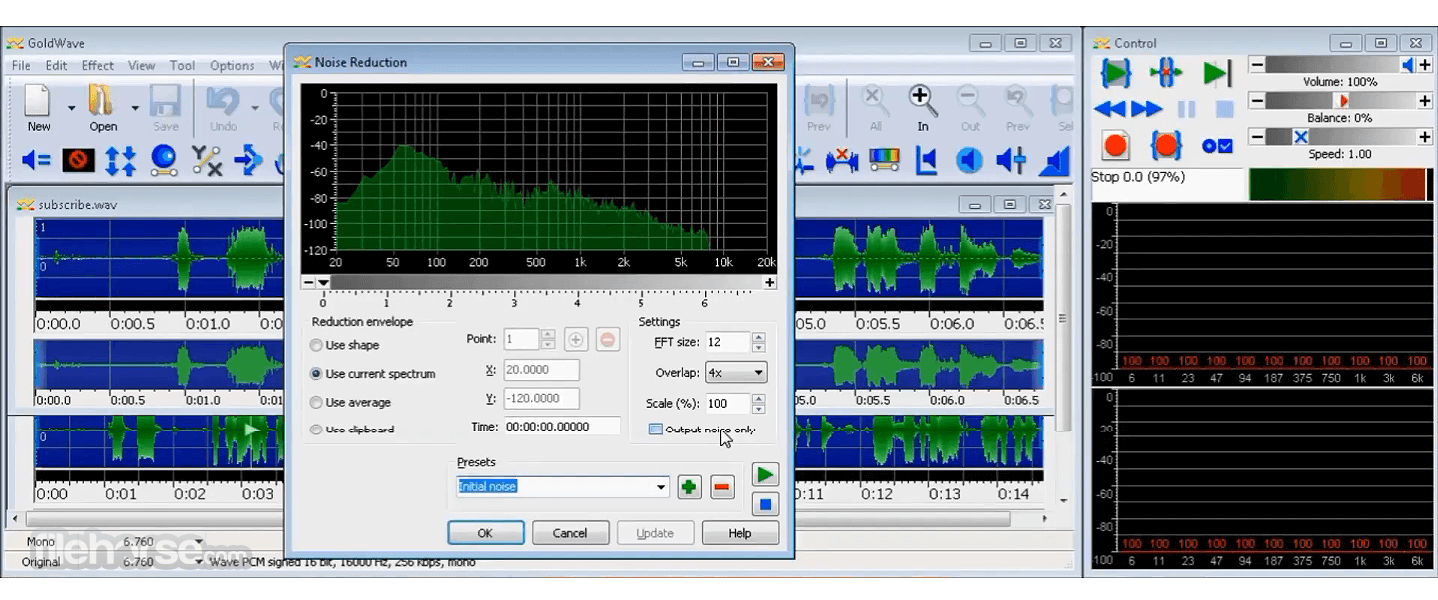
High-Quality Audio Processing – Apply effects like reverb, equalization, noise reduction, and voice modulation.
Batch Processing – Convert and apply effects to multiple files at once, saving time.
Spectrogram Visualization – View audio frequencies in real-time to analyze sound quality.
Built-in Effects and Filters – Over 40 effects, including echo, pitch shifting, and compression.
Real-time Playback and Editing – Make precise adjustments while listening to the changes in real-time.
Recording Capabilities – Capture audio from microphones, line-in, and other sources with high fidelity.
Format Support – Compatible with MP3, WAV, FLAC, OGG, AIFF, and other audio formats.
Voice Reduction & Enhancement – Improve audio clarity or remove vocals for karaoke tracks.
Customization & Scripting – Automate repetitive tasks with customizable scripts and macros.
User Interface
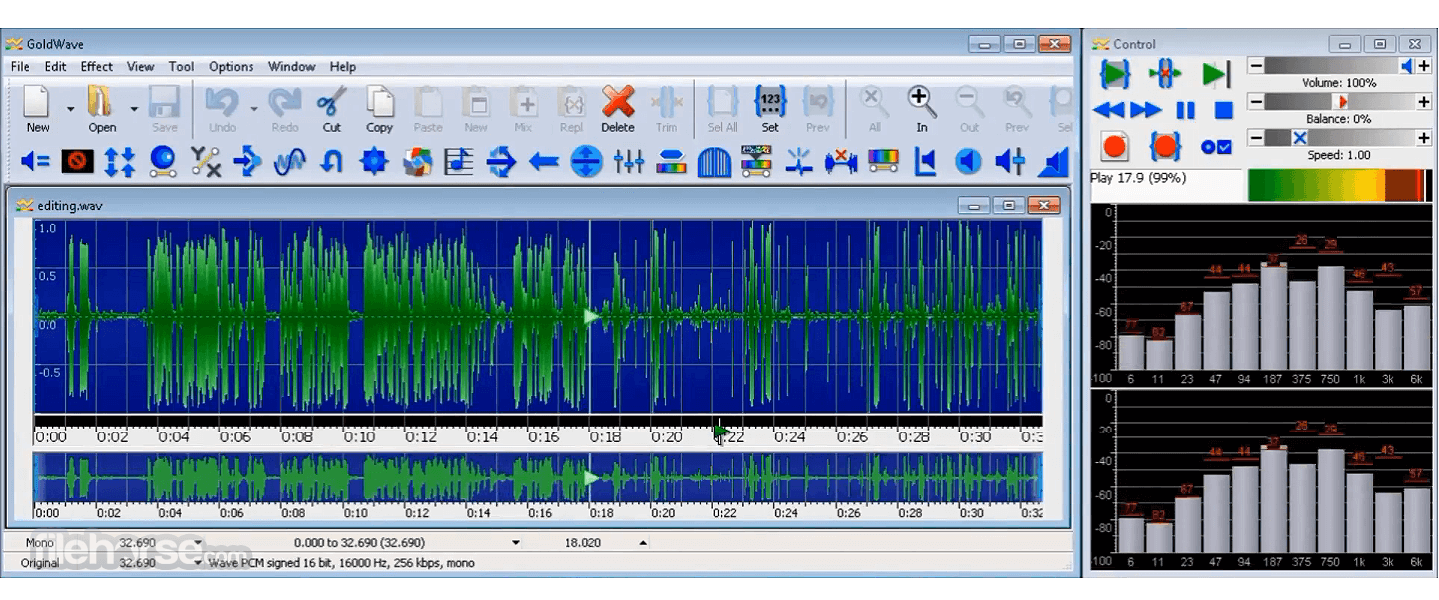
GoldWave features a traditional, somewhat dated, yet highly functional interface with a waveform display for precise editing.
The toolbar provides quick access to essential functions, and the customizable layout allows users to adjust windows and panels according to their workflow.
While it may not be as visually polished as modern DAWs, its straightforward design makes it easy to navigate.
Installation and Setup
Import Audio – Open an audio file or record directly into this program.
Edit the Waveform – Use cut, copy, paste, and trim functions to modify the audio.
Apply Effects – Enhance sound quality with built-in filters and effects.
Analyze Audio – Use visual tools like spectrograms to examine frequencies.
Export File – Save the edited audio in your preferred format.
FAQ
Is GoldWave free to use?
It offers a free trial with limited features. A paid license is required for full functionality.
Can I use GoldWave for podcast editing?
Yes, this app is suitable for podcast editing, allowing for noise reduction, equalization, and multi-track audio editing.
Does GoldWave support multi-track recording?
The program primarily functions as a single-track editor, but it can mix multiple tracks by overlaying audio manually.
What formats does GoldWave support?
It supports MP3, WAV, FLAC, OGG, AIFF, AU, and several other formats.
Can GoldWave remove vocals from songs?
Yes, it includes a voice reduction filter to minimize vocals for karaoke purposes, though results may vary.
Alternatives
Audacity – Free and open-source audio editor with similar features.
Adobe Audition – A professional-grade audio workstation with advanced tools.
WavePad – A lightweight alternative with an intuitive interface.
Ocenaudio – Another free alternative with a modern interface and robust editing tools.
Pricing
Free Trial – Limited usage before requiring a license.
One-Time Purchase – Starts at around $45 for a perpetual license.
Subscription Plan – Available for those who prefer ongoing updates and support.
System Requirements
GoldWave remains a reliable and powerful audio editor for Windows 11/10 users who need an affordable, feature-packed solution for recording, editing, and processing sound.
While it may lack the polished UI of newer audio software, its performance, batch processing capabilities, and extensive effect library make it an excellent choice for both professionals and hobbyists. If you need a straightforward yet effective audio editor without committing to an expensive subscription, this app is a solid investment.
Note: Limited functionality in the demo version.
Download GoldWave Latest Version Why is this app published on FileHorse? (More info)
Developed by GoldWave Inc., this software has been around for decades, consistently evolving with new features to meet modern audio production needs.
Whether you are a musician, podcaster, or sound designer, it provides a robust toolkit for manipulating audio with precision.
Main Features
Multi-Track Audio Editing – Edit multiple audio files simultaneously with a comprehensive waveform editor.
High-Quality Audio Processing – Apply effects like reverb, equalization, noise reduction, and voice modulation.
Batch Processing – Convert and apply effects to multiple files at once, saving time.
Spectrogram Visualization – View audio frequencies in real-time to analyze sound quality.
Built-in Effects and Filters – Over 40 effects, including echo, pitch shifting, and compression.
Real-time Playback and Editing – Make precise adjustments while listening to the changes in real-time.
Recording Capabilities – Capture audio from microphones, line-in, and other sources with high fidelity.
Format Support – Compatible with MP3, WAV, FLAC, OGG, AIFF, and other audio formats.
Voice Reduction & Enhancement – Improve audio clarity or remove vocals for karaoke tracks.
Customization & Scripting – Automate repetitive tasks with customizable scripts and macros.
User Interface
GoldWave features a traditional, somewhat dated, yet highly functional interface with a waveform display for precise editing.
The toolbar provides quick access to essential functions, and the customizable layout allows users to adjust windows and panels according to their workflow.
While it may not be as visually polished as modern DAWs, its straightforward design makes it easy to navigate.
Installation and Setup
- Download this program from the official website or FileHorse.
- Run the installer and follow the step-by-step instructions.
- Choose installation preferences and file associations.
- Launch the software and enter the license key (for paid versions) or use the free trial mode.
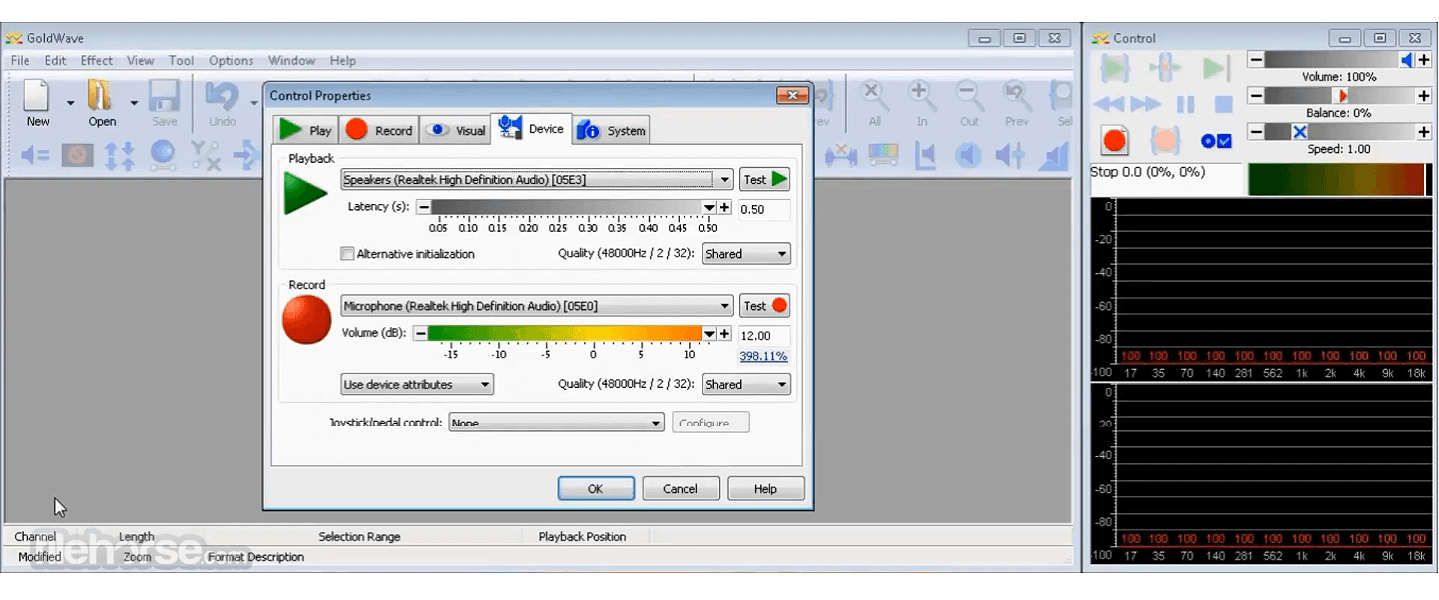
- Configure audio devices for recording and playback.
Import Audio – Open an audio file or record directly into this program.
Edit the Waveform – Use cut, copy, paste, and trim functions to modify the audio.
Apply Effects – Enhance sound quality with built-in filters and effects.
Analyze Audio – Use visual tools like spectrograms to examine frequencies.
Export File – Save the edited audio in your preferred format.
FAQ
Is GoldWave free to use?
It offers a free trial with limited features. A paid license is required for full functionality.
Can I use GoldWave for podcast editing?
Yes, this app is suitable for podcast editing, allowing for noise reduction, equalization, and multi-track audio editing.
Does GoldWave support multi-track recording?
The program primarily functions as a single-track editor, but it can mix multiple tracks by overlaying audio manually.
What formats does GoldWave support?
It supports MP3, WAV, FLAC, OGG, AIFF, AU, and several other formats.
Can GoldWave remove vocals from songs?
Yes, it includes a voice reduction filter to minimize vocals for karaoke purposes, though results may vary.
Alternatives
Audacity – Free and open-source audio editor with similar features.
Adobe Audition – A professional-grade audio workstation with advanced tools.
WavePad – A lightweight alternative with an intuitive interface.
Ocenaudio – Another free alternative with a modern interface and robust editing tools.
Pricing
Free Trial – Limited usage before requiring a license.
One-Time Purchase – Starts at around $45 for a perpetual license.
Subscription Plan – Available for those who prefer ongoing updates and support.
System Requirements
- Operating System: Windows 7, 8, 10, 11 (64-bit recommended)
- Processor: 1GHz or faster
- RAM: At least 2GB (4GB or more recommended for large files)
- Storage: 200MB for installation, more for audio files
- Sound Card: Required for playback and recording
- Affordable compared to professional DAWs
- Supports a wide range of audio formats
- Extensive set of effects and editing tools
- Efficient batch processing for bulk edits
- Lightweight and does not require high-end hardware
- Outdated user interface compared to modern DAWs
- Limited multi-track capabilities
- Steeper learning curve for beginners
- Some features require additional plugins
- No built-in virtual instruments for music production
GoldWave remains a reliable and powerful audio editor for Windows 11/10 users who need an affordable, feature-packed solution for recording, editing, and processing sound.
While it may lack the polished UI of newer audio software, its performance, batch processing capabilities, and extensive effect library make it an excellent choice for both professionals and hobbyists. If you need a straightforward yet effective audio editor without committing to an expensive subscription, this app is a solid investment.
Note: Limited functionality in the demo version.
Download GoldWave Latest Version Why is this app published on FileHorse? (More info)
##
畫面截圖
- 2026-08-05 GoldWave 7.07 14.88 MB
- 2026-07-30 GoldWave 7.05 14.88 MB
- 2026-02-04 GoldWave 7.04 13.47 MB
- 2025-11-08 GoldWave 7.03 13.33 MB
- 2025-03-26 GoldWave 7.02 13.5 MB
- 2024-11-09 GoldWave 7.01 13.17 MB
- 2024-10-11 GoldWave 7.00 13.2 MB
- 2024-10-03 GoldWave 6.83 13.18 MB