Icecream Video Converter 1.49
v 1.49
Windows
免費軟體
8.5/10 (4)
- 目前版本1.49
- 更新日期2026-02-03
- 檔案大小20.8 MB
- 檔案名稱video_converter_setup.exe
- 作業系統Windows 7 / Windows 8 / Windows 10 / Windows 11
- 支援語系English
- 授權型式免費軟體
- 開發商 IceCream Apps
- 軟體分類Windows 軟體 / 影片軟體
##
翻譯排程處理中,以下暫以英文原文呈現
軟體介紹
Icecream Video Converter is a FREE video converter app that empowers every Window PC user to take full control over their multimedia content and quickly, easily, and reliably convert them into any of the supported file formats.
Built from the ground up to be as easy to use as possible, Icecream Video Converter packs in its offerings a wide array of advanced features that can transform this app from a useful utility to a must-use tool for the everyday management of video files.
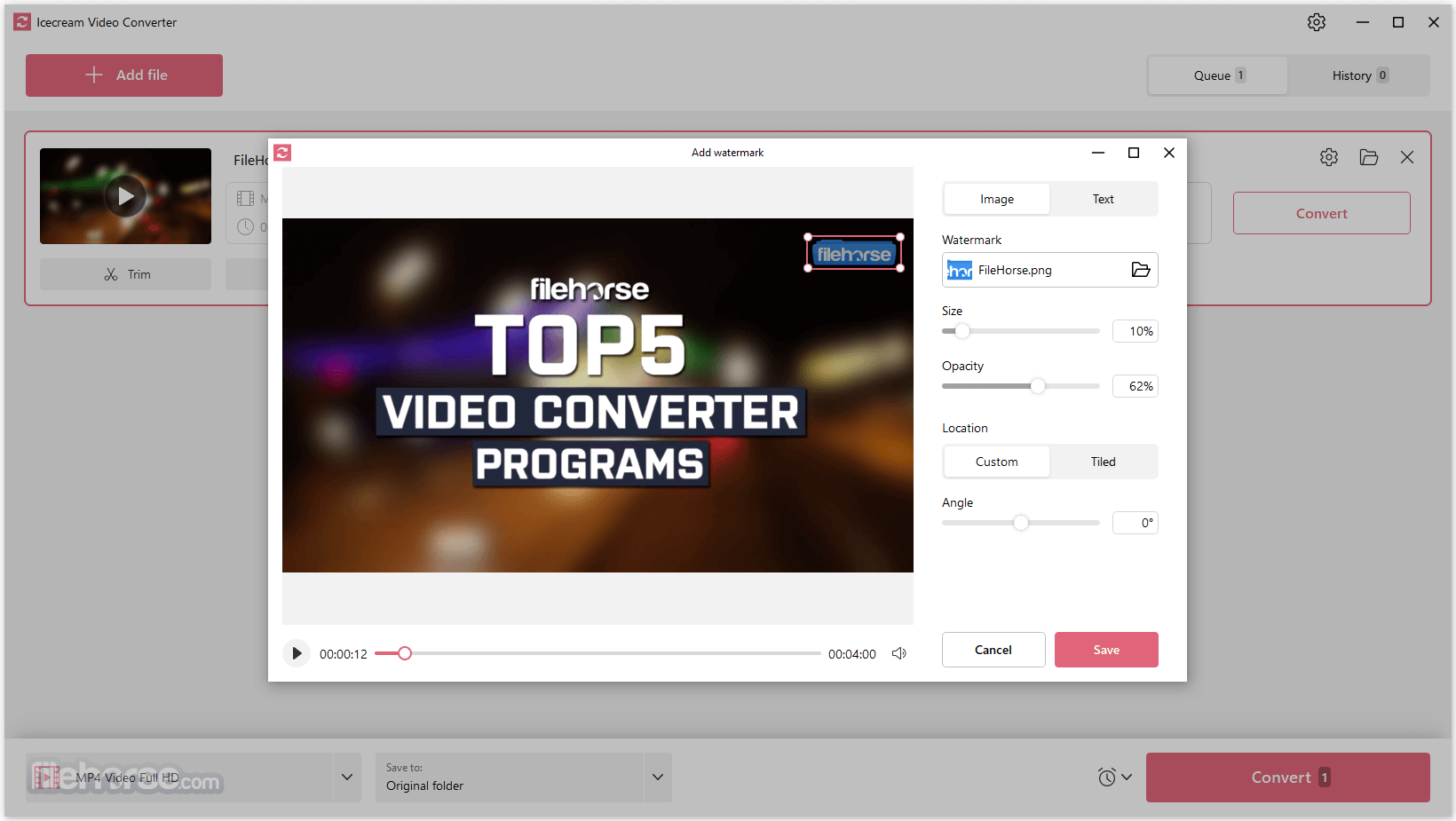
In addition to simple conversion into other file formats or compressing files into smaller sizes while retaining high presentation quality, this app also features a built-in video trim tool, the ability to convert Video files into MP3, mute videos, add watermarks, and much more.
Icecream Video Converter is distributed online as an automated installer that can quickly deploy this all on any modern Windows PC. And since it has a relatively light system requirement, it can also be easily accessed on a wide array of modern and legacy laptops, enabling users to convert, edit and compress their video files both at home and on the go.
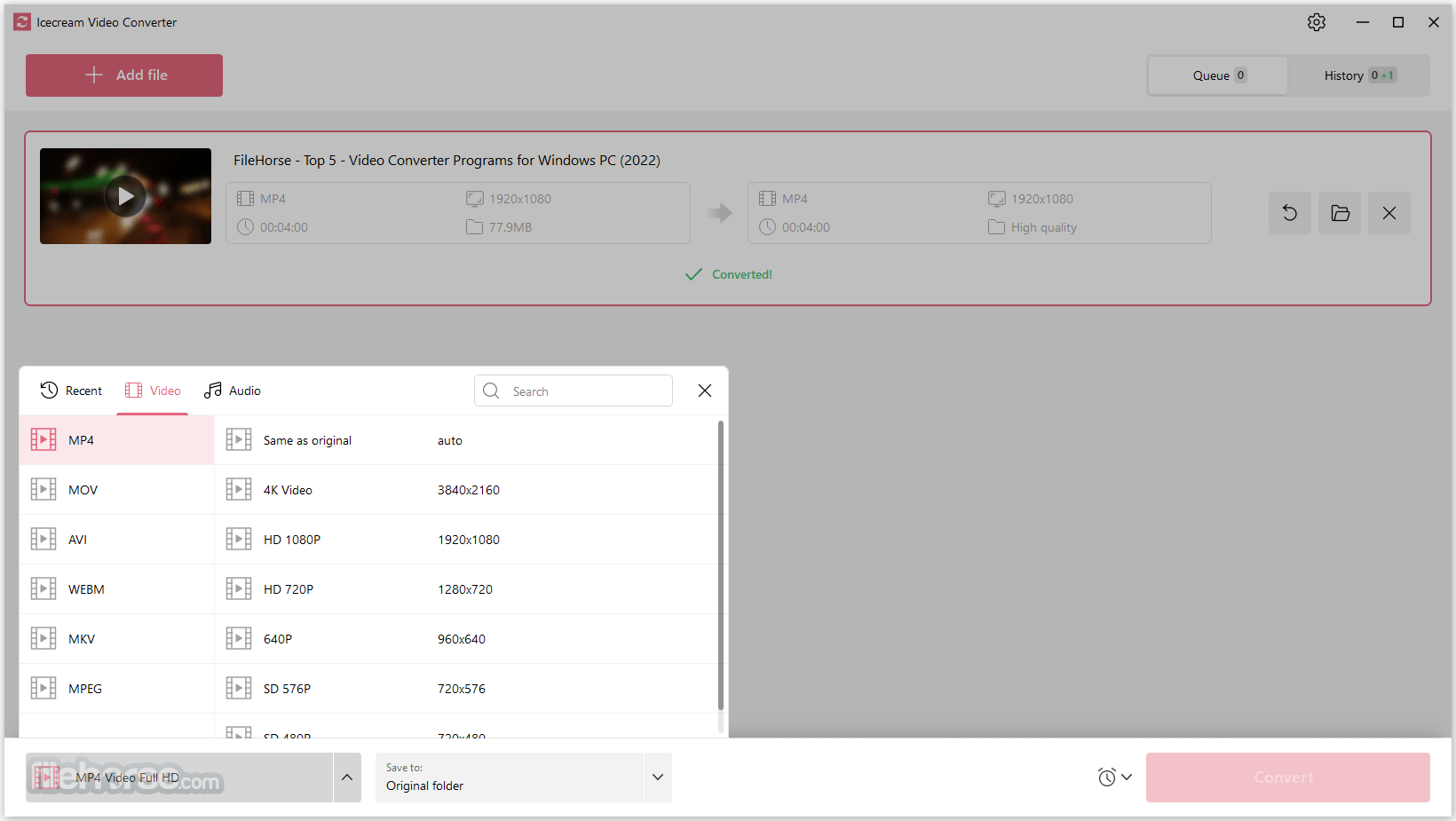
The app supports a wide array of modern codecs and containers, including MP4, MKV, AVI, WMV, MOV, 3GP, MTS, MGP, and many others.
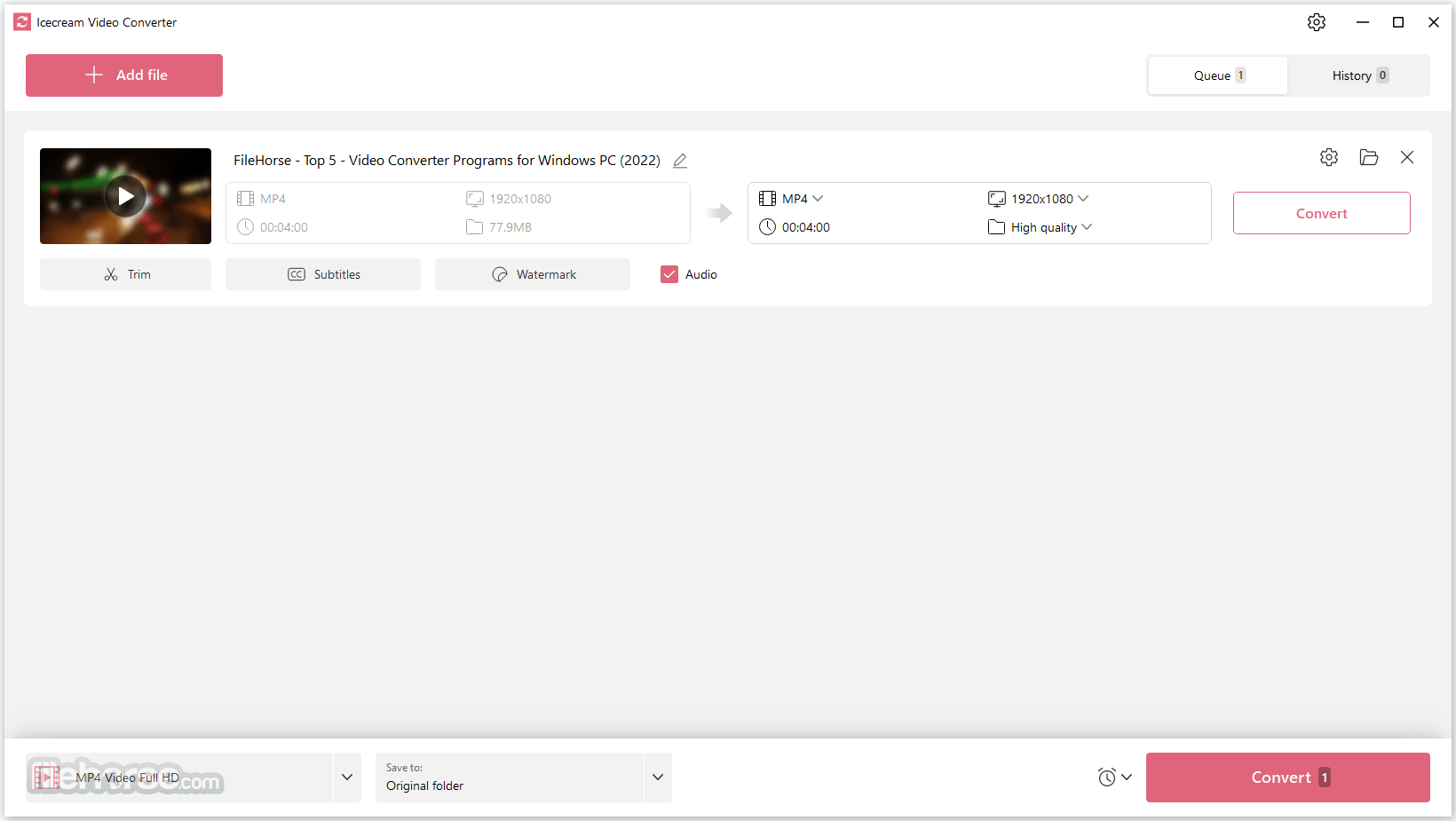
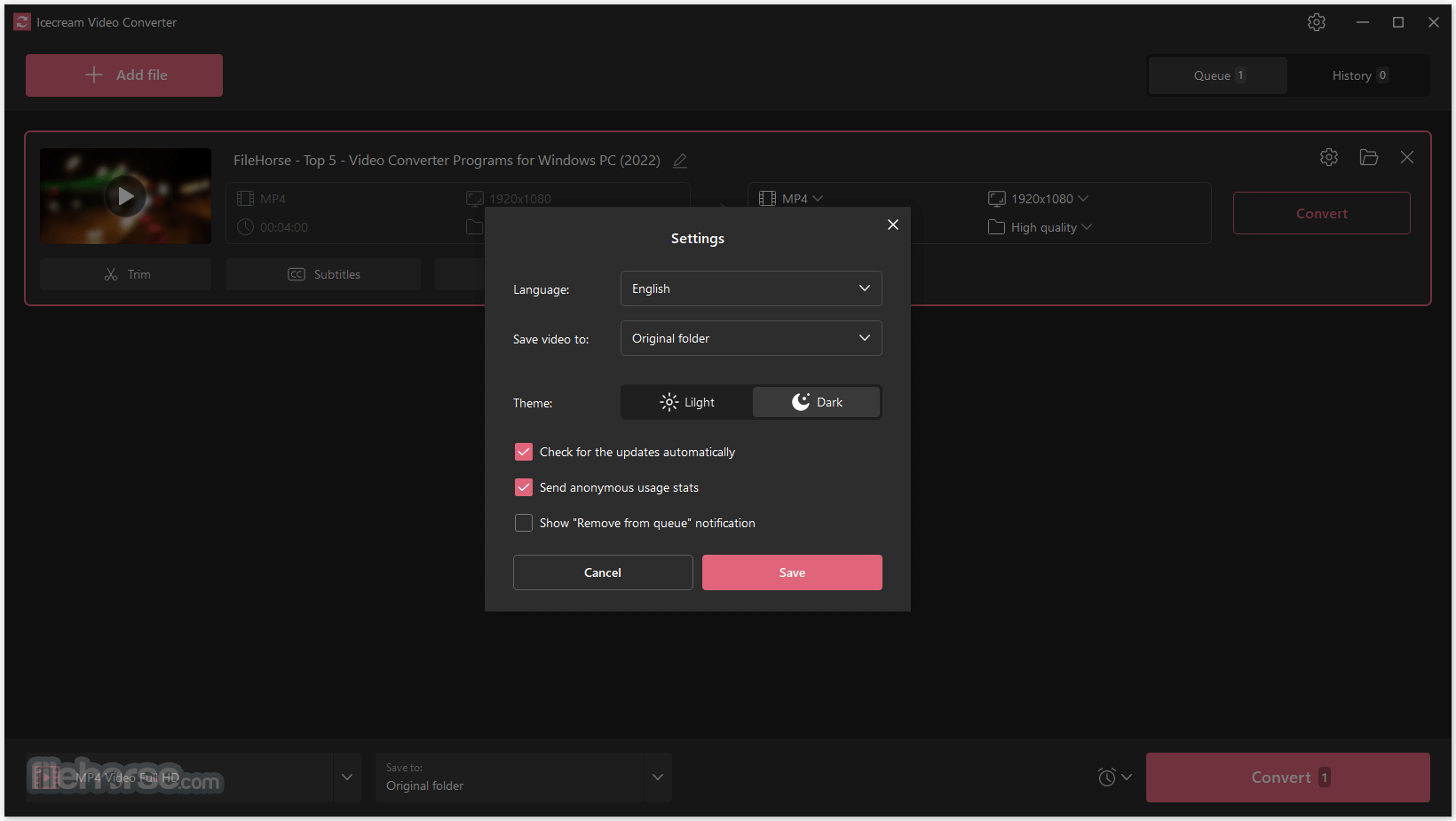
The main dashboard of Icecream Video Converter features a bright white interface that easily promotes access to all of its conversion and compression tools.
Users are encouraged to input target videos with an in-app file browser or simple drag & drop move from any file manager. Then, when their video is added and properly recognized (with a wide set of informative metadata including file format, resolution, duration, size, and more), users can simply click either on “Covert” or “Compress” which will fire up pop-up configuration window where target file details can be set.
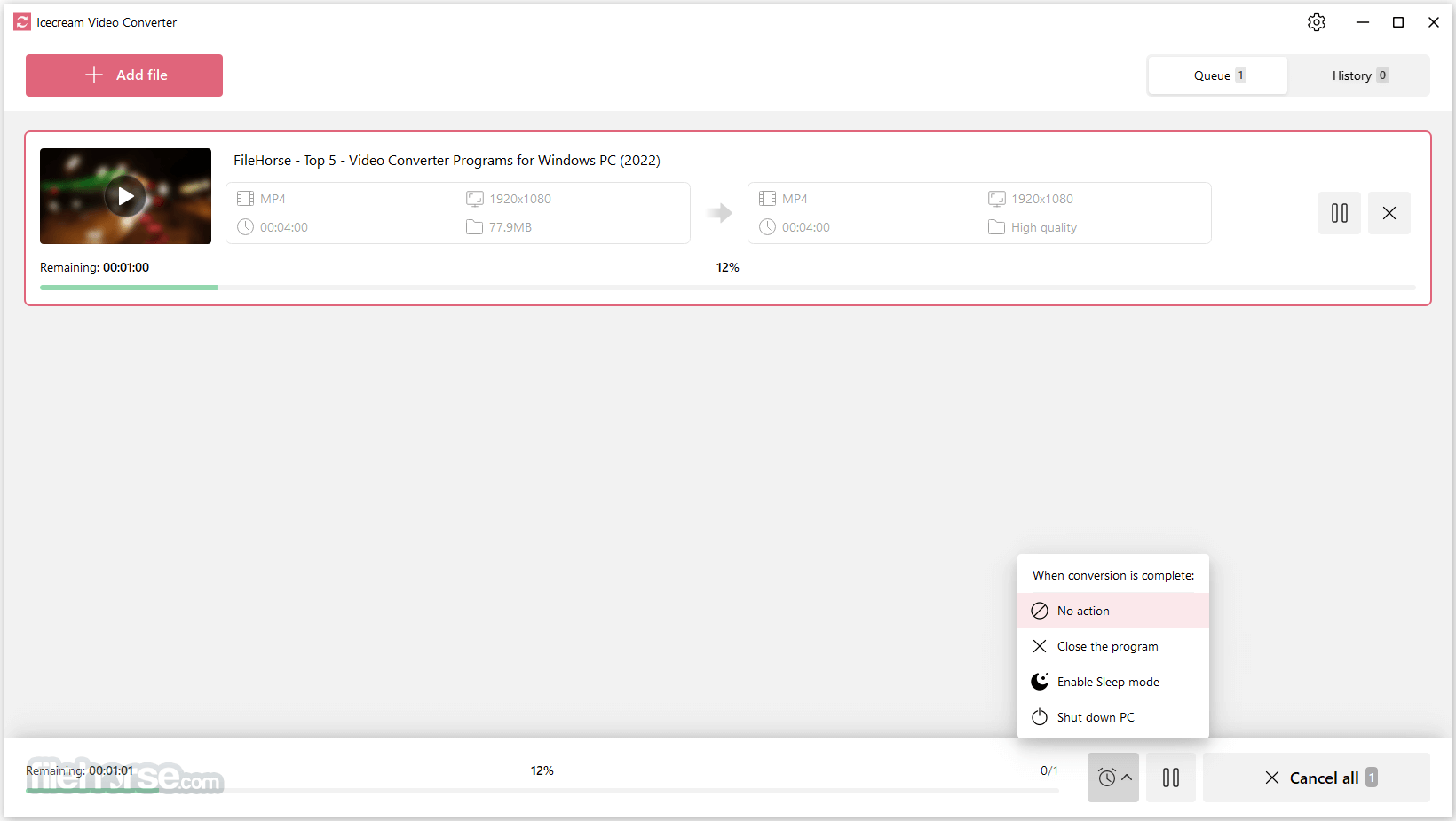
Conversion and compression can be done either individually for each file, or as a batch converter that can handle dozens of files at once with unitized output settings.
System Requirements
OS
Windows 11, Windows 10, Windows 8.1, Windows 8, Windows 7
Processor
Intel®, AMD or any other compatible processor, 2.66Ghz
Ram
4GB of RAM minimum (16GB for better performance)
Display resolution
1024x768 minimum
Disk space
100MB - 5GB
Languages
English, French, German, Spanish, Italian, Portuguese, Russian
PROS
Download Icecream Video Converter Latest Version Why is this app published on FileHorse? (More info)
Built from the ground up to be as easy to use as possible, Icecream Video Converter packs in its offerings a wide array of advanced features that can transform this app from a useful utility to a must-use tool for the everyday management of video files.
In addition to simple conversion into other file formats or compressing files into smaller sizes while retaining high presentation quality, this app also features a built-in video trim tool, the ability to convert Video files into MP3, mute videos, add watermarks, and much more.
Icecream Video Converter is distributed online as an automated installer that can quickly deploy this all on any modern Windows PC. And since it has a relatively light system requirement, it can also be easily accessed on a wide array of modern and legacy laptops, enabling users to convert, edit and compress their video files both at home and on the go.
The app supports a wide array of modern codecs and containers, including MP4, MKV, AVI, WMV, MOV, 3GP, MTS, MGP, and many others.
The main dashboard of Icecream Video Converter features a bright white interface that easily promotes access to all of its conversion and compression tools.
Users are encouraged to input target videos with an in-app file browser or simple drag & drop move from any file manager. Then, when their video is added and properly recognized (with a wide set of informative metadata including file format, resolution, duration, size, and more), users can simply click either on “Covert” or “Compress” which will fire up pop-up configuration window where target file details can be set.
Conversion and compression can be done either individually for each file, or as a batch converter that can handle dozens of files at once with unitized output settings.
- Bulk conversion
- All popular formats
- Free video converter
- Trim videos
- Video to MP3
- Compress videos
- Mute videos
- Conversion history
- Add watermark
System Requirements
OS
Windows 11, Windows 10, Windows 8.1, Windows 8, Windows 7
Processor
Intel®, AMD or any other compatible processor, 2.66Ghz
Ram
4GB of RAM minimum (16GB for better performance)
Display resolution
1024x768 minimum
Disk space
100MB - 5GB
Languages
English, French, German, Spanish, Italian, Portuguese, Russian
PROS
- Free video converter with a wide array of features
- Easy-to-use interface with a built-in file browser and drag & drop functionality
- Supports a wide range of modern codecs and containers
- Offers device presets for convenient conversion and compression
- Supports bulk conversion and compression
- Requires a minimum of 4GB RAM for optimal performance
- Limited to Windows OS only
Download Icecream Video Converter Latest Version Why is this app published on FileHorse? (More info)
##
畫面截圖