⚠ 這是歷史版本頁面 — 查看 ILSpy 最新版本 →

ILSpy 7.0.0.6485
v 7.0.0.6485
Windows
開源軟體
7.04/10 (24)
- 目前版本7.0.0.6485
- 更新日期2021-04-19
- 檔案大小3.3 MB
- 檔案名稱ILSpy_binaries_7.0.0.6485-rc2.zip
- 作業系統Windows 7 64 / Windows 8 64 / Windows 10 64 / Windows 11
- 支援語系English
- 授權型式開源軟體
- 開發商 ILSpy Team
- 軟體分類Windows 軟體 / 開發者工具
##
編輯短評
ILSpy 是一套專為 .NET 開發者設計的反組譯工具,主要用途是剖析 .NET 應用程式,深入檢視每個元件,藉此還原程式原始的組裝方式。它支援 PDB 產生、ReadyToRun 與 metadata 等進階功能,且本身為開源軟體、免安裝即可執行,在 .NET 反組譯工具中屬於更新活躍的主流選擇,評價普遍不錯。
這套工具適合需要逆向工程、除錯或研究他人 .NET 程式碼的開發者,特別是在沒有原始碼的情況下想理解程式邏輯時相當實用。與同類工具相比,ILSpy 的優勢在於免費開源且無需安裝,但介面與功能相對樸素,且僅提供英文介面、支援 Windows 平台。若你習慣圖形化操作或需要更進階的整合功能,可以考慮搭配其他商業工具,但就基本反組譯需求而言,ILSpy 已是相當稱職的選擇。
##
翻譯排程處理中,以下暫以英文原文呈現
軟體介紹
ILSpy is a .NET decompiler for Windows PC that supports PDB generation, ReadyToRun, metadata, and more – compatible across platforms!
Are you a .NET developer? Do you like dissecting applications and finding specific information about them? If so, then you’ll want an application like ILSpy which can analyze programs developed in .NET and inspect every one of their components. By doing this, you can determine how the program was assembled originally.
ILSpy is a better tool than its competitors because it is free and easy to use. It is also an open-source program that requires no installation. Since it is a portable application, you can run it off a USB flash drive, external hard drive, or personal computer just the same.
Features and Highlights
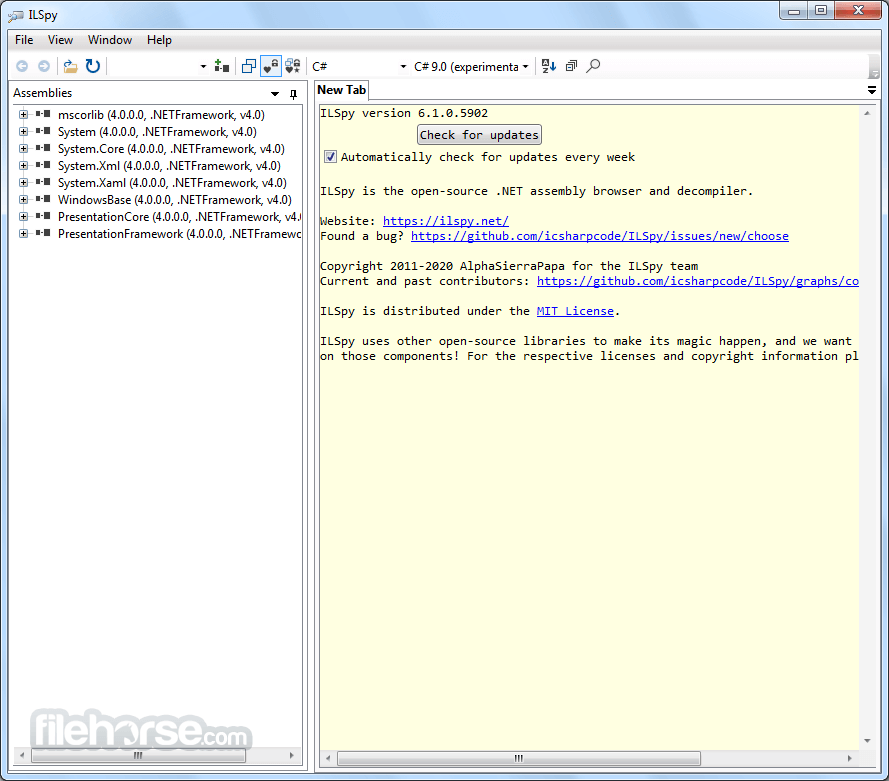
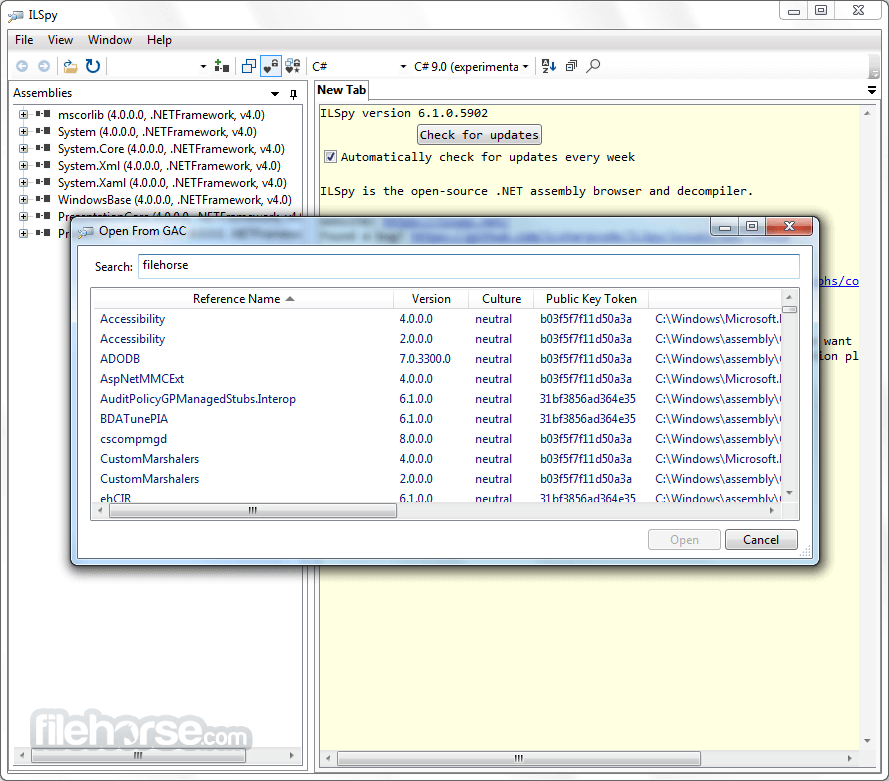
When you launch the application, the main window is laid out clearly and features 2 panes. The first pane lets you view the .NET assemblies in a tree. That way, you can view a selection item more closely. You can inspect WINMD, DLL, and EXE files this way too. GAC data can get loaded, and you can open Nuget packages too.
Rendering Code
The application is designed for viewing purposes only. For this reason, file modifications are not possible. However, you can use a search function to find specific members, types, fields, methods, events, properties, metadata tokens, or constants.
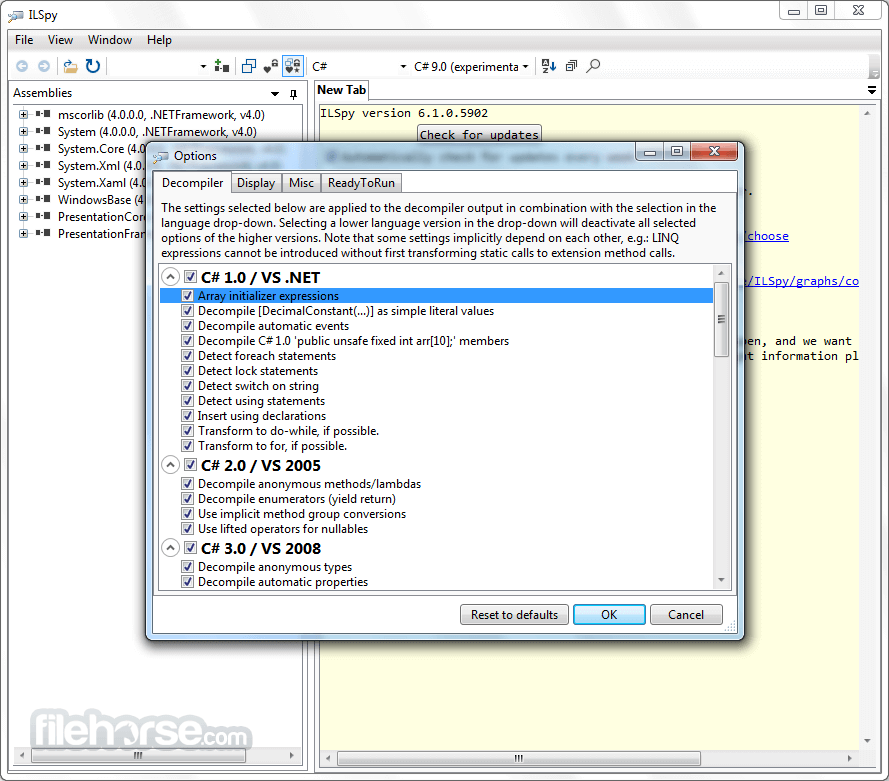
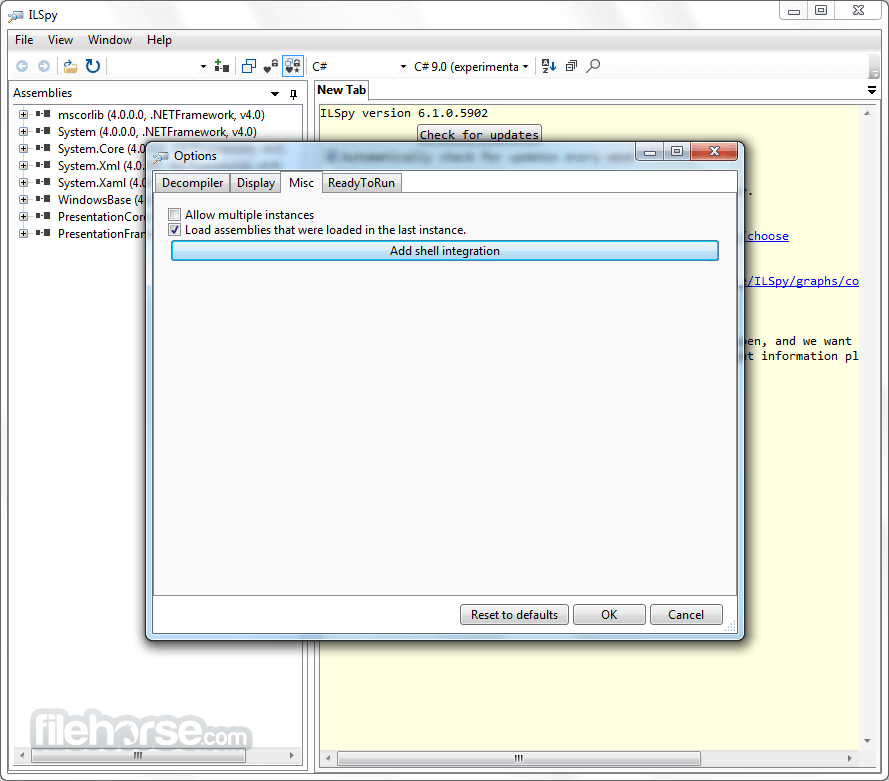
You can configure many decompiler settings, including debug symbol variable names, eliminating dead code, eliminating side effect code, and member definition expansion following decompilation. Also, several instances are allowed, and the font is customizable.
How to Use
Overall, ILSpy allows decompiling .NET assemblies to be quite simple. It is easy for developers to modify the existing code and use it for their own purposes because it is an open-source program.
Note: Requires .NET Framework.
Download ILSpy Latest Version Why is this app published on FileHorse? (More info)
Are you a .NET developer? Do you like dissecting applications and finding specific information about them? If so, then you’ll want an application like ILSpy which can analyze programs developed in .NET and inspect every one of their components. By doing this, you can determine how the program was assembled originally.
ILSpy is a better tool than its competitors because it is free and easy to use. It is also an open-source program that requires no installation. Since it is a portable application, you can run it off a USB flash drive, external hard drive, or personal computer just the same.
Features and Highlights
- Decompilation to C#
- Whole-project decompilation
- Search for types/methods/properties
- Hyperlink-based type/method/property navigation
- Base/Derived types navigation, history
- Assembly metadata explorer
- BAML to XAML decompiler
- ReadyToRun binary support for .NET Core
- Extensible via plugins
- Additional features in DEBUG builds
When you launch the application, the main window is laid out clearly and features 2 panes. The first pane lets you view the .NET assemblies in a tree. That way, you can view a selection item more closely. You can inspect WINMD, DLL, and EXE files this way too. GAC data can get loaded, and you can open Nuget packages too.
Rendering Code
The application is designed for viewing purposes only. For this reason, file modifications are not possible. However, you can use a search function to find specific members, types, fields, methods, events, properties, metadata tokens, or constants.
You can configure many decompiler settings, including debug symbol variable names, eliminating dead code, eliminating side effect code, and member definition expansion following decompilation. Also, several instances are allowed, and the font is customizable.
How to Use
- Open ILSpy – Run the ILSpy.exe executable to launch the program.
- Load an Assembly – Click File > Open or drag and drop a .dll or .exe file into ILSpy.
- Browse the Code – Navigate through the decompiled code structure in the left-side tree view.
- View Decompiled Code – Click on a class or method to see its decompiled C# code in the main window.
- Search for Symbols – Use the search bar to find specific methods, properties, or classes.
- Export Decompiled Code – Right-click a class or assembly and select Save Code to export the decompiled source.
- Analyze Dependencies – Use the Analyze feature to inspect dependencies and references.
- Edit and Debug – Modify the decompiled code manually or use an external editor for further analysis.
- Plugin Support – Extend functionality by adding plugins via the Plugins menu.
- Open-source and free to use
- Supports multiple .NET versions
- User-friendly interface
- Fast decompilation process
- Active development and community support
- Limited debugging features
- Basic search functionality
- Occasional decompilation errors
- Less comprehensive than paid tools
- No cross-platform support
Overall, ILSpy allows decompiling .NET assemblies to be quite simple. It is easy for developers to modify the existing code and use it for their own purposes because it is an open-source program.
Note: Requires .NET Framework.
Download ILSpy Latest Version Why is this app published on FileHorse? (More info)
##
畫面截圖
- 2026-08-13 ILSpy 11.0.0.9375 17.2 MB
- 2026-07-15 ILSpy 10.1.1.8388 3.8 MB
- 2026-05-26 ILSpy 10.1.0.8386 3.7 MB
- 2026-04-28 ILSpy 10.0.1.8346 3.7 MB
- 2026-04-07 ILSpy 10.0.0.8330 3.8 MB
- 2026-03-26 ILSpy 10.0.0.8323 3.7 MB
- 2025-04-22 ILSpy 9.1.0.7988 3.8 MB
- 2025-01-19 ILSpy 9.0.0.7889 4.3 MB