- 目前版本3.6.2
- 更新日期2026-08-01
- 檔案大小204 MB
- 檔案名稱iMazing3forWindows.exe
- 作業系統Windows 7 / Windows 8 / Windows 10 / Windows 11
- 支援語系English
- 授權型式試用版
- 開發商 DigiDNA
- 軟體分類Windows 軟體 / 手機工具
##
翻譯排程處理中,以下暫以英文原文呈現
軟體介紹
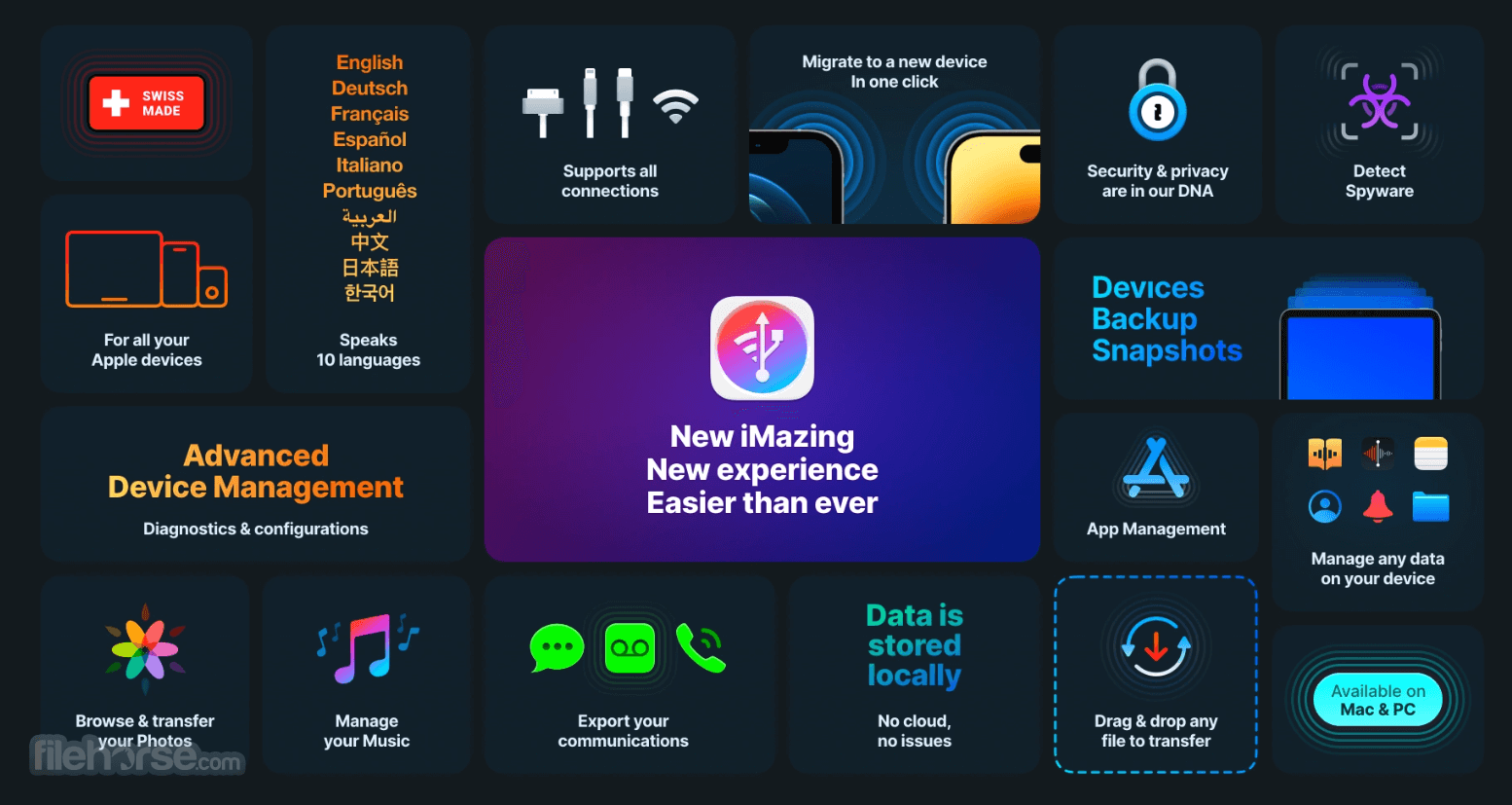
iMazing is the all-purpose iOS management software: expand your control over your mobile data beyond what is normally possible, without jailbreaking your device.
Compatible with the latest iOS 26/18, and iPhone 17/16/Plus/Pro/Pro Max.
With iMazing, you can easily browse and manage your backups, extract and print your text messages, or drag and drop songs to your iPhone. To put it simply, it allows you to go way beyond what iTunes offers – see the extensive feature list below.
Key Features
Backup and Restore: Perform wireless, encrypted backups with ease. Unlike iTunes, it allows incremental backups, saving only the changes made since the last backup.
Data Transfer: Transfer files, photos, music, videos, and documents between iOS devices and computers without the need for iCloud or iTunes.
App Management: Manage and install apps directly from your computer, including downloading apps no longer available on the App Store.
Message Export: Export and archive messages from iMessage, WhatsApp, and other messaging apps in various formats like PDF and CSV.
Contact Management: View, edit, and export your device’s contact list to your computer.
Battery and Device Analytics: Monitor your device’s battery health, disk usage, and more detailed metrics.
iOS Updates and Downgrades: Safely update or downgrade your iOS version without relying on Apple’s default methods.
What`s New
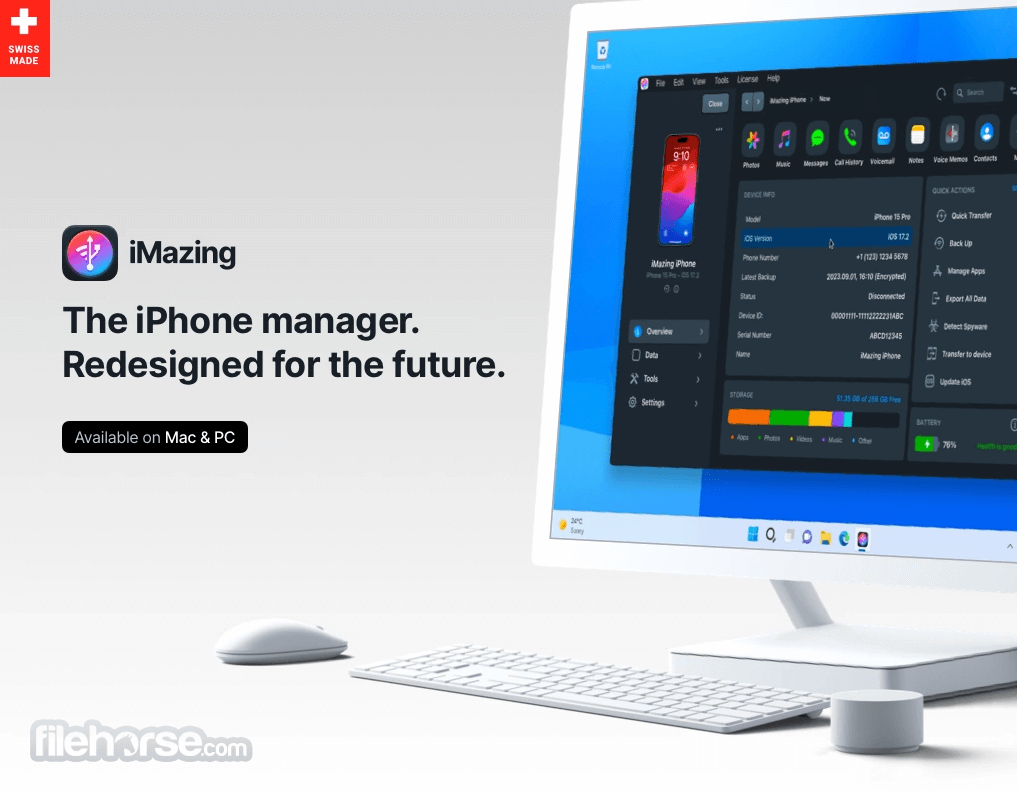
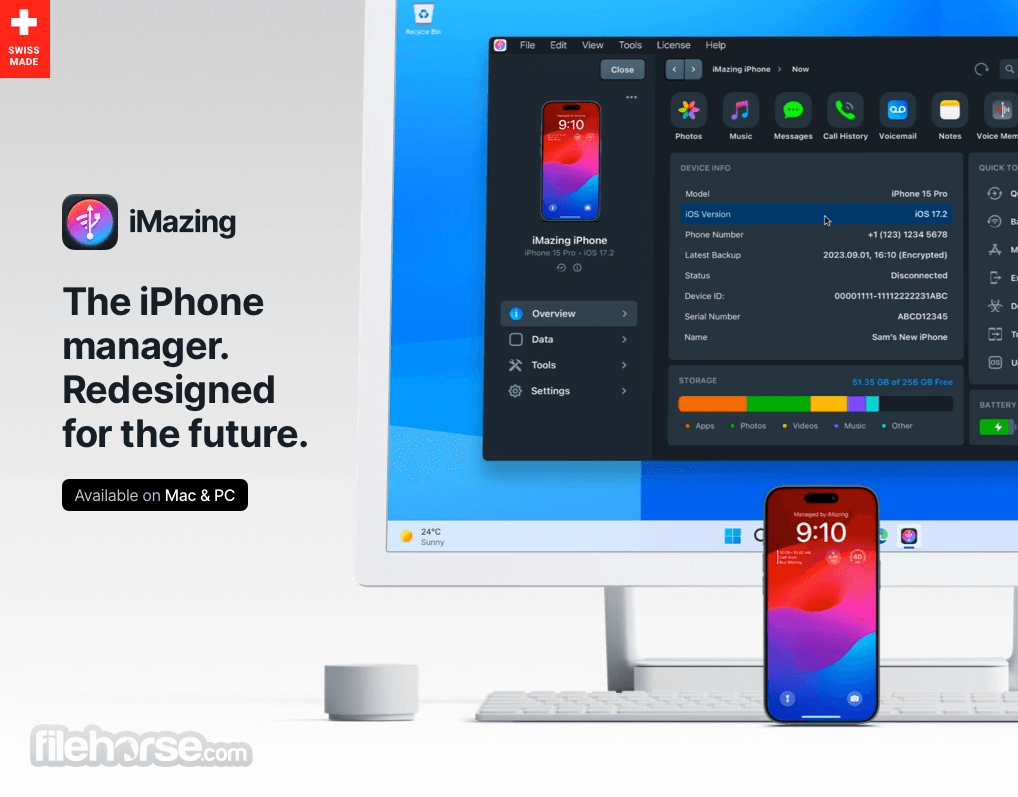
iMazing 3 delivers a brand-new design for the best user experience ever.
iMazing’s new interface makes it easier than ever to access its wealth of features, while the re-architected codebase lays the foundation for future capabilities.
Discover section to explore and access popular features.
Devices screen with the grid and list views, for great visibility and bulk management of your devices.
Device overview for detailed device information and quick access to actions.
Installation and Setup
Download the installation file from the official website or FileHorse.
Follow the installation wizard’s prompts, which include selecting the installation path and agreeing to terms of service.
Once installed, connect your iOS device to your computer via USB. It automatically detects the device and prompts you to install necessary drivers if required.
Setting up the software involves enabling data access permissions on your iOS device and setting up your preferred backup and security options within iMazing.
How to Use
Backups:
Why do I need iMazing?
Broadly speaking, to expand the capabilities between your Mac or PC and iOS devices, especially your data on them and how the devices can be managed.
It includes a range of features that fill important gaps in Apple’s own software:
Yes, it supports wireless connections for file transfers and backups once the initial USB setup is complete.
Is iMazing compatible with both Windows and Mac?
Absolutely. It works on both operating systems, though features may vary slightly based on OS.
Does iMazing replace iTunes entirely?
While it doesn’t support media purchases or streaming like iTunes, iMazing provides superior device management capabilities.
How secure are iMazing backups?
It uses AES-256 encryption for backups, ensuring that your data is secure.
Is there a free version of iMazing?
It offers a free version with limited functionality, but the premium version unlocks all features.
Alternatives
AnyTrans: Similar functionality but with a focus on cloud integration.
CopyTrans: Offers basic transfer features, though not as comprehensive.
iTunes: Apple’s default software, but less flexible and feature-rich compared to this app.
Wondershare Dr.Fone: Includes device repair tools in addition to data management.
Syncios: Affordable and user-friendly but lacks some advanced features of this app.
Pricing
The app follows a one-time PERSONAL license model, with licenses starting at $59.99 for a single computer.
This license includes:
System Requirements
Also Available: Download iMazing for Mac
Download iMazing Latest Version Why is this app published on FileHorse? (More info)
Compatible with the latest iOS 26/18, and iPhone 17/16/Plus/Pro/Pro Max.
With iMazing, you can easily browse and manage your backups, extract and print your text messages, or drag and drop songs to your iPhone. To put it simply, it allows you to go way beyond what iTunes offers – see the extensive feature list below.
Key Features
Backup and Restore: Perform wireless, encrypted backups with ease. Unlike iTunes, it allows incremental backups, saving only the changes made since the last backup.
Data Transfer: Transfer files, photos, music, videos, and documents between iOS devices and computers without the need for iCloud or iTunes.
App Management: Manage and install apps directly from your computer, including downloading apps no longer available on the App Store.
Message Export: Export and archive messages from iMessage, WhatsApp, and other messaging apps in various formats like PDF and CSV.
Contact Management: View, edit, and export your device’s contact list to your computer.
Battery and Device Analytics: Monitor your device’s battery health, disk usage, and more detailed metrics.
iOS Updates and Downgrades: Safely update or downgrade your iOS version without relying on Apple’s default methods.
What`s New
iMazing 3 delivers a brand-new design for the best user experience ever.
iMazing’s new interface makes it easier than ever to access its wealth of features, while the re-architected codebase lays the foundation for future capabilities.
Discover section to explore and access popular features.
Devices screen with the grid and list views, for great visibility and bulk management of your devices.
Device overview for detailed device information and quick access to actions.
Installation and Setup
Download the installation file from the official website or FileHorse.
Follow the installation wizard’s prompts, which include selecting the installation path and agreeing to terms of service.
Once installed, connect your iOS device to your computer via USB. It automatically detects the device and prompts you to install necessary drivers if required.
Setting up the software involves enabling data access permissions on your iOS device and setting up your preferred backup and security options within iMazing.
How to Use
Backups:
- Connect your device and click on “Backup.”
- Choose “Encrypted Backup” for enhanced security and select a location to save the file.
- Drag and drop files into the desired category (e.g., Photos or Music).
- Use the “Export” option to save device content to your computer.
- Navigate to the “Messages” tab.
- Select conversations and export them in your preferred format.
- Go to “Apps” and install or uninstall apps directly from your computer.
- View battery stats and health from the “Device Info” tab.
Why do I need iMazing?
Broadly speaking, to expand the capabilities between your Mac or PC and iOS devices, especially your data on them and how the devices can be managed.
It includes a range of features that fill important gaps in Apple’s own software:
- Scheduled local backups with snapshots (preserves backup states over time)
- Backup to custom locations, including external drives an NAS, perfect for families or businesses wanting to backup their devices to locally to a single computer
- Export messages with metadata in a printer-friendly format (SMS, MMS, iMessage, WhatsApp)
- Versatile media management: Copy music and videos to or from devices and your computer
- Easy file management: Use your Apple device like an external drive, transfer files anywhere
- Advanced iOS Management: Configuration Profiles, Supervision, Single App Mode
- 100% of all data is stored locally with all processing done by your computer. No data is transferred to the app servers nor any cloud. You are always in full control of your device and data.
Yes, it supports wireless connections for file transfers and backups once the initial USB setup is complete.
Is iMazing compatible with both Windows and Mac?
Absolutely. It works on both operating systems, though features may vary slightly based on OS.
Does iMazing replace iTunes entirely?
While it doesn’t support media purchases or streaming like iTunes, iMazing provides superior device management capabilities.
How secure are iMazing backups?
It uses AES-256 encryption for backups, ensuring that your data is secure.
Is there a free version of iMazing?
It offers a free version with limited functionality, but the premium version unlocks all features.
Alternatives
AnyTrans: Similar functionality but with a focus on cloud integration.
CopyTrans: Offers basic transfer features, though not as comprehensive.
iTunes: Apple’s default software, but less flexible and feature-rich compared to this app.
Wondershare Dr.Fone: Includes device repair tools in addition to data management.
Syncios: Affordable and user-friendly but lacks some advanced features of this app.
Pricing
The app follows a one-time PERSONAL license model, with licenses starting at $59.99 for a single computer.
This license includes:
- Connect up to 3 Apple mobile device(s)
- Install the app on any Mac or PC
- One-time payment: license never expires, but cannot be transferred
- Purchase more device slots when needed
- Free updates forever
- For consumers or families (no business use)
- Email support 7-days/week
System Requirements
- OS: Windows 11 or Windows 10
- Minimum 2GB of RAM
- 150MB of free disk space
- New features in version 3.
- Comprehensive data management.
- Intuitive interface.
- Wireless and encrypted backups.
- Advanced app and iOS management.
- Premium features require payment.
- Steeper learning curve for advanced functionalities.
Also Available: Download iMazing for Mac
Download iMazing Latest Version Why is this app published on FileHorse? (More info)
##
影片介紹
##
畫面截圖