- 目前版本1.2.2
- 更新日期2025-09-23
- 檔案大小39 MB
- 檔案名稱Iris-1.2.2.exe
- 作業系統Windows Vista / Windows 7 / Windows 8 / Windows 10
- 支援語系English
- 授權型式試用版
- 開發商 Daniel Georgiev
- 軟體分類Windows 軟體 / 桌面強化
##
翻譯排程處理中,以下暫以英文原文呈現
軟體介紹
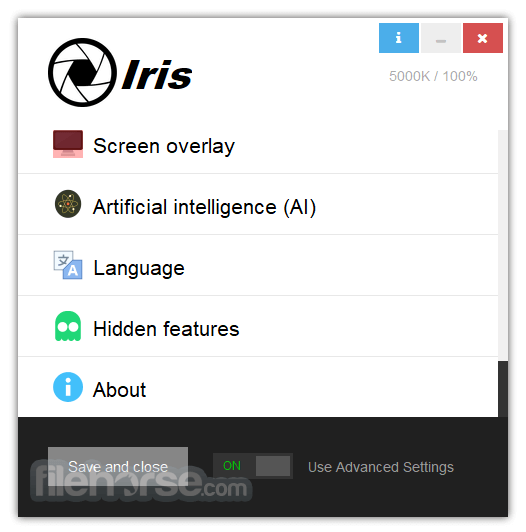
Iris is software for eye protection, health, and productivity. Protect your eyes from the negative impact of the PC screen!
The 2 most popular features of the desktop program, which probably brought you here, are: You can decrease the amount of blue light emitted from the screen and control the brightness without PWM flicker.
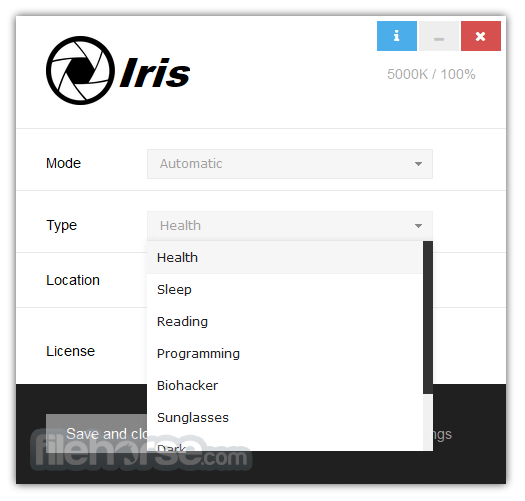
There are several different modes and several different types of apps. These are basically some preset values that many people use. Aside from this, you can customize the tool a lot.
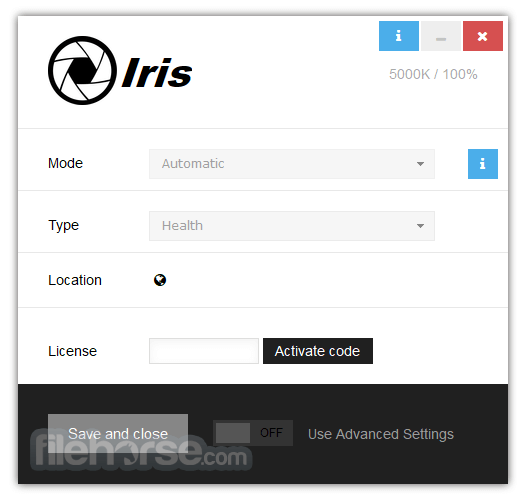
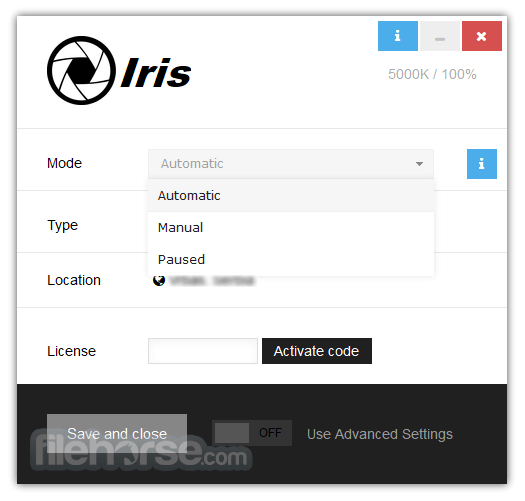
By default, it works automatically and detects if it’s day or night. Based on that, it will change your screen Color Temperature and Brightness. When you open the control panel of the software, you can select different modes and types of Iris.
Some of the benefits of Iris over competitors are that the app works even on docking stations and monitors connected with USB with the help of my custom High-level Color-API.
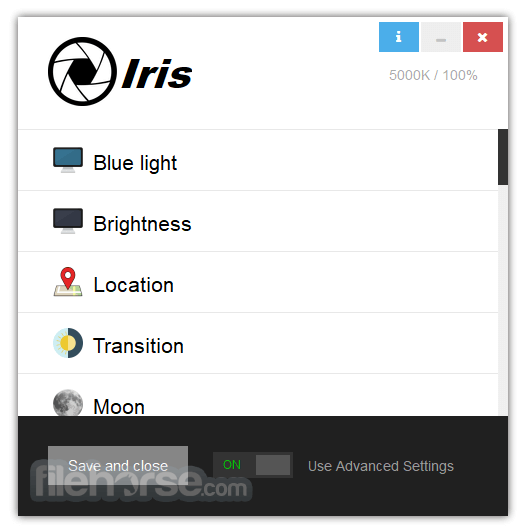
It has a much larger blue light reduction color range compared to all other alternatives, brightness without pulse-width modulation, manual settings, color effects, font rendering, magnification, and partial screen blue light reduction with the help of full-screen overlays.
Pricing
Iris Pro - $13.49 (Lifelong without updates)
PROS
Also Available: Download Iris for Mac
Download Iris Latest Version Why is this app published on FileHorse? (More info)
The 2 most popular features of the desktop program, which probably brought you here, are: You can decrease the amount of blue light emitted from the screen and control the brightness without PWM flicker.
There are several different modes and several different types of apps. These are basically some preset values that many people use. Aside from this, you can customize the tool a lot.
By default, it works automatically and detects if it’s day or night. Based on that, it will change your screen Color Temperature and Brightness. When you open the control panel of the software, you can select different modes and types of Iris.
Some of the benefits of Iris over competitors are that the app works even on docking stations and monitors connected with USB with the help of my custom High-level Color-API.
It has a much larger blue light reduction color range compared to all other alternatives, brightness without pulse-width modulation, manual settings, color effects, font rendering, magnification, and partial screen blue light reduction with the help of full-screen overlays.
Pricing
Iris Pro - $13.49 (Lifelong without updates)
- 1 time purchase
- Iris Pro
- Free minor builds and bug fixes
- 1 device at a time
- Move license to new machine
- Program updates not included
- 1 Month for 1 PC
- Monthly payment
- Activates both Iris and Iris mini
- Valid for all future versions
- 1 device at a time
- Move license to new machine
- Free Program Updates
- 1 time purchase
- Iris Pro
- Valid for all future versions
- 1 device at a time
- Move license to new machine
- Free Program Updates
PROS
- Effective Eye Strain Reduction
- Customizable Color Temperature Settings
- Automatic Light Adjustment
- Supports Multiple Platforms
- Low System Resource Usage
- Limited Free Version Features
- Occasional Compatibility Issues
- No Mobile App Version
- Lack of Official Support and Updates
Also Available: Download Iris for Mac
Download Iris Latest Version Why is this app published on FileHorse? (More info)
##
影片介紹
##
畫面截圖