
- 目前版本1.9.1
- 更新日期2006-07-04
- 檔案大小2.55MB
- 檔案名稱isobuster_all_lang.zip
- 作業系統Windows 7 64 / Windows 8 64 / Windows 10 64 / Windows 11
- 支援語系English
- 授權型式試用版
- 開發商 Smart Projects
- 軟體分類Windows 軟體 / 光碟藍光
編輯短評
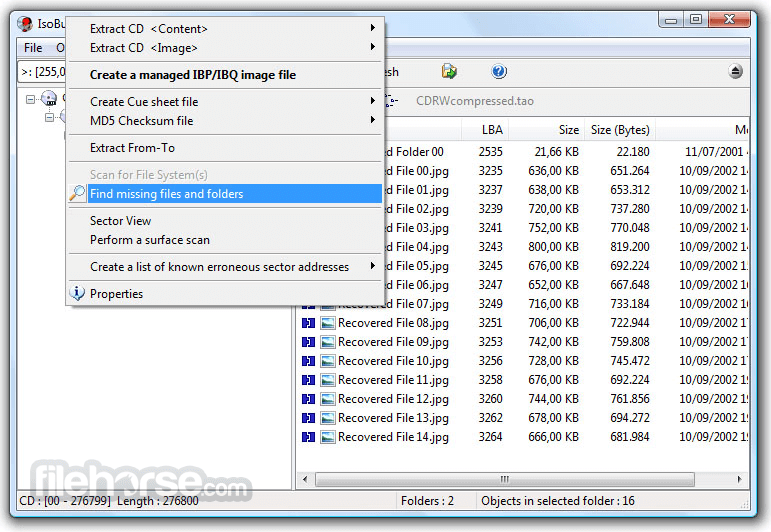
IsoBuster是一套CD/DVD档案恢复工具,专门解决光碟读取失败或加密档案无法取出的问题。它的最大特色是支援拖曳操作,让不熟悉指令的使用者也能轻松上手,同时涵盖CD、DVD、蓝光等多种格式,并强化错误处理与重试机制。这款软件长期维护,更新活跃,在同类工具中属于小众选择,但使用者评价普遍不错。
IsoBuster适合需要抢救光碟资料的使用者,例如光碟刮伤、读取错误或想提取加密影音内容时。与DVD Shrink、DAEMON Tools Lite等替代软件相比,它更专注于档案恢复,但试用版可能限制部分功能。此外,仅支援Windows平台,且界面为英文,使用前需留意授权与语系问题。
軟體介紹
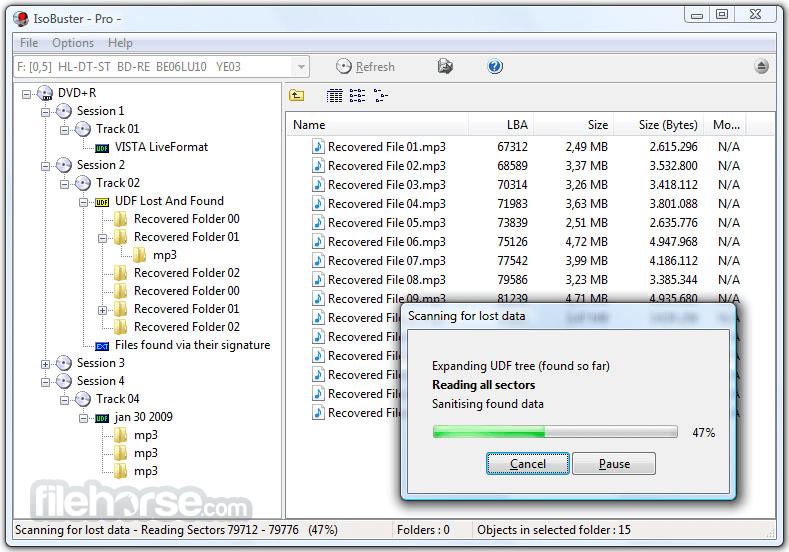
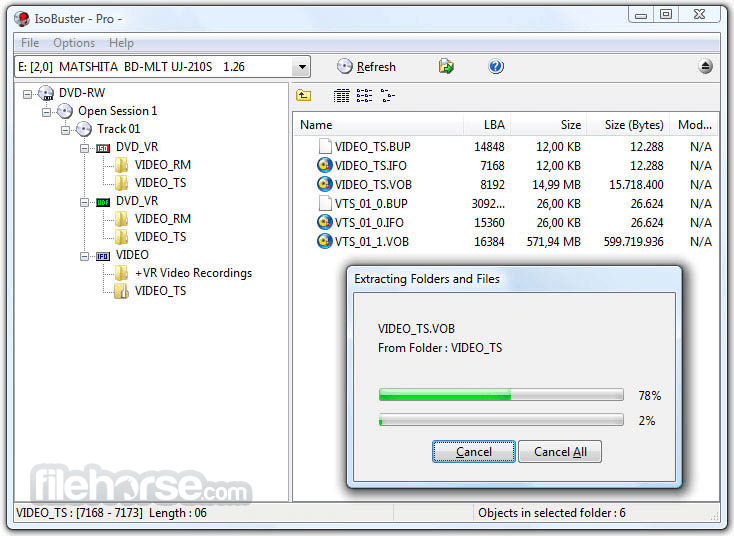
- 資料回復成CD、DVD、藍光,支援格式有CD-i, VCD, SVCD, SACD, CD-ROM, CD-ROM XA, CD-R, CD-RW, CD-MRW, ... DVD-ROM, DVCD, DVD-RAM, DVD-R, DVD-RW, DVD+R, DVD+RW等。
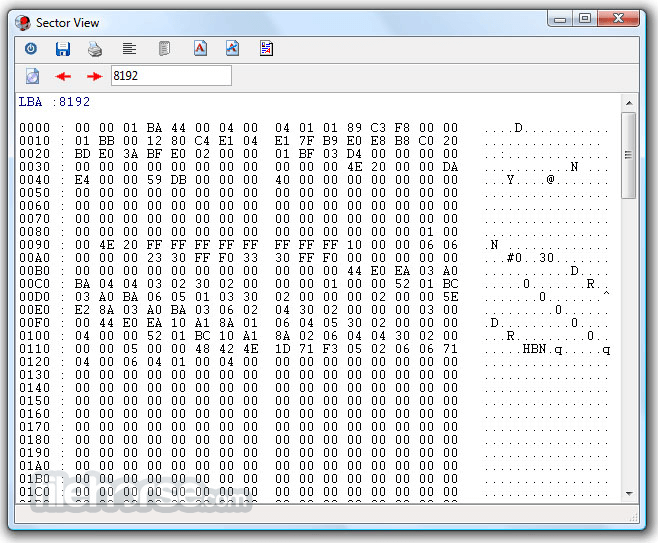
- 更好的錯誤處理和重試機制,來幫助使用者操作。
- 支援直接光碟壓縮文件。
- 支援微軟的Live文件系統。
畫面截圖
更新日誌
1.9.1 Changes:
# IsoBuster splash screen, which will stick until the main window is loaded, which can take a while sometimes when a drive is just mounting a 'difficult' disc and is not responding to commands immediately.
# Added option to the GUI (in Options) for administrators to grant low level access to storage devices for other users on the system.
# Multi-language support in the installer itself.
# IsoBuster theme in About box.
# Various icon improvements.
# An object selection is now also available and accessible via the Main Window (File / Sel. Object(s))
# Shift+F10 and context menu (between Alt Gr and Ctrl on the right) button click implemented.
# *.NCD (or subsets of *.NCD) image file support.
# The multi-extent icon next to a file or folder is *not* shown anymore by default, after a fresh install, to avoid confusion, set it in the options if required.
Improvements:
# Updated some of the auto recognizing features for Movie DVDs.
# Changed the more-sessions-in-one-track interpreter to also be able to deal with Nero Cmd made discs (they don't have the typical Nero signature)
# Work-around for a particular drive problem (DL-DT-ST DVD-ROM GDR8163B, or possibly a generation of drives) which caused DVD(+R/W) media not to be mounted OK.
Tracks and Sessions were not always correctly identified.
# Improvement to match IBP/IBQ managed image files to actual CDs in certain drives better, has to do with reserved tracks.
# Load read-only (write protect) IBP/IBQ files but put up a dialog warning for the user and allow him/her to unload the image again.
# Addded a dialog for when the IsoBuster.exe has been changed, to warn the user that there might be a virus on the system.
# Filter and replace illegal characters in file names before extraction for all file-systems, not just only for HFS.
# Various changes here and there to work better with Vista public Beta 2, which has changed considerably compared to previous Vista beta version.
# Various internal improvements, staying up to date with drive evolutions.
Fixes:
# Fixed some minor GUI related issues. You probably never noticed.
# Fixed a rare situation where IB could run into an exception error when there is NO file-system layout on the disc.
# Fixed small bug in the HFS file-extension recognition. Not all known extensions were actually assigned.
# Fixed that some extracted files, via the Mac HFS+ file system, were 2KB too big.
For most files this is no problem, but for text files some editors would display the extra rubbish at the end which is potentionally annoying.
- 2026-05-12 IsoBuster 5.8 12.79 MB
- 2025-11-24 IsoBuster 5.7 12.43 MB
- 2025-05-13 IsoBuster 5.6 10.4 MB
- 2025-01-26 IsoBuster 5.5.2 10.29 MB
- 2025-01-13 IsoBuster 5.5.1 10.29 MB
- 2024-12-09 IsoBuster 5.5 10.3 MB
- 2024-06-06 IsoBuster 5.4.1 8.12 MB
- 2024-05-21 IsoBuster 5.4 8.12 MB