
- 目前版本3.2
- 更新日期2013-05-14
- 檔案大小4.01MB
- 檔案名稱isobuster_all_lang.exe
- 作業系統Windows 7 64 / Windows 8 64 / Windows 10 64 / Windows 11
- 支援語系English
- 授權型式試用版
- 開發商 Smart Projects
- 軟體分類Windows 軟體 / 光碟藍光
編輯短評
IsoBuster是一套CD/DVD档案恢复工具,专门解决光碟读取失败或加密档案无法取出的问题。它的最大特色是支援拖曳操作,让不熟悉指令的使用者也能轻松上手,同时涵盖CD、DVD、蓝光等多种格式,并强化错误处理与重试机制。这款软件长期维护,更新活跃,在同类工具中属于小众选择,但使用者评价普遍不错。
IsoBuster适合需要抢救光碟资料的使用者,例如光碟刮伤、读取错误或想提取加密影音内容时。与DVD Shrink、DAEMON Tools Lite等替代软件相比,它更专注于档案恢复,但试用版可能限制部分功能。此外,仅支援Windows平台,且界面为英文,使用前需留意授权与语系问题。
軟體介紹
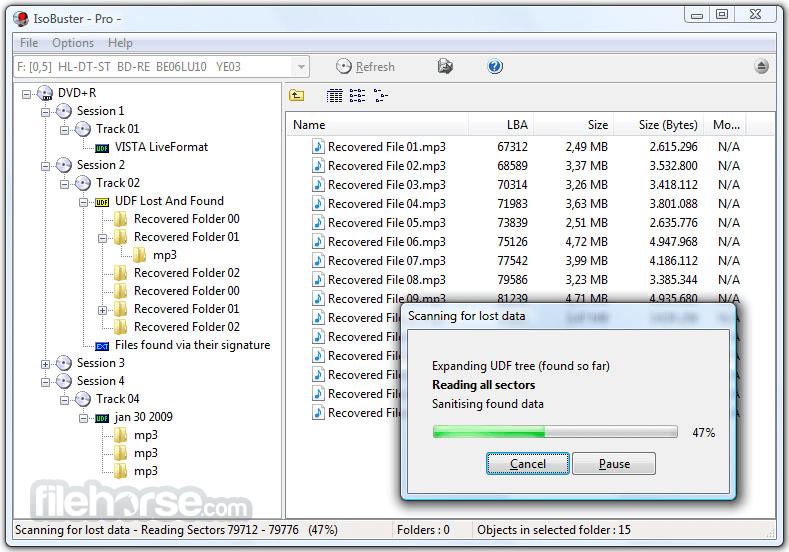
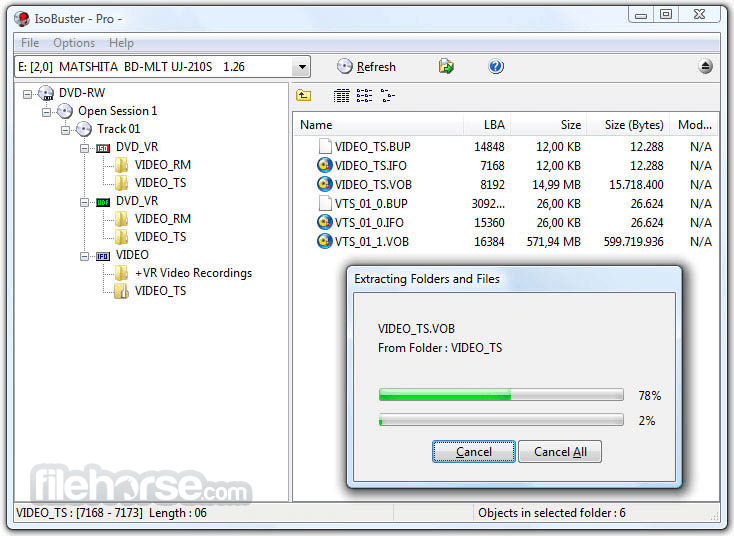
- 資料回復成CD、DVD、藍光,支援格式有CD-i, VCD, SVCD, SACD, CD-ROM, CD-ROM XA, CD-R, CD-RW, CD-MRW, ... DVD-ROM, DVCD, DVD-RAM, DVD-R, DVD-RW, DVD+R, DVD+RW等。
- 更好的錯誤處理和重試機制,來幫助使用者操作。
- 支援直接光碟壓縮文件。
- 支援微軟的Live文件系統。
畫面截圖
更新日誌
3.2 # Changes:
- Support for ExFAT.
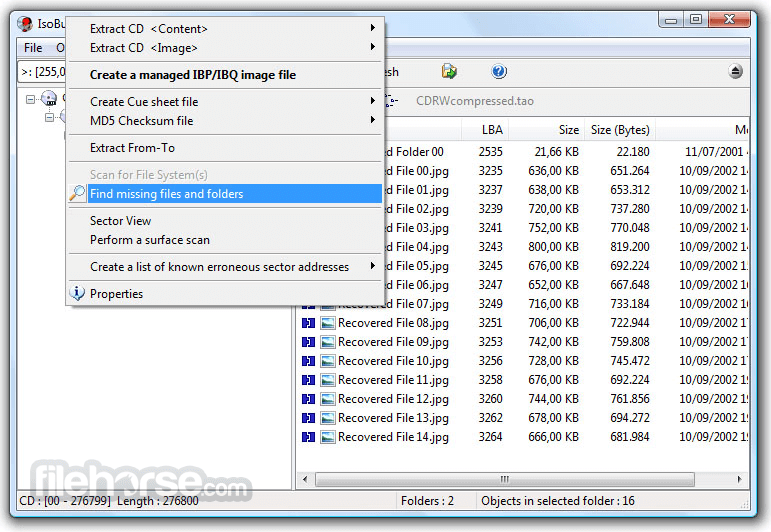
- Find deleted NTFS files and folders during a scan for missing files and folders.
- Implemented a "Find deleted files and folders" option, when an NTFS file-system is selected. This is a much faster scan if you're only interested in finding deleted files and folders in an NTFS file-system.
- Support for FATX
- Support for XISO / XDVDFS
- Extended Master Boot Record (EMBR) support.
- BSD partitions support.
# Improvements:
- Further improved the UAC experience by tweaking and fixing issues. The experience is still the same as described in previous release.
- Remove duplicate partitions (for instance when there's a GPT but the MBR fields still point to valid partitions as well).
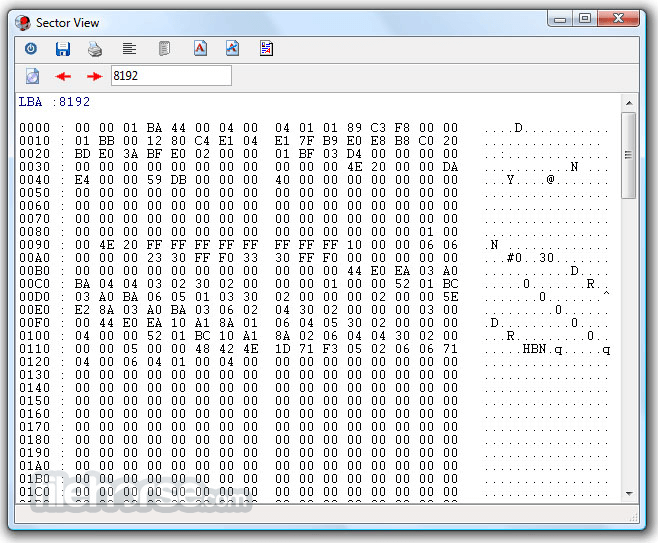
- Ways to dump all sectors that are being read to log files (for debug purposes) (support for *.ibdat and *.ibadr).
- Added .bkf file type recognition to the file-signature scan.
- Further improved the ListView Columns' drag behaviour by working around (Builder) VCL limits/bugs.
- An NTFS file also gets the Sparse property now when it's not fragmented (and not only when its extents are sparse)
- Display the File's start LBA for a sparse file, except when the first extent is sparse, then "Sparse" is displayed
- Added Full Path(s) and Start and Finish processing time to the MD5 file (as comments).
- Ability (set via options) to store and restore the position of the main form (instead of always centered).
- Added *.dd to the supported image files.
- Recognize EXT SuperBlock when trying to determine the blocksize of an image (for instance a Linux made .dd file with an EXT1,2,3 or 4 file-system).
- Improved handling of NTFS MFT embedded files during the scan for missing files based on their signature
- Various improvemens to reduce false positives during scanning for missing files and folders.
- Various other smaller GUI improvements
# Fixes:
- Not all *.png files were found during a scan for missing files and folders (bug introduced in version 3.1).
- Mac HFS file systems with large fragmented files (more than 8 extents) could trigger a program crash.
- In rare cases not all files and/or folders of an NTFS folder were found, if that folder was described in both the MFT record and via INDX records.
- Sometimes too small files were created, when they were fully sparse (one extent, sparse (= all zeroes) (NTFS).
- Fixed it so that the progress bar also changes color (red) in case of errors, during a scan for missing files and folders
- Show the last LBA in case of compressed files
- Fixed one more exception error that could occur while scanning for lost files and folders, due to buggy MS Office documents detection code.
- 2026-05-12 IsoBuster 5.8 12.79 MB
- 2025-11-24 IsoBuster 5.7 12.43 MB
- 2025-05-13 IsoBuster 5.6 10.4 MB
- 2025-01-26 IsoBuster 5.5.2 10.29 MB
- 2025-01-13 IsoBuster 5.5.1 10.29 MB
- 2024-12-09 IsoBuster 5.5 10.3 MB
- 2024-06-06 IsoBuster 5.4.1 8.12 MB
- 2024-05-21 IsoBuster 5.4 8.12 MB