
- 目前版本3.7
- 更新日期2015-12-21
- 檔案大小4.02MB
- 檔案名稱isobuster_install.exe
- 作業系統Windows 7 64 / Windows 8 64 / Windows 10 64 / Windows 11
- 支援語系English
- 授權型式試用版
- 開發商 Smart Projects
- 軟體分類Windows 軟體 / 光碟藍光
編輯短評
IsoBuster是一套CD/DVD档案恢复工具,专门解决光碟读取失败或加密档案无法取出的问题。它的最大特色是支援拖曳操作,让不熟悉指令的使用者也能轻松上手,同时涵盖CD、DVD、蓝光等多种格式,并强化错误处理与重试机制。这款软件长期维护,更新活跃,在同类工具中属于小众选择,但使用者评价普遍不错。
IsoBuster适合需要抢救光碟资料的使用者,例如光碟刮伤、读取错误或想提取加密影音内容时。与DVD Shrink、DAEMON Tools Lite等替代软件相比,它更专注于档案恢复,但试用版可能限制部分功能。此外,仅支援Windows平台,且界面为英文,使用前需留意授权与语系问题。
軟體介紹
- 資料回復成CD、DVD、藍光,支援格式有CD-i, VCD, SVCD, SACD, CD-ROM, CD-ROM XA, CD-R, CD-RW, CD-MRW, ... DVD-ROM, DVCD, DVD-RAM, DVD-R, DVD-RW, DVD+R, DVD+RW等。
- 更好的錯誤處理和重試機制,來幫助使用者操作。
- 支援直接光碟壓縮文件。
- 支援微軟的Live文件系統。
畫面截圖
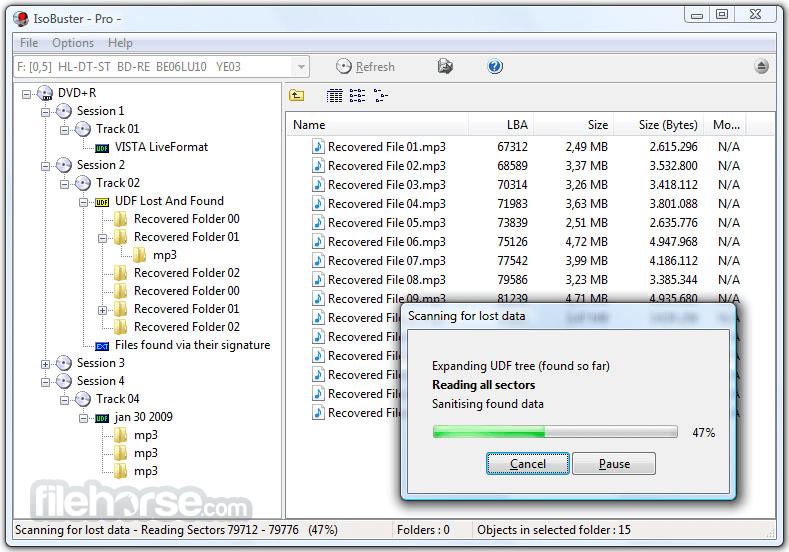
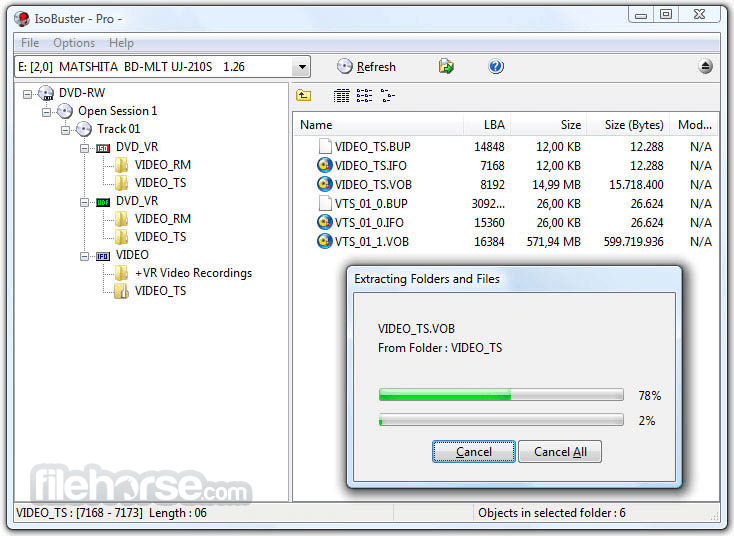
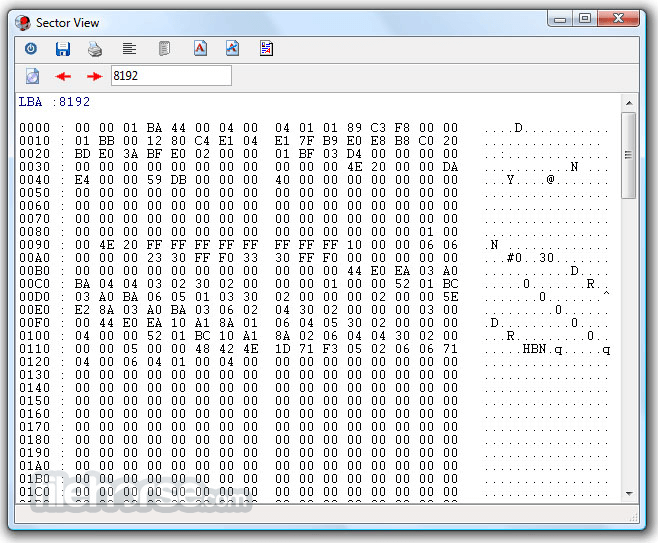
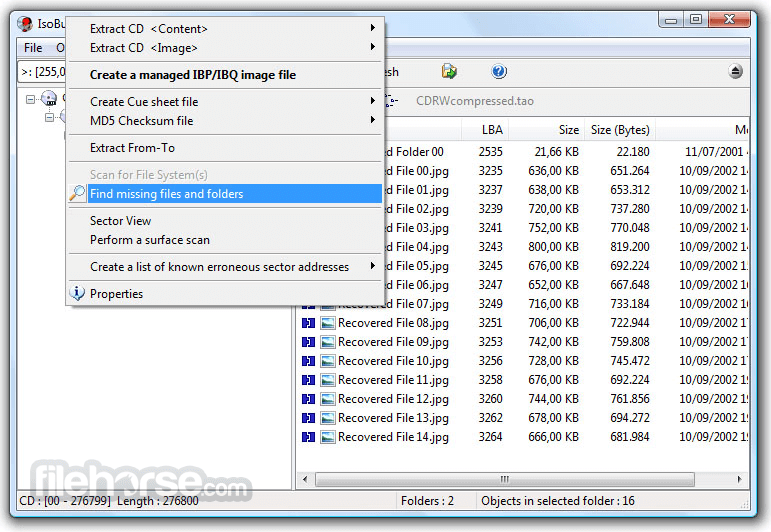
更新日誌
3.7 # Changes / New:
* Implemented a Breadcrumbs control for easy navigation, with right mouse click Pop-up for easy task selection.
* The Breadcrumbs' edit control also interprets paths you copy in it (with limitations), or can show the current path, for easy copying to the clipboard.
* Support for typing in a limited list of commands in the Breadcrumbs' edit control (@close, @refresh:drives, @stop, @restart, @new, @find:).
* Ability to turn off TreeView trying to follow selections made in ListView and Breadcrumbs (faster and less memory use due to virtual implementation).
* Elaborate Search functionality (Ctrl+F), to try and find file(s) and/or folder(s) with certain properties in existing file-systems or file lists. Not to be confused with data/file carving functionality to try and find missing files and folders (Ctrl+F3).
# Improvements:
* Improved use of, and added a lot more ShortCuts throughout the software.
* Different ListView columns layout for search results and ability to show the full path.
* Improved display of files and folders in the status bar, during exploration of folders etc.
* Improvement in time stamp display and during file extraction, for files created in a different daylight saving time period.
* Ability to reload the drives' list (Shift+Ctrl+R) and all associated objects (files folders etc.)(To check if USB drives have been inserted or removed).
* Improved the speed of finding a TreeView item exponentially.
* Make sure the size of an initial install is not bigger than the screen resolution (on systems with low resolution).
* Workaround for Oracle VM VirtualBox 'VBOX CD-ROM' virtual drive that doesn't return correct information in case the ISO file is big (e.g. of a DVD).
* Added Main menu item to allow you to Upgrade from a [Personal] license to a [Professional] license
* Allow to properly resize the Properties (Ctrl+I) Window.
* Show blocks being read in status bar while doing a scan for missing files and folders.
* Added 'Copy path as text to clipboard' function (Ctrl+C).
* Quite a few improvements, changes and re-writes in the core code / engine, as this is a living project and to deal with the ever growing new functionality.
* Various GUI improvements.
# Fixes:
* Bugfix for HFS - Not all folder content was shown all the time (*).
* Bugfix for FAT - Big folders covering multiple clusters would sometimes not be explored fully (*).
* Fixed it so that the Save Dialog, Print Dialog and Font Dialog won't be displayed behind the SectorView window.
- 2026-05-12 IsoBuster 5.8 12.79 MB
- 2025-11-24 IsoBuster 5.7 12.43 MB
- 2025-05-13 IsoBuster 5.6 10.4 MB
- 2025-01-26 IsoBuster 5.5.2 10.29 MB
- 2025-01-13 IsoBuster 5.5.1 10.29 MB
- 2024-12-09 IsoBuster 5.5 10.3 MB
- 2024-06-06 IsoBuster 5.4.1 8.12 MB
- 2024-05-21 IsoBuster 5.4 8.12 MB