- 目前版本5.23.22533
- 更新日期2026-05-28
- 檔案大小207 MB
- 檔案名稱AmazonChime-5.23.22533.dmg
- 作業系統macOS 11.0 Big Sur or later
- 支援語系English
- 授權型式試用版
- 開發商 Amazon Inc
- 軟體分類Mac 軟體 / 社群通訊
##
翻譯排程處理中,以下暫以英文原文呈現
軟體介紹
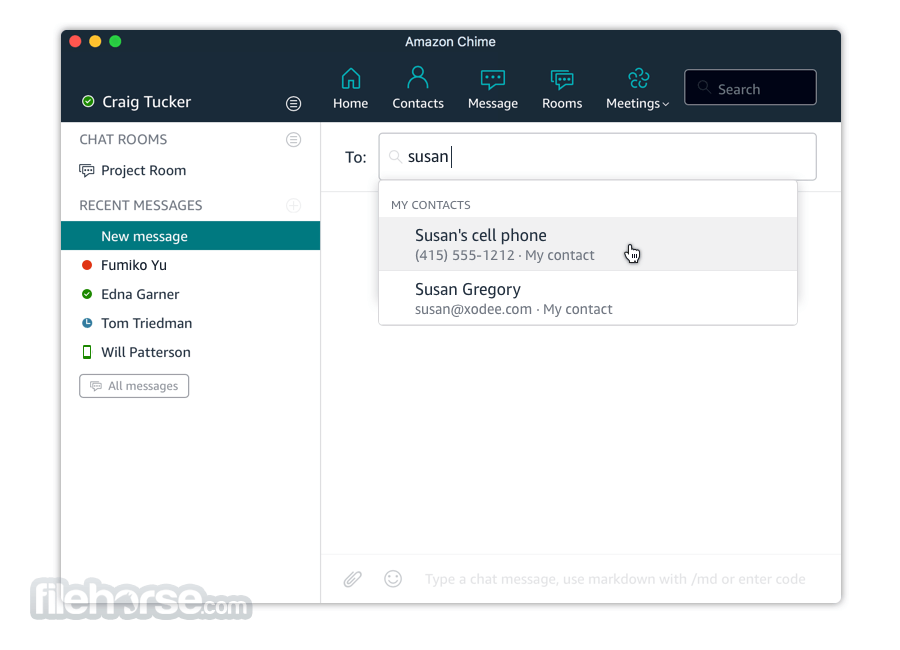
Amazon Chime for Mac is a communications service that transforms online meetings with a secure, easy-to-use application that you can trust. the tool works seamlessly across your devices so that you can stay connected.
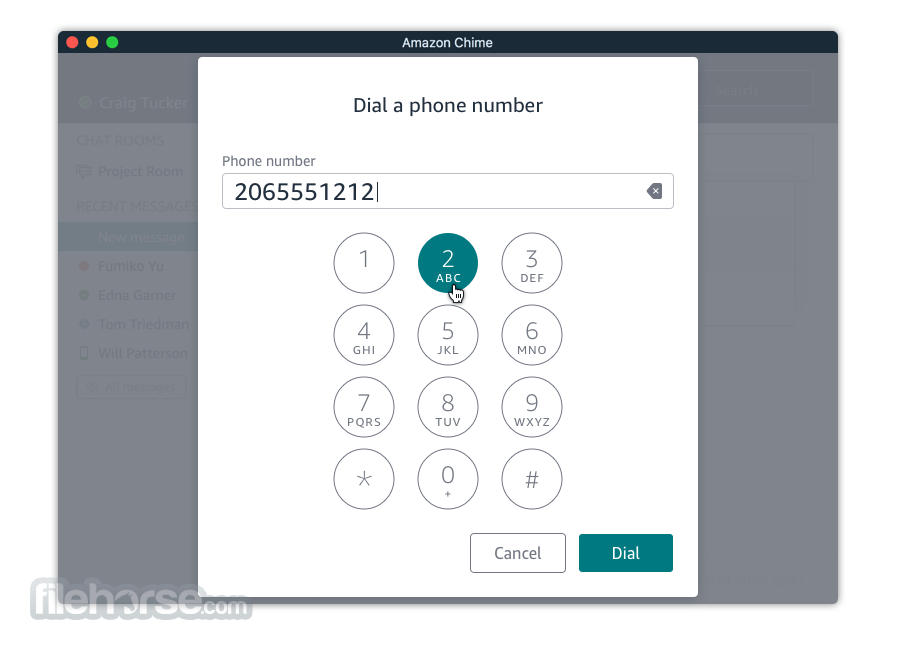
You can use Amazon Chime for macOS for online meetings, video conferencing, calls, chat, and to share content, both inside and outside your organization. This app frees you to work productively from anywhere.
Make your online meetings effortless with the software. Meetings start on time, and they’re easy to join. Meetings call you, and with a single tap or click, you can join or notify participants that you’re running late. A visual roster shows who is in the meeting and who is running late, and allows anyone to mute background noise. Amazon Chime for Mac automatically reconnects you if you get dropped. Crystal clear audio and HD video keep you focused on the discussion.
Take your meetings anywhere with a rich, easy-to-use application available for Android, iOS, Mac, and Windows. Meetings and chats are always synchronized, you can join meetings from any device, and you can switch seamlessly between devices anytime – even in the middle of a meeting.
Use one application to conduct online meetings, video conferencing, chat, screen sharing, and file sharing, both inside and outside your organization. You don’t need to switch between applications to collaborate. Instantly go from a chat to a call, share your screen, and even invite more people, with a simple click or tap, all in the same application.
With this software, you can feel confident you’re communicating securely. All your communications are encrypted, your chat history is never stored on your devices, and you can restrict your meetings to verify who is participating. In addition, the program can be set up to adhere to your company’s login policies. AmazonChime is a service offered by Amazon Web Services, where security is the highest priority.
How to Use
macOS 10.14 or later
Intel or Apple Silicon processor
Minimum 4 GB RAM
150 MB available disk space
Stable internet connection
PROS
Also Available: Download Amazon Chime for Windows
Download Amazon Chime for Mac Latest Version Why is this app published on FileHorse? (More info)
You can use Amazon Chime for macOS for online meetings, video conferencing, calls, chat, and to share content, both inside and outside your organization. This app frees you to work productively from anywhere.
Make your online meetings effortless with the software. Meetings start on time, and they’re easy to join. Meetings call you, and with a single tap or click, you can join or notify participants that you’re running late. A visual roster shows who is in the meeting and who is running late, and allows anyone to mute background noise. Amazon Chime for Mac automatically reconnects you if you get dropped. Crystal clear audio and HD video keep you focused on the discussion.
Take your meetings anywhere with a rich, easy-to-use application available for Android, iOS, Mac, and Windows. Meetings and chats are always synchronized, you can join meetings from any device, and you can switch seamlessly between devices anytime – even in the middle of a meeting.
Use one application to conduct online meetings, video conferencing, chat, screen sharing, and file sharing, both inside and outside your organization. You don’t need to switch between applications to collaborate. Instantly go from a chat to a call, share your screen, and even invite more people, with a simple click or tap, all in the same application.
With this software, you can feel confident you’re communicating securely. All your communications are encrypted, your chat history is never stored on your devices, and you can restrict your meetings to verify who is participating. In addition, the program can be set up to adhere to your company’s login policies. AmazonChime is a service offered by Amazon Web Services, where security is the highest priority.
How to Use
- Install the app and sign in with your Amazon account
- Schedule or join a meeting from the dashboard
- Use the Meeting ID or link to join others’ meetings
- Share screen, video, and chat during the call
- Access settings for audio/video preferences
- Use the calendar integration for scheduling
- Record meetings if the feature is enabled
- Use team chat for ongoing communication
- Log out or switch accounts as needed
macOS 10.14 or later
Intel or Apple Silicon processor
Minimum 4 GB RAM
150 MB available disk space
Stable internet connection
PROS
- Easy meeting scheduling and joining
- Supports HD video and audio
- Cross-platform syncing and use
- Secure encrypted communications
- Integrated chat and screen sharing
- Limited features in free version
- Occasional sync delays with calendar
- Resource-heavy on older Macs
- Basic UI compared to competitors
- Requires Amazon account to use
Also Available: Download Amazon Chime for Windows
Download Amazon Chime for Mac Latest Version Why is this app published on FileHorse? (More info)
##
畫面截圖