- 目前版本5.2.1
- 更新日期2026-08-04
- 檔案大小79.37 MB
- 檔案名稱charles-proxy-5.2.1.dmg
- 作業系統Mac OS X 10.10 or later
- 支援語系English
- 授權型式商業試用
- 開發商 Karl von Randow
- 軟體分類Mac 軟體 / 開發者工具
##
翻譯排程處理中,以下暫以英文原文呈現
軟體介紹
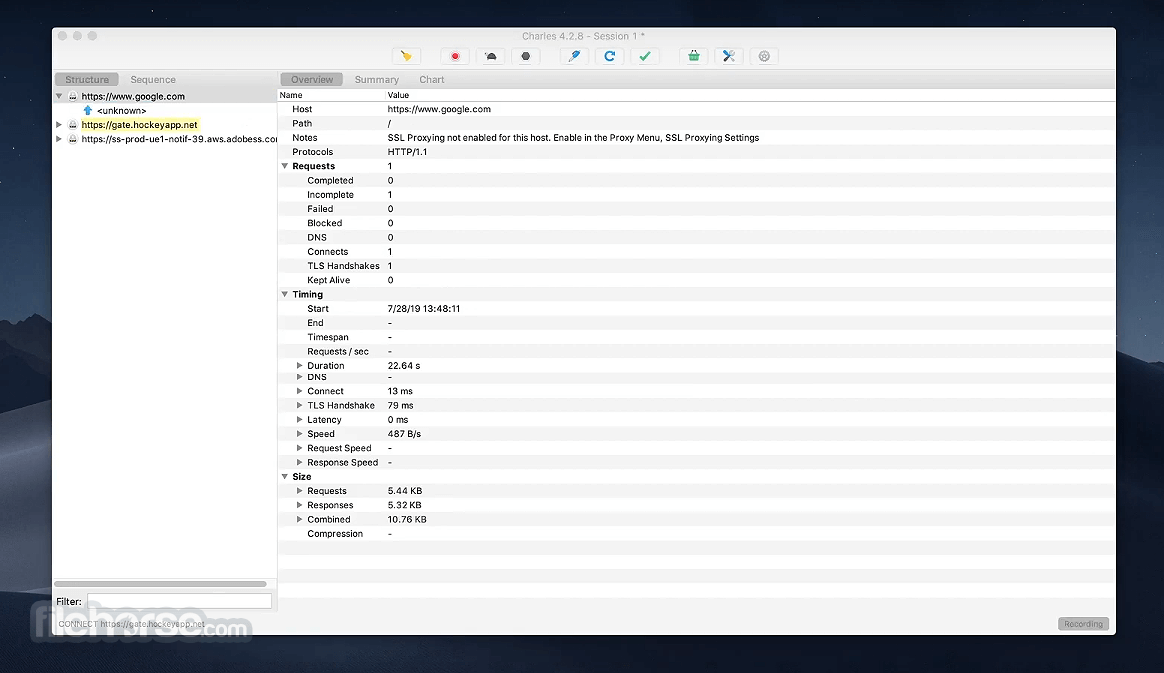
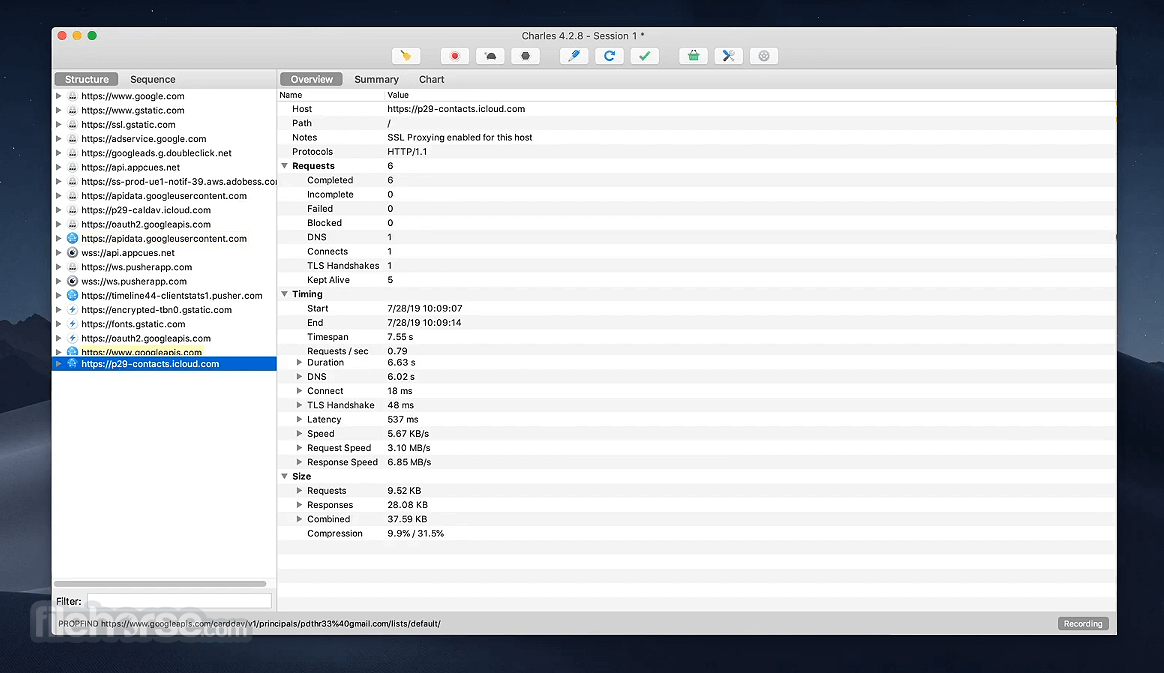
Charles for Mac is a web proxy software (HTTP Proxy / HTTP Monitor) that runs on your own computer. Your web browser (or any other Internet application) is then configured to access the Internet through Charles, and Charles is then able to record and display for you all of the data that is sent and received.
In Web and Internet development you are unable to see what is being sent and received between your internet browser/client and the server.
Without this visibility it is difficult and time-consuming to determine exactly where the fault is. The tool makes it easy to see what is happening, so you can quickly diagnose and fix problems.
Charles for macOS makes debugging quick, reliable and advanced; saving you time and frustration!
Features and Highlights
macOS 10.13 High Sierra or later
Intel or Apple Silicon (M1/M2) processor
At least 4 GB RAM
200 MB free disk space
Java 1.8 or newer (bundled with app)
PROS
Also Available: Download Charles for Windows
Download Charles for Mac Latest Version Why is this app published on FileHorse? (More info)
In Web and Internet development you are unable to see what is being sent and received between your internet browser/client and the server.
Without this visibility it is difficult and time-consuming to determine exactly where the fault is. The tool makes it easy to see what is happening, so you can quickly diagnose and fix problems.
Charles for macOS makes debugging quick, reliable and advanced; saving you time and frustration!
Features and Highlights
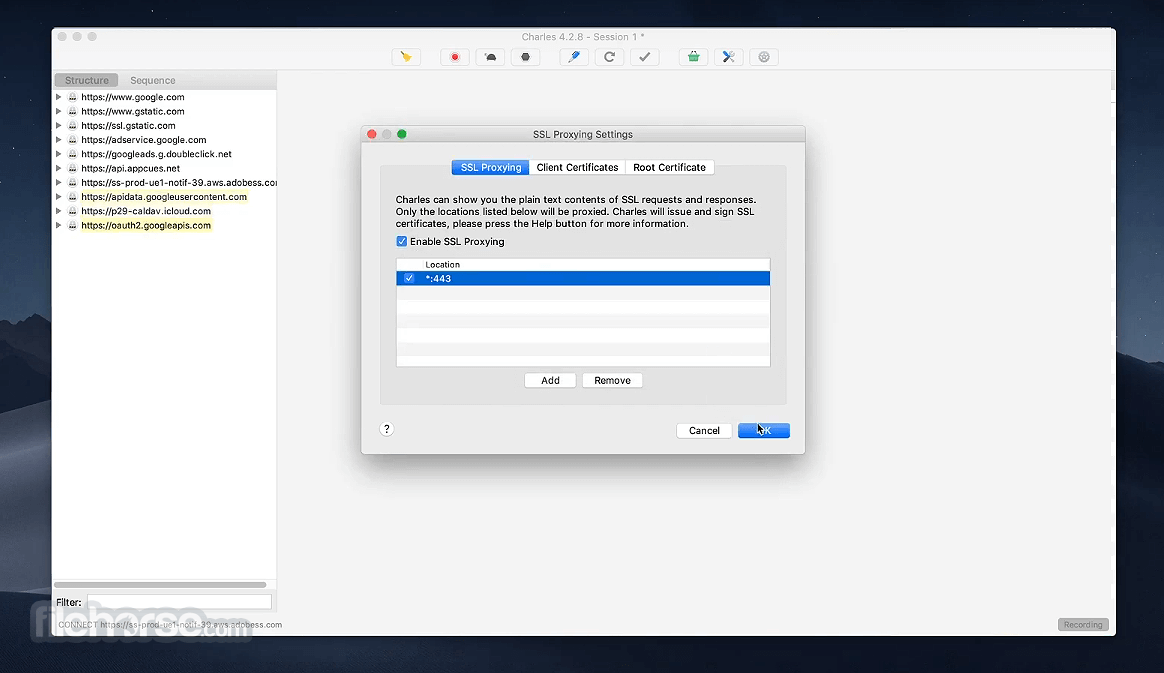
- SSL Proxying – view SSL requests and responses in plain text
- Bandwidth Throttling to simulate slower Internet connections including latency
- AJAX debugging – view XML and JSON requests and responses as a tree or as text
- AMF – view the contents of Flash Remoting / Flex Remoting messages as a tree
- Repeat requests to test back-end changes
- Edit requests to test different inputs
- Breakpoints to intercept and edit requests or responses
- Validate recorded HTML, CSS and RSS/atom responses using the W3C validator
- Install the application on your Mac
- Launch Charles and grant necessary permissions
- Configure macOS proxy settings to route traffic
- Enable SSL Proxying for HTTPS debugging
- Start browsing to capture network traffic
- Use filters to analyze specific requests
- Inspect request and response headers
- Edit or repeat requests if needed
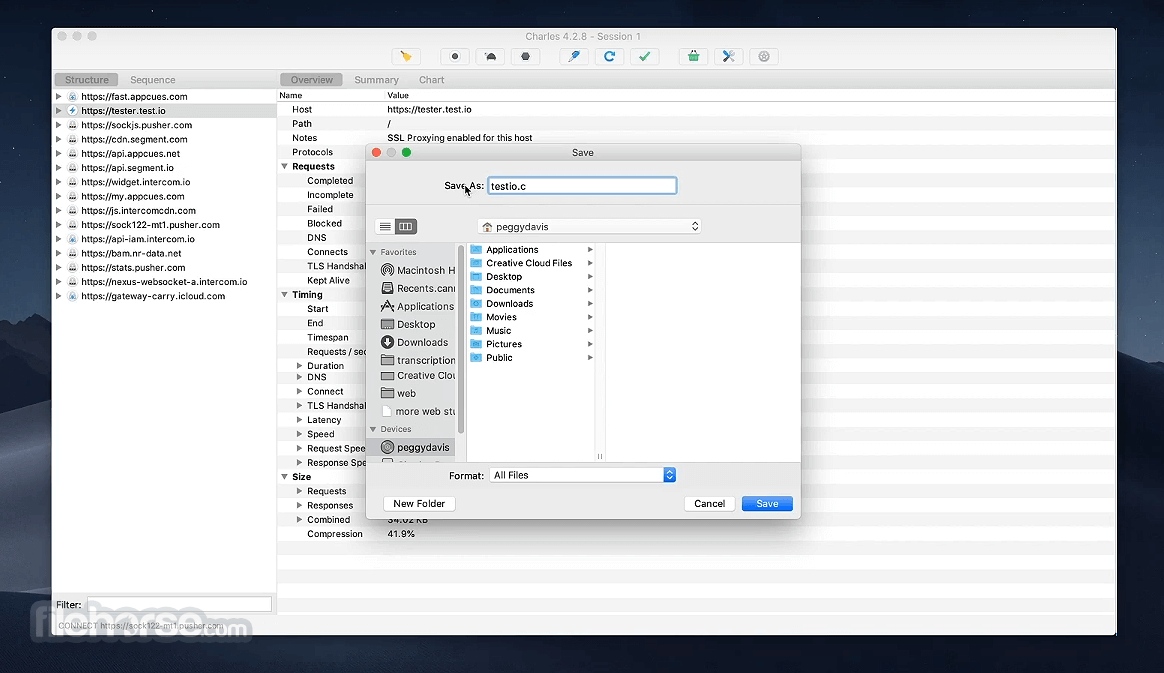
- Save sessions for later analysis
macOS 10.13 High Sierra or later
Intel or Apple Silicon (M1/M2) processor
At least 4 GB RAM
200 MB free disk space
Java 1.8 or newer (bundled with app)
PROS
- Easy to capture and inspect HTTP traffic
- Supports HTTPS with SSL Proxying
- User-friendly interface and layout
- Repeat and edit requests effortlessly
- Cross-platform availability
- Limited free trial usage
- Not ideal for beginners
- May require SSL certificate setup
- Interface can feel outdated
- Consumes moderate system resources
Also Available: Download Charles for Windows
Download Charles for Mac Latest Version Why is this app published on FileHorse? (More info)
##
畫面截圖