- 目前版本3.36
- 更新日期2026-04-24
- 檔案大小161 MB
- 檔案名稱codekit.zip
- 作業系統macOS 10.15 Catalina or later
- 支援語系English
- 授權型式商業試用
- 開發商 Bryan D K Jones
- 軟體分類Mac 軟體 / 開發者工具
##
翻譯排程處理中,以下暫以英文原文呈現
軟體介紹
CodeKit for Mac automatically compiles all those awesome languages you read about in tutorials. CodeKit automatically refreshes browsers as you work. Like magic.Ain't nobody got time for slow, bloated websites. CodeKit for macOS makes them faster.
Build your entire project with one click. Fine-tune the process in an intuitive, beautiful UI. Missing that one freaking comma somewhere? Find the problem fast with built-in debugging tools.
Features and Highlights
All The Cool Kids
Compile Sass, Less, Stylus, CSS, CoffeeScript, Pug, Slim, Haml, TypeScript, JavaScript, ES6, Markdown, JSON, SVG, PNG, GIF and JPEG right out of the box.
Dead-Simple Configuration
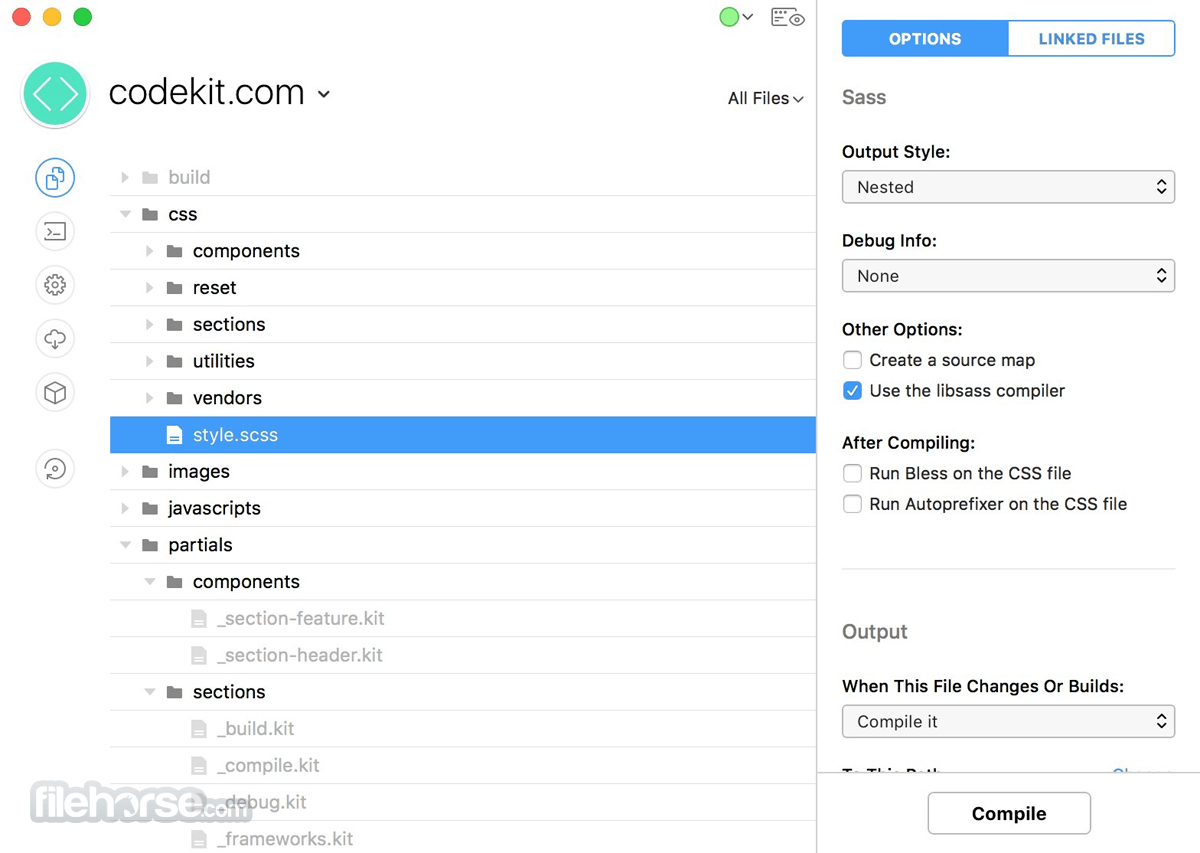
Want compressed CSS? Just check a box. Need to transpile JavaScript? Check a box. Every tool's options are available in a beautiful, clean UI. No more hacking build scripts.
Bleeding-Edge Tools
Autoprefixer for vendor prefixes. Babel.js for next-generation JavaScript. Libsass for faster Sass compiling. The best workflows are built right in.
Add Any Language
Use something that's not built-in? Easily tell CodeKit how to process files of any type, right in the UI. No stupid config files or plugins required.
Any Device
Mac, iOS, Android, Windows, Tesla, kitchen fridge... if it's got a modern internet browser, it refreshes. All major browser vendors are supported, even over SSL.
Zero Setup
No plugins, no script tags, no work. Just click the Preview button in the app and you're done. You don't even need certificates for SSL. Really.
Browser Sync
Type some text in a form and it magically appears on all your other devices, too. Click a link, it's clicked on every device. Fast cross-device testing.
Optimize Images
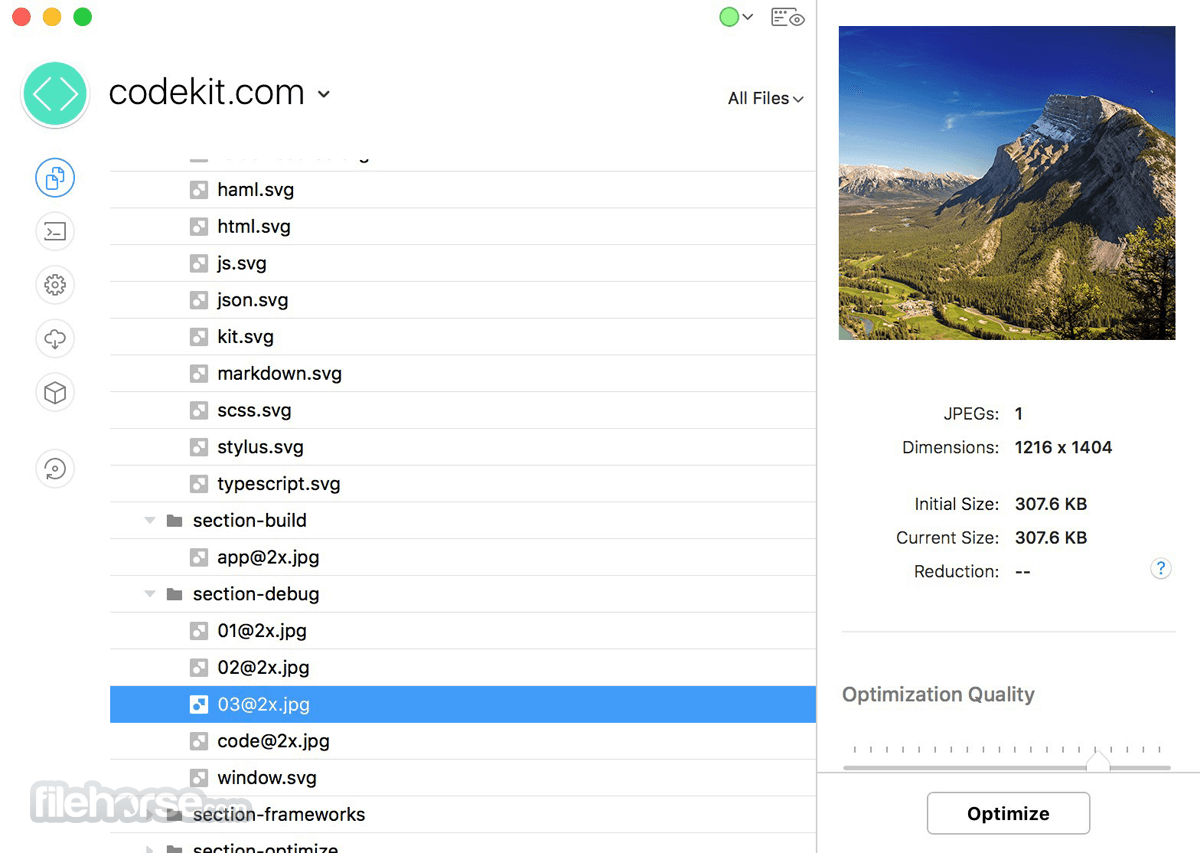
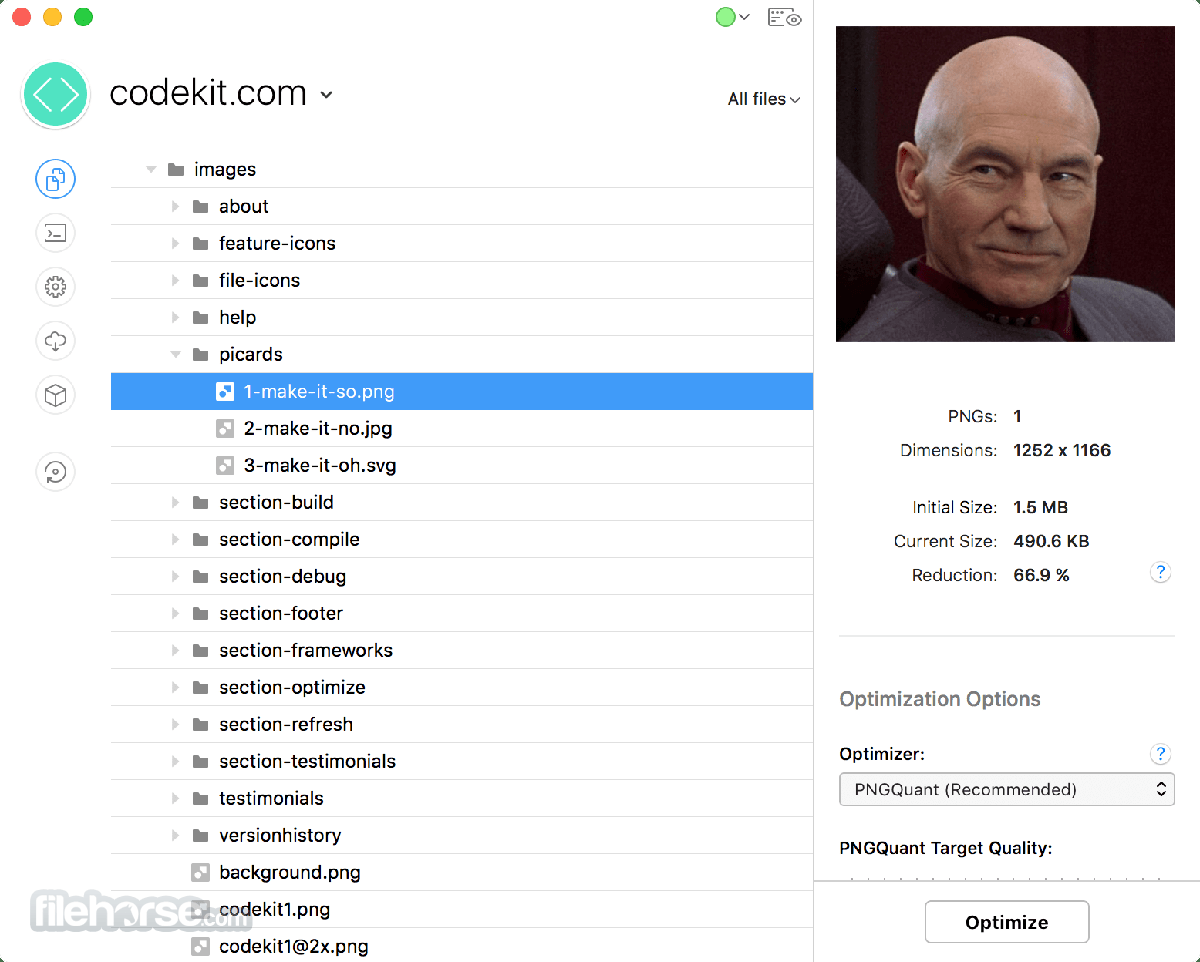
Losslessly optimize SVGs, PNGs, JPGs and GIFs with the best algorithms available. No setup needed; it's all baked in.
Minify Scripts & CSS
Combine scripts to reduce HTTP requests. Minify your code to reduce file sizes. All the best practices with full control over the details.
Source Maps
Minify your code, but see the original version in the browser's inspector. Works automatically with most languages and without headaches.
ESLint
Scan JavaScript with the mother of all syntax-checkers. Easily customize hundreds of rules with examples and explanations right in the UI.
JSHint & JSLint
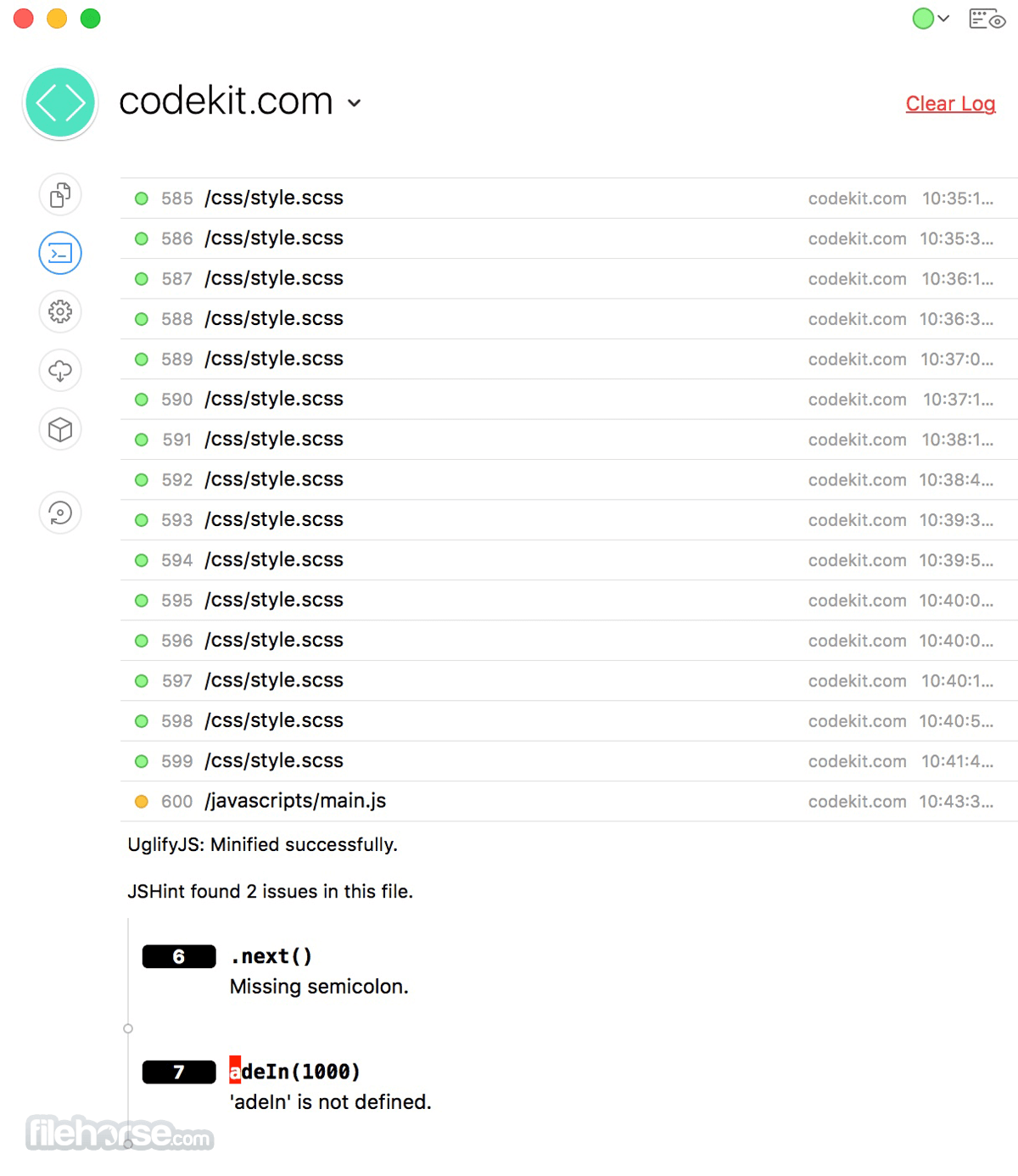
Not ready to move to ESLint? No problem. JSHint and JSLint are built-in, too. See the exact line and column number of every issue.
Easy Migration
Check one box and existing projects just work. No updating hundreds of output paths, no changing URLs on pages. It's magic.
How to Use
macOS 10.13 High Sierra or later
Intel or Apple Silicon Mac
At least 4 GB RAM
100 MB of available disk space
Internet connection for license activation
PROS
Download CodeKit for Mac Latest Version Why is this app published on FileHorse? (More info)
Build your entire project with one click. Fine-tune the process in an intuitive, beautiful UI. Missing that one freaking comma somewhere? Find the problem fast with built-in debugging tools.
Features and Highlights
All The Cool Kids
Compile Sass, Less, Stylus, CSS, CoffeeScript, Pug, Slim, Haml, TypeScript, JavaScript, ES6, Markdown, JSON, SVG, PNG, GIF and JPEG right out of the box.
Dead-Simple Configuration
Want compressed CSS? Just check a box. Need to transpile JavaScript? Check a box. Every tool's options are available in a beautiful, clean UI. No more hacking build scripts.
Bleeding-Edge Tools
Autoprefixer for vendor prefixes. Babel.js for next-generation JavaScript. Libsass for faster Sass compiling. The best workflows are built right in.
Add Any Language
Use something that's not built-in? Easily tell CodeKit how to process files of any type, right in the UI. No stupid config files or plugins required.
Any Device
Mac, iOS, Android, Windows, Tesla, kitchen fridge... if it's got a modern internet browser, it refreshes. All major browser vendors are supported, even over SSL.
Zero Setup
No plugins, no script tags, no work. Just click the Preview button in the app and you're done. You don't even need certificates for SSL. Really.
Browser Sync
Type some text in a form and it magically appears on all your other devices, too. Click a link, it's clicked on every device. Fast cross-device testing.
Optimize Images
Losslessly optimize SVGs, PNGs, JPGs and GIFs with the best algorithms available. No setup needed; it's all baked in.
Minify Scripts & CSS
Combine scripts to reduce HTTP requests. Minify your code to reduce file sizes. All the best practices with full control over the details.
Source Maps
Minify your code, but see the original version in the browser's inspector. Works automatically with most languages and without headaches.
ESLint
Scan JavaScript with the mother of all syntax-checkers. Easily customize hundreds of rules with examples and explanations right in the UI.
JSHint & JSLint
Not ready to move to ESLint? No problem. JSHint and JSLint are built-in, too. See the exact line and column number of every issue.
Easy Migration
Check one box and existing projects just work. No updating hundreds of output paths, no changing URLs on pages. It's magic.
How to Use
- Drag the app to your Applications folder
- Launch the app and create a new project
- Add your website or app folder to CodeKit
- Choose preprocessors and configure settings
- Click “Preview” to open live browser sync
- Save changes and let CodeKit auto-refresh
- Use built-in tools for minification and linting
- Export optimized files for production
macOS 10.13 High Sierra or later
Intel or Apple Silicon Mac
At least 4 GB RAM
100 MB of available disk space
Internet connection for license activation
PROS
- Easy live browser refresh
- No command-line needed
- Supports many preprocessors
- Automatic error checking
- Fast file compilation
- Mac only, no Windows version
- Not free, requires license
- Limited backend support
- No team collaboration tools
- Minimal plugin ecosystem
Download CodeKit for Mac Latest Version Why is this app published on FileHorse? (More info)
##
畫面截圖