- 目前版本26.2.1
- 更新日期2026-07-08
- 檔案大小220 MB
- 檔案名稱dbvis_macos-x64_26_2_1.dmg
- 作業系統Mac OS X 10.11 or later
- 支援語系English
- 授權型式商業試用
- 開發商 DbVis Software
- 軟體分類Mac 軟體 / 開發者工具
##
翻譯排程處理中,以下暫以英文原文呈現
軟體介紹
DbVisualizer for Mac is the ultimate solution since the same tool can be used on all major operating systems accessing a wide range of databases. Enjoy!
Highlights
Supported Databases
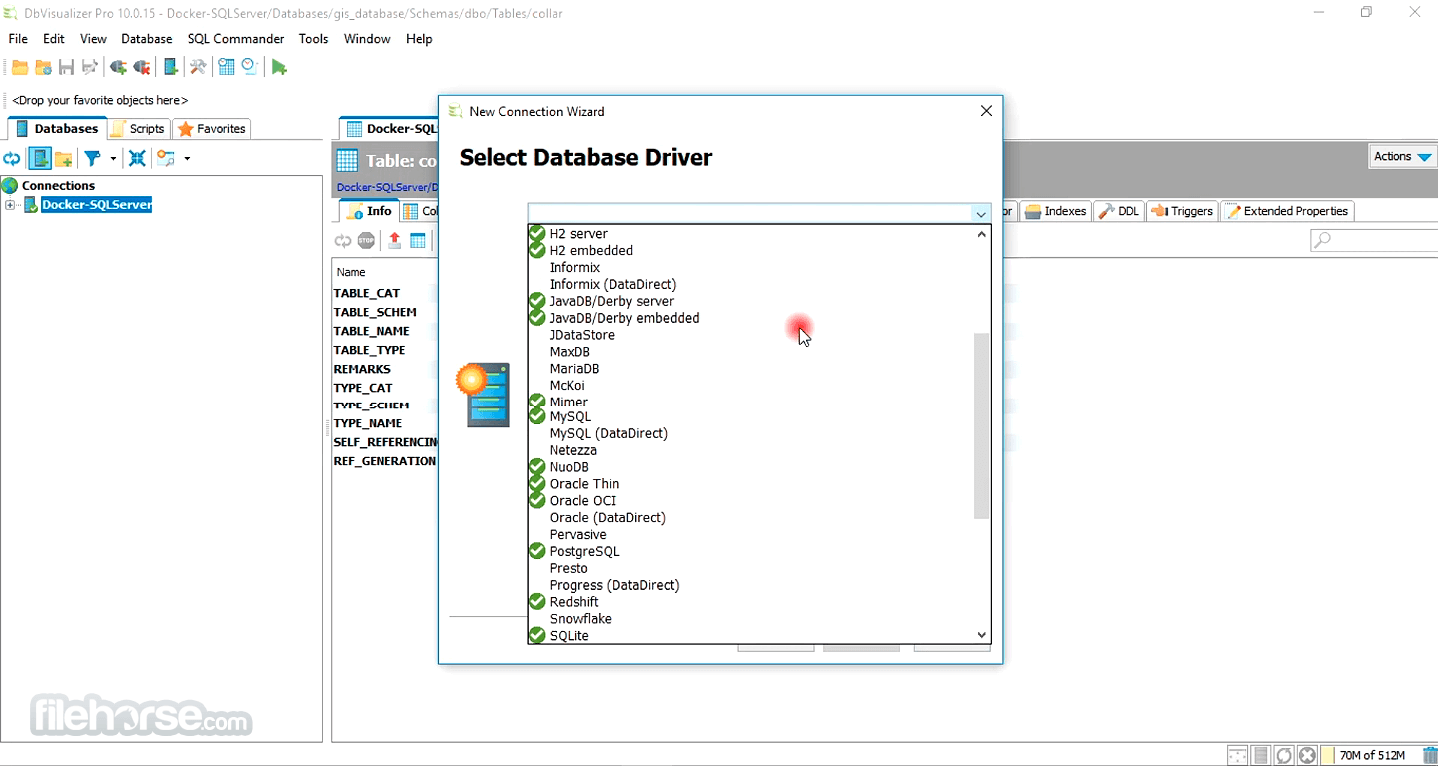
Amazon Redshift, DB2 LUW, Derby, Exasol, H2, Informix, Microsoft SQL Server, Mimer SQL, MySQL, Netezza, NuoDB, Oracle, PostgreSQL, SQLite, Sybase ASE, and Vertica.
Runs Everywhere
Db Visualizer runs on all the major platforms, Windows, macOS, and Linux.
SQL Tools
SQL editor with support for auto completion, parameterized SQLs, SQL formatter, visual query builder, explain plan, and, a command-line based interface.
Database Browser
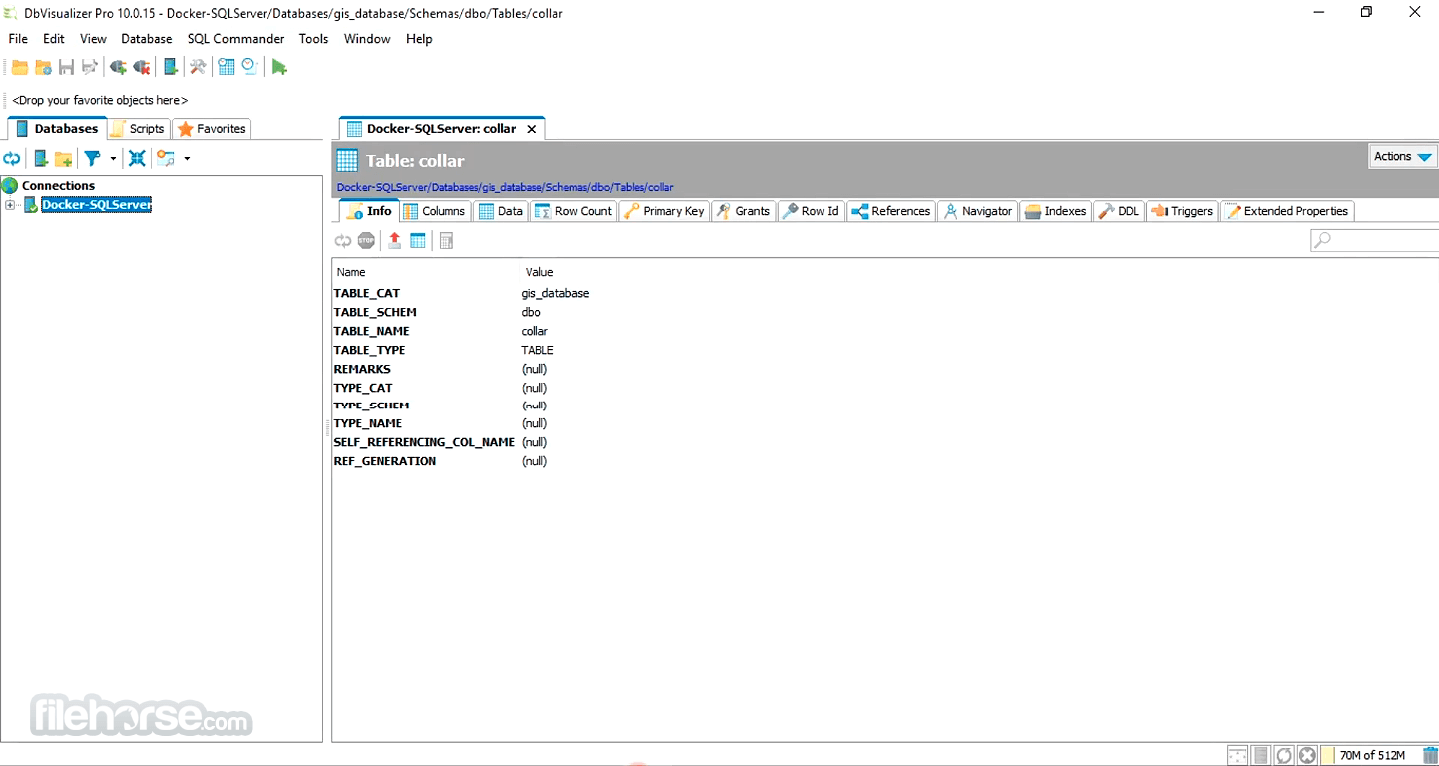
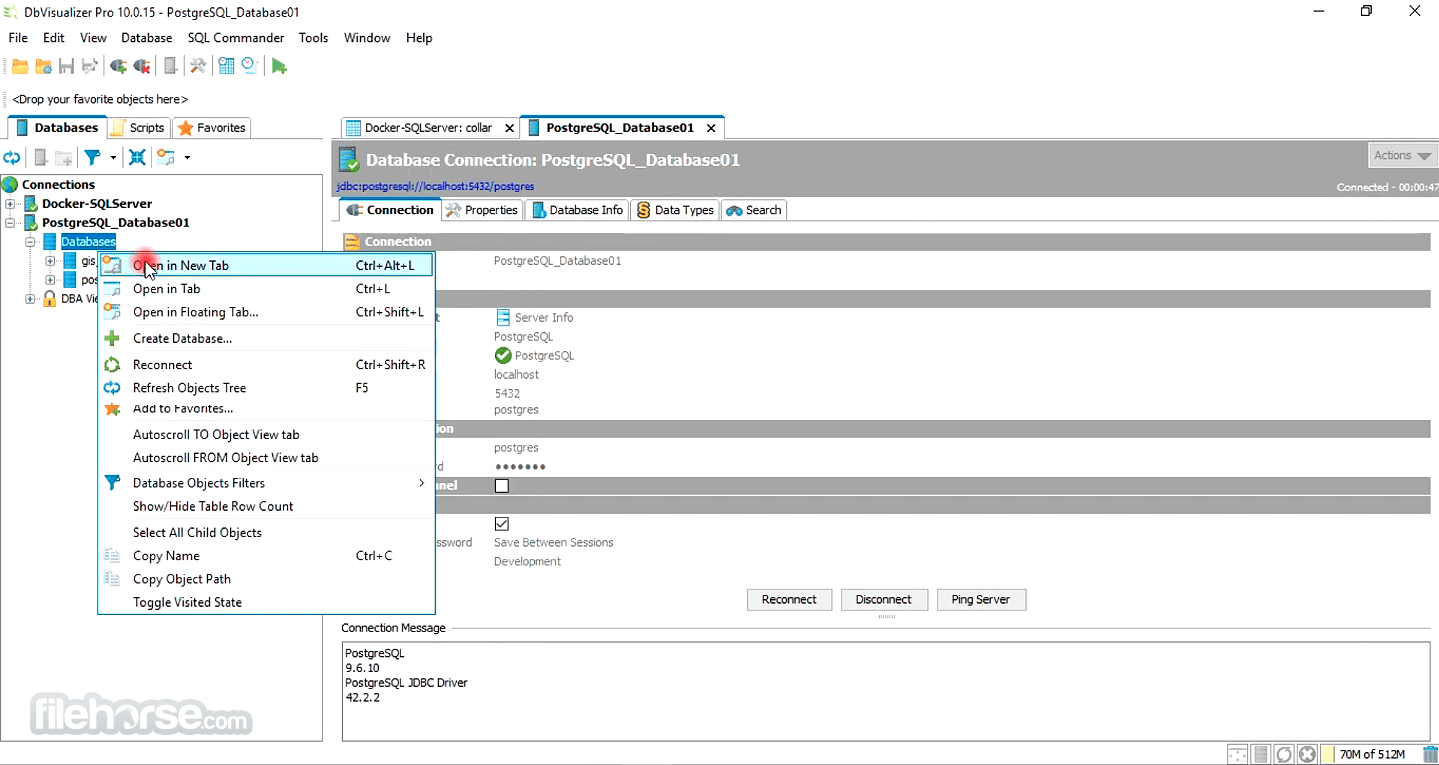
Tree based navigation through database objects. Multiple objects can be displayed side-by-side.
Object Management
Visual tools to manage database objects. Edit, compile and, run procedures, functions, triggers, and, a lot more.
Table Data Management
Spreadsheet-like table data editor including binary/BLOB and CLOB data types, import from CSV and Excel files.
Export
Export database objects and table data as CREATE/INSERT statements, CSV, XML and more. Support for exporting very large result
DbVisualizer for macOS is tested with the major databases and JDBC drivers. For databases more commonly used in the industry It has added support for database specific features. Key bindings are configurable and the appearance of the application is highly customizable.
Some of these features are:
macOS 10.15 (Catalina) or later
Intel or Apple Silicon (M1/M2) processor
Minimum 4 GB RAM (8 GB recommended)
Java 11 or later (can be bundled)
At least 200 MB of free disk space
PROS
Also Available: Download DbVisualizer for Windows
Download DbVisualizer for Mac Latest Version Why is this app published on FileHorse? (More info)
Highlights
Supported Databases
Amazon Redshift, DB2 LUW, Derby, Exasol, H2, Informix, Microsoft SQL Server, Mimer SQL, MySQL, Netezza, NuoDB, Oracle, PostgreSQL, SQLite, Sybase ASE, and Vertica.
Runs Everywhere
Db Visualizer runs on all the major platforms, Windows, macOS, and Linux.
SQL Tools
SQL editor with support for auto completion, parameterized SQLs, SQL formatter, visual query builder, explain plan, and, a command-line based interface.
Database Browser
Tree based navigation through database objects. Multiple objects can be displayed side-by-side.
Object Management
Visual tools to manage database objects. Edit, compile and, run procedures, functions, triggers, and, a lot more.
Table Data Management
Spreadsheet-like table data editor including binary/BLOB and CLOB data types, import from CSV and Excel files.
Export
Export database objects and table data as CREATE/INSERT statements, CSV, XML and more. Support for exporting very large result
DbVisualizer for macOS is tested with the major databases and JDBC drivers. For databases more commonly used in the industry It has added support for database specific features. Key bindings are configurable and the appearance of the application is highly customizable.
Some of these features are:
- Management of database specific objects
- Visual actions for CREATE, ALTER, DROP, RENAME and so on
- Create, Edit and Compile procedures, functions and triggers
- Explain plan support
- Schema Export
- Compare of editors and result sets
- ...and much more
- Install by dragging the app to the Applications folder
- Launch DbVisualizer from Applications or Spotlight
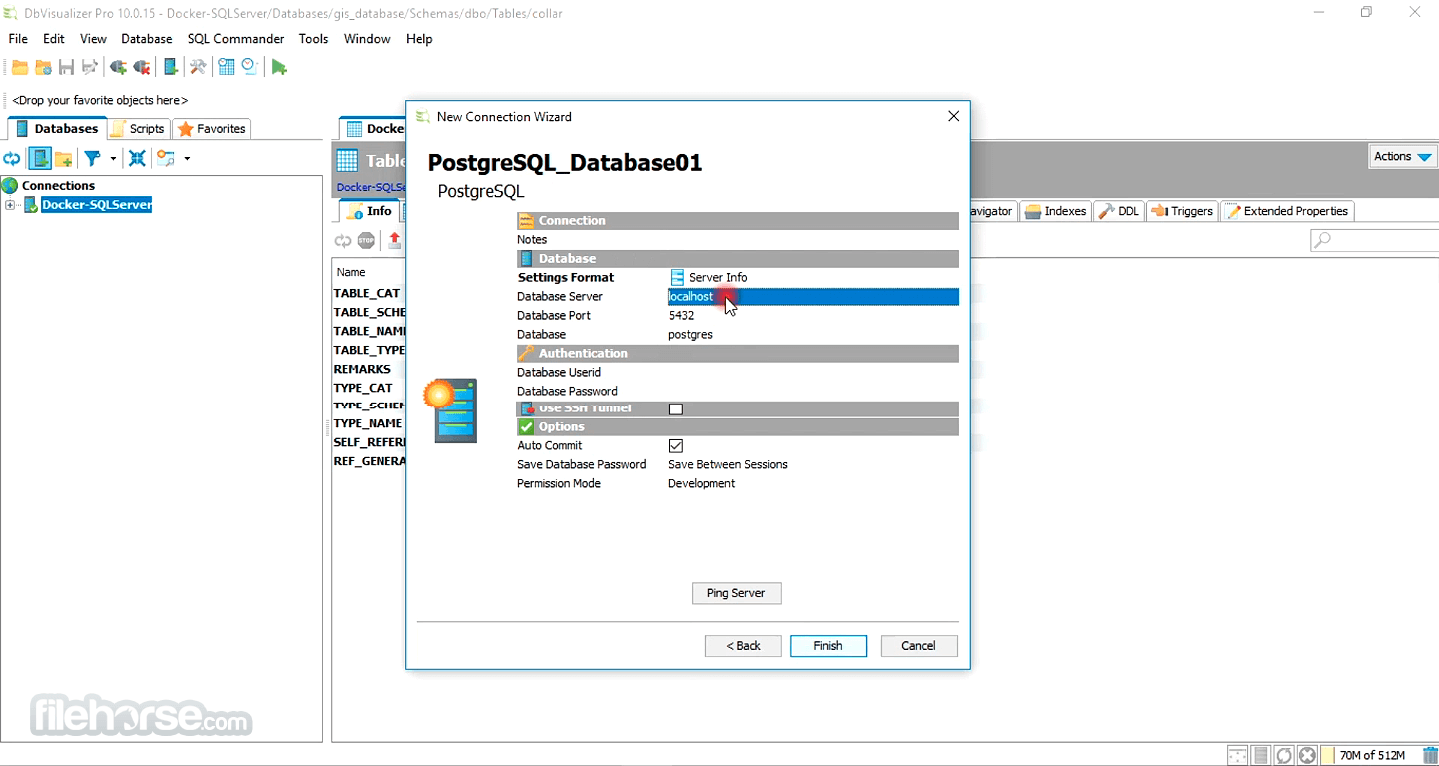
- Connect to a database using the connection wizard
- Configure driver settings if required
- Write and execute SQL queries in the SQL editor
- Use the object tree to explore database schema
- Export query results to various formats
- Create and manage bookmarks for queries
- Use charts and visual tools for data analysis
macOS 10.15 (Catalina) or later
Intel or Apple Silicon (M1/M2) processor
Minimum 4 GB RAM (8 GB recommended)
Java 11 or later (can be bundled)
At least 200 MB of free disk space
PROS
- Supports many database types
- Clean and intuitive user interface
- Powerful SQL editor with autocompletion
- Advanced data visualization tools
- Cross-platform with cloud sync options
- Free version has limited features
- Can be slow with large result sets
- UI can feel outdated in places
- Requires Java configuration manually sometimes
Also Available: Download DbVisualizer for Windows
Download DbVisualizer for Mac Latest Version Why is this app published on FileHorse? (More info)
##
畫面截圖