- 目前版本0.9.13
- 更新日期2026-01-04
- 檔案大小14.34 MB
- 檔案名稱desmume-0.9.13-macOS.dmg
- 作業系統Mac OS X 10.6 or later
- 支援語系English
- 授權型式開源軟體
- 開發商 DeSmuME Team
- 軟體分類Mac 軟體 / 遊戲
##
翻譯排程處理中,以下暫以英文原文呈現
軟體介紹
DeSmuME for Mac is a reliable and stable open-source Nintendo DS emulator designed specifically for Mac computers, allowing users of all technical knowledge levels to easily load and play Nintendo DS games on their home computers using DS ROM files.
Due to its almost 100% compatibility with console software and extensive set of advanced features, this emulator represents an excellent choice for anyone looking to relive their childhood memories or experience the thrill of playing classic Nintendo DS games on their modern Mac devices.
This emulator’s versatility and ease of use make it an ideal solution for a variety of use cases, including not only playing Nintendo DS games for nostalgic purposes, but also testing and developing homebrew game projects, researching various game systems' functions for game development purposes, or creating playable libraries for preservation purposes.
All in all, this lightweight but highly capable emulator represents the best choice for gamers, developers, and researchers who want to access popular retro handheld gaming software on the Mac platform.
Main Features
Installing this emulator tool on any modern Mac is an easy process, requiring users to simply download the latest installer either from the official website or secure FileHorse servers and follow the installation prompts.
Once fully installed, users can start using the emulator immediately. The only configuration that is needed is if users want to control games with the gamepad. In that case, they need to use the Control Config tool to properly map all Nintendo DS buttons.
How to Use
After starting the tool, users need to provide access to ROM files and customize the controls to their liking. The emulator also includes a range of settings that users can adjust to optimize their gaming experience, including 3D rendering settings, audio configuration, and more.
Imported ROMs can be started with a single “Play” button on top of the dashboard, with that same button becoming a “Pause” tool that can enable all users to take a breather whenever they wish.
Both screens of the Nintendo DS system are rendered together in a vertical arrangement, with built-in support for increased window size and high-resolution rendering, making the experience of replaying old handheld software much more engaging and visually striking.
User Interface
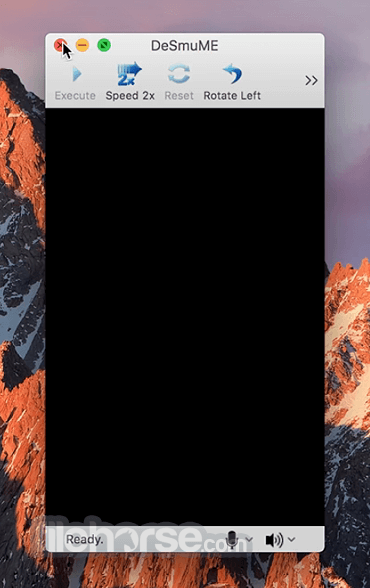
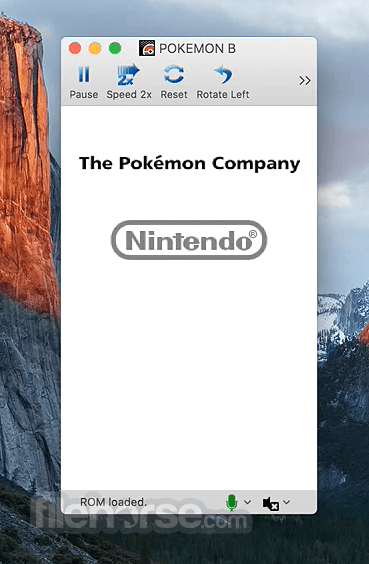
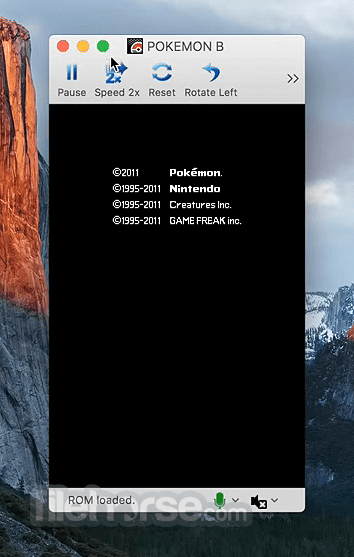
The main dashboard of this emulator promotes easy ROM imports and streamlined access to all the most important game emulation controls.
FAQs
What is DeSmuME?
It is a popular and easy-to-use Nintendo DS emulator designed to run on all modern home computer platforms and the web.
Is it safe?
Yes, if it is downloaded from a reliable source.
Alternatives
OpenEmu - A free and open-source emulator that supports a wide range of consoles, including the Nintendo DS.
RetroArch - A popular suite of emulators with support for many handheld console platforms from Nintendo.
Citra - A discontinued Nintendo 3DS emulator with support for network play, save states, and excellent compatibility.
Pricing
This emulator is 100% free.
System Requirements
PROS
DeSmuME for Mac is an excellent open-source emulator with almost complete 100% compatibility with popular software of the handheld console Nintendo DS.
Its versatility, ease of use, high compatibility, and customizable controls make it an ideal solution for gamers of all ages, developers, and historians seeking to experience retro gaming on any computer they own.
Also Available: Download DeSmuME for Windows
Download DeSmuME for Mac Latest Version Why is this app published on FileHorse? (More info)
Due to its almost 100% compatibility with console software and extensive set of advanced features, this emulator represents an excellent choice for anyone looking to relive their childhood memories or experience the thrill of playing classic Nintendo DS games on their modern Mac devices.
This emulator’s versatility and ease of use make it an ideal solution for a variety of use cases, including not only playing Nintendo DS games for nostalgic purposes, but also testing and developing homebrew game projects, researching various game systems' functions for game development purposes, or creating playable libraries for preservation purposes.
All in all, this lightweight but highly capable emulator represents the best choice for gamers, developers, and researchers who want to access popular retro handheld gaming software on the Mac platform.
Main Features
- Reliable Nintendo DS Emulation - Play Nintendo DS games on their Macs using DS ROM files.
- Dual Screen Rendering - Experience all NDS games the way they are meant to be played.
- Near 100% Compatibility - Replay any NDS title with accurate emulation or with enhanced framerate and visuals.
- Customizable Controls - Fully customize the controls on both keyboards and gamepads.
- Save States - Save game progress at any point, making it easy to pick up at any point on any supported platform (Windows, Mac, Linux).
- Open-Source - Developed with the expertise of a worldwide group of emulation experts.
- Also Accessible on the Web - Access reliable Nintendo DS emulation directly in a browser tab!
Installing this emulator tool on any modern Mac is an easy process, requiring users to simply download the latest installer either from the official website or secure FileHorse servers and follow the installation prompts.
Once fully installed, users can start using the emulator immediately. The only configuration that is needed is if users want to control games with the gamepad. In that case, they need to use the Control Config tool to properly map all Nintendo DS buttons.
How to Use
After starting the tool, users need to provide access to ROM files and customize the controls to their liking. The emulator also includes a range of settings that users can adjust to optimize their gaming experience, including 3D rendering settings, audio configuration, and more.
Imported ROMs can be started with a single “Play” button on top of the dashboard, with that same button becoming a “Pause” tool that can enable all users to take a breather whenever they wish.
Both screens of the Nintendo DS system are rendered together in a vertical arrangement, with built-in support for increased window size and high-resolution rendering, making the experience of replaying old handheld software much more engaging and visually striking.
User Interface
The main dashboard of this emulator promotes easy ROM imports and streamlined access to all the most important game emulation controls.
FAQs
What is DeSmuME?
It is a popular and easy-to-use Nintendo DS emulator designed to run on all modern home computer platforms and the web.
Is it safe?
Yes, if it is downloaded from a reliable source.
Alternatives
OpenEmu - A free and open-source emulator that supports a wide range of consoles, including the Nintendo DS.
RetroArch - A popular suite of emulators with support for many handheld console platforms from Nintendo.
Citra - A discontinued Nintendo 3DS emulator with support for network play, save states, and excellent compatibility.
Pricing
This emulator is 100% free.
System Requirements
- OS: macOS 10.6 or later
PROS
- Highly compatible with Nintendo DS software.
- Customizable controls and rendering features.
- Multi-platform support.
- 100% free.
- Lack of new updates.
- Does not support networked play via WiFi (a basic feature supported on real Nintendo DS handheld consoles).
DeSmuME for Mac is an excellent open-source emulator with almost complete 100% compatibility with popular software of the handheld console Nintendo DS.
Its versatility, ease of use, high compatibility, and customizable controls make it an ideal solution for gamers of all ages, developers, and historians seeking to experience retro gaming on any computer they own.
Also Available: Download DeSmuME for Windows
Download DeSmuME for Mac Latest Version Why is this app published on FileHorse? (More info)
##
畫面截圖