- 目前版本12.3
- 更新日期2026-07-01
- 作業系統macOS 15.0 Sequoia or later
- 支援語系English
- 授權型式未分類
- 開發商 Apple Inc.
- 軟體分類Mac 軟體 / 影片軟體
##
翻譯排程處理中,以下暫以英文原文呈現
軟體介紹
The Mac platform has many video editing software choices available for it. The best one by far is Final Cut Pro for Mac. This Apple multimedia editing suite features several built-in tools, innovative media organization, and fast workflow.
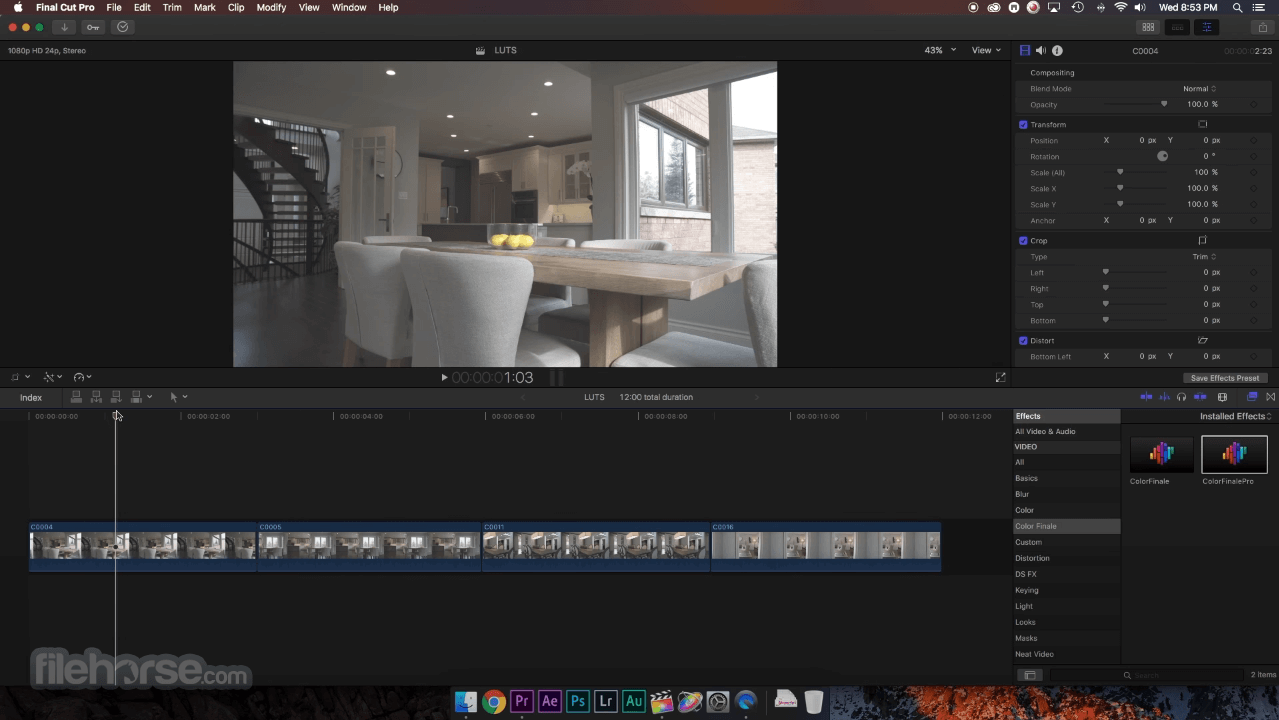
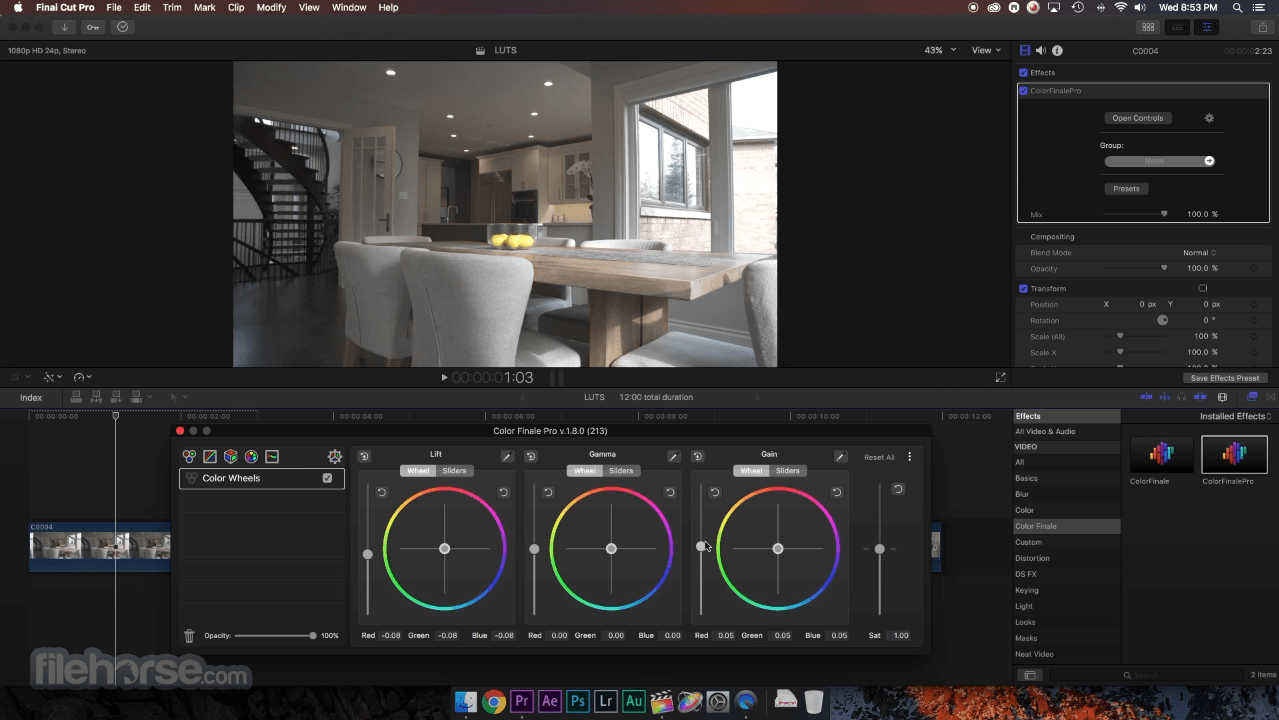
After Apple Final Cut Pro X is installed on your Mac computer and you begin to run the program, its user interface might seem overwhelming to you at first.
However, it is worth making the effort to learn how to use the interface because there are so many wonderful editing tools available. Your post-production workflow can be enhanced immensely once you learn how to use these tools.
Once you’re familiar with the software, you’ll realize that every object on the user interface refers to an important tool that you can access with the click of the mouse.
Final Cut Pro 11: What's New?
Final Cut Pro 11 introduces AI-powered tools, spatial video editing, and workflow enhancements for improved efficiency and creativity.
Magnetic Mask – AI-powered masking isolates people, objects, and shapes without manual tracking or green screens.
Transcribe to Captions – Automatically generate captions using a fast and accurate AI language model (requires macOS Sequoia or later).
Spatial Video Editing – Import, edit, and enhance spatial videos from Apple Vision Pro and iPhone 15 Pro or later.
Workflow Enhancements:
There are many different types of video editors, and they each have a unique set of features which make it easier for users to create the best movie exports imaginable.
DSLR Video Content Support
Final Cut Pro for macOS is more than just a video editing solution. It is also an audio editing solution as well. It features a variety of audio editing tools for helping to eliminate humming and other unwanted noises from your audio files. The tools even allow you to verify that your DSLR videos are synchronized with their audio tracks. If you want to add any of the royalty free sound effects included with the software bundle, then you can do that easily.
Also, It comes with a dynamic and highly innovative media organizer. This tool allows you to locate a particular clip in your library within seconds. The software is capable of doing this by utilizing keyword combinations as well as automatic metadata to bring up the clips you want to use.
Support Available for Common Multimedia File Formats
Final Cut Pro X is a professional multimedia editing program. That is why it supports many different file formats, such as RAW, REDCODE, H.264, AVC-Intra, AVCHD, and Sony XAVC. If you use 3rd party plug-ins, you can use the program to edit, deliver, and import MXF files. As for audio file formats, the software lets you edit audio in WAV, AIFF, MP3, SDII, and AAC format.
All-Inclusive Multimedia Design Platform
It gives you all the tools you could ever want in a multimedia design platform. You can perform video editing, importing, enhancing, and exporting of premium quality videos.
Alternatives
Movavi Video Editor – Intuitive with built-in effects.
Filmora – User-friendly with creative effects.
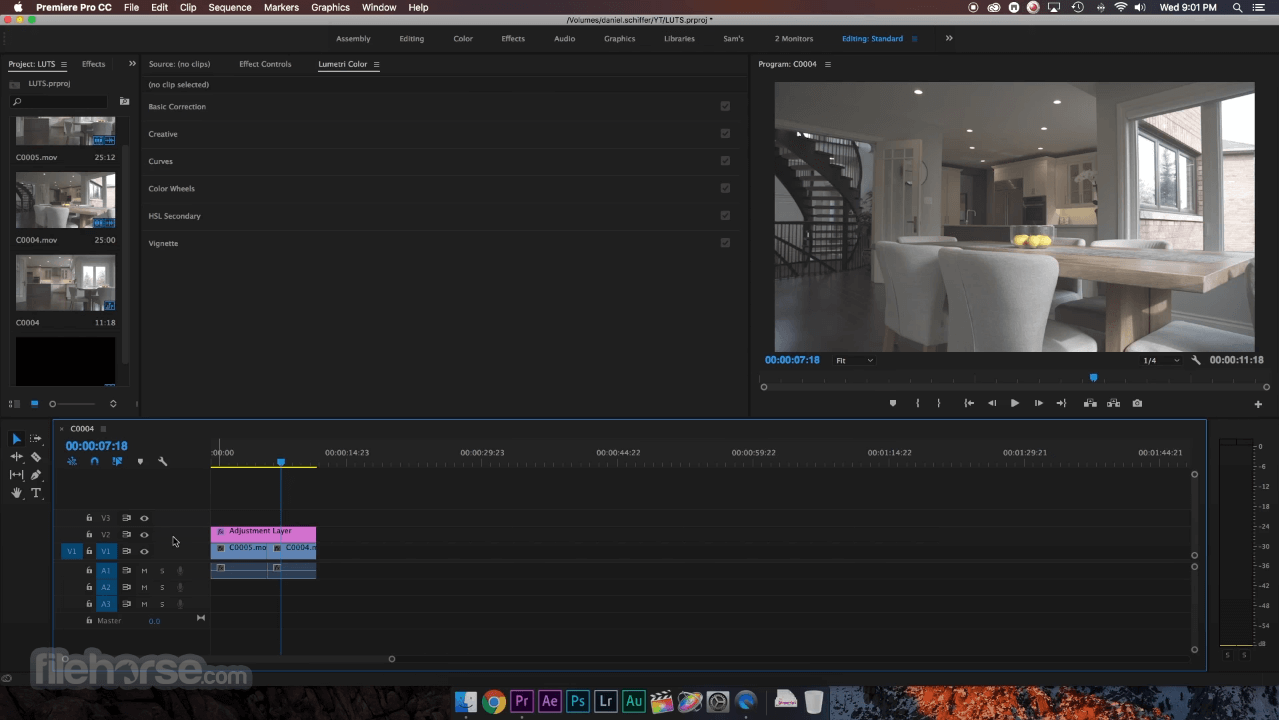
Adobe Premiere Pro – Industry-standard video editing.
iMovie – Free, easy-to-use, and great for beginners.
DaVinci Resolve – High-end editing with color grading.
Shotcut – Free, open-source, and feature-rich.
HitFilm – VFX and editing in one package.
Lightworks – Pro-level editing with a free version.
System requirements
The minimum system requirement is macOS Sonoma 14.6. The Transcribe to Captions and Media Extensions features require macOS Sequoia or later.
PROS
Download Final Cut Pro for Mac Latest Version Why is this app published on FileHorse? (More info)
After Apple Final Cut Pro X is installed on your Mac computer and you begin to run the program, its user interface might seem overwhelming to you at first.
However, it is worth making the effort to learn how to use the interface because there are so many wonderful editing tools available. Your post-production workflow can be enhanced immensely once you learn how to use these tools.
Once you’re familiar with the software, you’ll realize that every object on the user interface refers to an important tool that you can access with the click of the mouse.
Final Cut Pro 11: What's New?
Final Cut Pro 11 introduces AI-powered tools, spatial video editing, and workflow enhancements for improved efficiency and creativity.
Magnetic Mask – AI-powered masking isolates people, objects, and shapes without manual tracking or green screens.
Transcribe to Captions – Automatically generate captions using a fast and accurate AI language model (requires macOS Sequoia or later).
Spatial Video Editing – Import, edit, and enhance spatial videos from Apple Vision Pro and iPhone 15 Pro or later.
Workflow Enhancements:
- Vertical Zoom to Fit – Adjust clip heights for better timeline visibility.
- Hidden Clips – Declutter your browser by hiding unused clips.
- Media Extensions – Support for more video formats via macOS integration (requires macOS Sequoia or later).
- New Effects & Shortcuts – Callout and Picture-in-Picture effects, modular transitions, and keyboard shortcuts streamline editing.
There are many different types of video editors, and they each have a unique set of features which make it easier for users to create the best movie exports imaginable.
DSLR Video Content Support
Final Cut Pro for macOS is more than just a video editing solution. It is also an audio editing solution as well. It features a variety of audio editing tools for helping to eliminate humming and other unwanted noises from your audio files. The tools even allow you to verify that your DSLR videos are synchronized with their audio tracks. If you want to add any of the royalty free sound effects included with the software bundle, then you can do that easily.
Also, It comes with a dynamic and highly innovative media organizer. This tool allows you to locate a particular clip in your library within seconds. The software is capable of doing this by utilizing keyword combinations as well as automatic metadata to bring up the clips you want to use.
Support Available for Common Multimedia File Formats
Final Cut Pro X is a professional multimedia editing program. That is why it supports many different file formats, such as RAW, REDCODE, H.264, AVC-Intra, AVCHD, and Sony XAVC. If you use 3rd party plug-ins, you can use the program to edit, deliver, and import MXF files. As for audio file formats, the software lets you edit audio in WAV, AIFF, MP3, SDII, and AAC format.
All-Inclusive Multimedia Design Platform
It gives you all the tools you could ever want in a multimedia design platform. You can perform video editing, importing, enhancing, and exporting of premium quality videos.
Alternatives
Movavi Video Editor – Intuitive with built-in effects.
Filmora – User-friendly with creative effects.
Adobe Premiere Pro – Industry-standard video editing.
iMovie – Free, easy-to-use, and great for beginners.
DaVinci Resolve – High-end editing with color grading.
Shotcut – Free, open-source, and feature-rich.
HitFilm – VFX and editing in one package.
Lightworks – Pro-level editing with a free version.
System requirements
The minimum system requirement is macOS Sonoma 14.6. The Transcribe to Captions and Media Extensions features require macOS Sequoia or later.
PROS
- New AI-Powered Features
- Fast Auto-Captioning
- Seamless Spatial Video Editing
- Improved Workflow Efficiency
- Enhanced Media Format Support
- macOS Sequoia Requirement
- Limited Cross-Platform Compatibility
- High System Resource Usage
Download Final Cut Pro for Mac Latest Version Why is this app published on FileHorse? (More info)
##
畫面截圖