⚠ 這是歷史版本頁面 — 查看 Fliqlo Flip Clock 最新版本 →

- 目前版本1.9.4
- 更新日期2025-02-10
- 檔案大小207.44 KB
- 檔案名稱Fliqlo 1.9.4.dmg
- 作業系統macOS 14.0 Sonoma or later
- 支援語系English
- 授權型式免費軟體
- 開發商 Yuji Adachi
- 軟體分類Mac 軟體 / 桌面強化
##
翻譯排程處理中,以下暫以英文原文呈現
軟體介紹
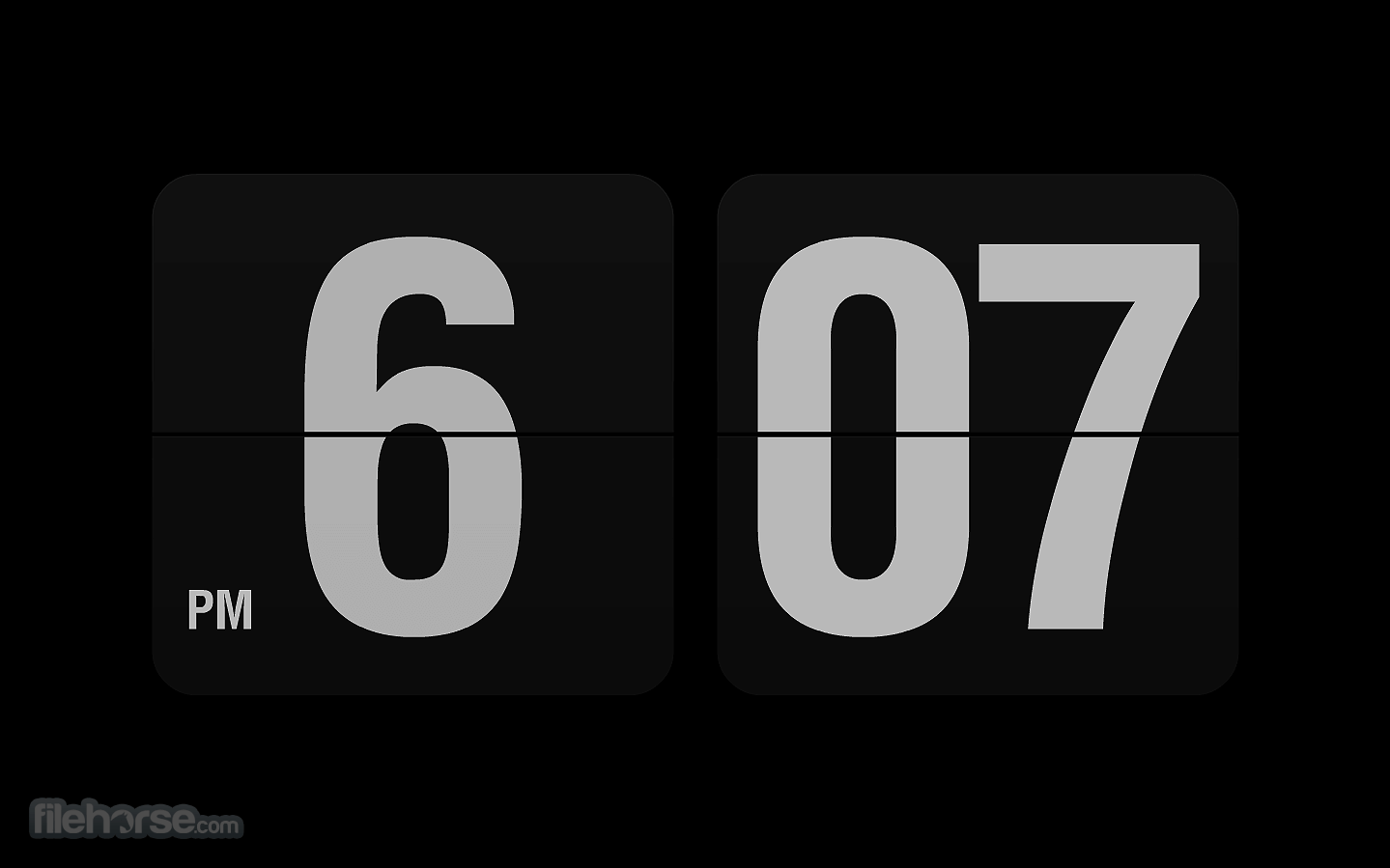
Fliqlo Flip Clock for Mac is a clock screensaver that allows you to make your desktop/laptop device screen look like a flip clock. It displays the time with flip animation in large white numerals against a black background.
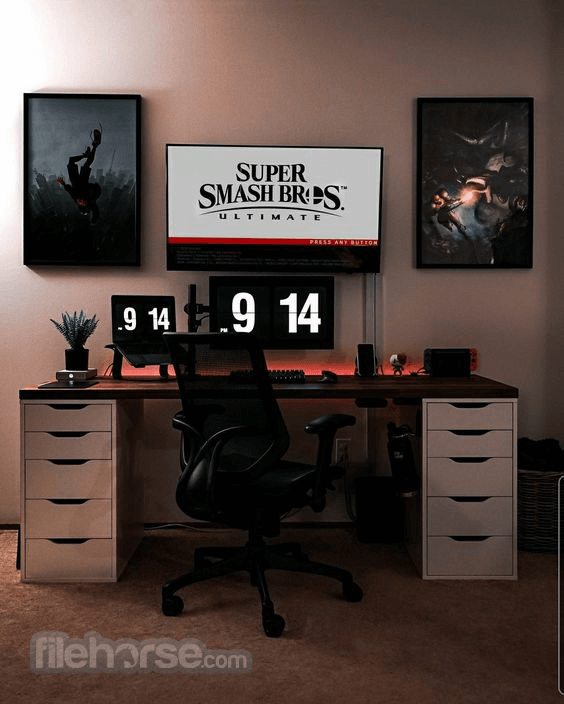
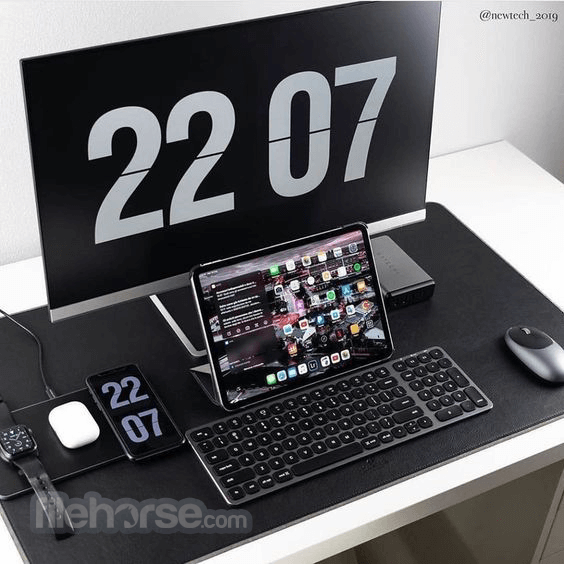
Thanks to its visibility, you can read the time even from a distance.
Fliqlo Flip Clock screensaver app for macOS desktop or laptop that tells the time against a black background in either a 12-hour or 24-hour format.
Along with the format, the size of the old-fashioned flip clock can also be customized, from 25% to 125% of the original size.
Features and Highlights
It boasts a clean and intuitive user interface, mirroring the simplicity of its physical counterparts.
The clock's digits flip smoothly with each passing minute, creating a satisfying visual experience.
Users can easily customize the clock's appearance and access settings with just a few clicks.
Installation and Setup
Installing this app is a breeze. Simply download the application from the official website or trusted app store like FileHorse and follow the on-screen instructions.
Once installed, users can customize the clock's settings to their preferences.
How to Use
Can I resize the Fliqlo for Mac?
Yes, you can resize the clock to fit your desktop by adjusting the size settings in the application's preferences.
Does Fliqlo Flip Clock consume a lot of system resources?
No, the program is designed to be lightweight and efficient, consuming minimal system resources.
Can I change the background color of the clock?
Yes, you can choose from a variety of background colors to customize the clock's appearance to your liking.
Does Fliqlo support multiple monitor setups?
Yes, it can be displayed on multiple monitors simultaneously, providing consistent timekeeping across all screens.
Pricing
The desktop app is available as a FREE download, making it accessible to users of all budgets.
System Requirements
OS: macOS
Important Notice for Fliqlo Users on Mac
The latest version of Fliqlo (1.9.x) is compatible with macOS 14 Sonoma. If you're using macOS 13 Ventura or an earlier version, please download Fliqlo 1.8.4.
PROS
Download Fliqlo Flip Clock for Mac Latest Version Why is this app published on FileHorse? (More info)
Thanks to its visibility, you can read the time even from a distance.
Fliqlo Flip Clock screensaver app for macOS desktop or laptop that tells the time against a black background in either a 12-hour or 24-hour format.
Along with the format, the size of the old-fashioned flip clock can also be customized, from 25% to 125% of the original size.
Features and Highlights
- Enlarge/reduce to any size
- Switch between 12/24-hour clock
- Switch between portrait/landscape screen orientation (available on Mac)
- Brightness control inside the screensaver (available on Mac)
- Option to show/hide background (available on Mac)
It boasts a clean and intuitive user interface, mirroring the simplicity of its physical counterparts.
The clock's digits flip smoothly with each passing minute, creating a satisfying visual experience.
Users can easily customize the clock's appearance and access settings with just a few clicks.
Installation and Setup
Installing this app is a breeze. Simply download the application from the official website or trusted app store like FileHorse and follow the on-screen instructions.
Once installed, users can customize the clock's settings to their preferences.
How to Use
- Launch the application after installation.
- Customize the clock's appearance and settings as desired.
- Position the clock on your desktop for easy viewing.
- Enjoy the retro charm of the flip clock as it keeps track of time.
Can I resize the Fliqlo for Mac?
Yes, you can resize the clock to fit your desktop by adjusting the size settings in the application's preferences.
Does Fliqlo Flip Clock consume a lot of system resources?
No, the program is designed to be lightweight and efficient, consuming minimal system resources.
Can I change the background color of the clock?
Yes, you can choose from a variety of background colors to customize the clock's appearance to your liking.
Does Fliqlo support multiple monitor setups?
Yes, it can be displayed on multiple monitors simultaneously, providing consistent timekeeping across all screens.
Pricing
The desktop app is available as a FREE download, making it accessible to users of all budgets.
System Requirements
OS: macOS
Important Notice for Fliqlo Users on Mac
The latest version of Fliqlo (1.9.x) is compatible with macOS 14 Sonoma. If you're using macOS 13 Ventura or an earlier version, please download Fliqlo 1.8.4.
PROS
- Authentic flip clock design adds a touch of nostalgia to modern devices.
- Customizable display options allow users to personalize their clock experience.
- Lightweight and efficient, consuming minimal system resources.
- Limited features compared to more advanced clock applications.
- It's been a long time since there was an update on the official website.
Download Fliqlo Flip Clock for Mac Latest Version Why is this app published on FileHorse? (More info)
##
畫面截圖