- 目前版本3.7.2
- 更新日期2026-06-01
- 檔案大小4.2 MB
- 檔案名稱GrandPerspective-3_7_2.dmg
- 作業系統macOS 11.0 Big Sur or later
- 支援語系English
- 授權型式開源軟體
- 開發商 Erwin Bonsma
- 軟體分類Mac 軟體 / 系統優化
##
翻譯排程處理中,以下暫以英文原文呈現
軟體介紹
GrandPerspective for Mac is a small but very useful application for macOS that provides graphic representation of your hard disk usage, offering you the unique ability to see which files are most used and to identify large files or directories that are not needed.
By using this freeware app, anyone (even users with very small amount of technical knowledge in controlling Mac OS X computers) can easily see the structure of their local storage, with an art style that is unique and almost never seen in any other file or directly management programs.
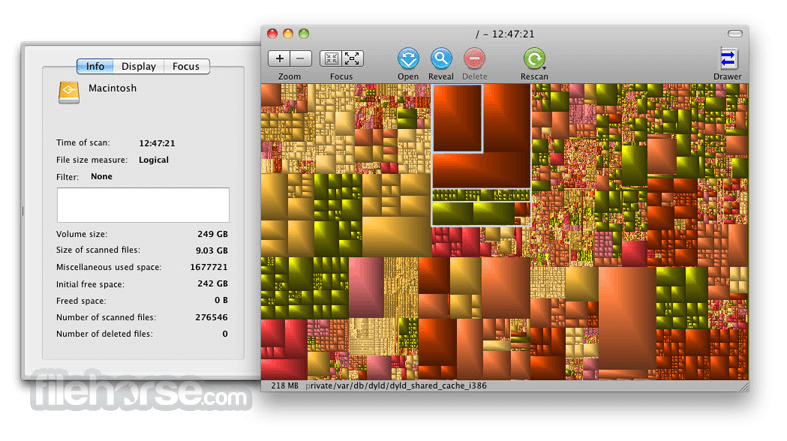
Visual presentation of GrandPerspective for macOS uses so-called tree map showcase of your file system, with each file being represented with a rectangle of the size that is correspondent to its size on the disk.
With such an amazing visual style, you can very easily view and manage your entire hard disk in a totally new and interesting way.
This unique visual way of showcasing the structure of hard drives cannot be found almost anywhere else on the Mac or even Windows platforms, which is strange because ordinary text listings and pages of information are almost always assured to induce confusion with novice computer users.
Even through the official development of GrandPerspective for Mac has stopped over the past few years, this app has become fully-featured and filled not only with the functions that were inserted by the original creator Erwin Bonsma, but also by the most requested features of its large community.
These apps run on all versions of Mac OS X, requiring an absolute minimum of processing power and local storage for it to run.
How to Use
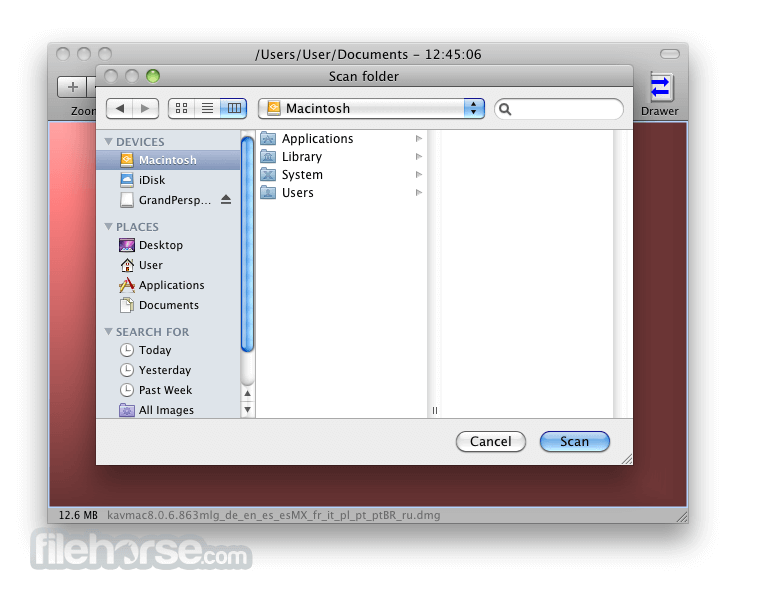
Click "Scan Folder" to choose a directory
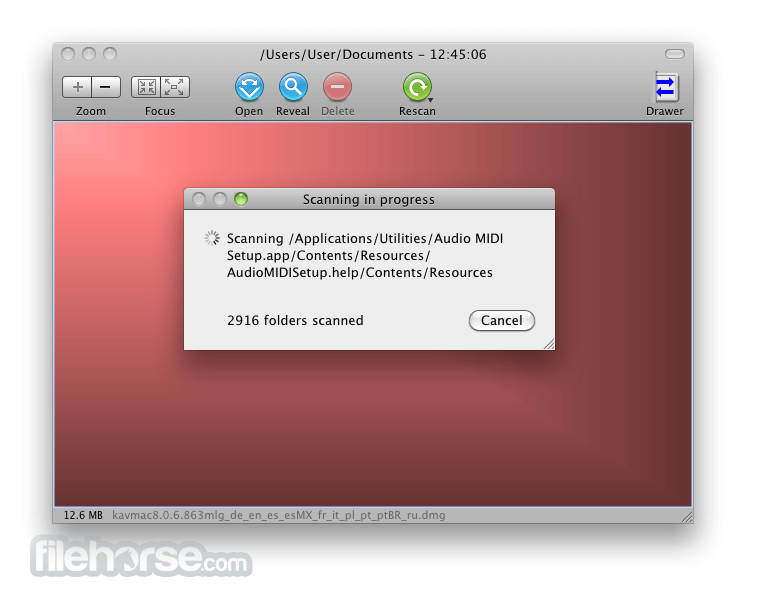
Wait for the scan to analyze disk usage
Hover over blocks to view file size and path
Right-click a block to open, move, or delete the file
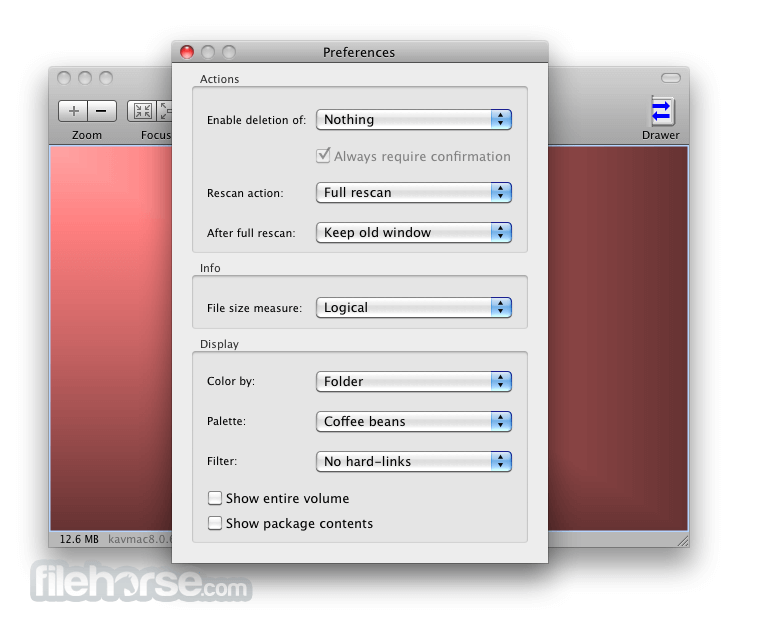
Use "Filter" to narrow down file types or sizes
Save the scan data for future reference if needed
System Requirements
Download GrandPerspective for Mac Latest Version Why is this app published on FileHorse? (More info)
By using this freeware app, anyone (even users with very small amount of technical knowledge in controlling Mac OS X computers) can easily see the structure of their local storage, with an art style that is unique and almost never seen in any other file or directly management programs.
Visual presentation of GrandPerspective for macOS uses so-called tree map showcase of your file system, with each file being represented with a rectangle of the size that is correspondent to its size on the disk.
With such an amazing visual style, you can very easily view and manage your entire hard disk in a totally new and interesting way.
This unique visual way of showcasing the structure of hard drives cannot be found almost anywhere else on the Mac or even Windows platforms, which is strange because ordinary text listings and pages of information are almost always assured to induce confusion with novice computer users.
Even through the official development of GrandPerspective for Mac has stopped over the past few years, this app has become fully-featured and filled not only with the functions that were inserted by the original creator Erwin Bonsma, but also by the most requested features of its large community.
These apps run on all versions of Mac OS X, requiring an absolute minimum of processing power and local storage for it to run.
How to Use
Click "Scan Folder" to choose a directory
Wait for the scan to analyze disk usage
Hover over blocks to view file size and path
Right-click a block to open, move, or delete the file
Use "Filter" to narrow down file types or sizes
Save the scan data for future reference if needed
System Requirements
- macOS 10.13 High Sierra or later
- Intel or Apple Silicon Mac
- At least 50 MB free disk space
- 1 GB RAM minimum
- Display with minimum 1024x768 resolution
- Visualizes disk usage with treemaps
- Lightweight and fast performance
- Free and open-source utility
- Helps find large hidden files easily
- Supports color schemes and filters
- Outdated user interface design
- Limited file management options
- No built-in help or tutorials
- No real-time scan updates
- Can be slow on very large drives
Download GrandPerspective for Mac Latest Version Why is this app published on FileHorse? (More info)
##
畫面截圖