- 目前版本2.7.12
- 更新日期2026-03-10
- 檔案大小32.8 MB
- 檔案名稱KeePassXC-2.7.12.dmg
- 作業系統macOS 10.12 Sierra or later
- 支援語系English
- 授權型式開源軟體
- 開發商 KeePassXC Team
- 軟體分類Mac 軟體 / 瀏覽器與外掛
##
翻譯排程處理中,以下暫以英文原文呈現
軟體介紹
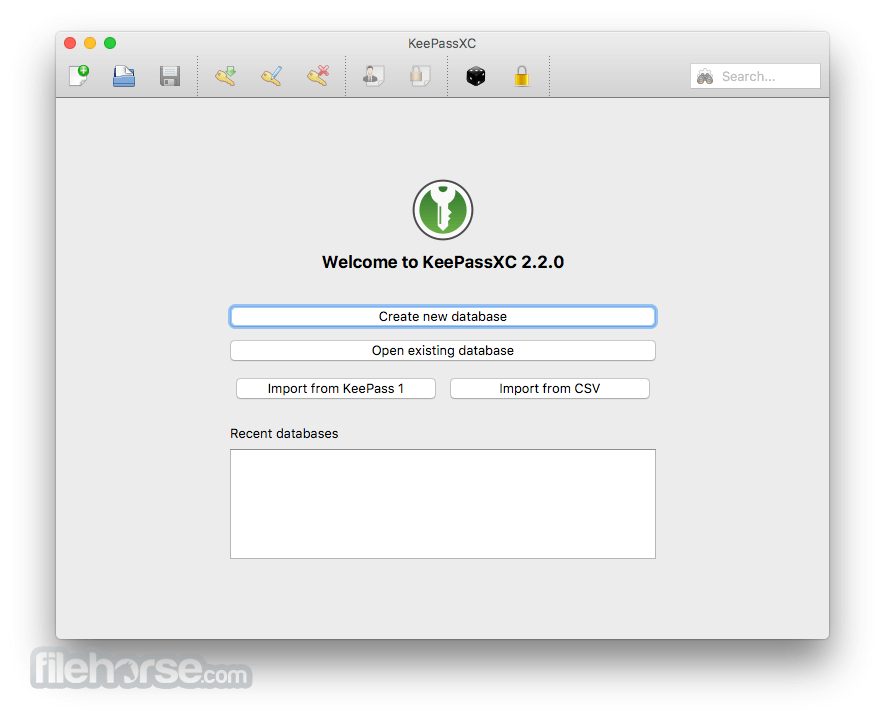
KeePassXC for Mac can store your passwords safely and auto-type them into your everyday websites and applications. You shouldn't waste your time trying to remember and type your passwords.
The thing computers can do best is storing information! Download KeePass Cross-Platform Community Edition now!
Encrypted
The complete database is always encrypted with the industry-standard AES (alias Rijndael) encryption algorithm using a 256-bit key. KeePassXC for macOS uses a database format that is compatible with KeePass Password Safe. Your wallet works offline and requires no Internet connection.
Cross-Platform
KeePassXC for Desktop is a community fork of KeePassX, the cross-platform port of KeePass for macOS. Every feature works cross-platform and was thoroughly tested on multiple systems to provide users with the same look and feel on every supported operating system. This includes the beloved Auto-Type feature.
Features and Highlights
LastPass: User-friendly password manager with autofill capabilities.
1Password: Secure password storage with additional features like Travel Mode.
Dashlane: Password manager with dark web monitoring and bulk password changer.
NordPass: Password manager with biometric login support.
RoboForm: Password manager with form-filling capabilities.
PROS
Download KeePassXC for Mac Latest Version Why is this app published on FileHorse? (More info)
The thing computers can do best is storing information! Download KeePass Cross-Platform Community Edition now!
Encrypted
The complete database is always encrypted with the industry-standard AES (alias Rijndael) encryption algorithm using a 256-bit key. KeePassXC for macOS uses a database format that is compatible with KeePass Password Safe. Your wallet works offline and requires no Internet connection.
Cross-Platform
KeePassXC for Desktop is a community fork of KeePassX, the cross-platform port of KeePass for macOS. Every feature works cross-platform and was thoroughly tested on multiple systems to provide users with the same look and feel on every supported operating system. This includes the beloved Auto-Type feature.
Features and Highlights
- Secure storage of passwords and other private data with AES, Twofish, or ChaCha20 encryption
- Cross-platform runs on Linux, Windows, and macOS without modifications
- File format compatibility with KeePass2, KeePassX, MacPass, KeeWeb, and many others (KDBX 3.1 and 4.0)
- SSH Agent integration
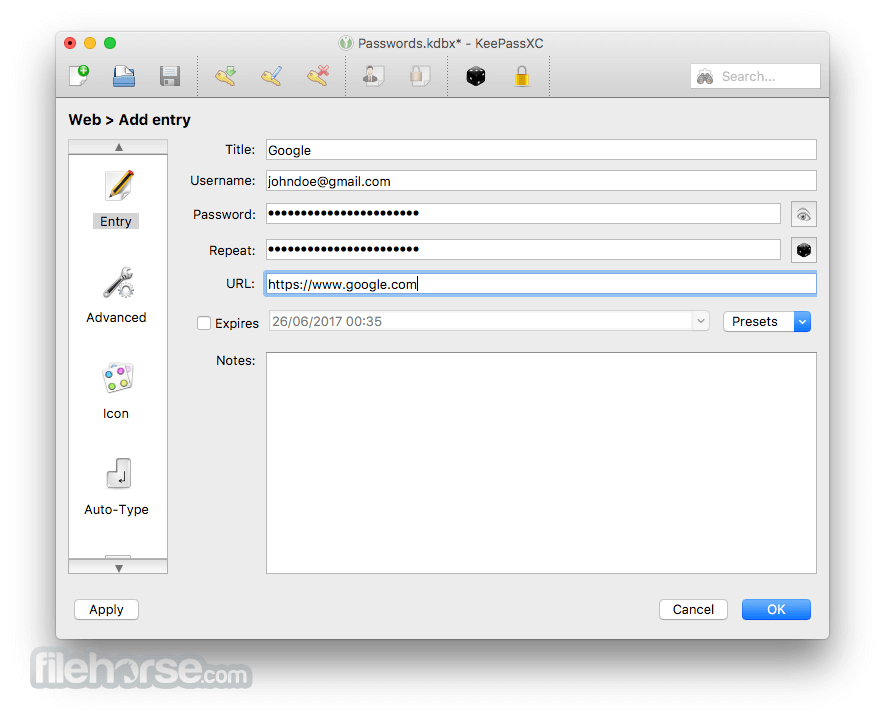
- Auto-Type on all supported platforms for automatically filling in login forms
- Key file and YubiKey challenge-response support for additional security
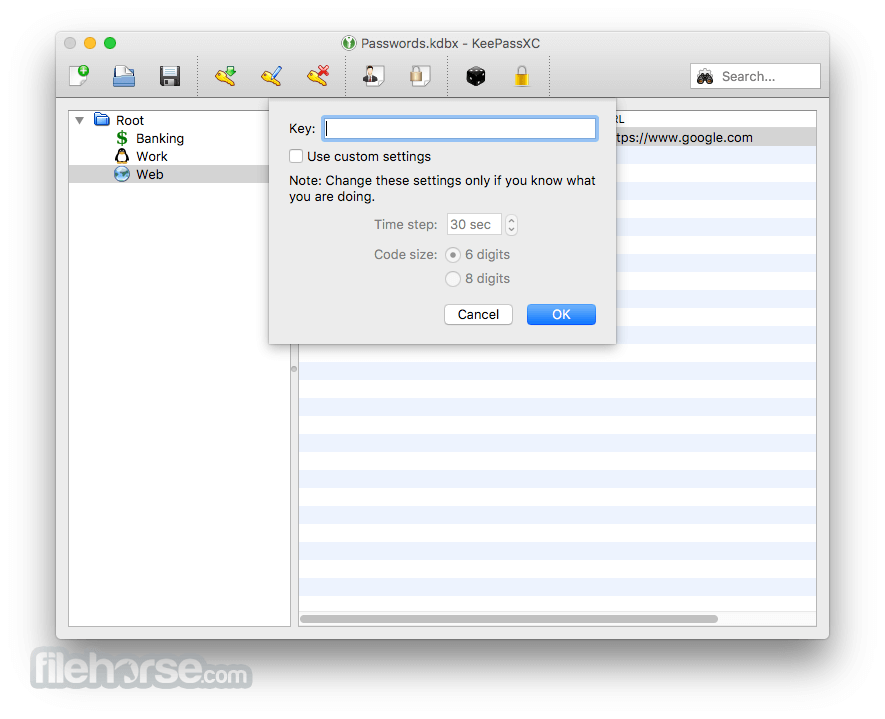
- TOTP generation (including Steam Guard)
- CSV import from other password managers (e.g., LastPass)
- Command-line interface
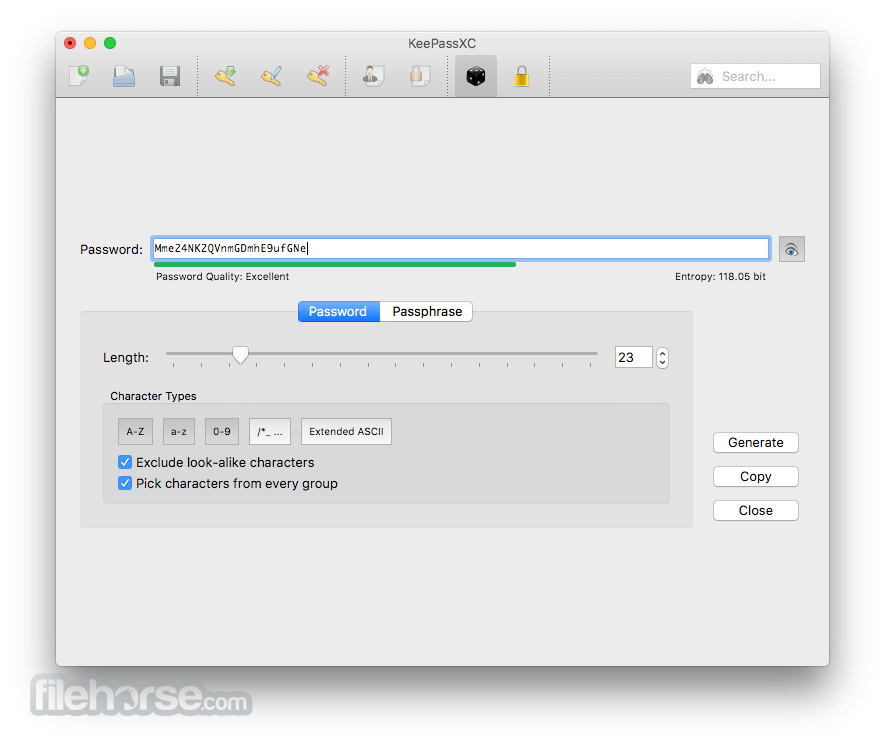
- Stand-alone password and passphrase generator
- Password strength meter
- Custom icons for database entries and download of website favicons
- Database merge functionality
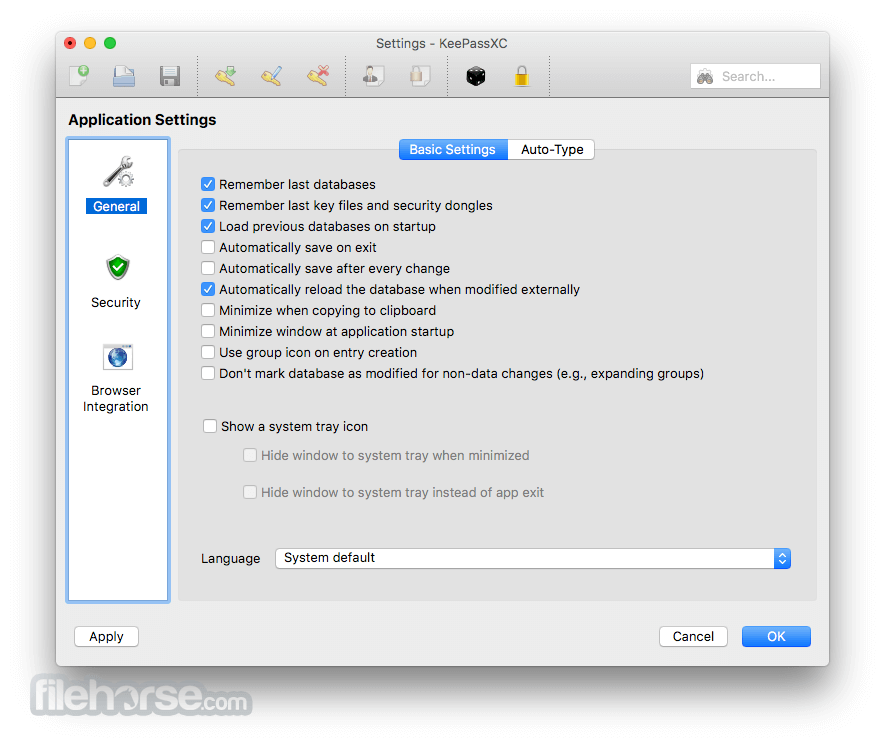
- Automatic reload when the database was changed externally
- Browser integration with KeePassXC-Browser for Google Chrome, Chromium, Vivaldi, and Mozilla Firefox.
- (Legacy) KeePassHTTP support for use with KeePassHTTP-Connector available for Mozilla Firefox and Google Chrome, and passafari for Safari.
LastPass: User-friendly password manager with autofill capabilities.
1Password: Secure password storage with additional features like Travel Mode.
Dashlane: Password manager with dark web monitoring and bulk password changer.
NordPass: Password manager with biometric login support.
RoboForm: Password manager with form-filling capabilities.
PROS
- Open-source and free to use
- Strong encryption for security
- Works offline, no cloud required
- Cross-platform compatibility
- Supports custom keyfiles and 2FA
- No built-in cloud sync
- Lacks native browser autofill
- UI can be complex for beginners
- Manual database backups required
- No mobile app version available
Download KeePassXC for Mac Latest Version Why is this app published on FileHorse? (More info)
##
畫面截圖