⚠ 這是歷史版本頁面 — 查看 Mactracker 最新版本 →

- 目前版本7.12.15
- 更新日期2024-05-09
- 檔案大小206.78 MB
- 檔案名稱Mactracker_7.12.15.zip
- 作業系統macOS 11.0 Big Sur or later
- 支援語系English
- 授權型式免費軟體
- 開發商 Ian Page
- 軟體分類Mac 軟體 / 系統優化
##
編輯短評
Mactracker 是一款專為 macOS 設計的免費診斷工具,核心功能是提供你目前 Mac 的硬體資訊,同時收錄了歷代所有 Apple Macintosh 電腦的完整硬體規格,包括處理器速度、光碟機、顯示卡、記憶體與支援的 macOS 版本等。它最具辨識度的特色在於內建龐大的 Apple 產品資料庫,連 iPod、iPhone、iPad、掃描器、印表機等外部裝置也一併涵蓋,堪稱 Apple 硬體百科。這套軟體由開發者長期維護,更新相當活躍,在同類工具中屬於評價普遍不錯的熱門選擇,但並非主流首選。
這款工具最適合 Apple 愛好者、二手機買家或維修人員,當你需要查詢某台舊 Mac 的規格、確認硬體相容性,或想深入了解自己裝置的配置時,它會比一般系統優化工具更實用。與 CleanMyMac X 或 OnyX 這類偏重清理與調校的軟體不同,Mactracker 不做優化,而是專注於資訊查詢與診斷,取捨上少了實用功能,卻換來極高的資料完整性。它僅支援 macOS 平台,介面只有英文,但免費授權且無需付費,使用上沒有門檻,只是不熟悉英文的使用者可能需要花點時間適應。
##
翻譯排程處理中,以下暫以英文原文呈現
軟體介紹
Mactracker is a powerful diagnostic tool that can present every macOS user with information about your current hardware, and hardware configuration of every Apple Macintosh computer ever made.
If keeps track of all processor speeds, optical drives, graphic cards, memory, supported Mac OS versions, and more.
In addition to internal hardware, it also has extensive database of external device, which includes all models of iPod, iPhone, iPad, scanners, printers, displays, digital cameras, mice, base stations, Wi-Fi Cards, and countless more. Mactracker for Mac is a freeware application containing a complete database of all Apple hardware models!
Created by the developer Ian Page to help users of absolutely all knowledge levels to easily list the current state of Apple hardware, the interface of this app manages to remain both highly professional an easy to use at the same time. Main dashboard features listing of categories of hardware that was made by Apple.
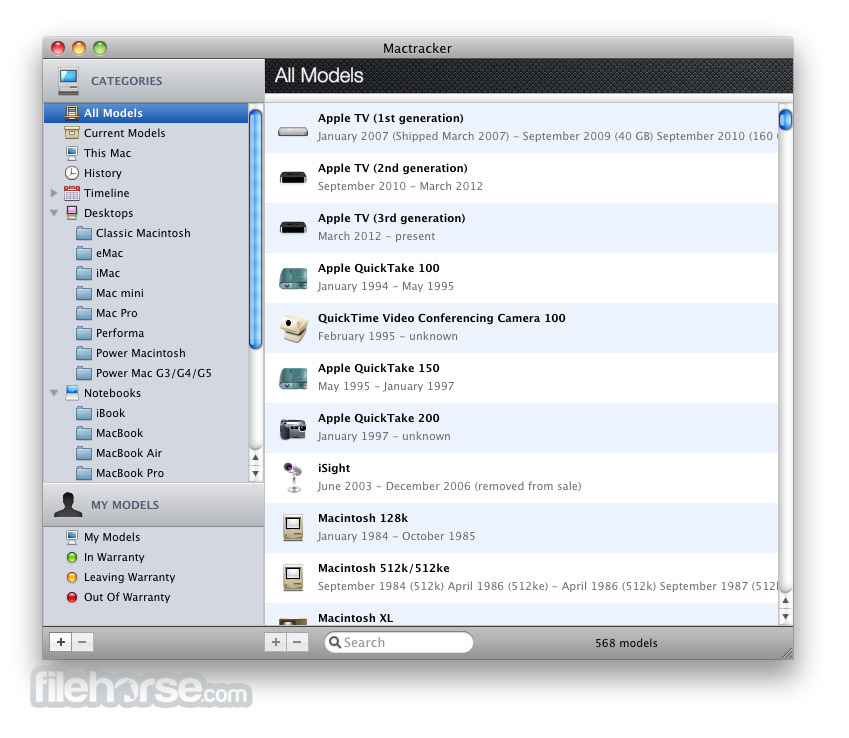
Listing starts with “All Models”, and then continues to be a focused more and more distinct categories like Current Models, This Mac, History, Timeline, Desktops, Notebooks, Apple TVs, iPhones, iPads and more.
It even has an integrated showcase of your own models of Macs that are connected to your main apple account, showcasing if that hardware is still covered by warranty or will soon leave warranty.
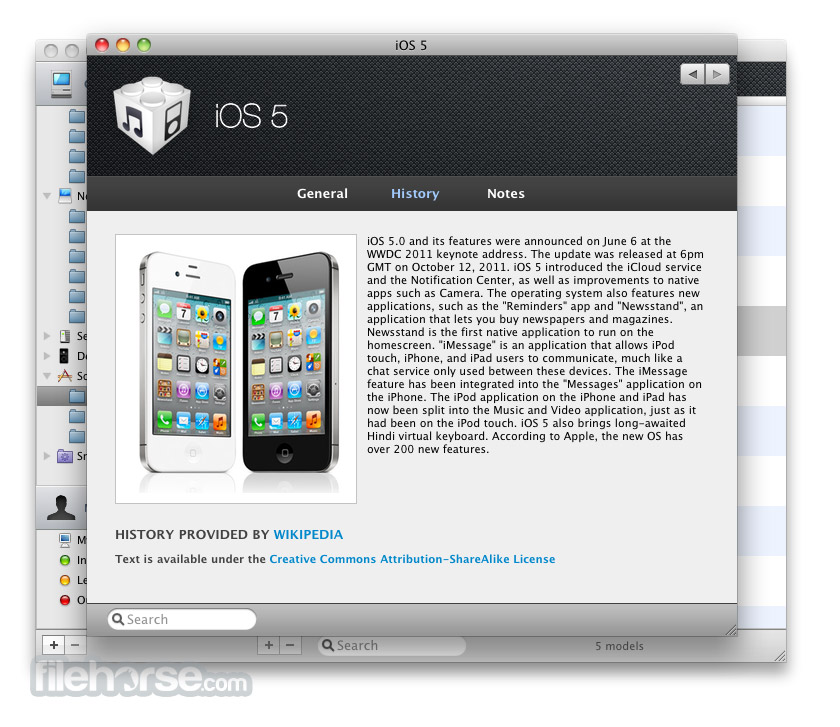
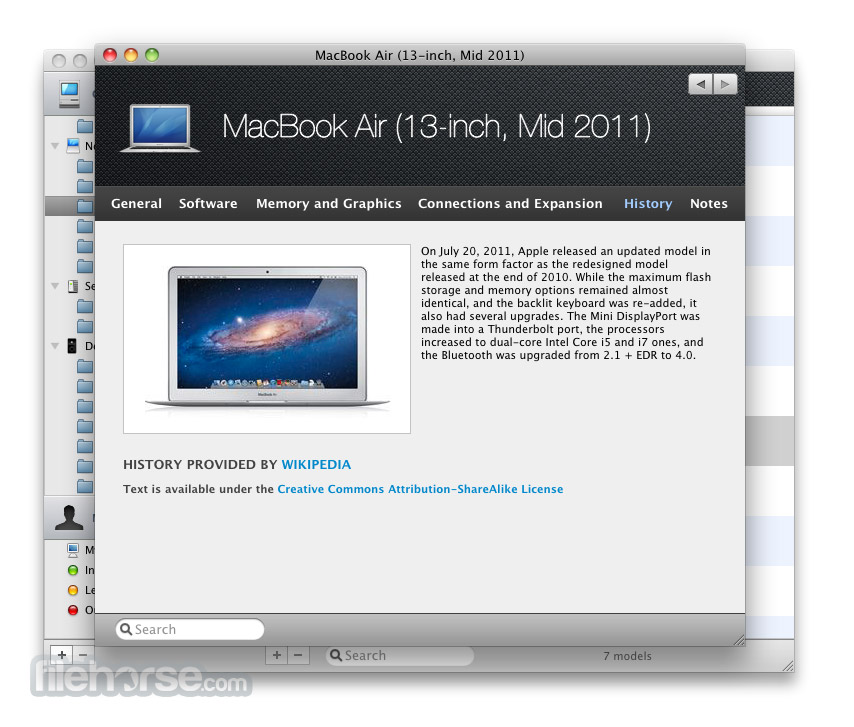
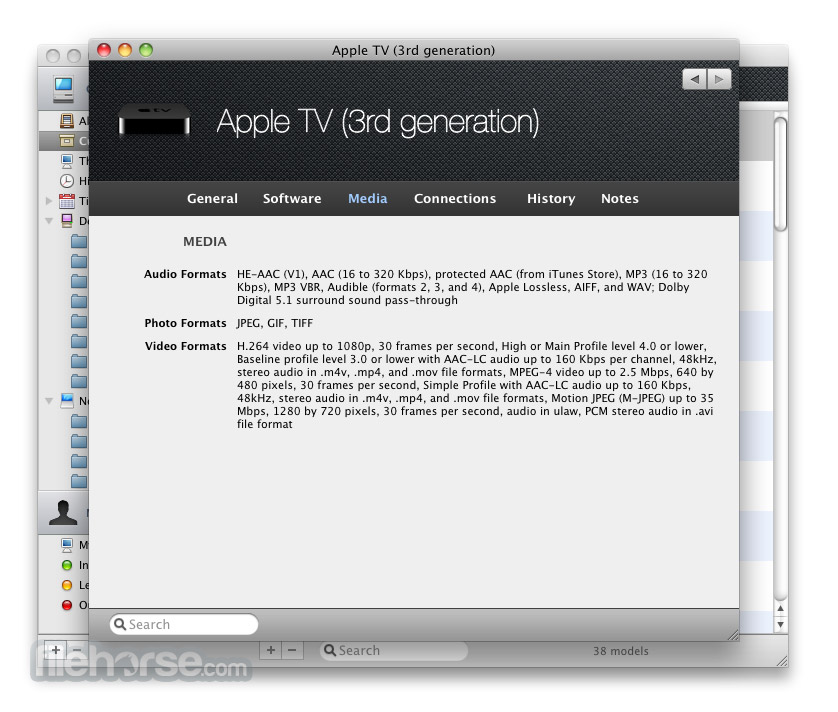
Every single piece of hardware that is showcased with this app has a deep listing of all of its components, power levels, historic prices and much other information that will be able to paint you complete picture about the capabilities of that Apple hardware.
Mactracker for macOS provides detailed information on every Apple Macintosh, iPod, iPhone, and iPad ever made!
How to Use
macOS 10.12 Sierra or later
64-bit Intel or Apple Silicon Mac
Internet connection required for updates
PROS
Download Mactracker Latest Version Why is this app published on FileHorse? (More info)
If keeps track of all processor speeds, optical drives, graphic cards, memory, supported Mac OS versions, and more.
In addition to internal hardware, it also has extensive database of external device, which includes all models of iPod, iPhone, iPad, scanners, printers, displays, digital cameras, mice, base stations, Wi-Fi Cards, and countless more. Mactracker for Mac is a freeware application containing a complete database of all Apple hardware models!
Created by the developer Ian Page to help users of absolutely all knowledge levels to easily list the current state of Apple hardware, the interface of this app manages to remain both highly professional an easy to use at the same time. Main dashboard features listing of categories of hardware that was made by Apple.
Listing starts with “All Models”, and then continues to be a focused more and more distinct categories like Current Models, This Mac, History, Timeline, Desktops, Notebooks, Apple TVs, iPhones, iPads and more.
It even has an integrated showcase of your own models of Macs that are connected to your main apple account, showcasing if that hardware is still covered by warranty or will soon leave warranty.
Every single piece of hardware that is showcased with this app has a deep listing of all of its components, power levels, historic prices and much other information that will be able to paint you complete picture about the capabilities of that Apple hardware.
Mactracker for macOS provides detailed information on every Apple Macintosh, iPod, iPhone, and iPad ever made!
How to Use
- Search for a specific Apple device by name or year
- Browse categories like Mac, iPhone, iPad, or peripherals
- Click a device to view full technical specifications
- Use the timeline to view release history and support status
- Compare multiple devices using the side-by-side view
- Bookmark frequently accessed models for quick reference
- Check system support dates and macOS compatibility
- Access detailed upgrade and hardware notes per device
- Stay updated through periodic database refreshes
macOS 10.12 Sierra or later
64-bit Intel or Apple Silicon Mac
Internet connection required for updates
PROS
- Covers all Apple hardware history
- Offline access to full specifications
- Useful for repair and upgrade planning
- Includes support status and OS versions
- Frequent updates with new models
- macOS only, no Windows version
- No real-time sync or cloud backup
- Interface can feel outdated
- Lacks user customization options
- Limited support for non-Apple peripherals
Download Mactracker Latest Version Why is this app published on FileHorse? (More info)
##
畫面截圖
- 2026-06-02 Mactracker 8.2.3 255.07 MB
- 2026-05-18 Mactracker 8.2.2 256.65 MB
- 2026-04-09 Mactracker 8.2.1 256.72 MB
- 2026-04-02 Mactracker 8.2 256.42 MB
- 2026-01-27 Mactracker 8.1.1 248.78 MB
- 2025-07-01 Mactracker 8.0.1 238 MB
- 2025-03-05 Mactracker 7.13.5 224.71 MB
- 2025-02-20 Mactracker 7.13.4 224.33 MB