- 目前版本MakeMKV 1.18.4 Beta
- 更新日期2026-07-17
- 檔案大小41.91 MB
- 檔案名稱makemkv_v1.18.4_osx.dmg
- 作業系統Mac OS X 10.7 or later
- 支援語系English
- 授權型式商業試用
- 開發商 GuinpinSoft inc
- 軟體分類Mac 軟體 / 影片軟體
##
翻譯排程處理中,以下暫以英文原文呈現
軟體介紹
MakeMKV for Mac is your one-click solution to convert video that you own into a free and patents-unencumbered format that can be played everywhere.
MakeMKV is a format converter, otherwise called "transcoder". It converts the video clips from proprietary (and usually encrypted) disc into a set of MKV files, preserving most information but not changing it in any way. The MKV format can store multiple video/audio tracks with all meta-information and preserve chapters.
There are many players that can play MKV files nearly on all platforms, and there are tools to convert MKV files to many formats, including DVD and Blu-ray discs.
Additionally MakeMKV for macOS can instantly stream decrypted video without intermediate conversion to wide range of players, so you may watch Blu-ray and DVD discs with your favorite player on your favorite OS or on your favorite device.
MKV stands for "Matroska Video". Matroska is a container file format, capable of holding unlimited number of video, audio and subtitile tracks, along with any metadata.
Practically this means that it is possible to put entire movie with multiple sound and subtitle tracks, chapters information and movie thumbnail into single file. Being open and patent-free Matroska gained broad support recently and quickly becomes de-facto standard for storing movies.
While MKV is a good storage format not always it can be played directly. Playing MKV files on a computer is not an issue - there are many players and codec packs that enable MKV playback on any platform, be it Windows, Mac or Linux.
However many hardware players do not play MKV directly - for that MKV files need to be transcoded into format that particular hardware player understands.
Since all meta information is preserved in MKV and compressed media data (video, audio, subtitles) is not changed in any way it is always possible to transcode MKV files into original format.
For example, MKV files produced from a Blu-ray disc may be transcoded back to a Bly-ray image or set of M2TS files without any losses by freeware transcoding tools.
Features and Highlights
macOS 10.7 or later
Intel-based Mac (Apple Silicon via Rosetta)
Minimum 512 MB RAM
Optical drive (DVD/Blu-ray)
Internet connection for updates
PROS
Also Available: Download MakeMKV for Windows
Download MakeMKV for Mac Latest Version Why is this app published on FileHorse? (More info)
MakeMKV is a format converter, otherwise called "transcoder". It converts the video clips from proprietary (and usually encrypted) disc into a set of MKV files, preserving most information but not changing it in any way. The MKV format can store multiple video/audio tracks with all meta-information and preserve chapters.
There are many players that can play MKV files nearly on all platforms, and there are tools to convert MKV files to many formats, including DVD and Blu-ray discs.
Additionally MakeMKV for macOS can instantly stream decrypted video without intermediate conversion to wide range of players, so you may watch Blu-ray and DVD discs with your favorite player on your favorite OS or on your favorite device.
MKV stands for "Matroska Video". Matroska is a container file format, capable of holding unlimited number of video, audio and subtitile tracks, along with any metadata.
Practically this means that it is possible to put entire movie with multiple sound and subtitle tracks, chapters information and movie thumbnail into single file. Being open and patent-free Matroska gained broad support recently and quickly becomes de-facto standard for storing movies.
While MKV is a good storage format not always it can be played directly. Playing MKV files on a computer is not an issue - there are many players and codec packs that enable MKV playback on any platform, be it Windows, Mac or Linux.
However many hardware players do not play MKV directly - for that MKV files need to be transcoded into format that particular hardware player understands.
Since all meta information is preserved in MKV and compressed media data (video, audio, subtitles) is not changed in any way it is always possible to transcode MKV files into original format.
For example, MKV files produced from a Blu-ray disc may be transcoded back to a Bly-ray image or set of M2TS files without any losses by freeware transcoding tools.
Features and Highlights
- Reads DVD and Blu-ray discs
- Reads Blu-ray discs protected with latest versions of AACS and BD+
- Preserves all video and audio tracks, including HD audio
- Preserves chapters information
- Preserves all meta-information (track language, audio type)
- Fast conversion - converts as fast as your drive can read data.
- No additional software is required for conversion or decryption.
- Available for Windows, Mac OS X and Linux
- Functionality to open DVD discs is free and will always stay free.
- All features (including Blu-ray decryption and processing) are free during BETA.
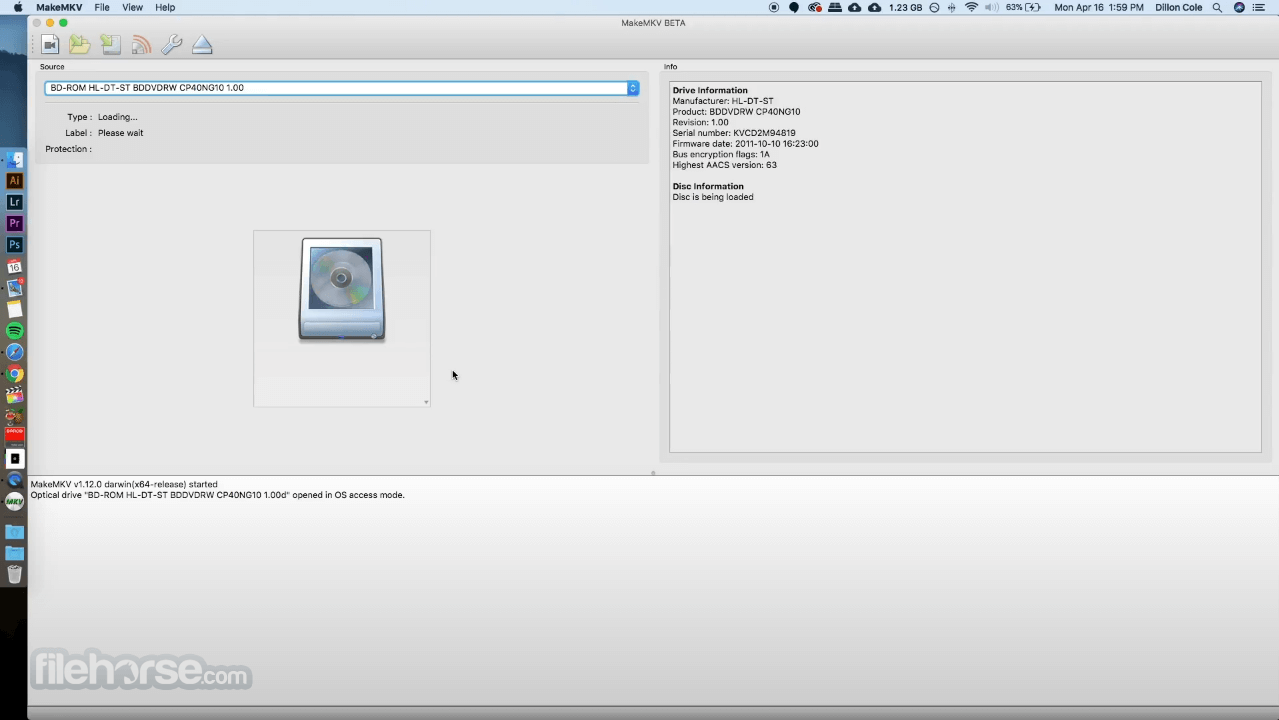
- Install the app by dragging it to Applications
- Insert a DVD or Blu-ray disc into your drive
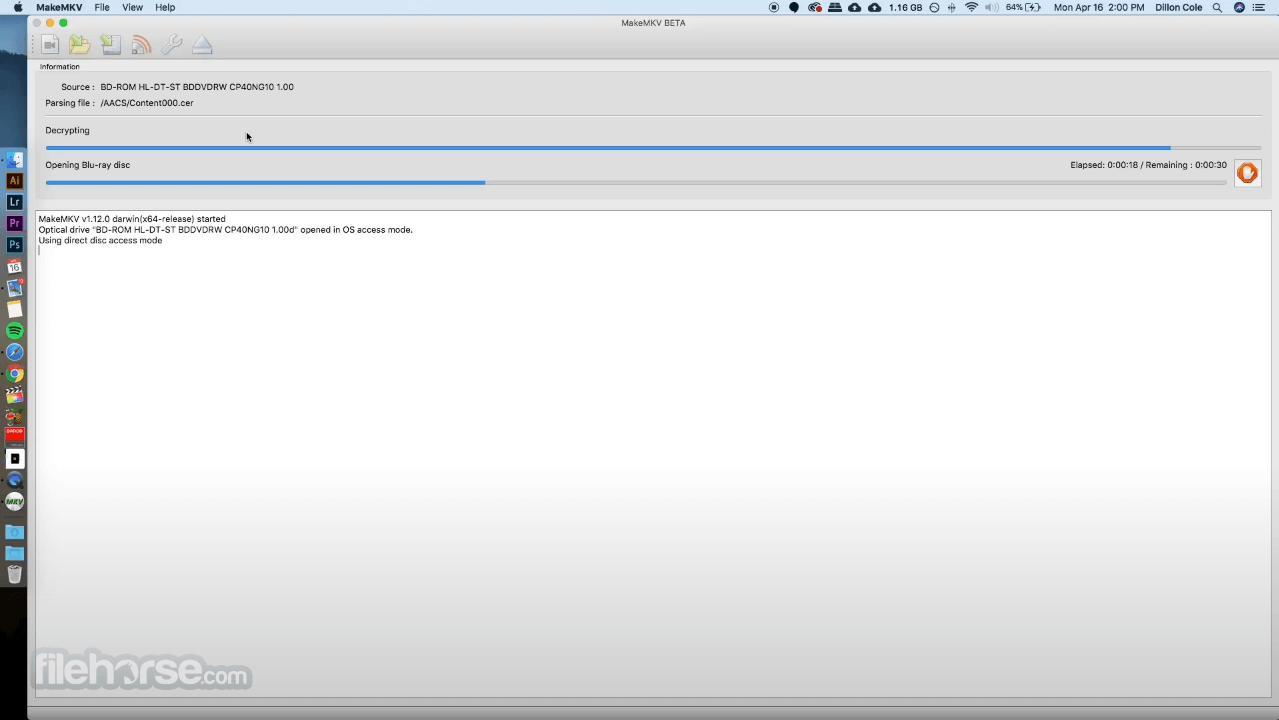
- Launch MakeMKV and wait for disc analysis
- Click the big drive icon to scan content
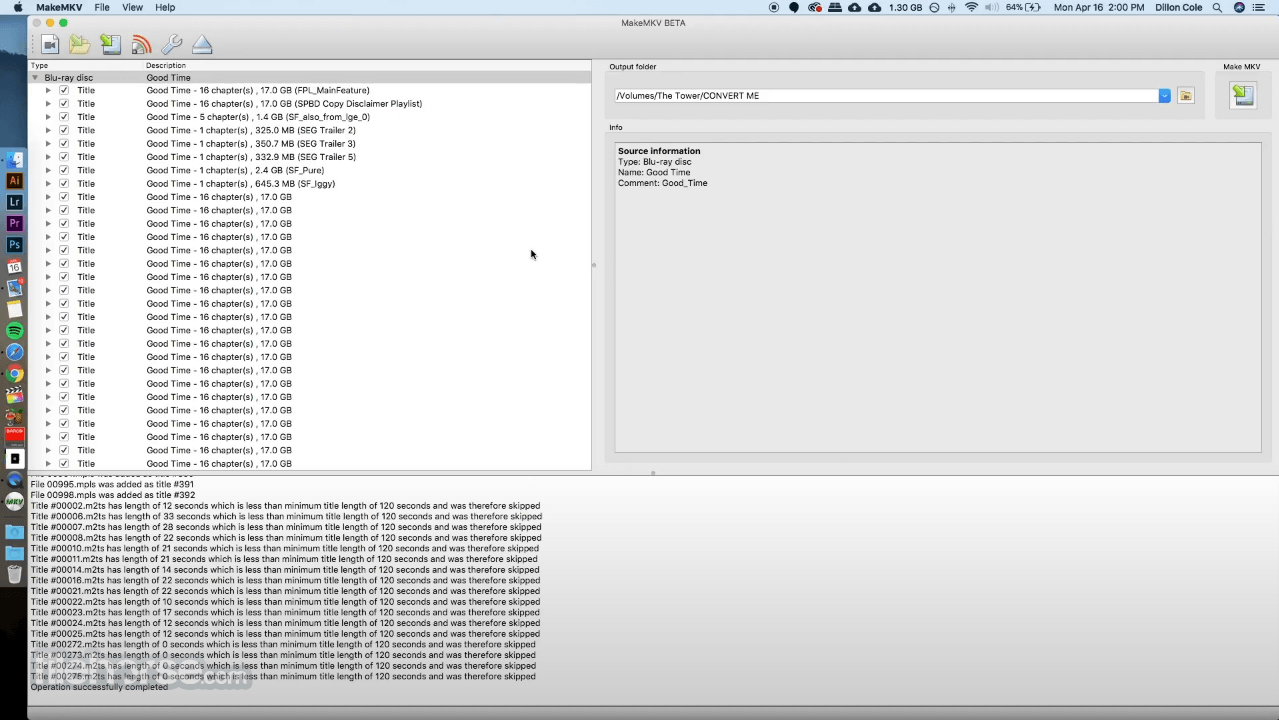
- Select titles and audio tracks to convert
- Choose output folder for MKV files
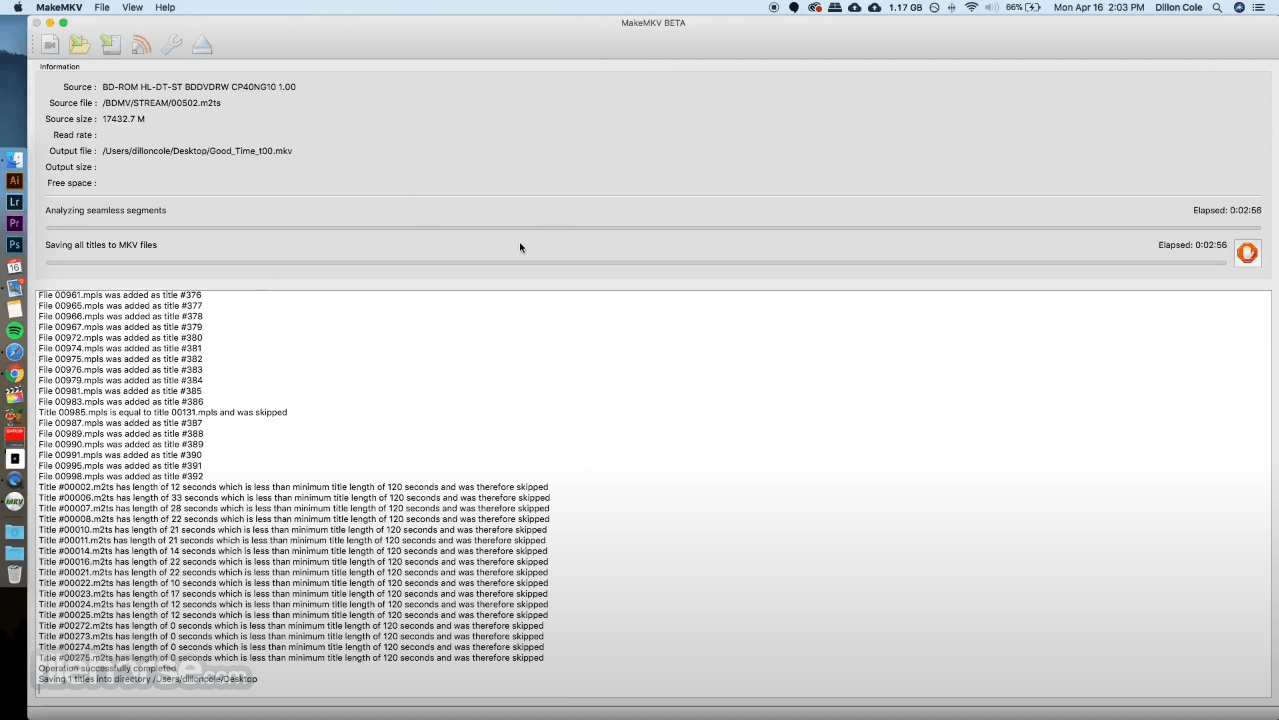
- Click "Make MKV" to begin the conversion
- Wait for processing to complete
- Access your saved MKV files in the output folder
macOS 10.7 or later
Intel-based Mac (Apple Silicon via Rosetta)
Minimum 512 MB RAM
Optical drive (DVD/Blu-ray)
Internet connection for updates
PROS
- Fast DVD and Blu-ray ripping
- Simple and clean user interface
- Preserves original video and audio quality
- Supports encrypted discs
- Free during beta period
- No built-in editing tools
- Limited file format output (MKV only)
- May fail on some protected discs
- No compression or resizing options
- Free version requires periodic reactivation
Also Available: Download MakeMKV for Windows
Download MakeMKV for Mac Latest Version Why is this app published on FileHorse? (More info)
##
畫面截圖