- 目前版本3.19.35
- 更新日期2026-05-14
- 檔案大小790 MB
- 檔案名稱NetDriveInstaller-3.19.35.dmg
- 作業系統macOS 11.0 Big Sur or later
- 支援語系English
- 授權型式商業試用
- 開發商 Bdrive Inc.
- 軟體分類Mac 軟體 / 檔案傳輸與網路
##
翻譯排程處理中,以下暫以英文原文呈現
軟體介紹
NetDrive for Mac connects remote storage and shows them like a hard disk. With NetDrive, your PC will have multiple new drives that connect FTP/WebDAV servers and cloud storage.
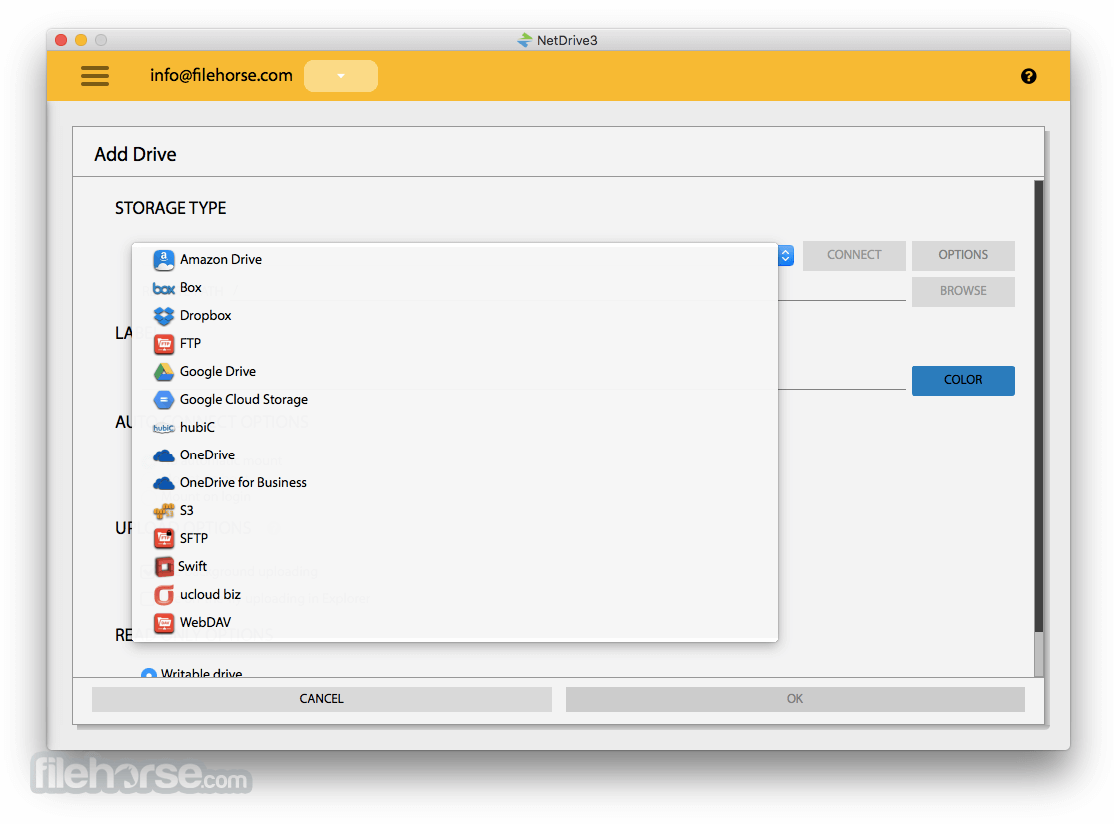
The tool supports connections to Dropbox, Google Drive, Box, OneDrive, Amazon S3, and OpenStack Swift.
NetDrive is a powerful Mac application designed to bridge the gap between your local storage and cloud storage services.
It essentially allows you to mount cloud storage as a local drive on your computer, enabling seamless access to your files and documents stored in the cloud directly from your desktop.
Accessing files will be as easy as any old file folder on your Mac. Once you mount the local drive, you don't need to run each application for an FTP or cloud storage service.
NetDrive is free for evaluation use. You will need to purchase a license after evaluation use.
Highlights
Cloud storage as a virtual drive
Managing your favorite cloud storage services could not be easier. Simply provide login information, and all your cloud storage will automatically appear as a virtual drive every time you start your Mac.
NAS storage as a virtual drive
You can connect to NAS servers by WebDAV or FTP. Many NAS vendors recommend the tool as a standard way to mount their NAS products. Share your NAS easily with anyone as a virtual drive.
SFTP to securely transfer files
Net Drive supports secure file transfer by SFTP (SSH File Transfer Protocol). Unlike standard File Transfer Protocol (FTP), SFTP encrypts both commands and data, preventing passwords and sensitive information from being transmitted in clear text over a network.
Key Features
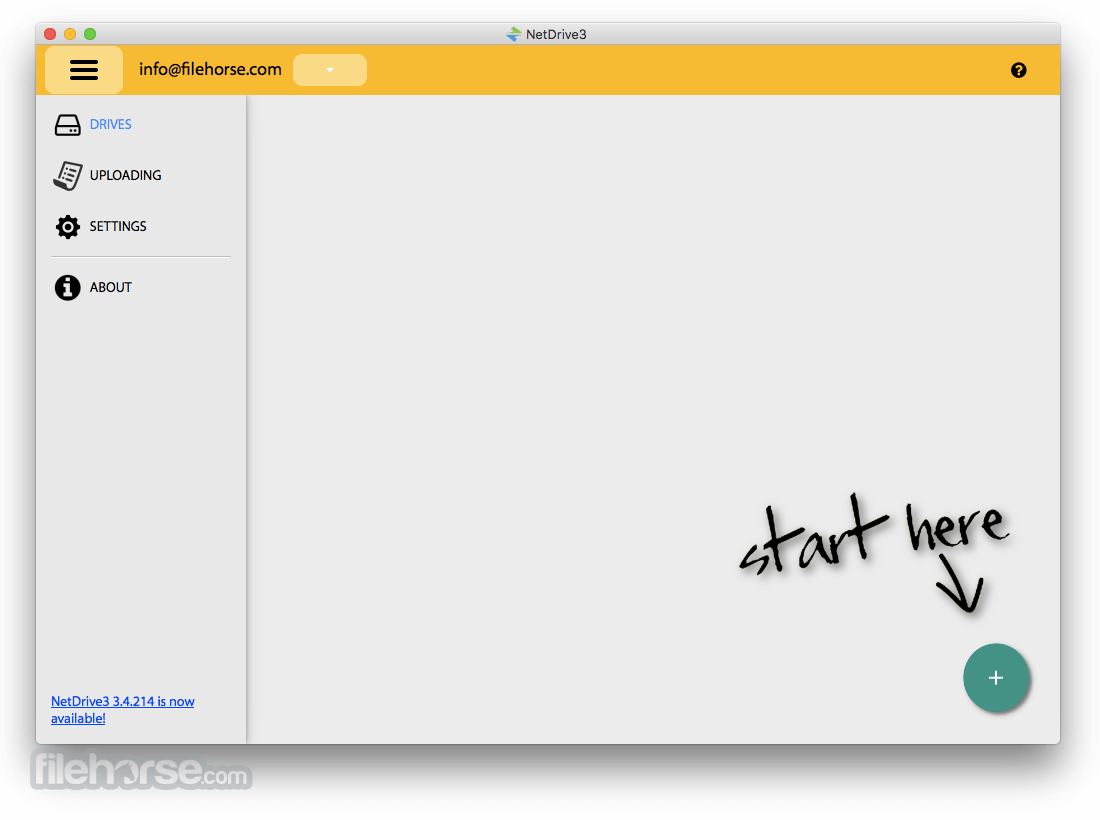
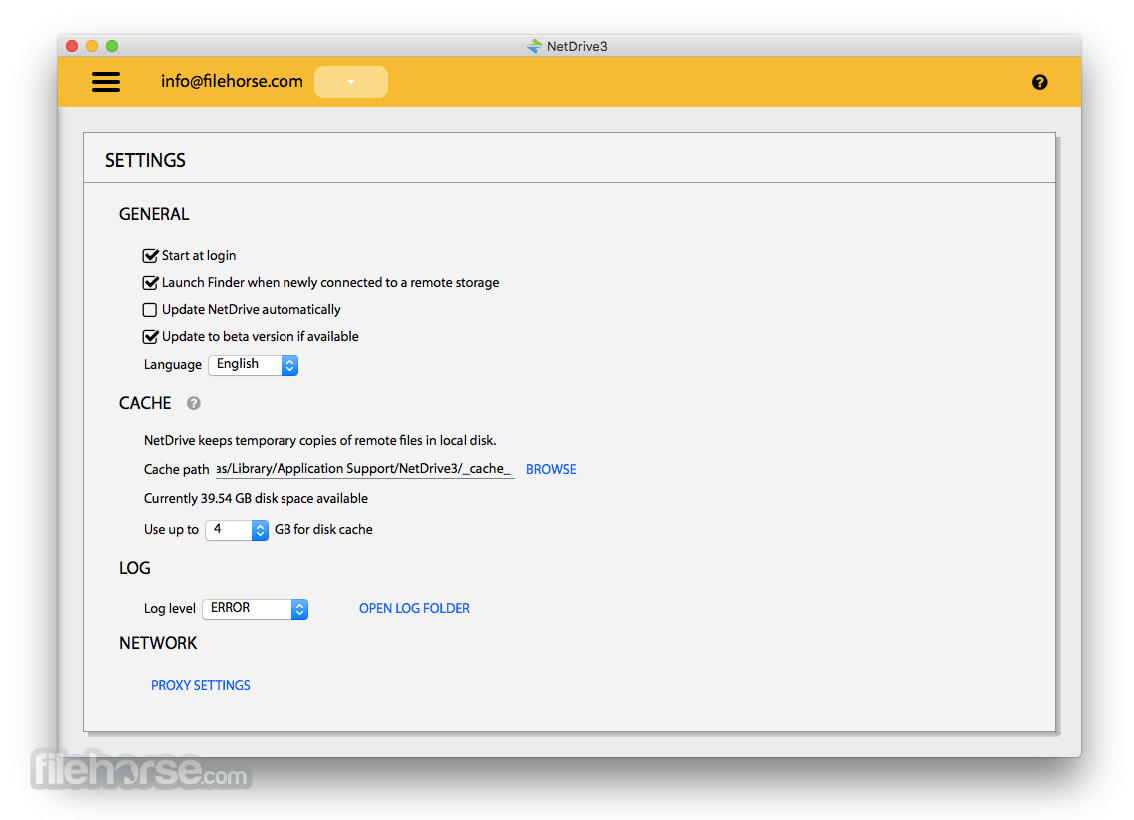
It boasts a clean and intuitive user interface, making it easy for users to navigate and manage their mounted drives and cloud storage accounts.
The interface is designed to be user-friendly, with options clearly labeled and easily accessible.
Installation and Setup
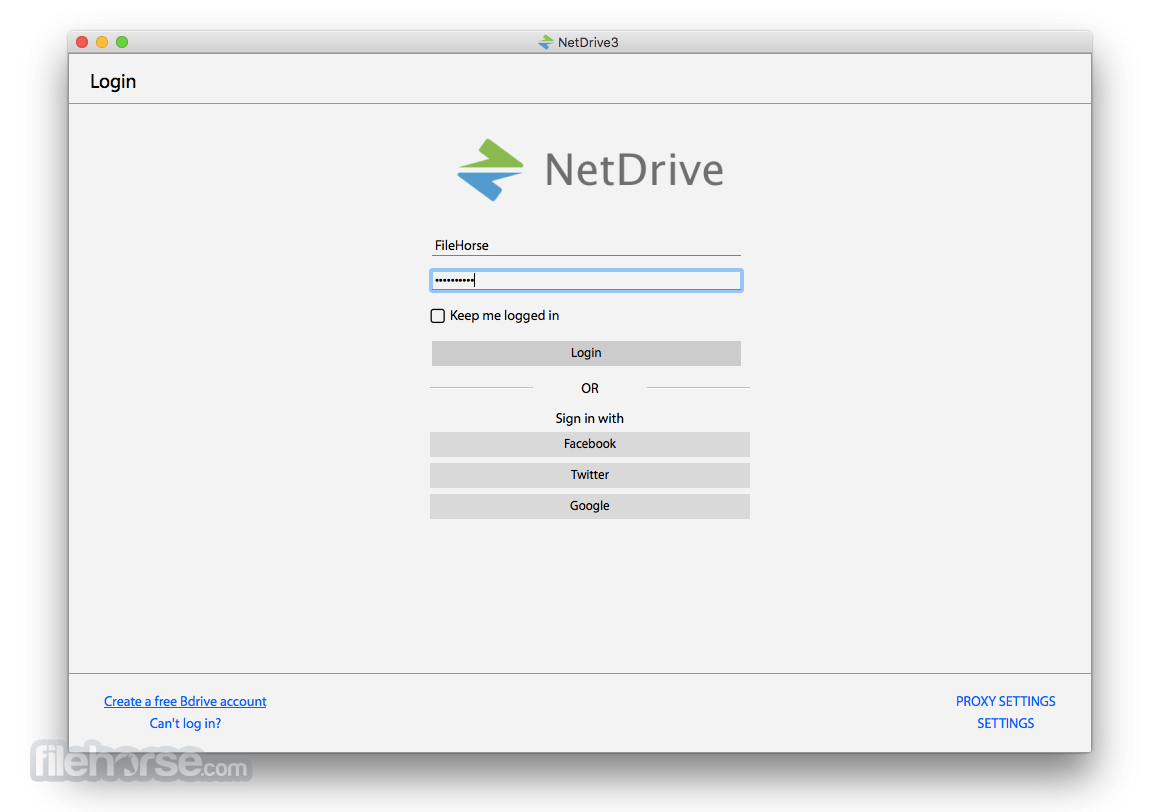
Installing this program is a straightforward process. Simply download the installer from the official website or FileHorse, run the setup wizard, and follow the on-screen instructions.
Once installed, you'll be prompted to add your cloud storage accounts and configure your settings to start using the application.
How to Use
FAQ
Can I mount multiple cloud storage accounts simultaneously?
Yes, it allows you to mount multiple cloud storage accounts and access them all from your computer.
Is my data secure when using NetDrive?
It offers encryption options to ensure the security of your data while in transit and at rest.
Can I schedule automatic syncs with NetDrive?
Yes, it allows you to schedule automatic syncs to keep your files updated without manual intervention.
Does NetDrive support FTP and SFTP connections?
Yes, it supports FTP, SFTP, and WebDAV protocols for connecting to remote servers.
Alternatives
It offers a range of pricing plans to suit different needs, including a free version with limited features and paid plans with additional functionality.
Pricing varies depending on the number of licenses and features included.
Monthly Plan - $ 1.90 / month
Free trial for 7 days
Yearly Plan - $ 21.90 / year
14-Day Money-Back Guarantee
Lifetime Plan - $ 49.95 / lifetime
14-Day Money-Back Guarantee
System Requirements
Also Available: Download NetDrive for Windows
Download NetDrive for Mac Latest Version Why is this app published on FileHorse? (More info)
The tool supports connections to Dropbox, Google Drive, Box, OneDrive, Amazon S3, and OpenStack Swift.
NetDrive is a powerful Mac application designed to bridge the gap between your local storage and cloud storage services.
It essentially allows you to mount cloud storage as a local drive on your computer, enabling seamless access to your files and documents stored in the cloud directly from your desktop.
Accessing files will be as easy as any old file folder on your Mac. Once you mount the local drive, you don't need to run each application for an FTP or cloud storage service.
NetDrive is free for evaluation use. You will need to purchase a license after evaluation use.
Highlights
Cloud storage as a virtual drive
Managing your favorite cloud storage services could not be easier. Simply provide login information, and all your cloud storage will automatically appear as a virtual drive every time you start your Mac.
NAS storage as a virtual drive
You can connect to NAS servers by WebDAV or FTP. Many NAS vendors recommend the tool as a standard way to mount their NAS products. Share your NAS easily with anyone as a virtual drive.
SFTP to securely transfer files
Net Drive supports secure file transfer by SFTP (SSH File Transfer Protocol). Unlike standard File Transfer Protocol (FTP), SFTP encrypts both commands and data, preventing passwords and sensitive information from being transmitted in clear text over a network.
Key Features
- Mount multiple cloud storage accounts as local drives.
- Supports a wide range of cloud storage providers including Google Drive, Dropbox, OneDrive, Amazon S3, and more.
- Drag-and-drop file transfers between local and cloud storage.
- Automatic synchronization of files and folders.
- Advanced caching to improve performance.
- Encryption options for added security.
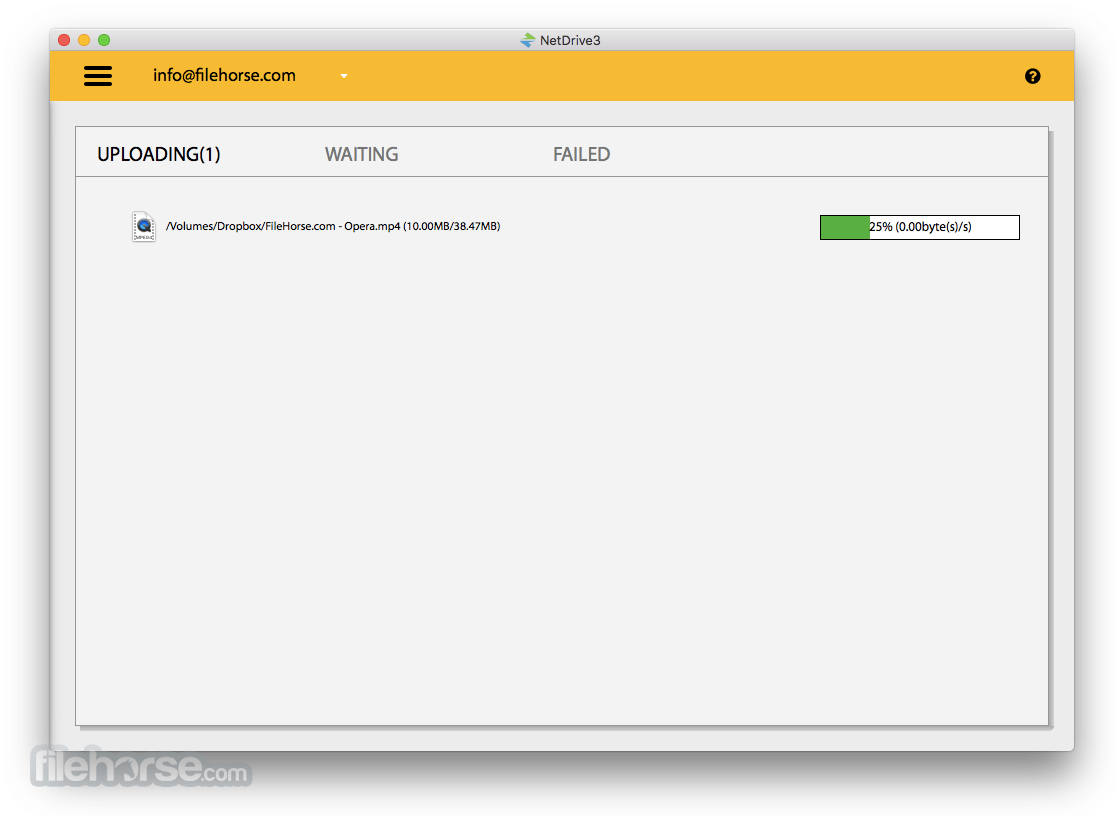
- Multi-threaded transfer engine for faster uploads and downloads.
- Background sync to keep your files updated without manual intervention.
- Integration with file managers for easy file management.
- Support for FTP, SFTP, and WebDAV protocols.
It boasts a clean and intuitive user interface, making it easy for users to navigate and manage their mounted drives and cloud storage accounts.
The interface is designed to be user-friendly, with options clearly labeled and easily accessible.
Installation and Setup
Installing this program is a straightforward process. Simply download the installer from the official website or FileHorse, run the setup wizard, and follow the on-screen instructions.
Once installed, you'll be prompted to add your cloud storage accounts and configure your settings to start using the application.
How to Use
- Add your cloud storage accounts by clicking on the "Add Drive" button and selecting your desired provider.
- Enter your account credentials and authorize NetDrive for macOS to access your cloud storage.
- Once added, your cloud storage will appear as a local drive on your computer.
- You can now access, upload, download, and manage your files as you would with any other local drive.
FAQ
Can I mount multiple cloud storage accounts simultaneously?
Yes, it allows you to mount multiple cloud storage accounts and access them all from your computer.
Is my data secure when using NetDrive?
It offers encryption options to ensure the security of your data while in transit and at rest.
Can I schedule automatic syncs with NetDrive?
Yes, it allows you to schedule automatic syncs to keep your files updated without manual intervention.
Does NetDrive support FTP and SFTP connections?
Yes, it supports FTP, SFTP, and WebDAV protocols for connecting to remote servers.
Alternatives
- ExpanDrive
- CloudMounter
- Google Drive
- OneDrive
It offers a range of pricing plans to suit different needs, including a free version with limited features and paid plans with additional functionality.
Pricing varies depending on the number of licenses and features included.
Monthly Plan - $ 1.90 / month
Free trial for 7 days
Yearly Plan - $ 21.90 / year
14-Day Money-Back Guarantee
Lifetime Plan - $ 49.95 / lifetime
14-Day Money-Back Guarantee
System Requirements
- Operating System: macOS
- Processor: Intel processor
- RAM: 1GB or higher
- Disk Space: 100MB or more
- Seamless integration with cloud storage services.
- User-friendly interface.
- Advanced features like encryption and automatic synchronization.
- Wide range of supported cloud storage providers.
- Improved performance with caching and multi-threaded transfer engine.
- Some advanced features only available in paid versions.
- May experience occasional connectivity issues with certain cloud storage providers.
Also Available: Download NetDrive for Windows
Download NetDrive for Mac Latest Version Why is this app published on FileHorse? (More info)
##
畫面截圖