- 目前版本4.10.3
- 更新日期2026-06-12
- 檔案大小86.34 MB
- 檔案名稱OmniPlan-4.10.3.dmg
- 作業系統macOS 12.0 Monterey or later
- 支援語系English
- 授權型式商業試用
- 開發商 The Omni Group
- 軟體分類Mac 軟體 / 辦公商務
##
翻譯排程處理中,以下暫以英文原文呈現
軟體介紹
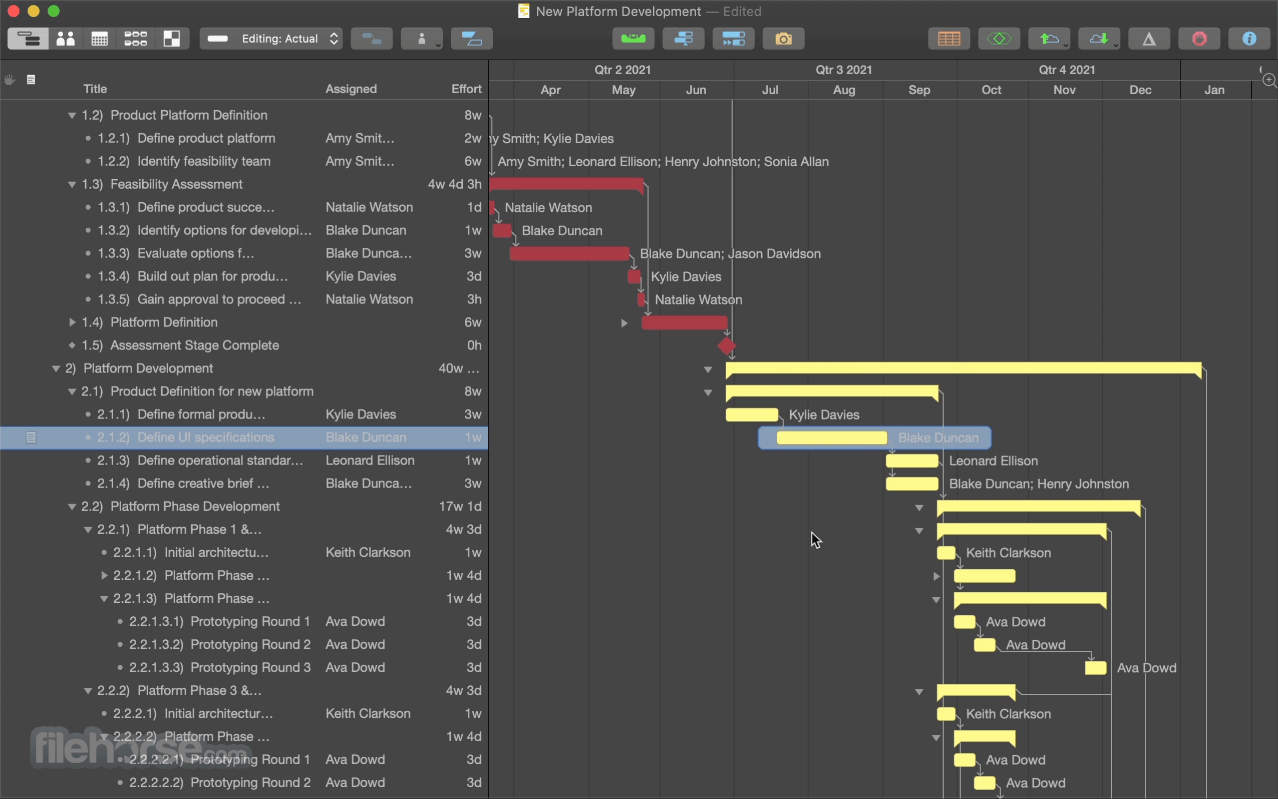
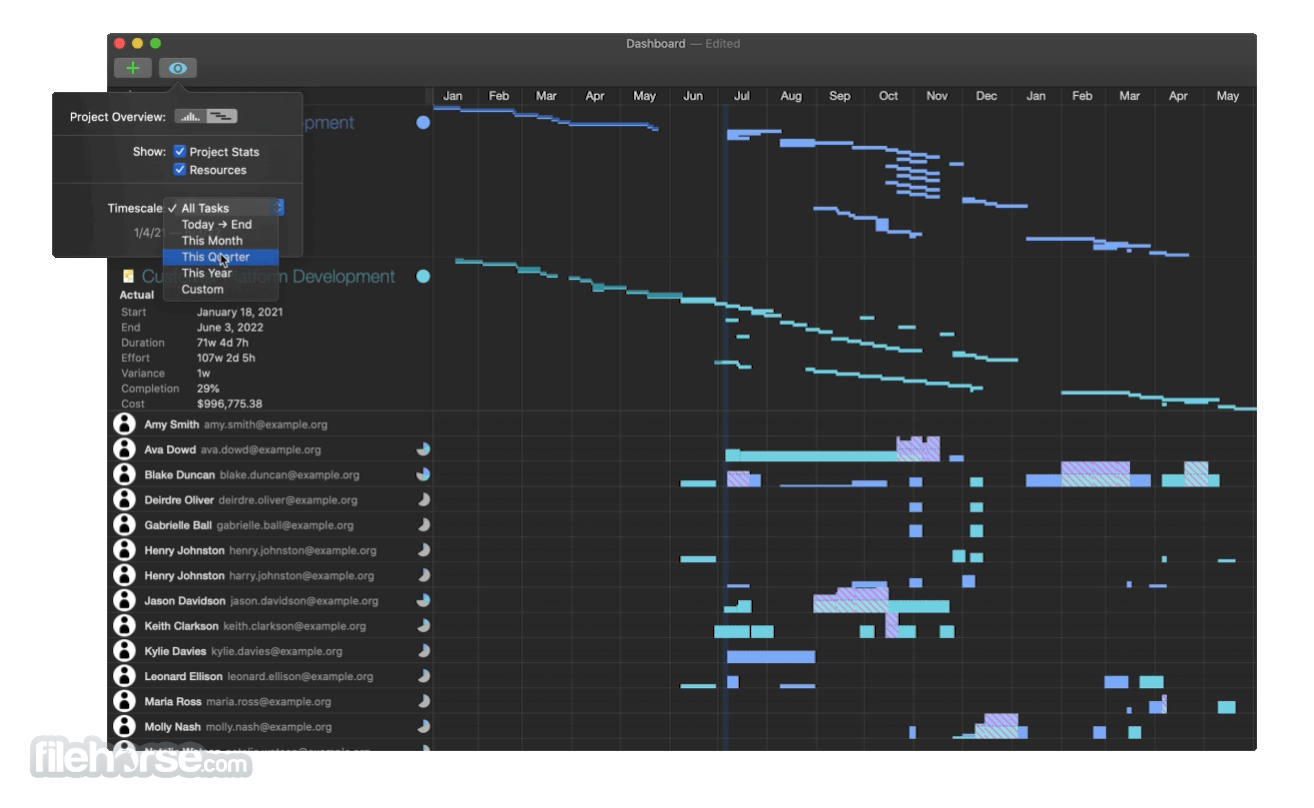
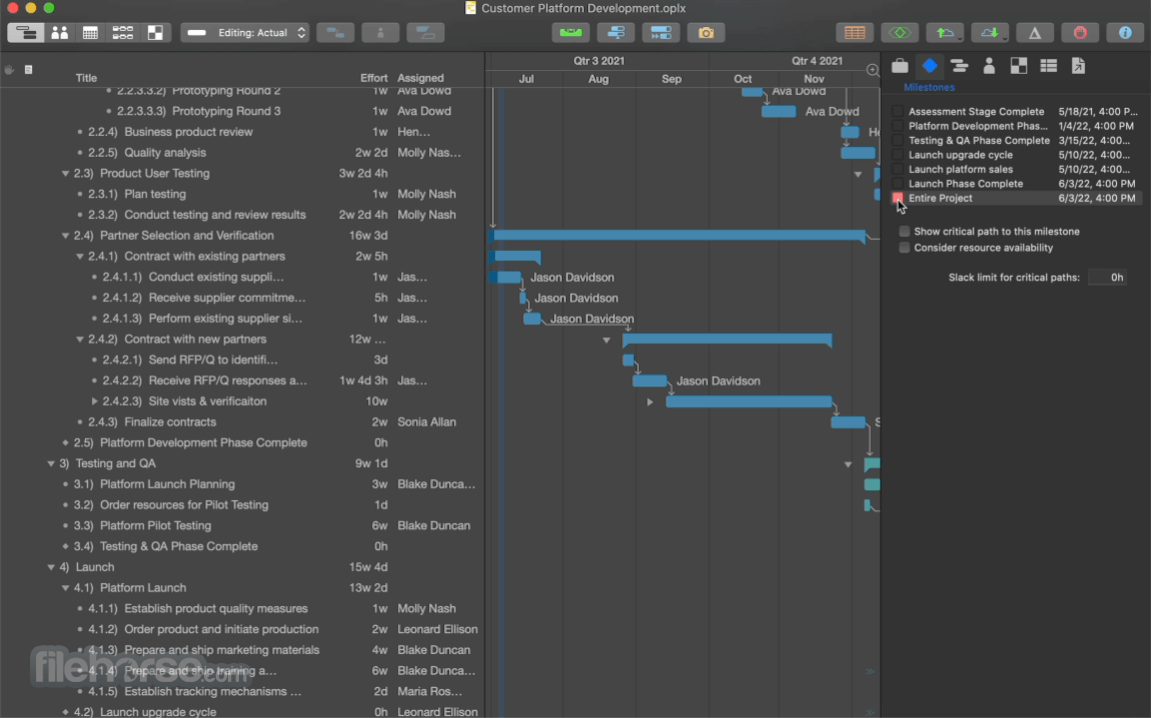
With OmniPlan for Mac, you can create logical, manageable project plans with Gantt charts, schedules, summaries, milestones, and critical paths.
Break down the tasks needed to make your project a success, optimize resources, and streamline budgets. It's project management made painless.
How to get your project done on time and under budget:
macOS 11.0 Big Sur or later
Apple Silicon or Intel-based Mac
Minimum 4 GB RAM
300 MB available disk space
Internet required for syncing and updates
PROS
Download OmniPlan for Mac Latest Version Why is this app published on FileHorse? (More info)
Break down the tasks needed to make your project a success, optimize resources, and streamline budgets. It's project management made painless.
How to get your project done on time and under budget:
- Translate strategy into tactics everyone can understand
- Create summaries of work broken into lists of activities
- Distribute workloads fairly and efficiently
- Manage costs as you go
- Smart Scheduling
- Multiple Baselines
- Critical Path
- Friendly Interface
- Easy Task Management
- Automatic Leveling
- Split Tasks
- Violation Resolution
- Resource Load Sharing
- Spotlight Search
- Stunning Gantt Timelines
- View Filtering
- Printing & AirPrinting
- Export Options
- Hardware Keyboard Shortcuts
- Network Diagrams
- OmniPresence Syncing
- Open OmniPlan and select a new or existing project
- Add tasks manually or import from other formats
- Set task durations, dependencies, and constraints
- Assign resources to tasks and track availability
- Use the Gantt chart to visualize timelines
- Enable leveling to resolve resource conflicts
- Review project status using built-in reports
- Export or share project plans as PDFs or files
macOS 11.0 Big Sur or later
Apple Silicon or Intel-based Mac
Minimum 4 GB RAM
300 MB available disk space
Internet required for syncing and updates
PROS
- Detailed Gantt chart and task management
- Advanced resource allocation tools
- Customizable project reports
- Syncs across Mac and iOS devices
- Supports Microsoft Project file formats
- Limited collaboration without server
- No real-time multi-user editing
- Higher price than most competitors
- Occasional sync issues with large files
Download OmniPlan for Mac Latest Version Why is this app published on FileHorse? (More info)
##
畫面截圖