⚠ 這是歷史版本頁面 — 查看 Opera 134.0 Build 最新版本 →

Opera 130.0 Build 5847.92
v 5847.92
macOS
免費軟體
7.56/10 (109)
- 目前版本5847.92
- 更新日期2026-04-25
- 檔案大小239 MB
- 檔案名稱Opera_130.0.5847.92_Setup.dmg
- 作業系統Mac OS X 10.11 or later
- 支援語系English
- 授權型式免費軟體
- 開發商 Opera Software
- 軟體分類Mac 軟體 / 瀏覽器與外掛
##
編輯短評
Opera for Mac 是一款以 Chromium 為核心的瀏覽器,主打速度、安全與高度自訂性,內建多項隱私增強功能,並能直接相容 Chrome Web Store 的擴充套件,讓使用者兼顧熟悉生態與額外工具。它長期維持頻繁更新,在同類瀏覽器中屬於熱門選擇,使用者評價普遍不錯,是 Mac 上值得一試的替代方案。
這款瀏覽器適合想要 Chrome 擴充彈性、又希望有內建隱私保護或快捷功能的人,無論日常上網或進階自訂都能勝任。與 Chrome 相比,它多了些整合工具,但普及度略遜;與 Firefox 相比,擴充相容性更佳。軟體為免費授權,但僅提供英文介面,且目前僅支援 macOS 平台,下載前需確認系統環境是否符合需求。
##
翻譯排程處理中,以下暫以英文原文呈現
軟體介紹
Opera for Mac is a powerful and feature-rich web browser designed for Mac computers, offering a wide range of tools to enhance the browsing experience with built-in features for enhanced user privacy.
With its focus on speed, security, and customization, this Chromium-based browser is an excellent choice for those looking for a reliable and efficient browsing experience that retains access to the incredibly versatile Extension platform on Chrome Web Store.
With features catering to both casual and power users, this browser’s innovative features and user-friendly interface make it an attractive option for anyone looking to upgrade their browsing experience.
One of the most important features that comes bundled in with every version of this popular browser app is its powerful ad blocker, automatic web content compressor, free VPN, and since 2023 even a versatile ChatGPT-powered AI chatbot called Aria.
Its comprehensive service offering and almost 3 decades of experience on the market have made this product the fifth most popular browser app on the desktop computer market with over 320 million daily active users, only lacking behind Google Chrome, Edge, Safari, and Firefox.
What`s New in latest version 2026
To install this app, users can simply download the installer from the official website, the Mac App Store, or the secure FileHorse servers.
Once downloaded the app will start a simple setup process where users can choose their preferred search engine, set up bookmarks, and customize their browsing experience.
Users who are moving from another browser to this one can easily import all their bookmarks and other preferences, quickly transforming Opera into their default web browser.
How to Use
Once inside the app, users are free to start browsing the web with ease and speed like they have not experienced in any other browser.
In addition to traditional browsing by discovering content with search engines, this browser also provides streamlined access to an AI assistant called Aria that can quickly provide instant answers to any queries, including searching for specific online content.
While it is based on the popular Chromium platform that is famous for its excellent compatibility and stability, users of this software can also take great advantage of integrated services such as ad-blocker, no-log VPN, integrated messengers, audio players, backup, file transfer, and many other tools.
As with all other modern browsers, users of this app can also easily customize their browsing experience by adding extensions, changing themes, and customizing shortcuts and gestures for seamless web content interaction and enhanced productivity.
User Interface
Its user interface is designed to be fast, secure, and customizable.
The app's sidebar offers quick access to a large offering of services (including several fully functional chat messengers - Facebook Messenger, WhatsApp, Telegram, and VKontakte), and the tab hover cards provide a convenient way to manage open tabs.
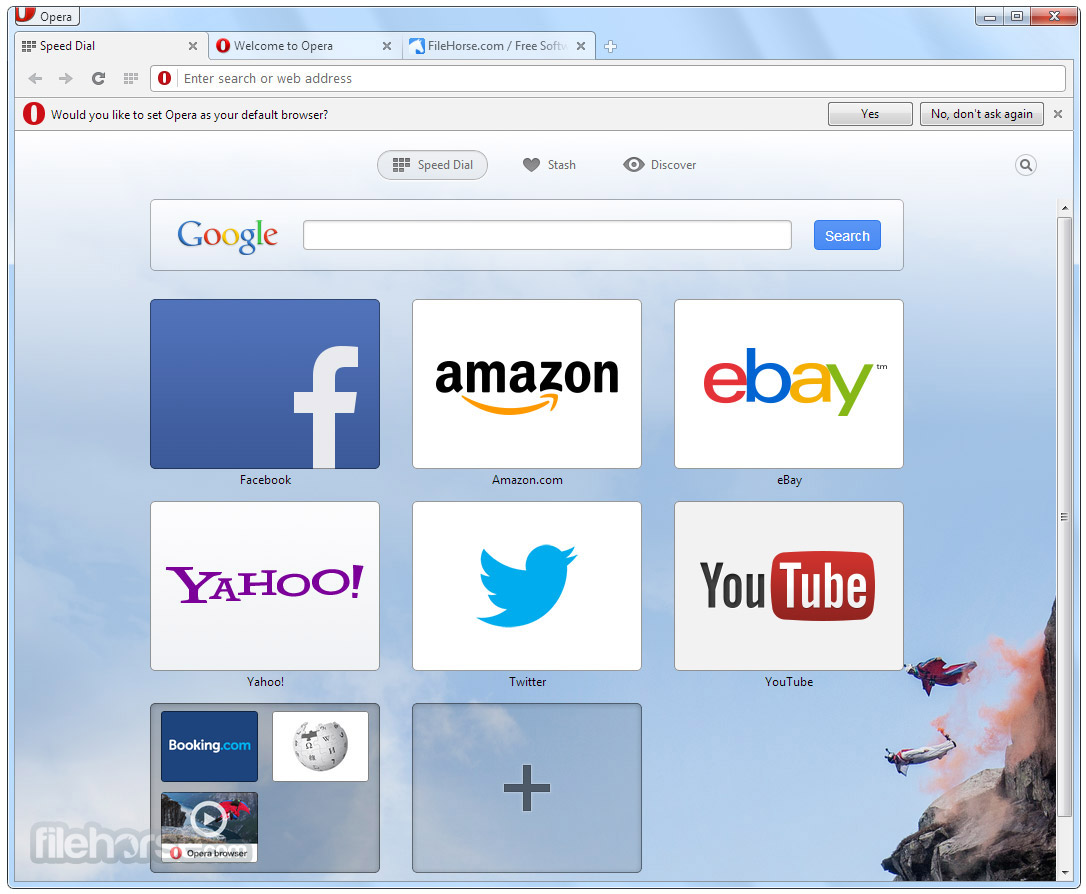
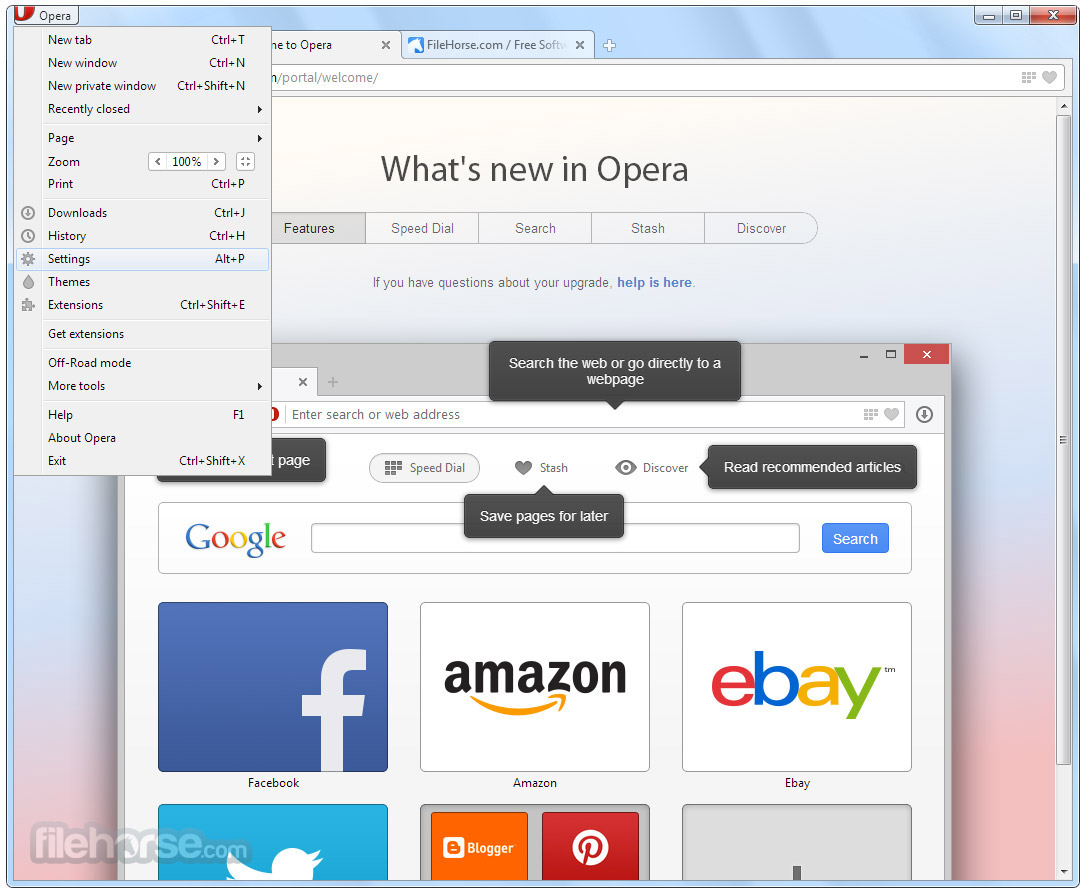
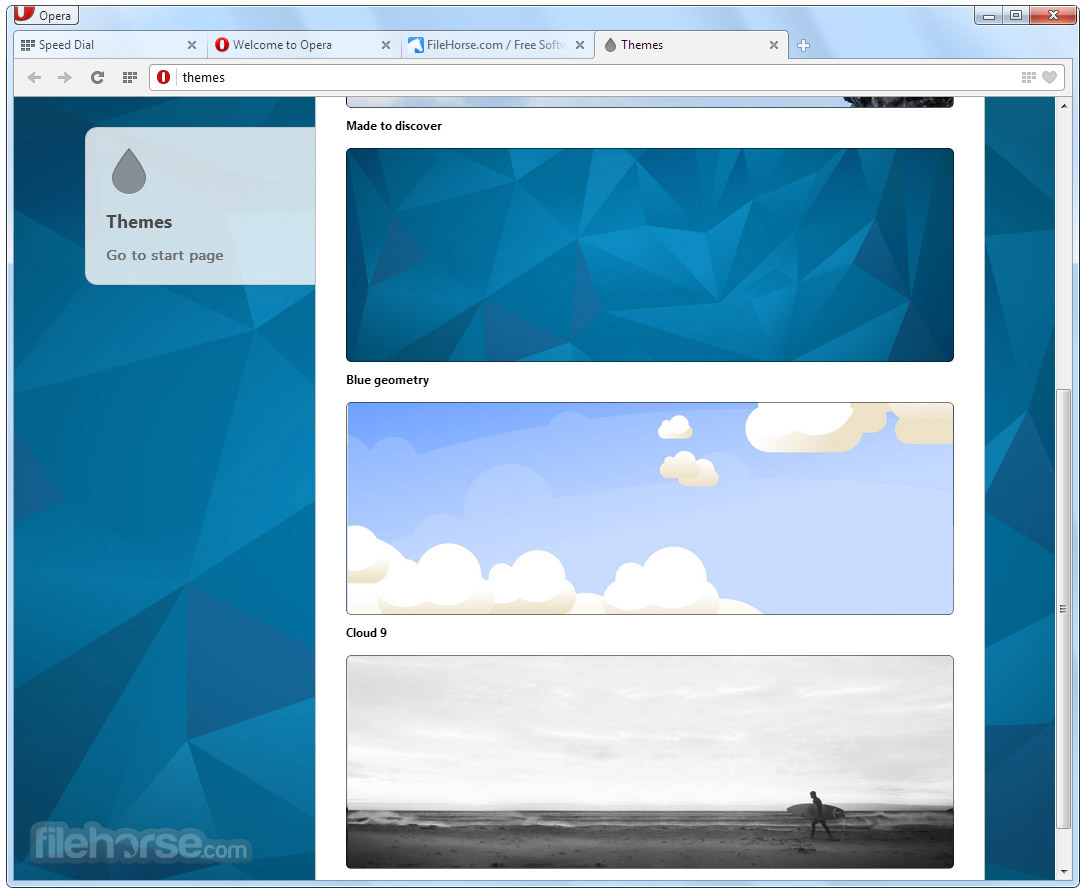
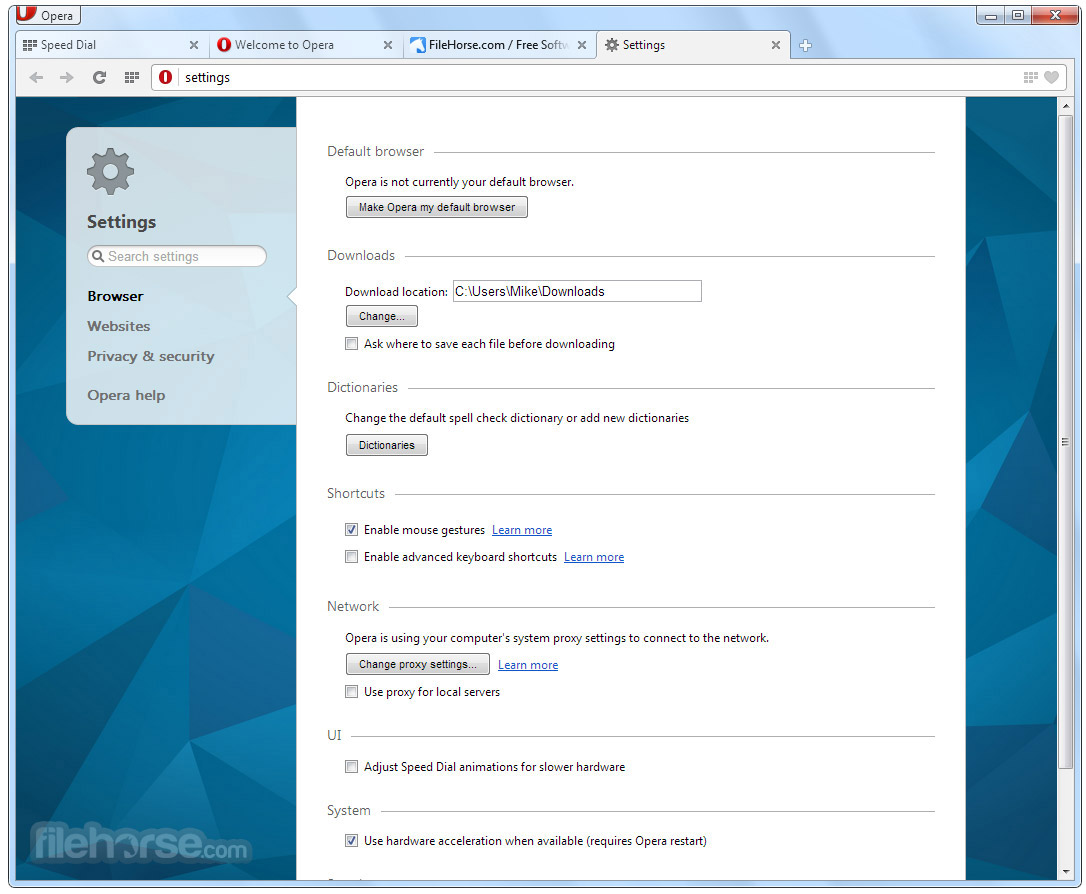
The entire interface is also highly customizable, allowing users to quickly change the theme, add extensions, and set up their bookmarks.
FAQ
What is Opera?
It is a web browser designed to evolve the way users interface with modern web content. It is highly customizable, and secure, and offers a large selection of integrated services that eliminate the need of using many standalone apps.
Is it safe?
Yes. This reliable and secure app was developed by a trusted team.
Alternatives
Google Chrome – The world’s most popular web browser known for its reliability, speed, and integration with Google services.
Safari – The official web browser of Apple corporation, available as a preinstalled app on all modern Mac computers.
Mozilla Firefox – A free and open-source web browser known for its security and customization options.
Pricing
This is a free app, with no subscription fees or hidden costs.
System Requirements
Opera requires a Mac computer running macOS High Sierra or later.
Official ports are also available for iPhone and iPod Touch (iOS 12.0+), iPad (iPadOS 12.0+), and Apple Vision (visionOS 1.0+).
PROS
Opera for Mac is a powerful and feature-rich web browser that offers a wide range of tools to enhance the browsing experience for both home and power users.
Its focus on speed, security, and customization makes it an excellent choice for anyone looking to take full control over web content and boost their daily productivity with a wide offering of integrated tools. Its extensive feature offerings and regular updates have ensured its place as the fifth most popular browser app in the world.
Note: Requires 64-bit processor.
Also Available: Download Opera for Windows
Download Opera for Mac Latest Version Why is this app published on FileHorse? (More info)
With its focus on speed, security, and customization, this Chromium-based browser is an excellent choice for those looking for a reliable and efficient browsing experience that retains access to the incredibly versatile Extension platform on Chrome Web Store.
With features catering to both casual and power users, this browser’s innovative features and user-friendly interface make it an attractive option for anyone looking to upgrade their browsing experience.
One of the most important features that comes bundled in with every version of this popular browser app is its powerful ad blocker, automatic web content compressor, free VPN, and since 2023 even a versatile ChatGPT-powered AI chatbot called Aria.
Its comprehensive service offering and almost 3 decades of experience on the market have made this product the fifth most popular browser app on the desktop computer market with over 320 million daily active users, only lacking behind Google Chrome, Edge, Safari, and Firefox.
What`s New in latest version 2026
- Integrated AI Assistant (Aria) – Built-in AI chat and content generation directly in the sidebar.
- Improved Free VPN – Faster connection speeds with enhanced privacy protection.
- Advanced Tab Islands – Smarter automatic tab grouping for better organization.
- Enhanced Workspaces – Separate browsing contexts for projects and multitasking.
- Battery Saver Updates – Improved power efficiency for laptops.
- Ad and Tracker Blocker Improvements – Stronger built-in protection with faster page loads.
- Updated Sidebar Integrations – Quick access to messaging apps and social platforms.
- Improved Flow Feature – Seamless file and link sharing between devices.
- Performance Optimizations – Faster startup times and smoother browsing experience.
- UI Refinements – Cleaner design with customizable themes and layout options.
- Integrated Ad Blocker – Enjoy smoother browsing without distractions, protecting your privacy and speeding up browsing.
- Free VPN – Browse the web content knowing that your identity and location are protected from spying online services.
- Integrated Messengers – Sign in to your preferred messenger (including Facebook Messenger, and WhatsApp) and access it in one click from Opera's sidebar!
- Aria Browser AI – Chat and create with Aria, Opera's powerful browser AI that is powered by the latest version of ChatGPT.
- Advanced Tab management – Take full control over all your active and archived tabs, including a new innovative service called Tab Islands.
- Flow File Sharing – Securely share files, links, and notes between all your devices.
- Advanced Mouse Gestures – Easily interact with web content with customizable mouse gestures.
- Integrated Music, Crypto Wallet, and Backup tools –There is no need to manage a large selection of external apps.
- Cross Platform Browsing – Easily sync, backup data, and share files between desktop, laptop, and mobile devices running the Opera app.
To install this app, users can simply download the installer from the official website, the Mac App Store, or the secure FileHorse servers.
Once downloaded the app will start a simple setup process where users can choose their preferred search engine, set up bookmarks, and customize their browsing experience.
Users who are moving from another browser to this one can easily import all their bookmarks and other preferences, quickly transforming Opera into their default web browser.
How to Use
Once inside the app, users are free to start browsing the web with ease and speed like they have not experienced in any other browser.
In addition to traditional browsing by discovering content with search engines, this browser also provides streamlined access to an AI assistant called Aria that can quickly provide instant answers to any queries, including searching for specific online content.
While it is based on the popular Chromium platform that is famous for its excellent compatibility and stability, users of this software can also take great advantage of integrated services such as ad-blocker, no-log VPN, integrated messengers, audio players, backup, file transfer, and many other tools.
As with all other modern browsers, users of this app can also easily customize their browsing experience by adding extensions, changing themes, and customizing shortcuts and gestures for seamless web content interaction and enhanced productivity.
User Interface
Its user interface is designed to be fast, secure, and customizable.
The app's sidebar offers quick access to a large offering of services (including several fully functional chat messengers - Facebook Messenger, WhatsApp, Telegram, and VKontakte), and the tab hover cards provide a convenient way to manage open tabs.
The entire interface is also highly customizable, allowing users to quickly change the theme, add extensions, and set up their bookmarks.
FAQ
What is Opera?
It is a web browser designed to evolve the way users interface with modern web content. It is highly customizable, and secure, and offers a large selection of integrated services that eliminate the need of using many standalone apps.
Is it safe?
Yes. This reliable and secure app was developed by a trusted team.
Alternatives
Google Chrome – The world’s most popular web browser known for its reliability, speed, and integration with Google services.
Safari – The official web browser of Apple corporation, available as a preinstalled app on all modern Mac computers.
Mozilla Firefox – A free and open-source web browser known for its security and customization options.
Pricing
This is a free app, with no subscription fees or hidden costs.
System Requirements
Opera requires a Mac computer running macOS High Sierra or later.
Official ports are also available for iPhone and iPod Touch (iOS 12.0+), iPad (iPadOS 12.0+), and Apple Vision (visionOS 1.0+).
PROS
- Fast and secure.
- Customizable.
- Built-in adblocker and free VPN.
- Easily accessible AI assistant.
- Integrated social chat apps.
- Cross-platform support.
- Expandable with Chromium addons.
- Streamlined backup, session sharing, and file transfers between supported platforms.
- 100% free.
- None.
Opera for Mac is a powerful and feature-rich web browser that offers a wide range of tools to enhance the browsing experience for both home and power users.
Its focus on speed, security, and customization makes it an excellent choice for anyone looking to take full control over web content and boost their daily productivity with a wide offering of integrated tools. Its extensive feature offerings and regular updates have ensured its place as the fifth most popular browser app in the world.
Note: Requires 64-bit processor.
Also Available: Download Opera for Windows
Download Opera for Mac Latest Version Why is this app published on FileHorse? (More info)
##
影片介紹
##
畫面截圖

- 2026-08-12 Opera 134.0 Build 5954.56 248 MB
- 2026-08-06 Opera 134.0 Build 5954.46 249 MB
- 2026-07-31 Opera 134.0 Build 5954.26 248 MB
- 2026-07-23 Opera 133.0 Build 5932.85 245 MB
- 2026-07-16 Opera 133.0 Build 5932.60 245 MB
- 2026-07-10 Opera 133.0 Build 5932.34 245 MB
- 2026-07-03 Opera 133.0 Build 5932.24 245 MB
- 2026-07-02 Opera 133.0 Build 5932.20 245 MB