- 目前版本5.2.3
- 更新日期2025-10-08
- 檔案大小13.78 MB
- 檔案名稱phpMyAdmin-5.2.3-all-languages.tar.gz
- 作業系統Mac OS X 10.1 or later
- 支援語系English
- 授權型式免費軟體
- 開發商 phpMyAdmin devel team
- 軟體分類Mac 軟體 / 開發者工具
##
翻譯排程處理中,以下暫以英文原文呈現
軟體介紹
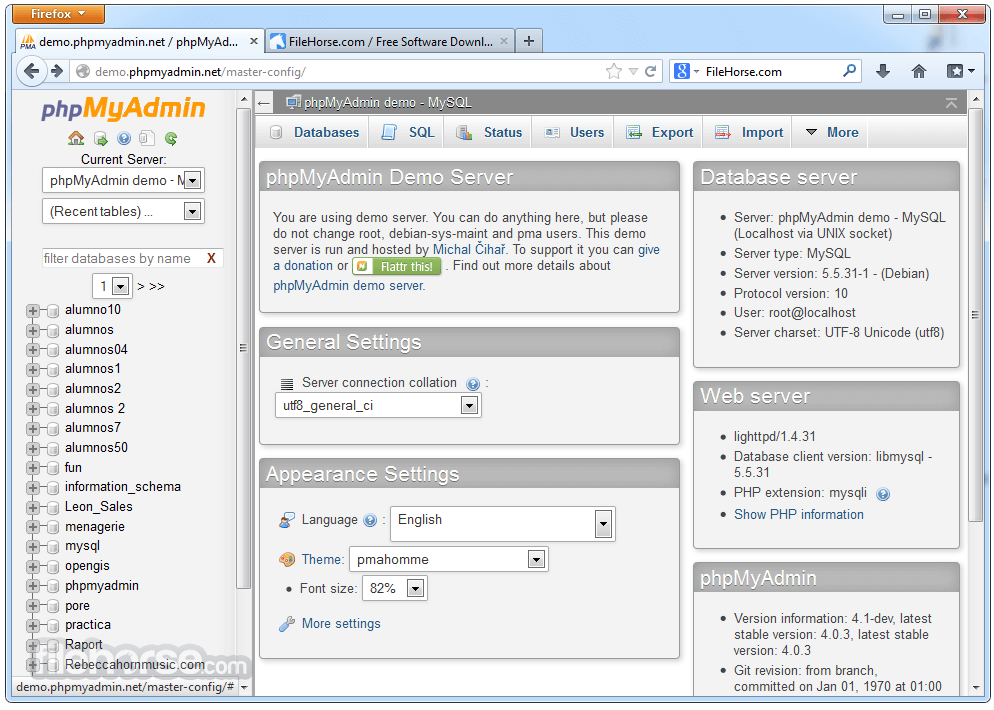
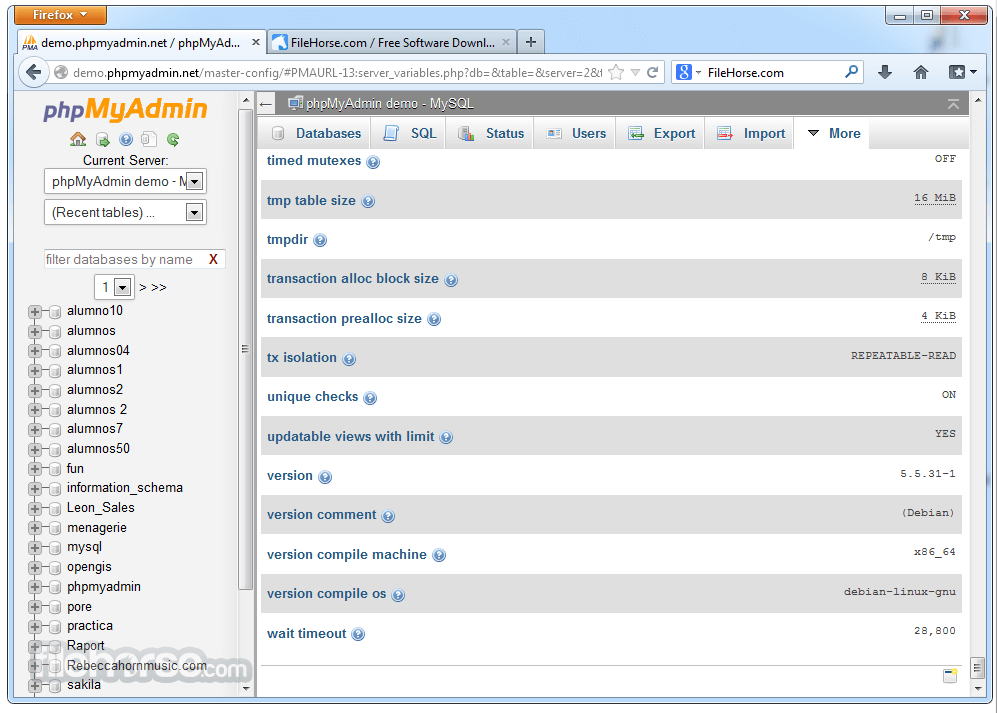
phpMyAdmin for Mac is a free software tool written in PHP, intended to handle the administration of MySQL over the Web. phpMyAdmin supports a wide range of operations on MySQL, MariaDB and Drizzle.
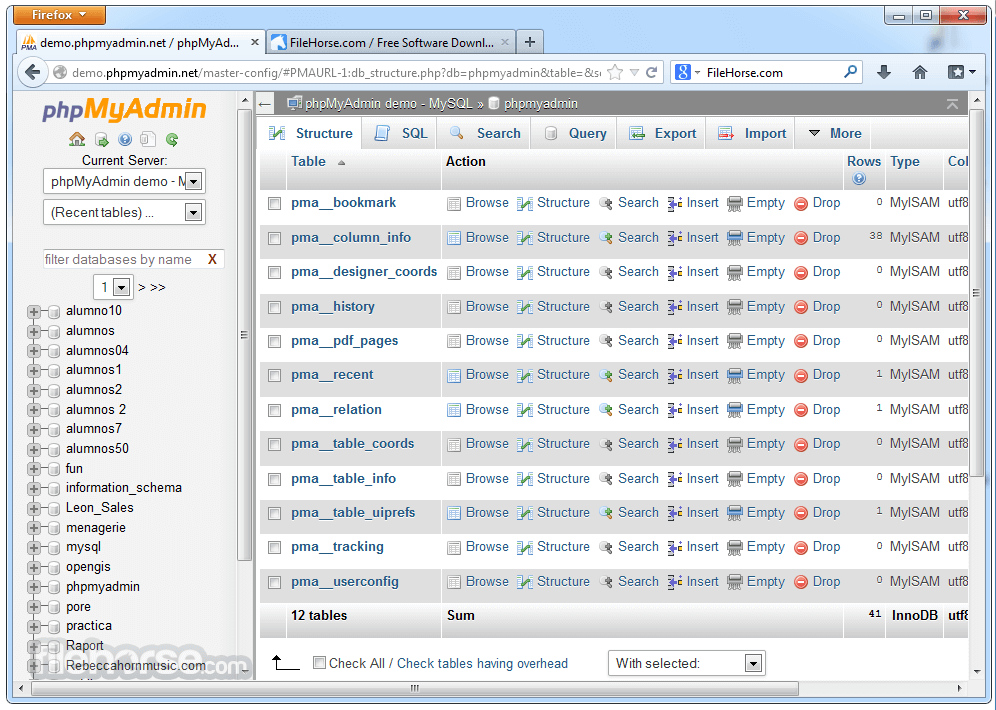
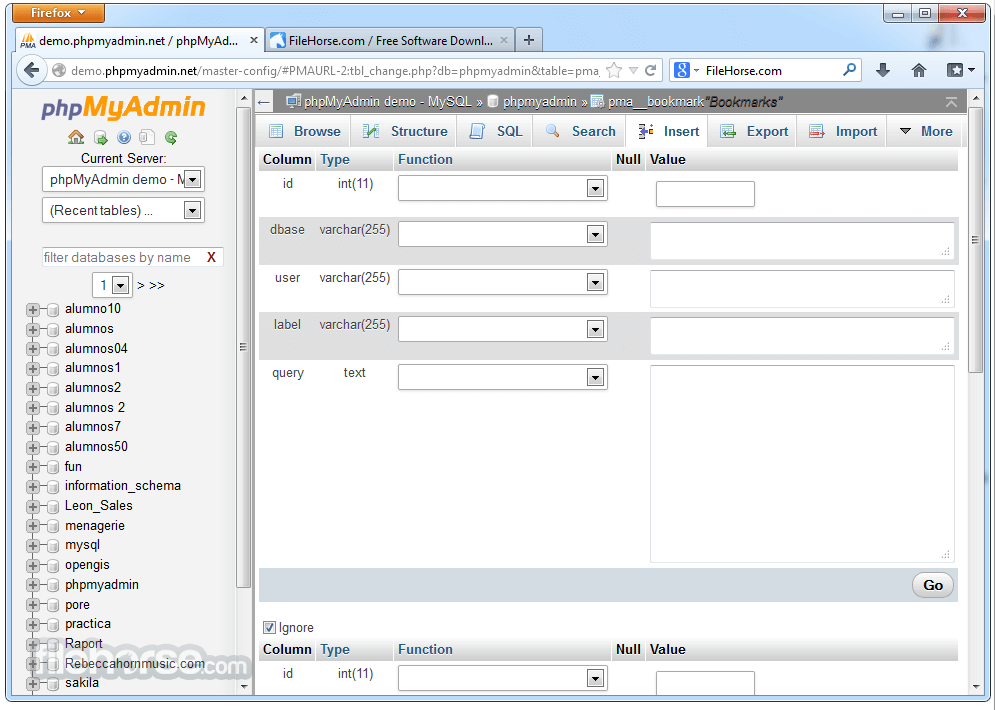
Frequently used operations (managing databases, tables, columns, relations, indexes, users, permissions, etc) can be performed via the user interface, while you still have the ability to directly execute any SQL statement.
Download phpMyAdmin for macOS is a PHP script meant for giving users the ability to interact with their MySQL databases.
Features and Highlights
Install and configure MAMP or XAMPP
Place phpMyAdmin in the server's root directory
Start Apache and MySQL services
Access phpMyAdmin via localhost/phpmyadmin
Set up user authentication and privileges
Begin managing databases through the interface
System Requirements
Also Available: Download phpMyAdmin for Windows
Download phpMyAdmin for Mac Latest Version Why is this app published on FileHorse? (More info)
Frequently used operations (managing databases, tables, columns, relations, indexes, users, permissions, etc) can be performed via the user interface, while you still have the ability to directly execute any SQL statement.
Download phpMyAdmin for macOS is a PHP script meant for giving users the ability to interact with their MySQL databases.
Features and Highlights
- Intuitive web interface
- Support for most MySQL features:
- Browse and drop databases, tables, views, fields and indexes
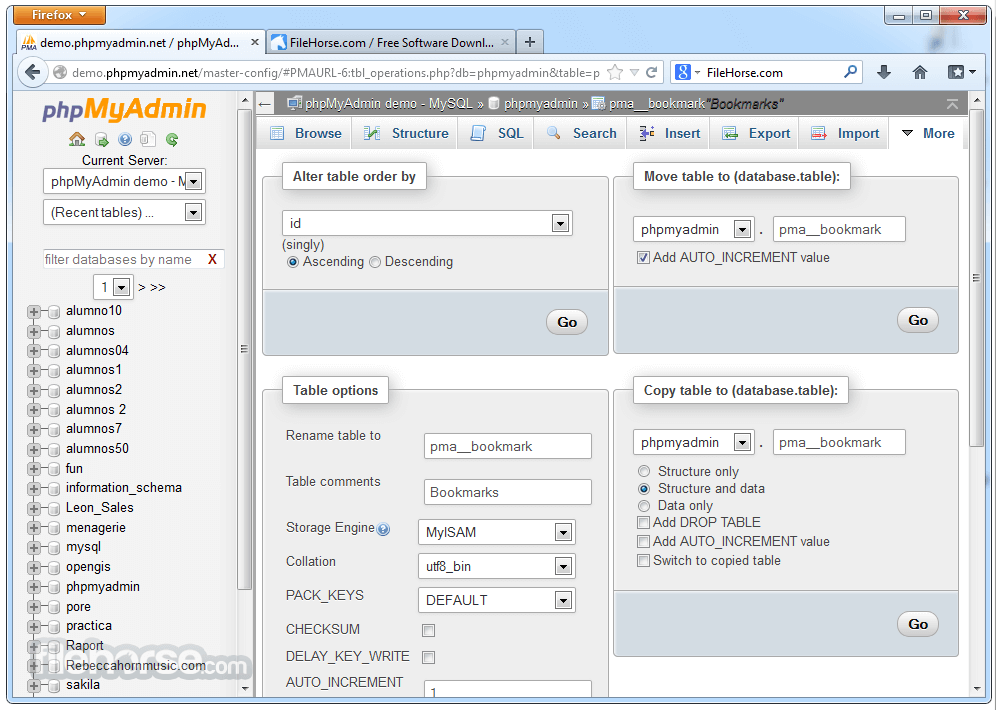
- Create, copy, drop, rename and alter databases, tables, fields and indexes
- Maintenance server, databases and tables, with proposals on server configuration
- Execute, edit and bookmark any SQL-statement, even batch-queries
- Manage MySQL users and privileges
- Manage stored procedures and triggers
- Import data from CSV and SQL
- Export data to various formats: CSV, SQL, XML, PDF, ISO/IEC 26300 - OpenDocument Text and Spreadsheet, Word, Excel, LATEX and others
- Administering multiple servers
- Creating PDF graphics of your database layout
- Creating complex queries using Query-by-example (QBE)
- Searching globally in a database or a subset of it
- Transforming stored data into any format using a set of predefined functions, like displaying BLOB-data as image or download-link
- And much more...
Install and configure MAMP or XAMPP
Place phpMyAdmin in the server's root directory
Start Apache and MySQL services
Access phpMyAdmin via localhost/phpmyadmin
Set up user authentication and privileges
Begin managing databases through the interface
System Requirements
- macOS 10.13 High Sierra or later
- Web server (Apache, Nginx, or similar)
- PHP 7.2 or newer
- MySQL or MariaDB server
- Minimum 2GB RAM
- Easy-to-use web interface
- Supports multiple databases
- Extensive import/export options
- Open-source and regularly updated
- Wide community and documentation
- Not secure for remote access by default
- Can be slow with large databases
- Requires manual configuration
- Interface feels outdated to some
- Limited advanced admin tools
Also Available: Download phpMyAdmin for Windows
Download phpMyAdmin for Mac Latest Version Why is this app published on FileHorse? (More info)
##
畫面截圖