- 目前版本6.1.2
- 更新日期2026-04-20
- 作業系統macOS 12.0 Monterey or later
- 支援語系English
- 授權型式未分類
- 開發商 Matt Rajca
- 軟體分類Mac 軟體 / 影像設計
##
翻譯排程處理中,以下暫以英文原文呈現
軟體介紹
Pixen is an innovative graphics editor for the Mac. It's designed from top to bottom for pixel artists - people who make low-resolution raster art like the sprites you see in old video games.
But it's great for artists of all arenas: the tool is like a very powerful MSPaint or a simpler, more agile Photoshop.
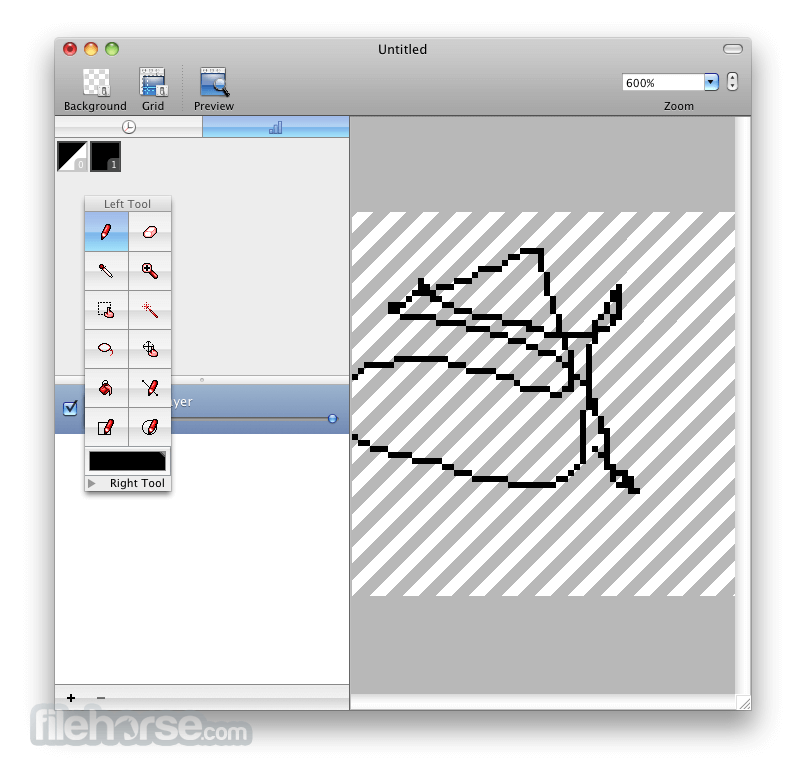
With innovative features like a color palette system, patterns, and high-zoom support, Pixen packs all the tools pixel artists need in an intuitive, Mac-native interface.
Pixen for macOS also makes creating frame-by-frame animations fun and easy.
Features and Highlights
Animations
Create and arrange image frames in the filmstrip view to piece together animations; export animations as animated GIFs, QuickTime movies, or even spritesheets!
Tools
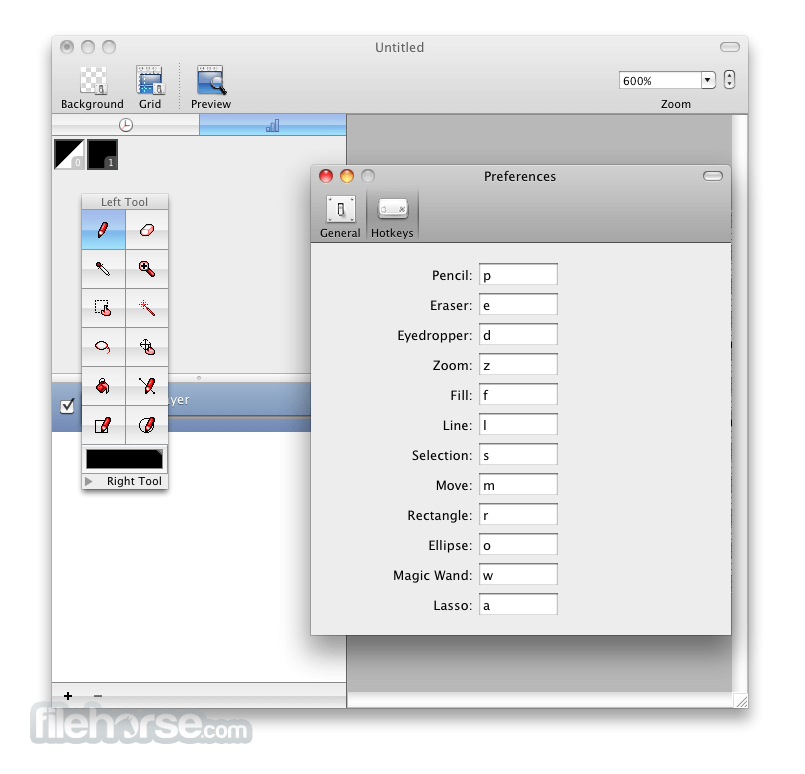
Leverage the app's wide array of tools when composing pixel art: Pencil, Eraser, Eyedropper, Zoom, Rectangular Selection, Magic Wand, Lasso, Move, Fill, Line, Rectangle, and Ellipse.
Layers
Take advantage of the flexibility layers provide when working with complex pixel art.
Color Palettes
Add and organize commonly-used colors into palettes.
Patterns
Define custom patterns to use while drawing with the pencil, line, or eraser tool (instead of a single pixel).
Backgrounds
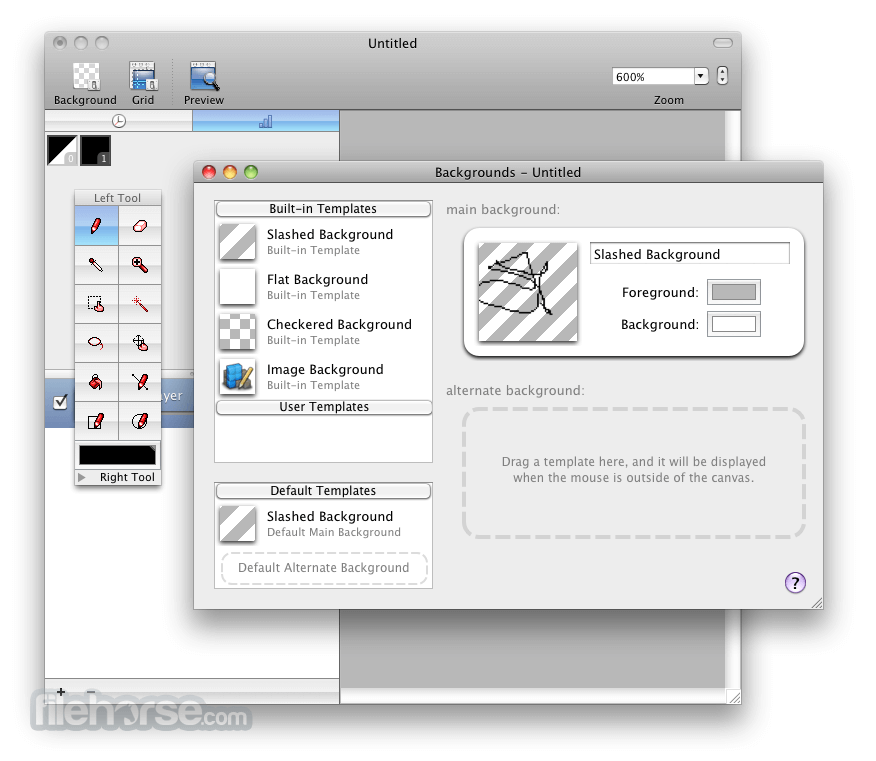
Pick a flat, striped or checkered background (or even a custom image) to be drawn beneath the canvas.
Tablet Support
Pixen supports pressure-sensitive drawing tablets and maps pressure to color opacity.
Full Screen
Work with all your favorite tools in full screen mode on OS X Lion.
How to Use
Launch Pixen from the Applications folder
Create a new canvas or open an existing file
Use the palette to choose colors and tools
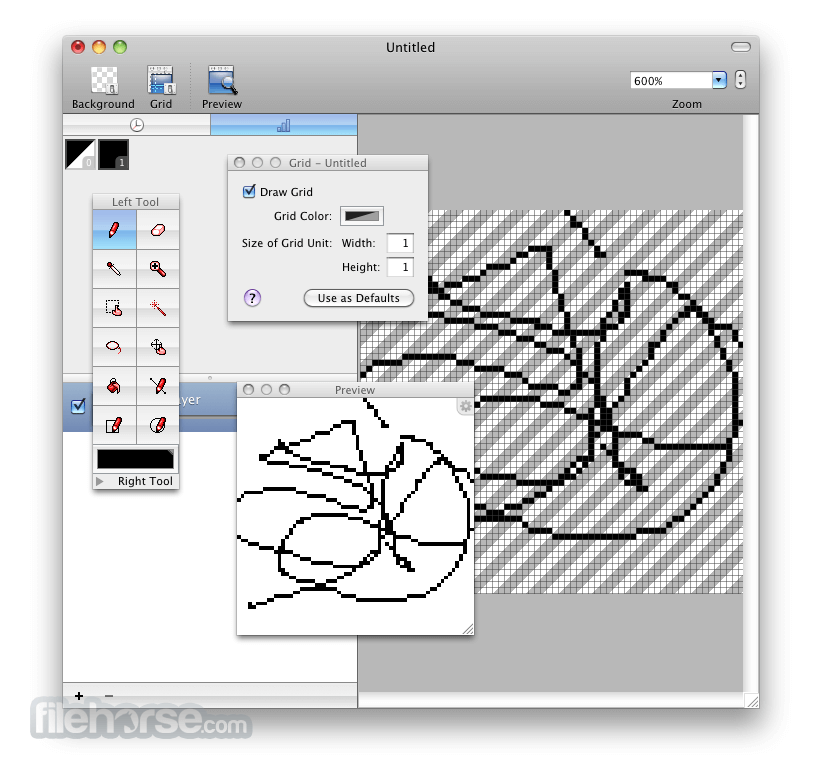
Draw using layers, onion skinning, and grid tools
Export to PNG, GIF, or sprite sheet formats
Save and organize assets using the Pixen file format
System Requirements
Download Pixen for Mac Latest Version Why is this app published on FileHorse? (More info)
But it's great for artists of all arenas: the tool is like a very powerful MSPaint or a simpler, more agile Photoshop.
With innovative features like a color palette system, patterns, and high-zoom support, Pixen packs all the tools pixel artists need in an intuitive, Mac-native interface.
Pixen for macOS also makes creating frame-by-frame animations fun and easy.
Features and Highlights
Animations
Create and arrange image frames in the filmstrip view to piece together animations; export animations as animated GIFs, QuickTime movies, or even spritesheets!
Tools
Leverage the app's wide array of tools when composing pixel art: Pencil, Eraser, Eyedropper, Zoom, Rectangular Selection, Magic Wand, Lasso, Move, Fill, Line, Rectangle, and Ellipse.
Layers
Take advantage of the flexibility layers provide when working with complex pixel art.
Color Palettes
Add and organize commonly-used colors into palettes.
Patterns
Define custom patterns to use while drawing with the pencil, line, or eraser tool (instead of a single pixel).
Backgrounds
Pick a flat, striped or checkered background (or even a custom image) to be drawn beneath the canvas.
Tablet Support
Pixen supports pressure-sensitive drawing tablets and maps pressure to color opacity.
Full Screen
Work with all your favorite tools in full screen mode on OS X Lion.
How to Use
Launch Pixen from the Applications folder
Create a new canvas or open an existing file
Use the palette to choose colors and tools
Draw using layers, onion skinning, and grid tools
Export to PNG, GIF, or sprite sheet formats
Save and organize assets using the Pixen file format
System Requirements
- macOS 10.15 Catalina or later
- Intel or Apple Silicon (M1/M2) Mac
- Minimum 4 GB RAM
- 200 MB available disk space
- Retina display recommended for best experience
- Optimized for pixel art creation
- Supports animation with onion skinning
- Customizable palettes and grid snapping
- Retina-ready interface for precision
- Exports to multiple formats including sprite sheets
- Lacks advanced image editing tools
- Interface can feel minimal for some users
- No real-time collaboration features
- Limited file format import options
- Animation tools not as deep as some rivals
Download Pixen for Mac Latest Version Why is this app published on FileHorse? (More info)
##
畫面截圖