- 目前版本7.39.0
- 更新日期2026-01-27
- 檔案大小164.24 MB
- 檔案名稱Prepros-7.39.0.zip
- 作業系統Mac OS X 10.11 or later
- 支援語系English
- 授權型式商業試用
- 開發商 Subash Pathak
- 軟體分類Mac 軟體 / 開發者工具
##
翻譯排程處理中,以下暫以英文原文呈現
軟體介紹
Prepros for Mac can compile almost all preprocessing languages like Sass, Less, Stylus, Cssnext, Jade/Pug, Markdown, Slim, Coffeescript etc. Forget black screen full of millions of unreadable errors.
Prepros for macOS reloads your web browser automatically every time you save a file in code editor. The tool can minify and optimize CSS, javascript & images with just one click.
Prepros for Mac can export files ready for deployment or It can just upload all the files via FTP or SFTP for you. The app comes with Dark and Light UI themes!
Features
JS Concatenation
Concatenate and combine javascript files to reduce http requests.
File Minification
Minify & Uglify files with ease to reduce bandwidth and load time.
Image Optimization
Losslessly optimize image to reduce bandwidth and load time.
Network Preview
It has built in server that can help preview your site in multiple devices like phones and tablets.
Browser Sync
Pre pros synchronizes browsers across multiple devices for easier testing.
Scroll Sync
Cross browser synchronized scroll in real time. No complicated setup.
Click Sync
Synchronize clicks and other mouse events in real time.
Form Sync
Synchronize user input such as forms and other keyboard events in real time.
Remote Inspect
It has Chrome DevTools like inspector to remotely inspect & debug devices.
How to Use
Download and install Prepros from the official website
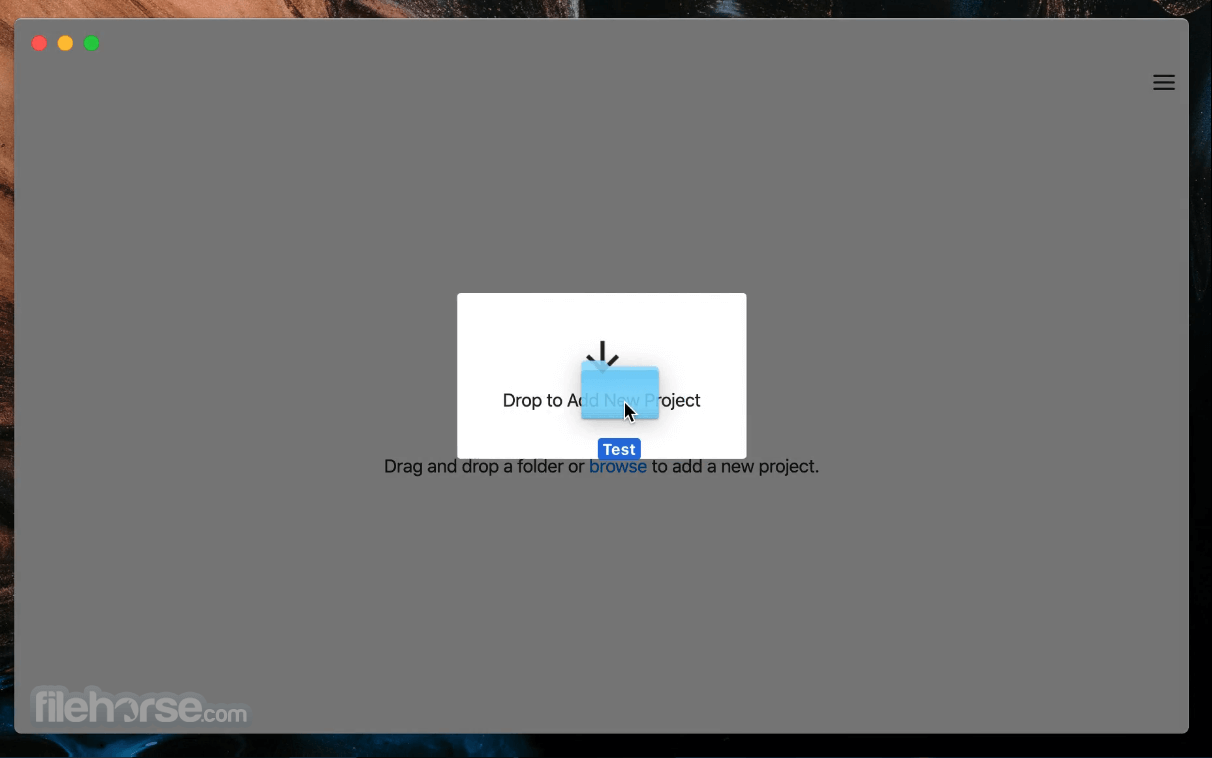
Launch Prepros and create a new project by dragging a folder
Configure preprocessors like Sass, Less, or Pug
Enable live browser refresh and auto-compile settings
Save files and view changes instantly in your browser
System Requirements
Also Available: Download Prepros for Windows
Download Prepros for Mac Latest Version Why is this app published on FileHorse? (More info)
Prepros for macOS reloads your web browser automatically every time you save a file in code editor. The tool can minify and optimize CSS, javascript & images with just one click.
Prepros for Mac can export files ready for deployment or It can just upload all the files via FTP or SFTP for you. The app comes with Dark and Light UI themes!
Features
JS Concatenation
Concatenate and combine javascript files to reduce http requests.
File Minification
Minify & Uglify files with ease to reduce bandwidth and load time.
Image Optimization
Losslessly optimize image to reduce bandwidth and load time.
Network Preview
It has built in server that can help preview your site in multiple devices like phones and tablets.
Browser Sync
Pre pros synchronizes browsers across multiple devices for easier testing.
Scroll Sync
Cross browser synchronized scroll in real time. No complicated setup.
Click Sync
Synchronize clicks and other mouse events in real time.
Form Sync
Synchronize user input such as forms and other keyboard events in real time.
Remote Inspect
It has Chrome DevTools like inspector to remotely inspect & debug devices.
How to Use
Download and install Prepros from the official website
Launch Prepros and create a new project by dragging a folder
Configure preprocessors like Sass, Less, or Pug
Enable live browser refresh and auto-compile settings
Save files and view changes instantly in your browser
System Requirements
- macOS 10.14 Mojave or later
- Intel or Apple Silicon (M1/M2/M3) processor
- At least 2 GB RAM
- 200 MB of available disk space
- Internet connection for activation and updates
- Easy drag-and-drop project setup
- Built-in live browser preview
- Supports many preprocessors
- Automatic error detection and alerts
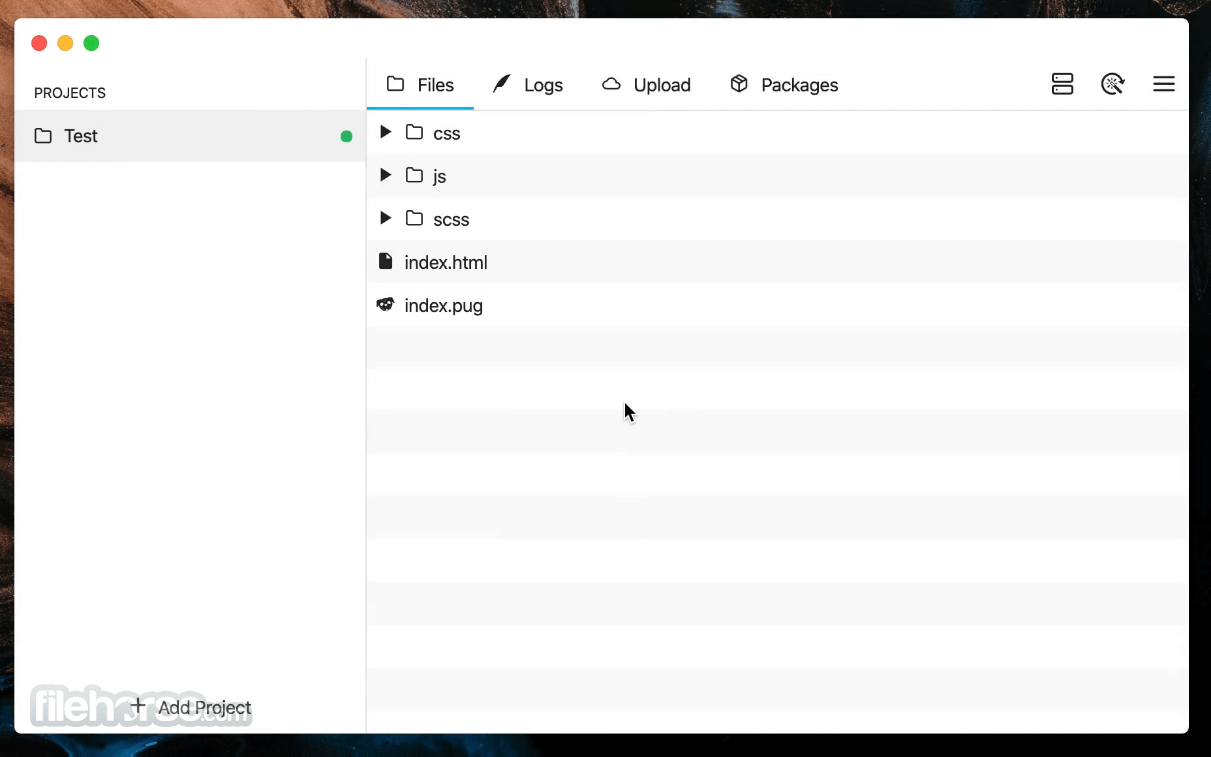
- Clean and user-friendly interface
- Limited free trial version
- No collaboration or team features
- Occasional bugs on large projects
- No official plugin/extensions system
- Lacks advanced build pipeline tools
Also Available: Download Prepros for Windows
Download Prepros for Mac Latest Version Why is this app published on FileHorse? (More info)
##
畫面截圖