QuickBooks Online - Accounting Software
v QuickBooks Online - Accounting Software- 目前版本QuickBooks Online - Accounting Software
- 更新日期2026-06-01
- 作業系統Mac OS X 10.11 or later
- 支援語系English
- 授權型式未分類
- 開發商 Intuit Inc.
- 軟體分類Mac 軟體 / 辦公商務
##
翻譯排程處理中,以下暫以英文原文呈現
軟體介紹
The power of QuickBooks for Mac Online with the speed and ease you expect on your desktop!
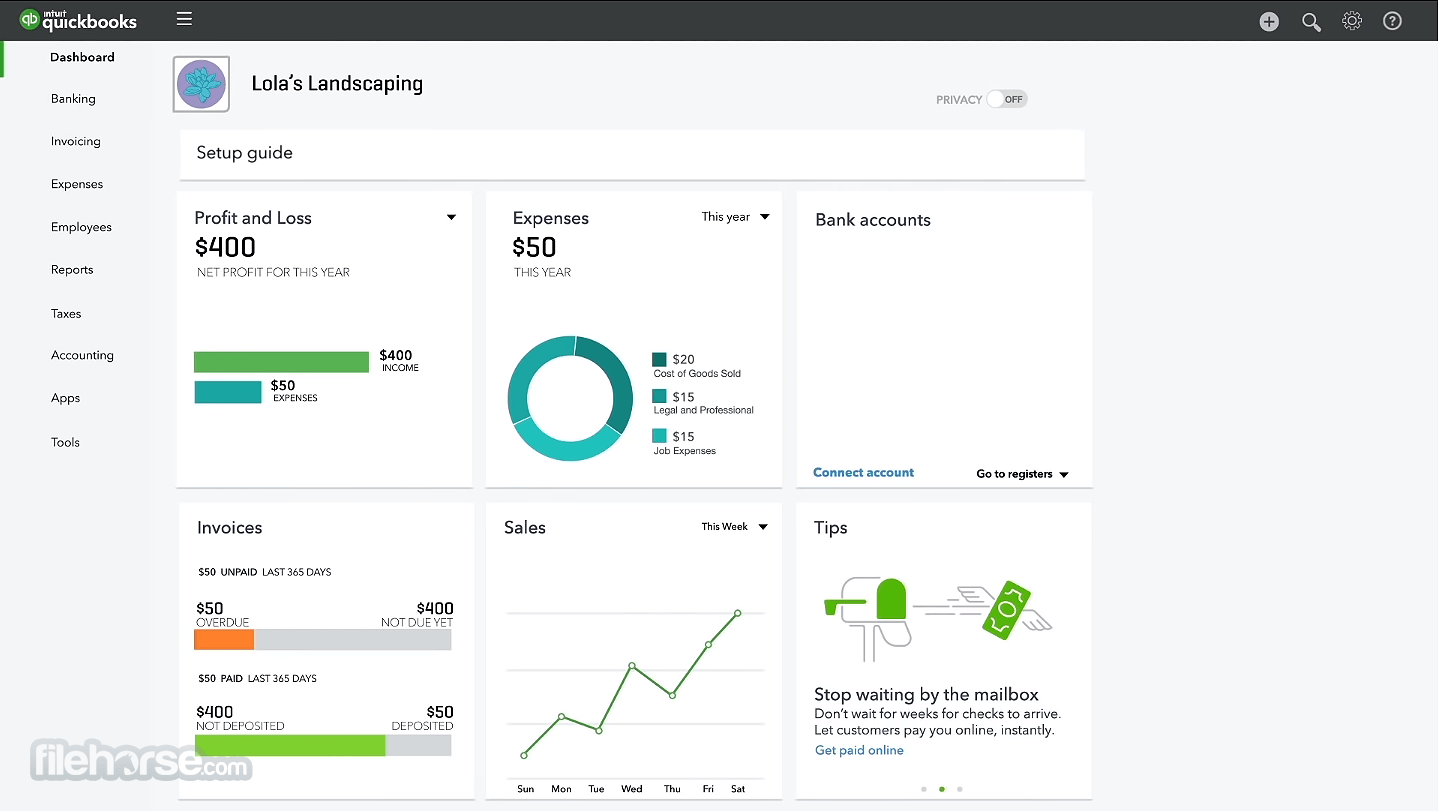
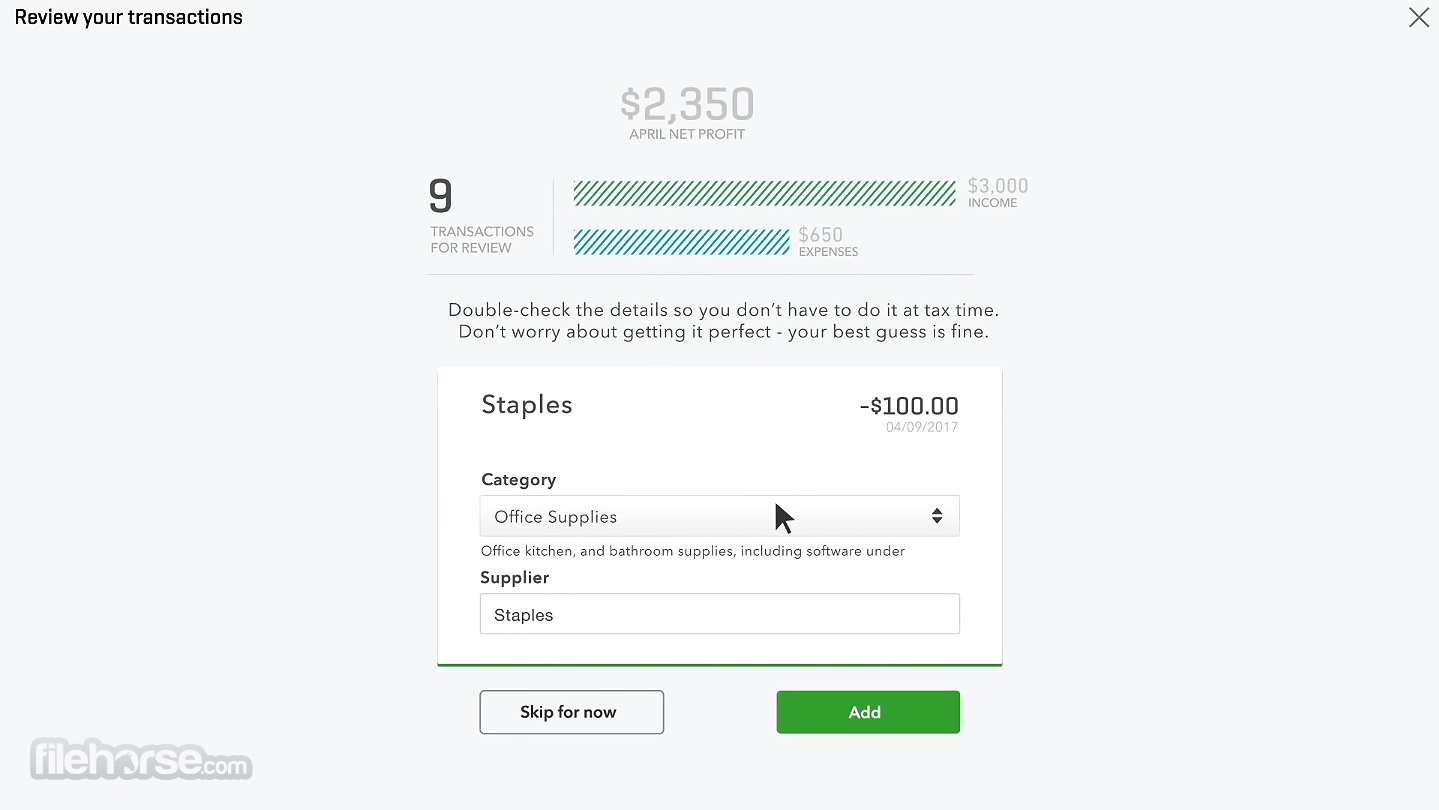
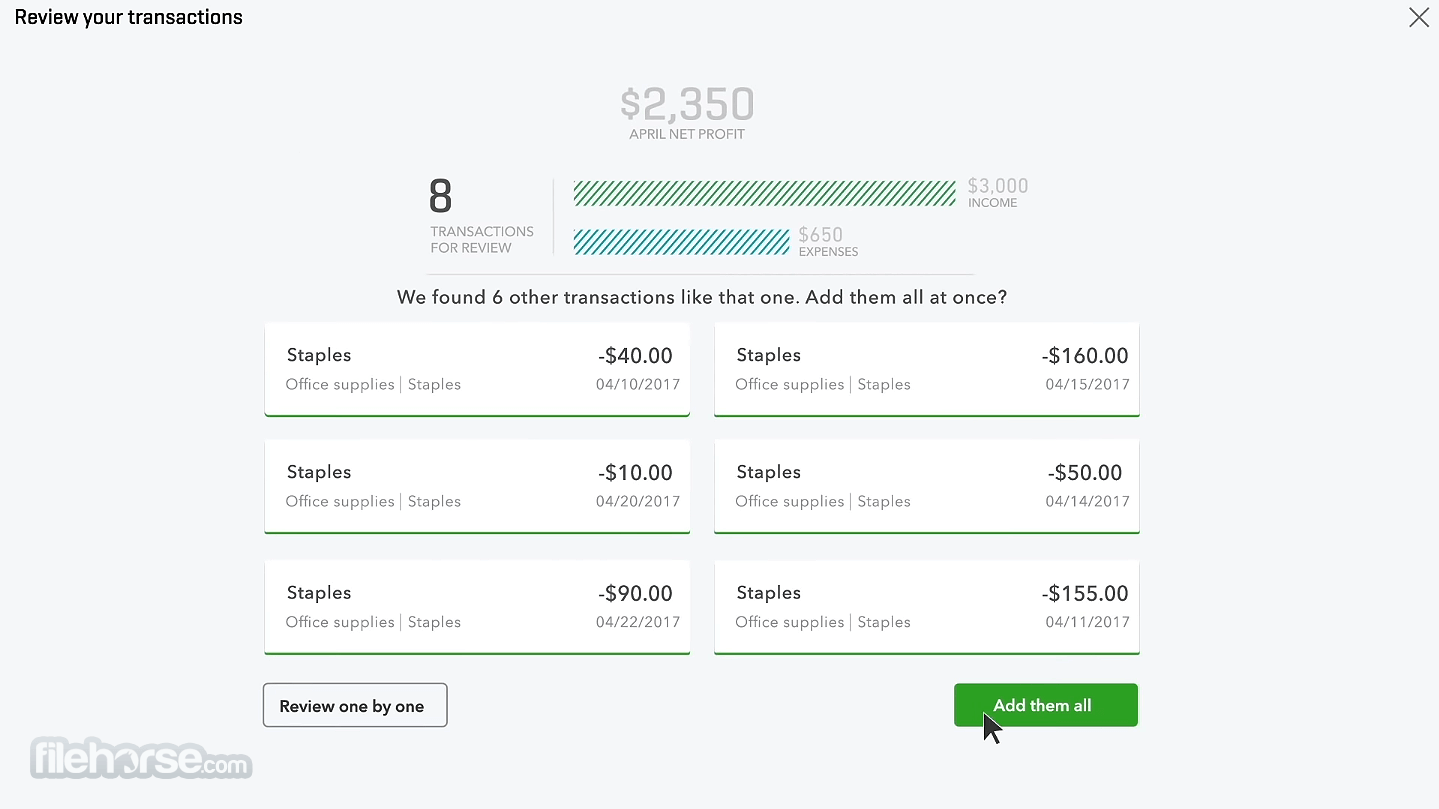
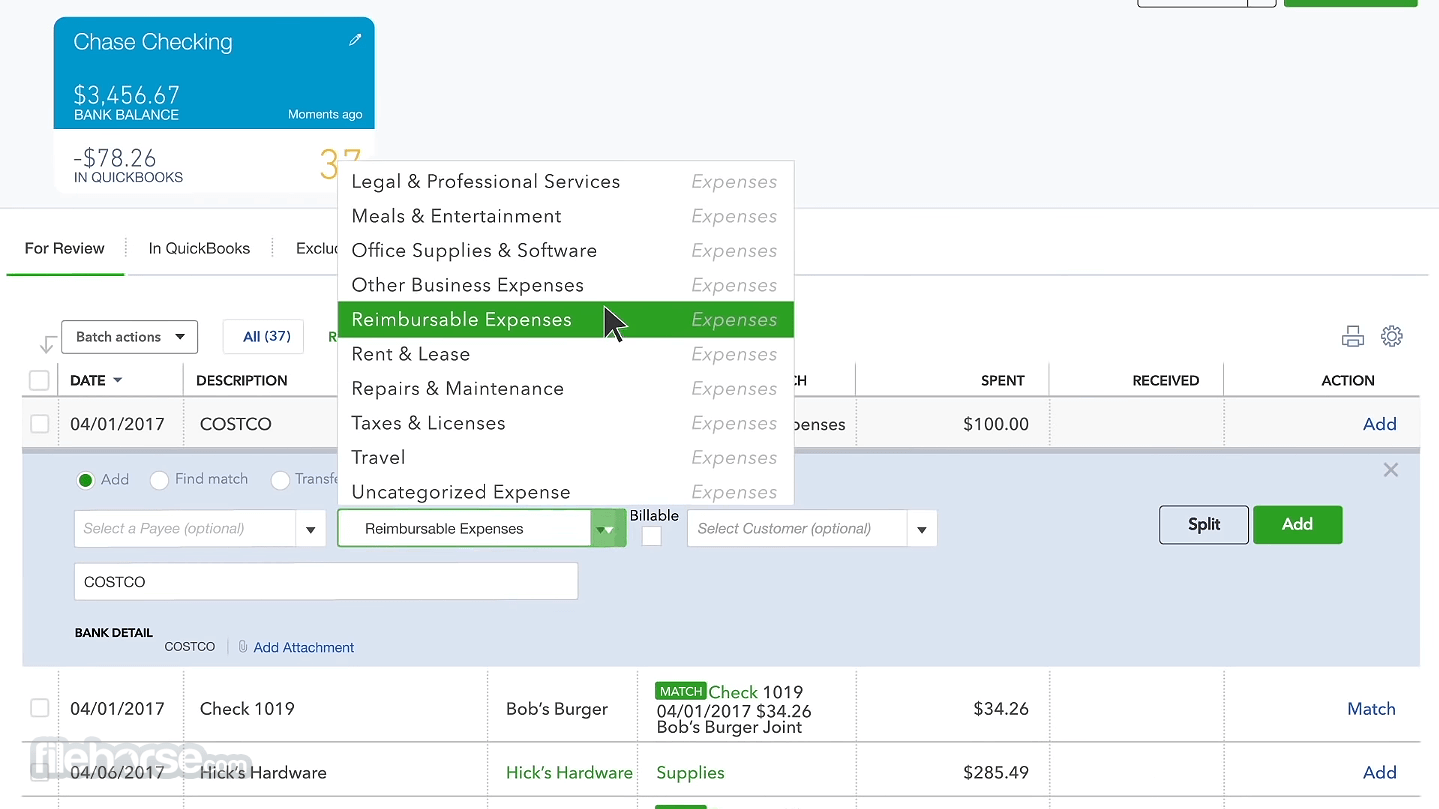
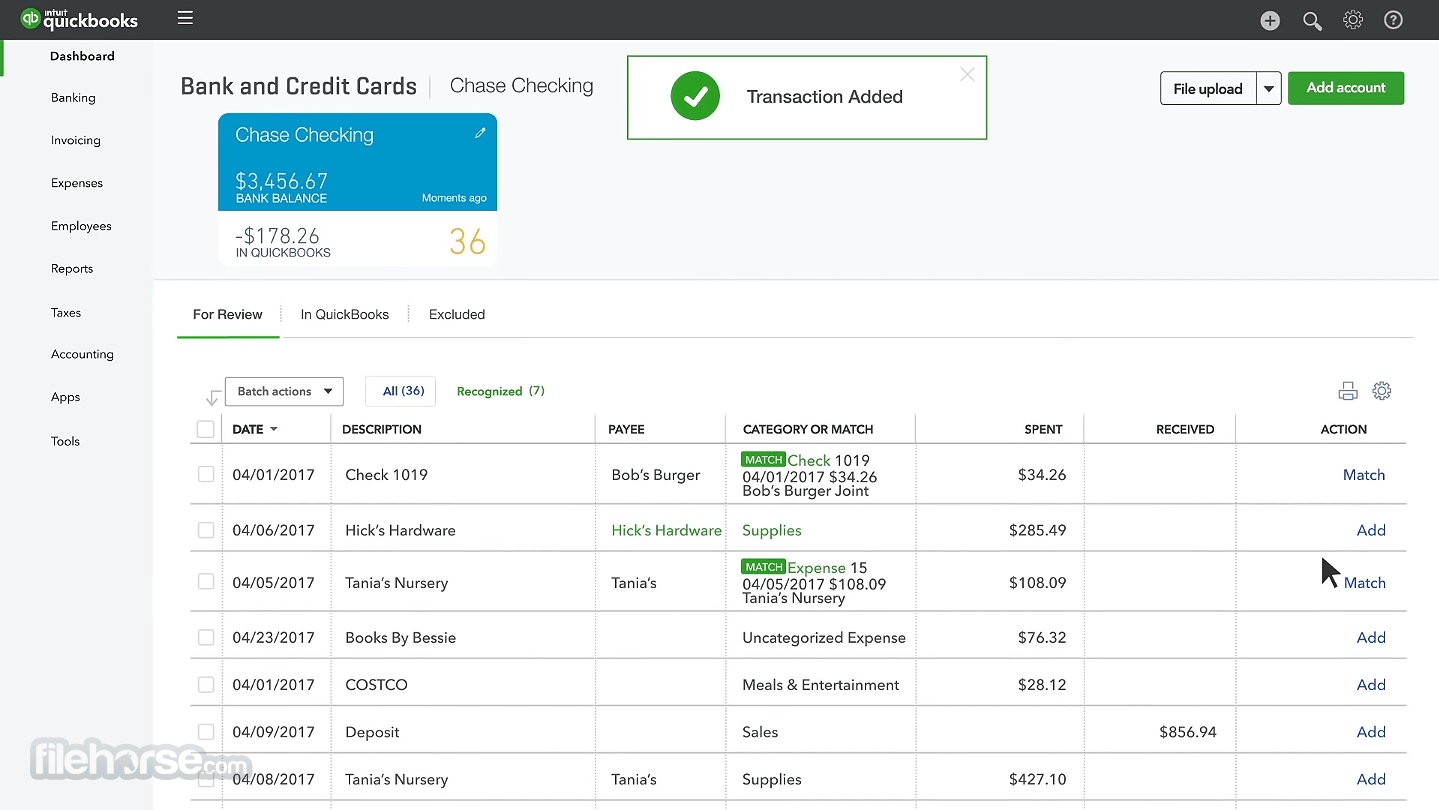
Track sales and expenses, create estimates, manage customers, collaborate with your accountant, and more.
Create professional-looking invoices and let customers pay you by credit card or bank transfer.
Enjoy quick access to QuickBooks for macOS straight from your desktop (or dock), with additional features designed for PC or Mac users! Use multiple windows, keyboard shortcuts and menus to speed through common tasks and workflows.
Time-saving features you’ll love:
What's the difference between Desktop and Online version?
This software is a one-time purchase accounting software to be installed on your office desktop computer. Quick Books Online is cloud-based subscription service that gives you the freedom to work from any device — anytime, anywhere.
Is there a trial period and how do I sign up?
There's a 30 day free trial period. Just enter your name, email address and choose a password and you're good to go!
Pricing
Simple Start – €2.10/mo for 6 months, 1 user, includes income and expenses, invoices and quotes, accountant access, Intuit Intelligence, transaction categorization, limited AI chat, and AI task delegation.
Essentials – €3.10/mo for 6 months, 3 users, includes everything in Simple Start plus bill management, multiple currencies, transaction alerts, advisor chat, faster bookkeeping cleanup, and Accounting AI.
Plus – €4.50/mo for 6 months, 5 users, best value plan with everything in Essentials plus inventory tracking, project profitability, class and location tracking, error fixing, profit and loss insights, and Customer AI.
Advanced – €7.50/mo for 6 months, 25 users, includes everything in Plus plus role-based access, unlimited classes and locations, custom report builder, workflow automation, Excel sync, Finance AI insights, and Management AI.
All plans include
Free iPhone and Android Apps
At home, in the office or on the go - take your business anywhere.
Free support
The team is ready and waiting to help online and on the phone.
Secure cloud storage
Bank-level security keeps your data stored safely in the cloud.
Accountant access
Invite your accountant or bookkeeper to share your books.
Reports and dashboards
See how your business is doing with customisable reports.
Unlimited invoices
Send unlimited invoices and let nothing stand between you and your money.
System Requirements
Since QuickBooks for Mac is a cloud-based application, there are no specific system requirements for your computer. You can access it from any device with an internet connection and a compatible web browser.
PROS
Download QuickBooks Online for Mac Latest Version Why is this app published on FileHorse? (More info)
Track sales and expenses, create estimates, manage customers, collaborate with your accountant, and more.
Create professional-looking invoices and let customers pay you by credit card or bank transfer.
- Auto-track income and expenses
- Get info-rich customer insights
- Integrates with Mailchimp marketing
- All your accounts, always organized!
Enjoy quick access to QuickBooks for macOS straight from your desktop (or dock), with additional features designed for PC or Mac users! Use multiple windows, keyboard shortcuts and menus to speed through common tasks and workflows.
Time-saving features you’ll love:
- Launch the app straight from your desktop
- Stay permanently signed-in without typing your password
- Loading your QuickBooks Online data
- Switching between companies
- Keyboard shortcuts you already love
- Drag and drop them anywhere, even across screens and side by side
- Switch quickly between multiple tasks
- Save time with automatic refresh of open windows
- Secure and dedicated app to access your data
- Go mobile your way on an iPad, iPhone or Android
- Everything works together and syncs automatically from any device
What's the difference between Desktop and Online version?
This software is a one-time purchase accounting software to be installed on your office desktop computer. Quick Books Online is cloud-based subscription service that gives you the freedom to work from any device — anytime, anywhere.
Is there a trial period and how do I sign up?
There's a 30 day free trial period. Just enter your name, email address and choose a password and you're good to go!
Pricing
Simple Start – €2.10/mo for 6 months, 1 user, includes income and expenses, invoices and quotes, accountant access, Intuit Intelligence, transaction categorization, limited AI chat, and AI task delegation.
Essentials – €3.10/mo for 6 months, 3 users, includes everything in Simple Start plus bill management, multiple currencies, transaction alerts, advisor chat, faster bookkeeping cleanup, and Accounting AI.
Plus – €4.50/mo for 6 months, 5 users, best value plan with everything in Essentials plus inventory tracking, project profitability, class and location tracking, error fixing, profit and loss insights, and Customer AI.
Advanced – €7.50/mo for 6 months, 25 users, includes everything in Plus plus role-based access, unlimited classes and locations, custom report builder, workflow automation, Excel sync, Finance AI insights, and Management AI.
All plans include
Free iPhone and Android Apps
At home, in the office or on the go - take your business anywhere.
Free support
The team is ready and waiting to help online and on the phone.
Secure cloud storage
Bank-level security keeps your data stored safely in the cloud.
Accountant access
Invite your accountant or bookkeeper to share your books.
Reports and dashboards
See how your business is doing with customisable reports.
Unlimited invoices
Send unlimited invoices and let nothing stand between you and your money.
System Requirements
Since QuickBooks for Mac is a cloud-based application, there are no specific system requirements for your computer. You can access it from any device with an internet connection and a compatible web browser.
PROS
- User-friendly interface.
- Robust feature set for financial management.
- Cloud-based, allowing access from anywhere.
- Integration with third-party apps.
- Regular updates and improvements.
- Multiple pricing plans to suit various business sizes.
- Some advanced features are only available in higher-priced plans.
- Limited customization options for invoices and reports.
- Occasional performance issues during high traffic periods.
Download QuickBooks Online for Mac Latest Version Why is this app published on FileHorse? (More info)
##
影片介紹
##
畫面截圖