- 目前版本5.12
- 更新日期2025-06-03
- 檔案大小173.22 MB
- 檔案名稱RawTherapee_macOS_15.4_Universal_5.12.zip
- 作業系統macOS 12.0 Monterey or later
- 支援語系English
- 授權型式開源軟體
- 開發商 Gabor Horvath
- 軟體分類Mac 軟體 / 影像設計
##
翻譯排程處理中,以下暫以英文原文呈現
軟體介紹
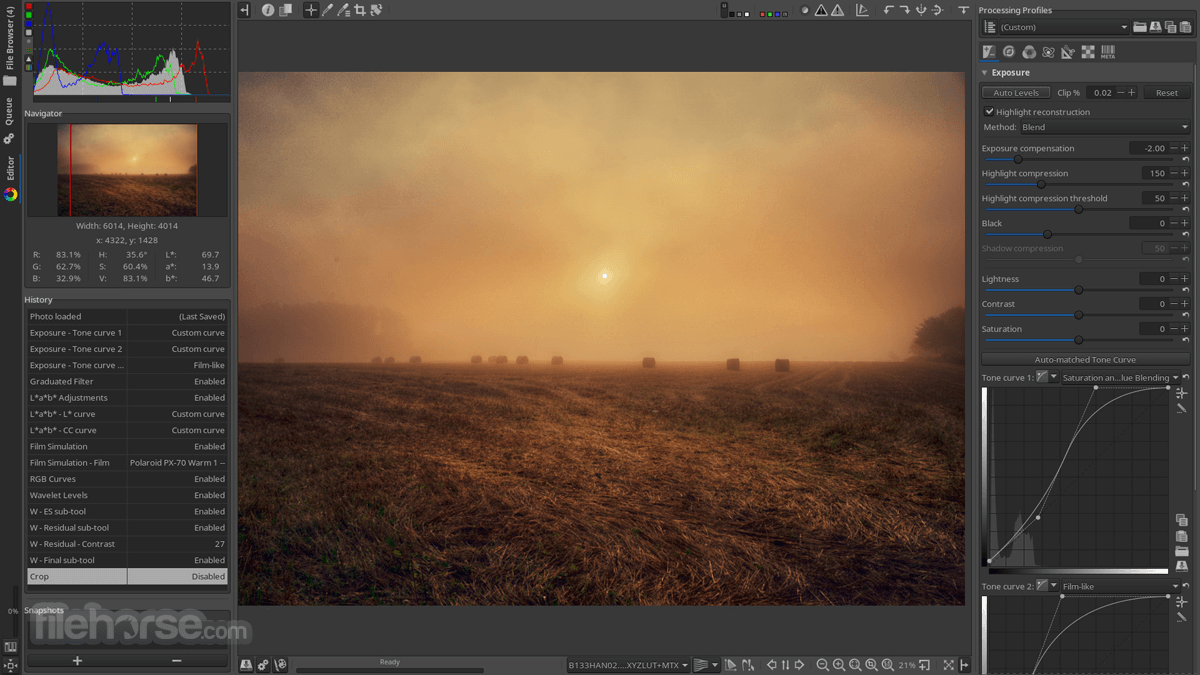
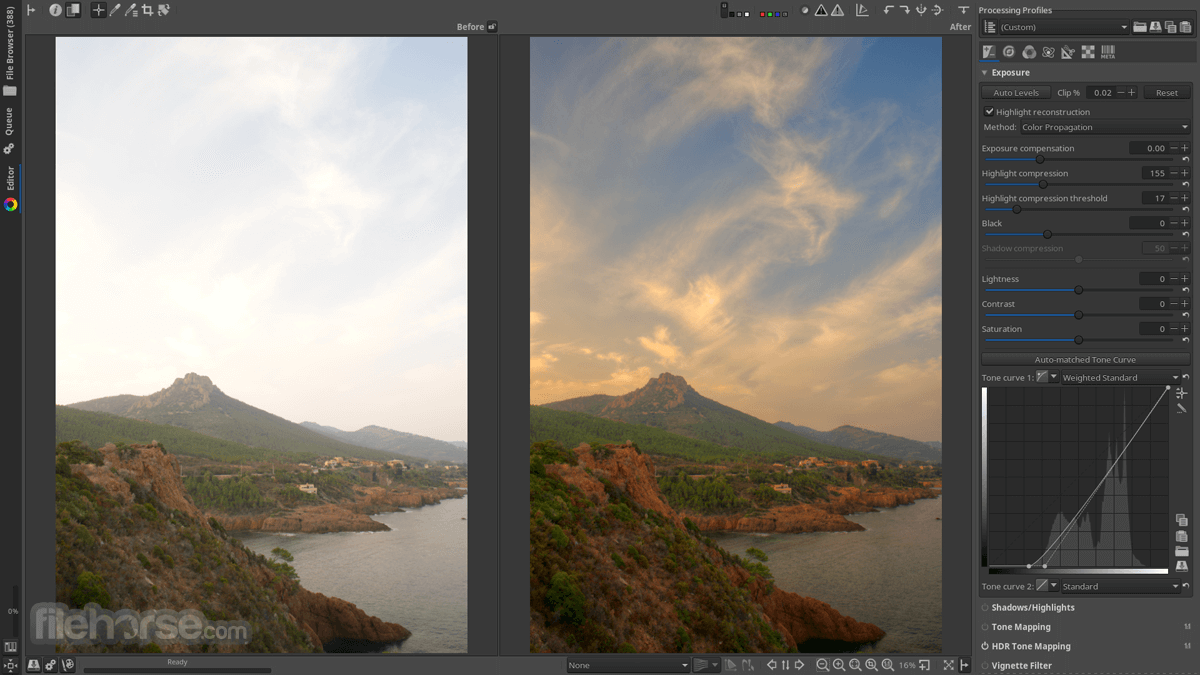
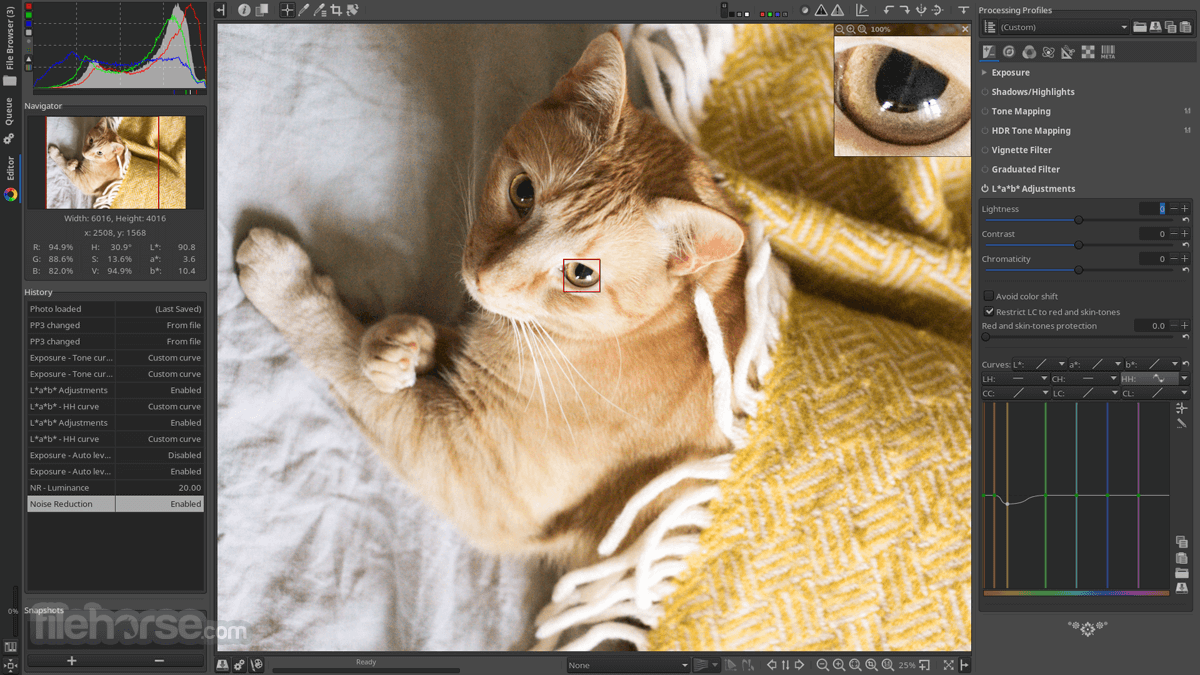
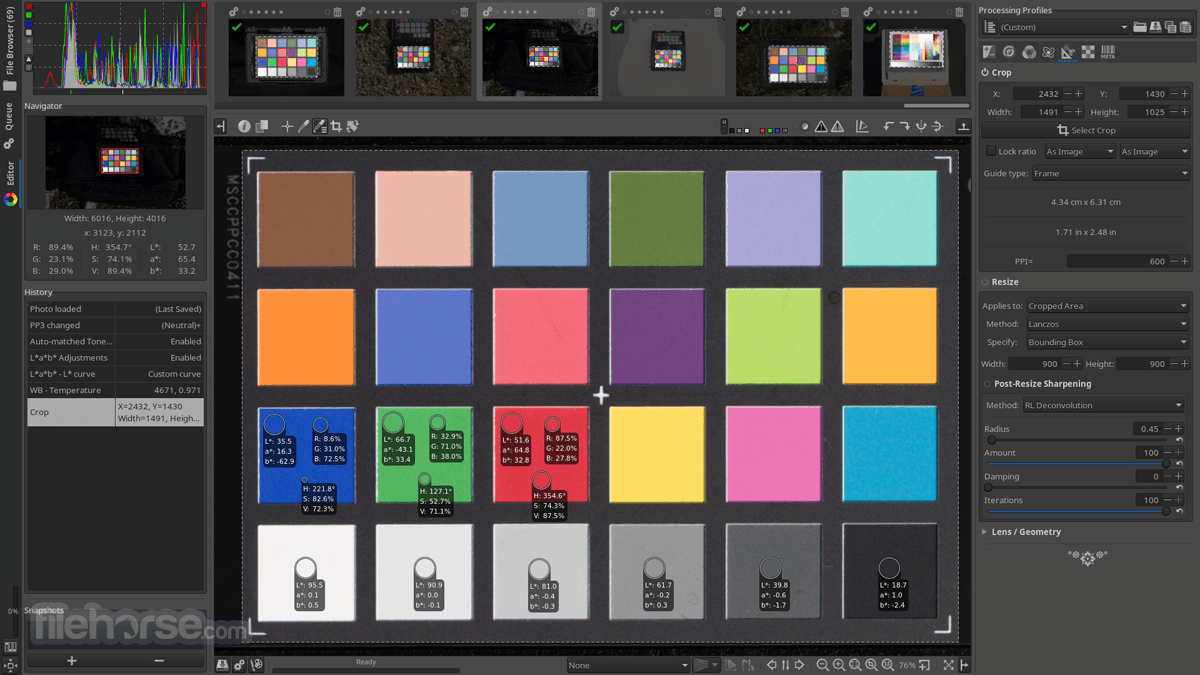
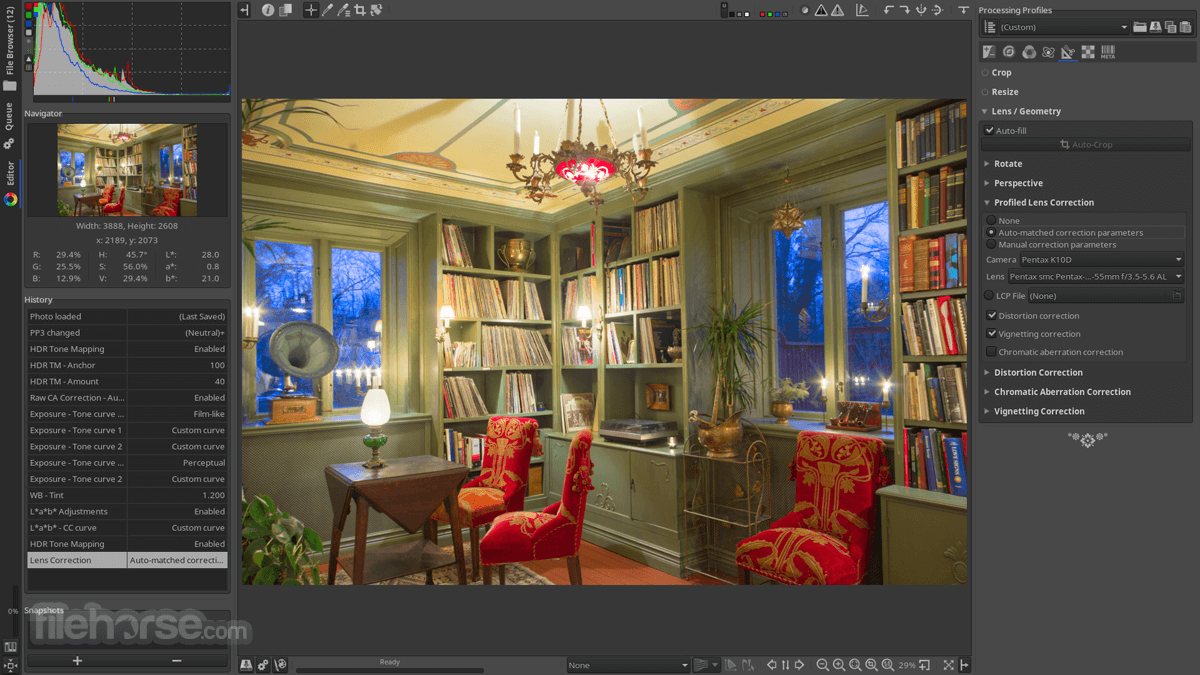
RawTherapee for Mac is a cross platform image processing software provided with various tools which enhances digital photo improvements.
It process images through multi-threaded algorithms for high performance and adds various multiple tabs, single tab with filmstrip, and vertical tab with filmstrip formats.
It includes enhanced exposure and tonality tools, multiple denoising methods, sharp mask, RL deconvolution, contrast by detail levels, and Batch processing mode to improve your photo experience.
High Image Quality
Load RAW files into the file browser
Use the right panel to adjust image settings
Apply filters and tweaks in the Editor tab
Compare before/after using the toggle
Save or export processed images to desired format
Use batch processing for multiple files
Customize preferences under the Settings tab
Refer to online tutorials for advanced workflows
System Requirements
Also Available: Download RawTherapee for Windows
Download RawTherapee for Mac Latest Version Why is this app published on FileHorse? (More info)
It process images through multi-threaded algorithms for high performance and adds various multiple tabs, single tab with filmstrip, and vertical tab with filmstrip formats.
It includes enhanced exposure and tonality tools, multiple denoising methods, sharp mask, RL deconvolution, contrast by detail levels, and Batch processing mode to improve your photo experience.
High Image Quality
- 96-bit (floating point) processing engine.
- Non-destructive editing.
- Get the most details and least artifacts from your raw photos thanks to modern and traditional demosaicing algorithms: AMaZE, DCB, AHD, EAHD, HPHD, IGV, LMMSE, VNG4, Mono and Fast.
- Advanced color handling from white balance to HSV (Hue-Saturation-Value) curves, color toning and color management.
- Powerful CIE Color Appearance Model 2002 (CIECAM02) module.
- Enhanced exposure and tonality tools: tone and Lab curves, highlights and shadows tools, tone mapping (HDR-like effect), etc.
- Multiple denoising methods: luminance, chrominance (both rewritten in 2012), impulse (for salt and pepper noise) noise reduction.
- Several tools to enhance details: unsharp mask, RL deconvolution, contrast by detail levels.
- Multi-threaded algorithms for high performance (RawTherapee can utilize modern processor features, like SSE).
- Quick thumbnails load lightning fast and are replaced later with live thumbnails.
- Batch processing: convert all the developed images at once without loading the processor while you work.
- Copy/paste editing parameters from one file to many other. Partially copying and/or pasting is also possible.
- Basic tools immediately at your hands.
- Parallel editing of multiple images in separate editor tabs, and/or all at once from the file browser.
- An optional secondary display can be used.
- Wide variety of supported cameras: almost all DSLRs and even some medium format bodies are supported.
- Can load most raw files including 16-, 24- and 32-bit raw HDR DNG images, as well as standard JPEG, PNG (8- and 16-bit) and TIFF (8-, 16- and 32-bit logluv) images.
- Can save JPEG, PNG (8- and 16-bit) and TIFF (8- and 16-bit) images.
- Advanced control over the algorithms with many fine-tuning parameters and curves.
- Can send to GIMP or the editing tool of your choice in one click (16-bit TIFF file).
- Command line usage besides the normal graphical interface.
- Various layouts: multiple tabs, single tab with filmstrip, vertical tab with filmstrip, dual monitor.
- RawTherapee for macOS is free and open source software, meaning you can use it free of charge, wherever you like on whatever hardware you like, as long as you abide by the copyleft GPLv3 license. Download the source code, modify it, feel free to do what comes to mind. "We believe in open software".
- It is cross-platform: Linux, Mac, or Windows, be it 32-bit or 64-bit - "you pick, we provide".
- International: it is available in 25 languages!
Load RAW files into the file browser
Use the right panel to adjust image settings
Apply filters and tweaks in the Editor tab
Compare before/after using the toggle
Save or export processed images to desired format
Use batch processing for multiple files
Customize preferences under the Settings tab
Refer to online tutorials for advanced workflows
System Requirements
- macOS 10.15 Catalina or later
- 64-bit Intel or Apple Silicon processor
- 4 GB RAM (8 GB recommended)
- 200 MB available disk space
- OpenGL 3.3 compatible graphics card
- Supports wide range of RAW formats
- Non-destructive image editing
- Highly customizable interface
- Powerful batch processing tools
- Free and open-source software
- UI can feel cluttered and outdated
- No built-in photo organization
- No direct cloud sync or export
- Limited support for layered editing
Also Available: Download RawTherapee for Windows
Download RawTherapee for Mac Latest Version Why is this app published on FileHorse? (More info)
##
畫面截圖