- 目前版本3.5.2
- 更新日期2025-12-20
- 檔案大小110.73 MB
- 檔案名稱Scrivener.dmg
- 作業系統macOS 11.0 Big Sur or later
- 支援語系English
- 授權型式商業試用
- 開發商 Literature & Latte Ltd.
- 軟體分類Mac 軟體 / 辦公商務
##
翻譯排程處理中,以下暫以英文原文呈現
軟體介紹
Scrivener for Mac is a professional content-generation tool for writers that automates and simplifies the process of composing and structuring of long and difficult documents.
Powerful features of Scrivener give you the complete control over formatting of such documents, leaving the writer with much easier time of creating ever-important first draft version of document.
If you are tasked to write a document that requires lot of referencing, tracking of notes, concepts and research documents that may or may not include audio and video files, then the app will without a doubt increase your productivity and enable you to create better end product.
Features and Highlights
For writing. And writing. And writing.
The app is the go-to app for writers of all kinds, used every day by best-selling novelists, screenwriters, non-fiction writers, students, academics, lawyers, journalists, translators and more. Scrivener for macOS won't tell you how to write—it simply provides everything you need to start writing and keep writing.
Grow your manuscript your way
Tailor-made for long writing projects, the app banishes page fright by allowing you to compose your text in any order, in sections as large or small as you like. Got a great idea but don't know where it fits? Write when inspiration strikes and find its place later. Grow your manuscript organically, idea by idea.
See the forest or the trees
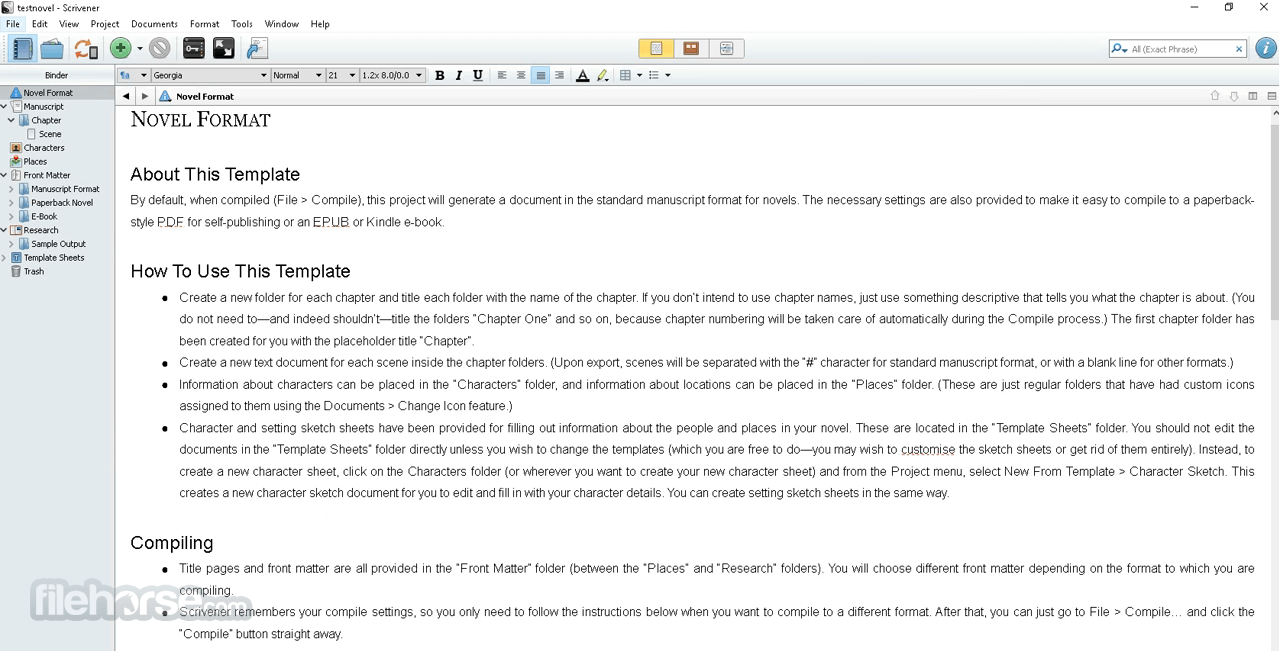
Whether you plan or plunge, the tool works your way: hammer out every last detail before typing a word, or carve out a draft and restructure later. Or mix your methods and do a bit of both. In the tool, everything you write is integrated into an easy-to-use project outline. So working with an overview of your manuscript is only ever a click away, and turning Chapter Four into Chapter One is as simple as drag and drop.
Research within reach
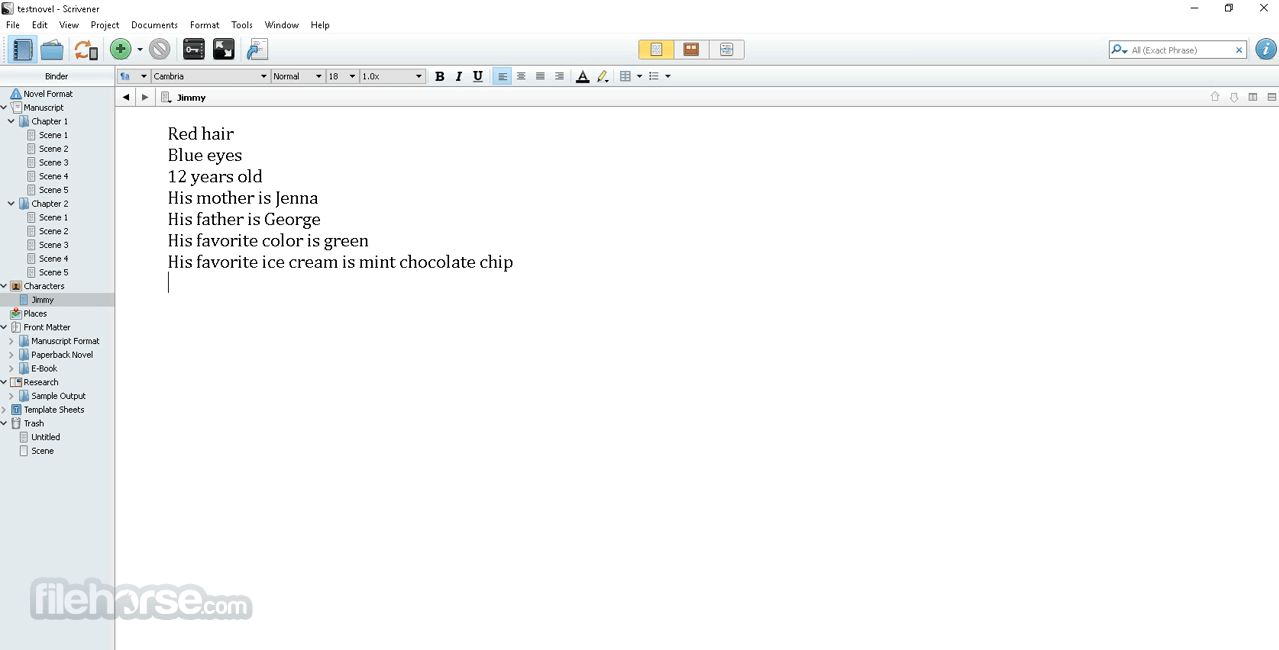
Need to refer to research? In the app, your background material is always at hand, and you can open it right next to your work. Write a description based on a photograph. Transcribe an interview. Take notes about a PDF file or web page. Or check for consistency by referencing an earlier chapter alongside the one in progress.
Getting it out there
Once you're ready to share your work with the world, compile everything into a single document for printing, self-publishing, or exporting to popular formats such as Word, PDF, Final Draft or plain text. You can even share using different formatting, so that you can write in your favorite font and still satisfy those submission guidelines.
How to Use
macOS 10.13 (High Sierra) or later
180 MB of available disk space
Minimum 4 GB RAM recommended
Intel or Apple Silicon Mac
Internet connection for license activation
PROS
Also Available: Download Scrivener for Windows
Download Scrivener for Mac Latest Version Why is this app published on FileHorse? (More info)
Powerful features of Scrivener give you the complete control over formatting of such documents, leaving the writer with much easier time of creating ever-important first draft version of document.
If you are tasked to write a document that requires lot of referencing, tracking of notes, concepts and research documents that may or may not include audio and video files, then the app will without a doubt increase your productivity and enable you to create better end product.
Features and Highlights
For writing. And writing. And writing.
The app is the go-to app for writers of all kinds, used every day by best-selling novelists, screenwriters, non-fiction writers, students, academics, lawyers, journalists, translators and more. Scrivener for macOS won't tell you how to write—it simply provides everything you need to start writing and keep writing.
Grow your manuscript your way
Tailor-made for long writing projects, the app banishes page fright by allowing you to compose your text in any order, in sections as large or small as you like. Got a great idea but don't know where it fits? Write when inspiration strikes and find its place later. Grow your manuscript organically, idea by idea.
See the forest or the trees
Whether you plan or plunge, the tool works your way: hammer out every last detail before typing a word, or carve out a draft and restructure later. Or mix your methods and do a bit of both. In the tool, everything you write is integrated into an easy-to-use project outline. So working with an overview of your manuscript is only ever a click away, and turning Chapter Four into Chapter One is as simple as drag and drop.
Research within reach
Need to refer to research? In the app, your background material is always at hand, and you can open it right next to your work. Write a description based on a photograph. Transcribe an interview. Take notes about a PDF file or web page. Or check for consistency by referencing an earlier chapter alongside the one in progress.
Getting it out there
Once you're ready to share your work with the world, compile everything into a single document for printing, self-publishing, or exporting to popular formats such as Word, PDF, Final Draft or plain text. You can even share using different formatting, so that you can write in your favorite font and still satisfy those submission guidelines.
How to Use
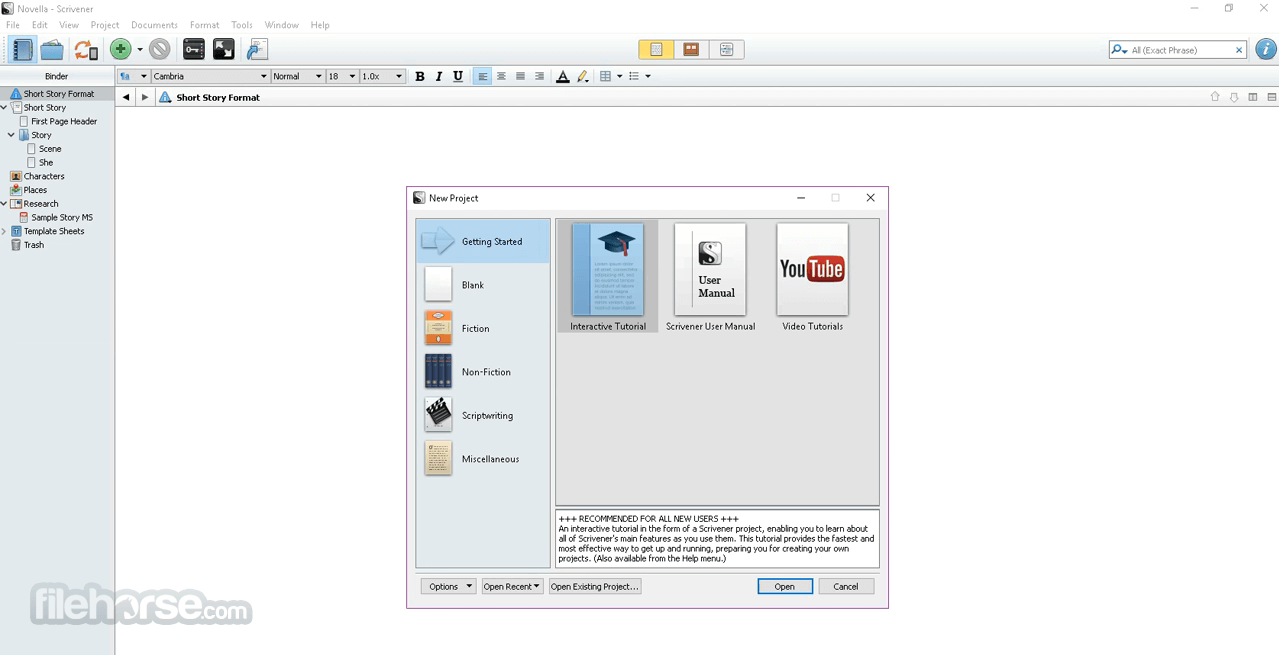
- Start a new project using a template
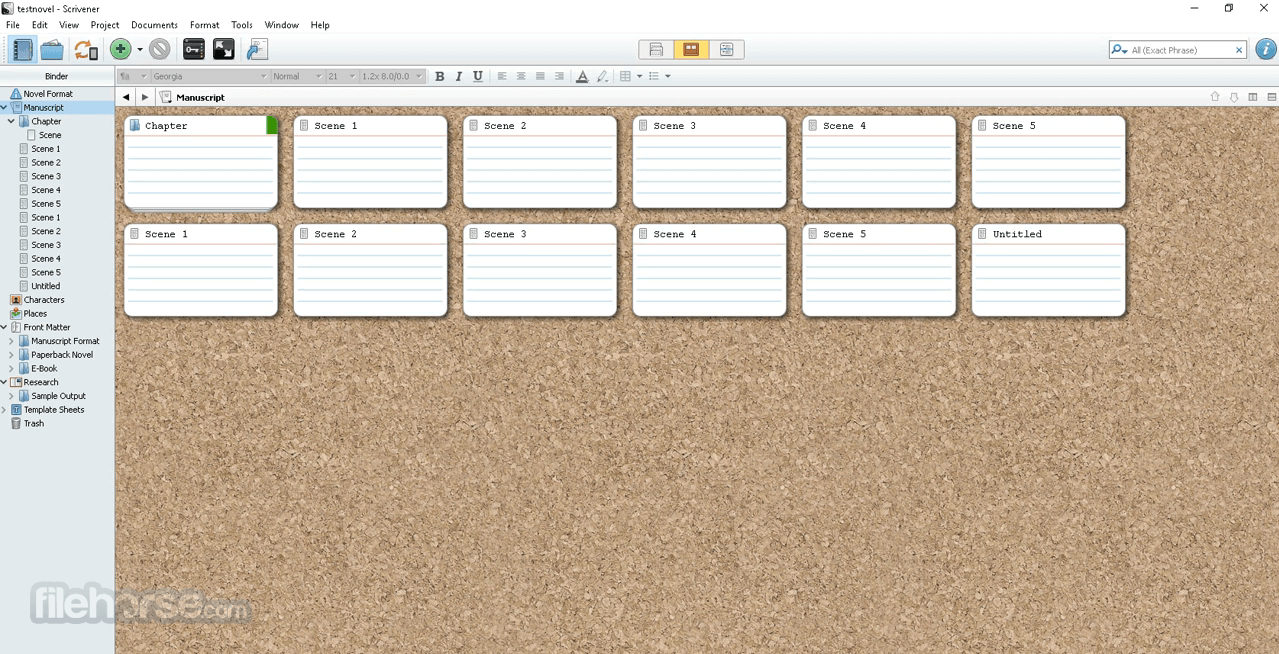
- Organize content using Binder and Corkboard
- Write in distraction-free Composition Mode
- Use Research folder to store reference material
- Split the editor to view multiple documents
- Compile the manuscript for export or printing
- Use snapshots to track document changes
- Customize labels, status, and metadata
- Back up projects automatically to cloud or disk
macOS 10.13 (High Sierra) or later
180 MB of available disk space
Minimum 4 GB RAM recommended
Intel or Apple Silicon Mac
Internet connection for license activation
PROS
- Powerful project organization tools
- Corkboard and outliner for planning
- Customizable writing environment
- Snapshot and version tracking features
- Supports multiple export formats
- Limited collaboration tools
- Complex compile/export options
- No real-time cloud sync
- Paid upgrade between major versions
Also Available: Download Scrivener for Windows
Download Scrivener for Mac Latest Version Why is this app published on FileHorse? (More info)
##
畫面截圖