- 目前版本2026.3.0
- 更新日期2026-06-22
- 檔案大小156 MB
- 檔案名稱scummvm-2026.3.0-macosx.dmg
- 作業系統Mac OS X 10.9 or later
- 支援語系English
- 授權型式開源軟體
- 開發商 ScummVM Team
- 軟體分類Mac 軟體 / 遊戲
##
翻譯排程處理中,以下暫以英文原文呈現
軟體介紹
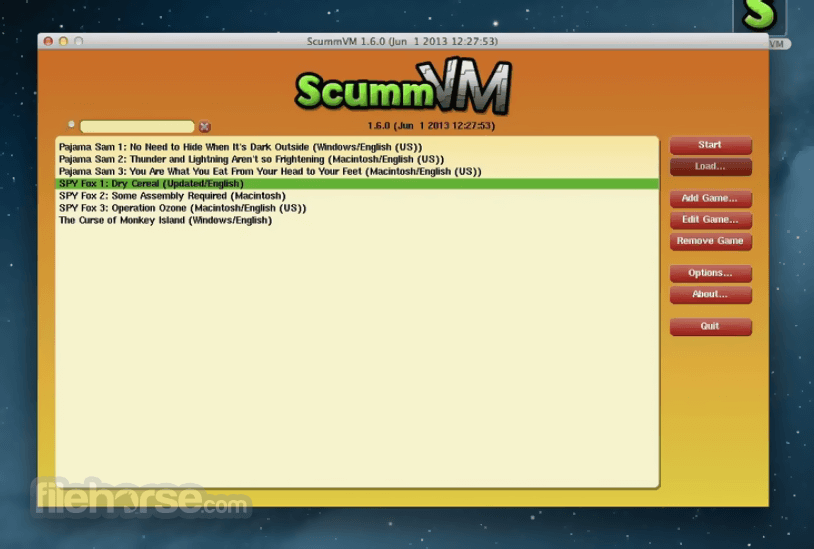
ScummVM for Mac is a software which allows you to run certain classic graphical point-and-click adventure games, provided you already have their data files.
The clever part about this: ScummVM just replaces the executables shipped with the games, allowing you to play them on systems for which they were never designed!
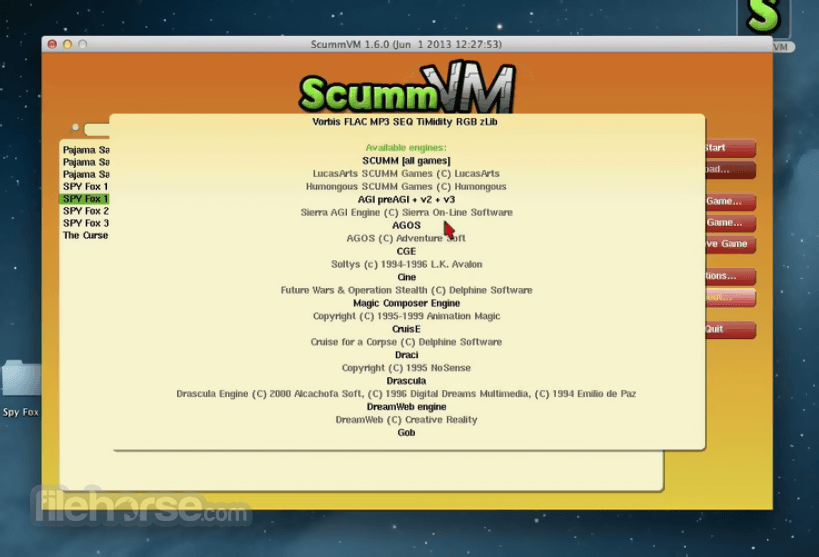
ScummVM for macOS supports many adventure games, including LucasArts SCUMM games (such as Monkey Island 1-3, Day of the Tentacle, Sam & Max, ...), many of Sierra's AGI and SCI games (such as King's Quest 1-6, Space Quest 1-5, ...), Discworld 1 and 2, Simon the Sorcerer 1 and 2, Beneath A Steel Sky, Lure of the Temptress, Broken Sword 1 and 2, Flight of the Amazon Queen, Gobliiins 1-3, The Legend of Kyrandia 1-3, many of Humongous Entertainment's children's SCUMM games (including Freddi Fish and Putt Putt games) and many more.
You can find a full list with details on which games are supported and how well on the compatibility page. Scumm VM for Mac is continually improving, so check back often.
Among the systems on which you can play those games are Windows, Linux, Mac OS X, Dreamcast, PocketPC, PalmOS, AmigaOS, BeOS, OS/2, PSP, PS2, SymbianOS and many more.
How to Use
Open the downloaded DMG file and install it
Launch ScummVM from the Applications folder
Add your game by clicking “Add Game”
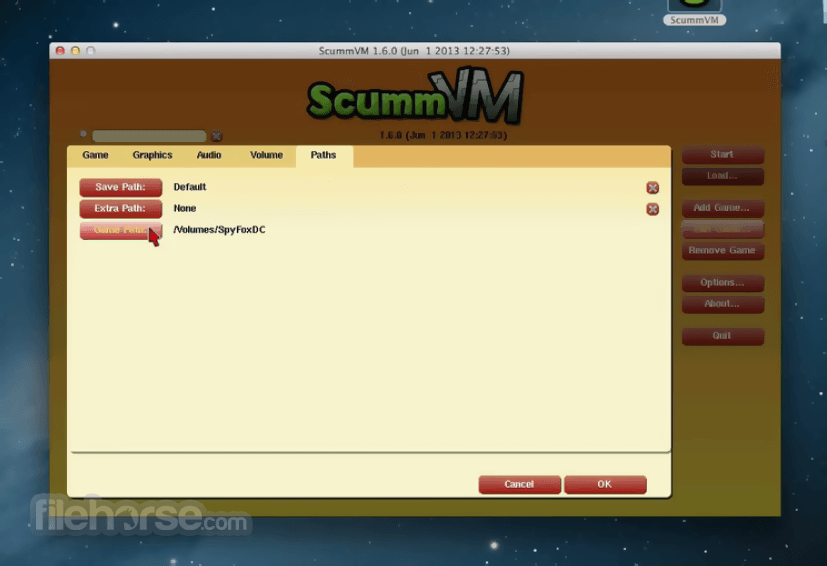
Browse to the game folder and confirm selection
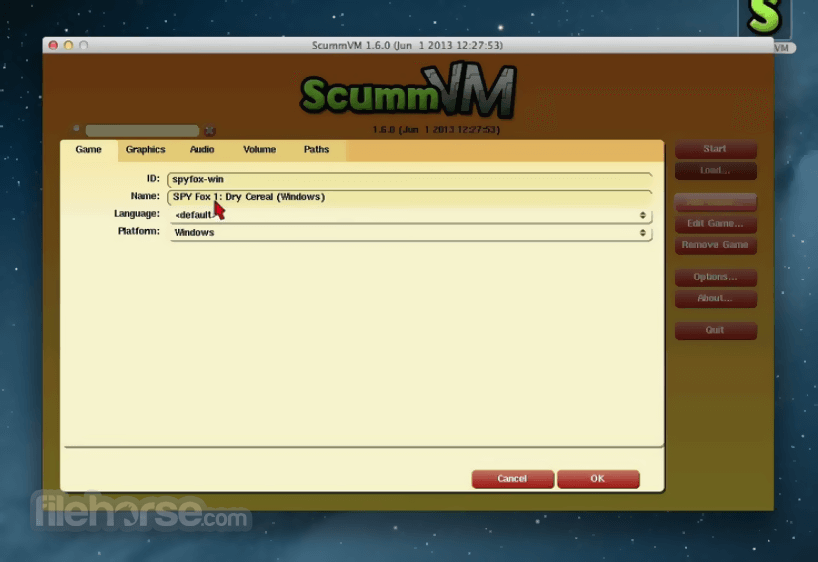
Configure game settings like graphics and audio
Click “Start” to run the selected game
Use in-game controls or ScummVM menu for options
Save/load game progress via ScummVM interface
Quit the game or ScummVM when done playing
System Requirements
Download ScummVM for Mac Latest Version Why is this app published on FileHorse? (More info)
The clever part about this: ScummVM just replaces the executables shipped with the games, allowing you to play them on systems for which they were never designed!
ScummVM for macOS supports many adventure games, including LucasArts SCUMM games (such as Monkey Island 1-3, Day of the Tentacle, Sam & Max, ...), many of Sierra's AGI and SCI games (such as King's Quest 1-6, Space Quest 1-5, ...), Discworld 1 and 2, Simon the Sorcerer 1 and 2, Beneath A Steel Sky, Lure of the Temptress, Broken Sword 1 and 2, Flight of the Amazon Queen, Gobliiins 1-3, The Legend of Kyrandia 1-3, many of Humongous Entertainment's children's SCUMM games (including Freddi Fish and Putt Putt games) and many more.
You can find a full list with details on which games are supported and how well on the compatibility page. Scumm VM for Mac is continually improving, so check back often.
Among the systems on which you can play those games are Windows, Linux, Mac OS X, Dreamcast, PocketPC, PalmOS, AmigaOS, BeOS, OS/2, PSP, PS2, SymbianOS and many more.
How to Use
Open the downloaded DMG file and install it
Launch ScummVM from the Applications folder
Add your game by clicking “Add Game”
Browse to the game folder and confirm selection
Configure game settings like graphics and audio
Click “Start” to run the selected game
Use in-game controls or ScummVM menu for options
Save/load game progress via ScummVM interface
Quit the game or ScummVM when done playing
System Requirements
- macOS 10.13 (High Sierra) or later
- Intel or Apple Silicon (M1/M2) Mac
- At least 1 GB of RAM
- 50 MB free disk space for ScummVM
- Additional space needed for game files
- Supports many classic adventure games
- Lightweight and fast performance
- Active development and updates
- Customizable settings and controls
- Works on modern Mac hardware
- Requires original game files
- Basic user interface design
- Limited support for modern games
- Some games may need tweaks
- No built-in game downloads
Download ScummVM for Mac Latest Version Why is this app published on FileHorse? (More info)
##
畫面截圖