- 目前版本26.8.1
- 更新日期2026-08-02
- 檔案大小199 MB
- 檔案名稱shotcut-macos-26.8.1.dmg
- 作業系統Mac OS X 10.8 or later
- 支援語系English
- 授權型式開源軟體
- 開發商 Meltytech, LLC.
- 軟體分類Mac 軟體 / 影片軟體
##
翻譯排程處理中,以下暫以英文原文呈現
軟體介紹
Shotcut is a free, open source, cross-platform video editor for Mac, Windows and Linux.
Major features include support for a wide range of formats; no import required meaning native timeline editing; Blackmagic Design support for input and preview monitoring; and resolution support to 4k. Edit your videos using Shotcut for macOS comprehensive software!
Features
Wide Format Support
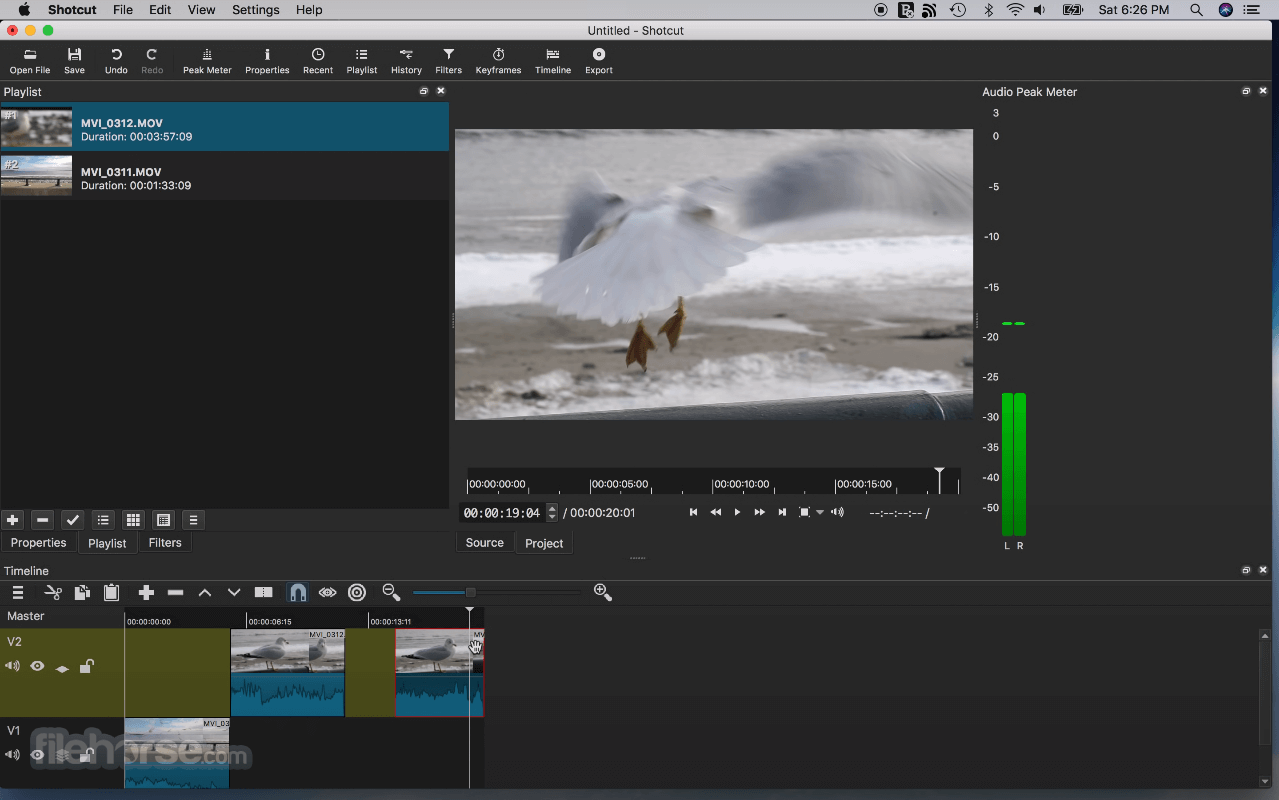
Supports hundreds of audio and video formats and codecs thanks to FFmpeg. No import required which means native editing, plus multi-format timelines, resolutions and frame-rates within a project. Frame accurate seeking supported for many video formats.
Device and Transport Options
Blackmagic Design SDI and HDMI for input and preview monitoring. Screen, webcam and audio capture. Network stream playback. Supports resolutions up to 4k and capture from SDI, HDMI, webcam, JACK & Pulse audio, IP stream, X11 screen and Mac DirectShow devices.
Sleek, Intuitive Interface
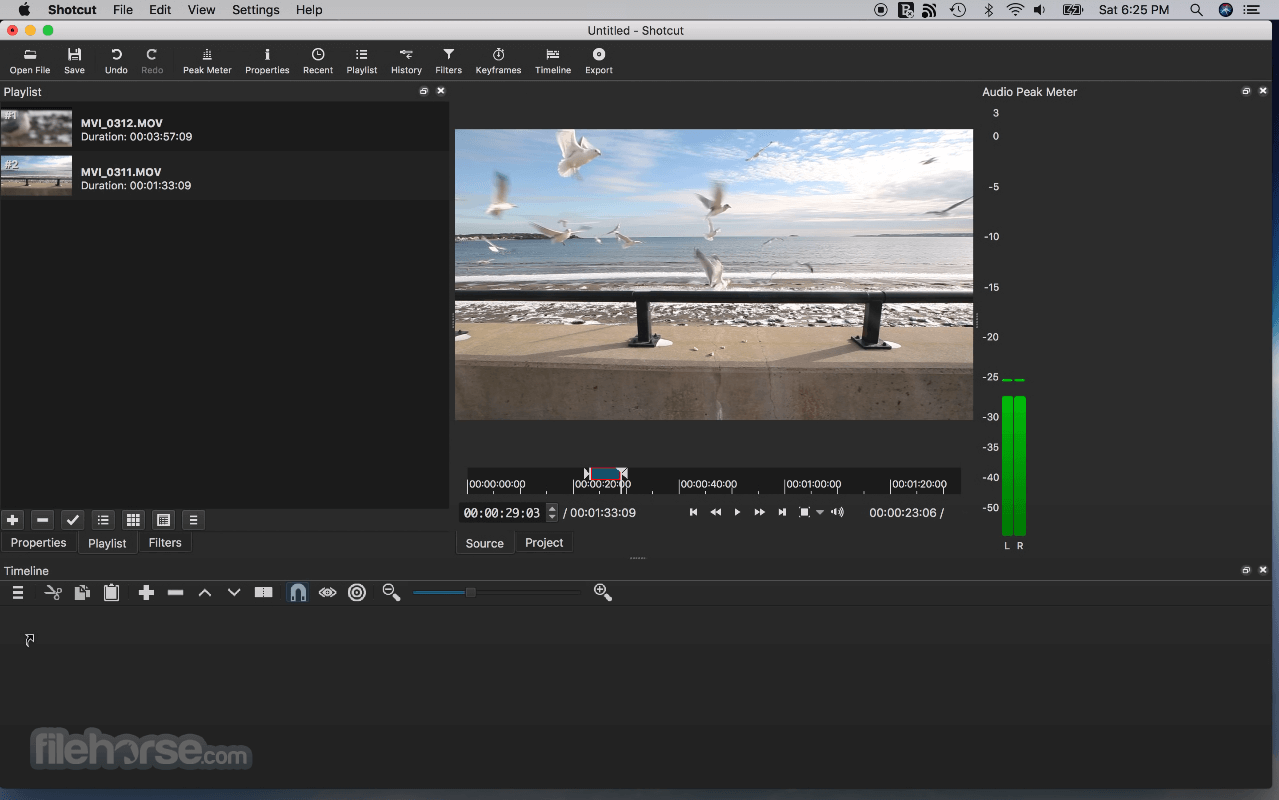
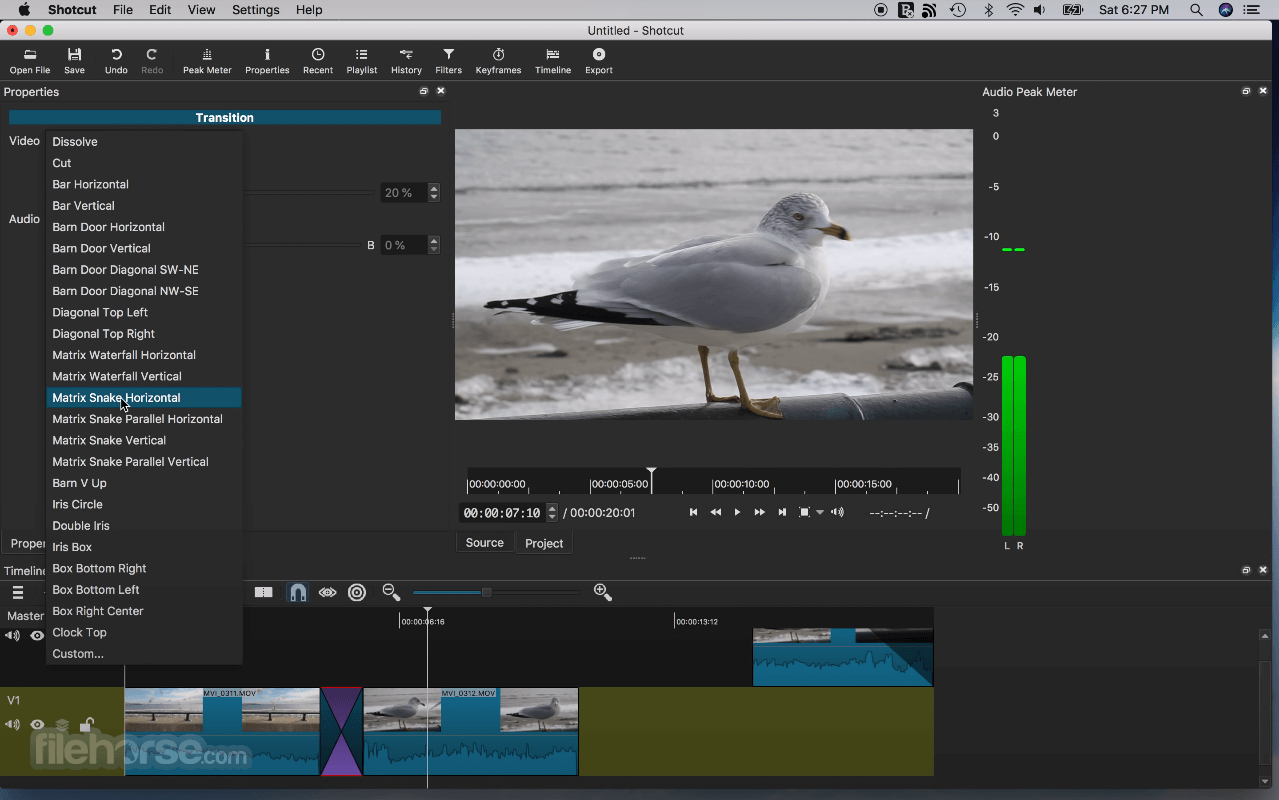
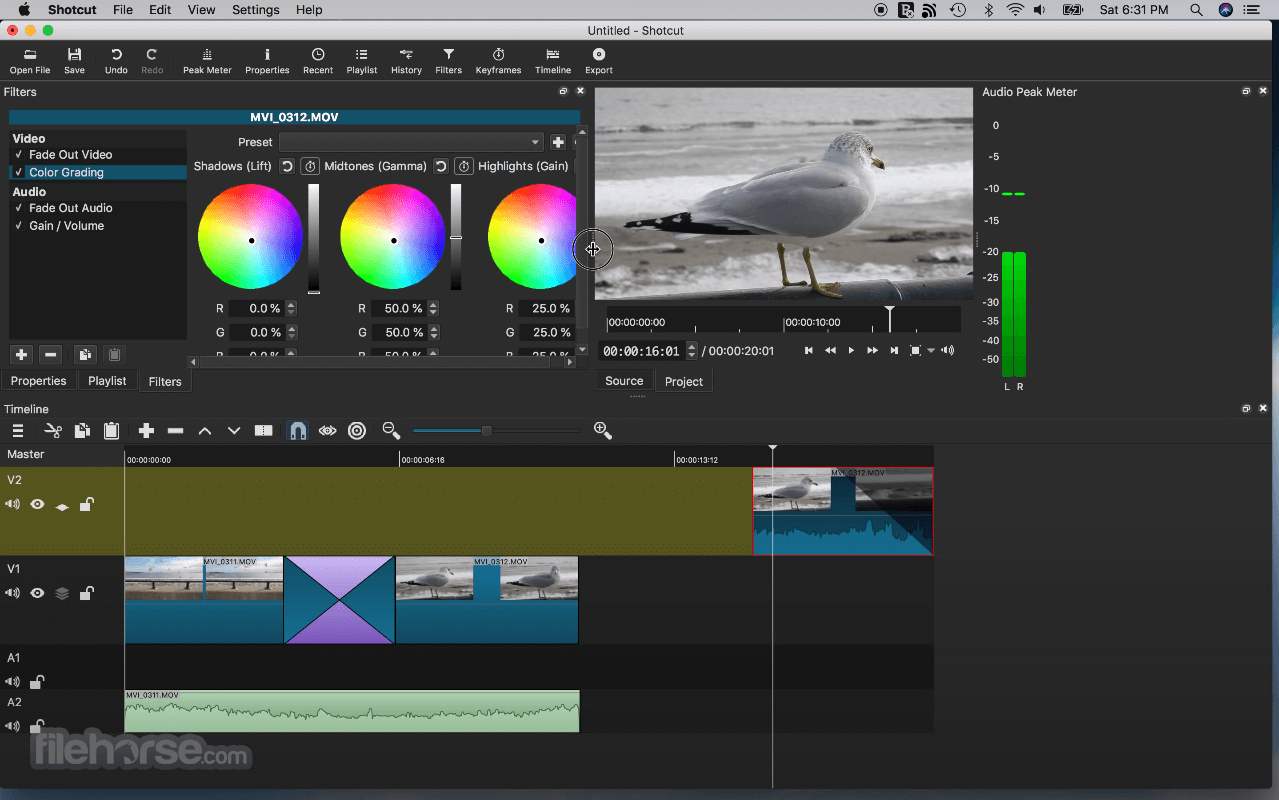
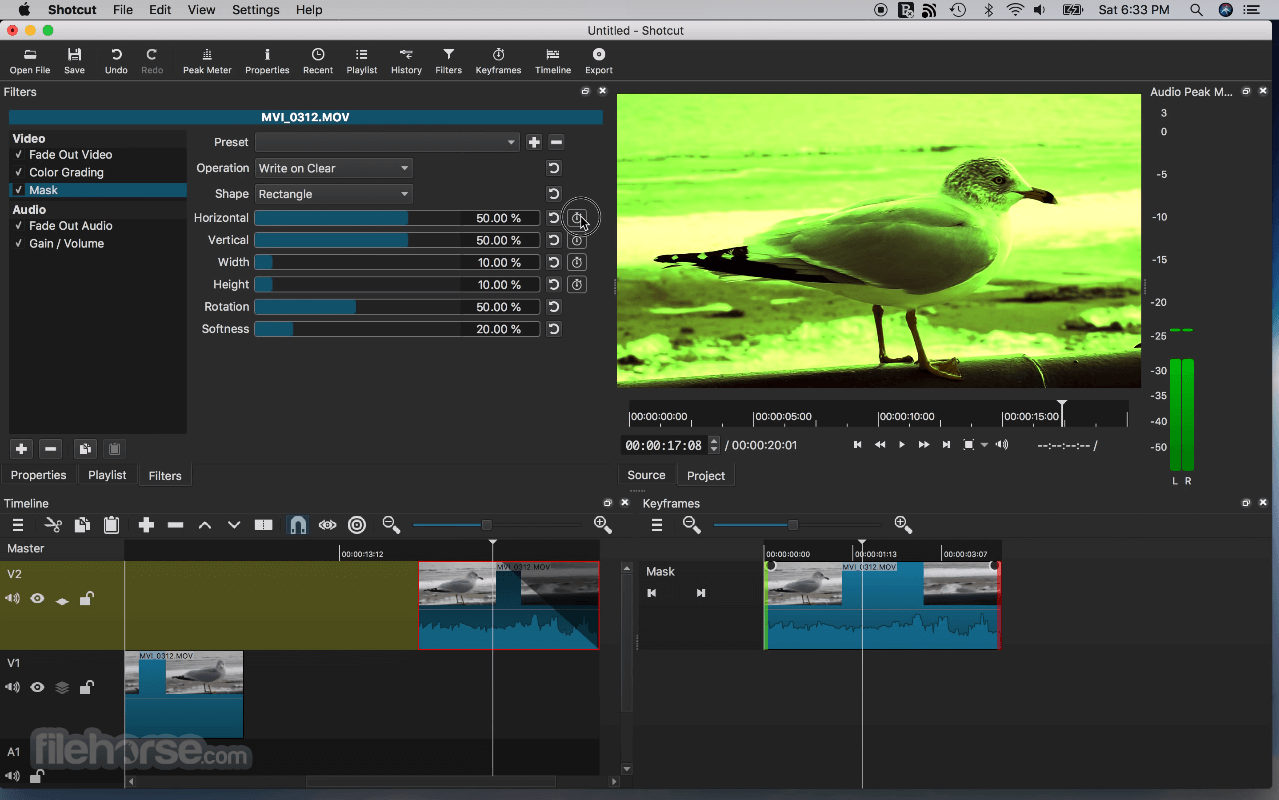
Multiple dockable and undockable panels, including detailed media properties, recent files with search, playlist with thumbnail view, filter panel, history view, encoding panel, jobs queue, and melted server and playlist. Also supports drag-n-drop of assets from file manager.
Alternatives
Movavi Video Editor – Intuitive with built-in effects.
Filmora – User-friendly with creative effects.
Adobe Premiere Pro – Industry-standard video editing.
iMovie – Free, easy-to-use, and great for beginners.
Final Cut Pro – Professional editing with advanced tools.
DaVinci Resolve – High-end editing with color grading.
HitFilm – VFX and editing in one package.
Lightworks – Pro-level editing with a free version.
How to Use
macOS 10.14 Mojave or later
64-bit Intel or Apple Silicon processor
Minimum 4 GB RAM (8 GB or more recommended)
OpenGL 2.0 compatible GPU
At least 500 MB of free disk space
PROS
Also Available: Download Shotcut for Windows
Download Shotcut for Mac Latest Version Why is this app published on FileHorse? (More info)
Major features include support for a wide range of formats; no import required meaning native timeline editing; Blackmagic Design support for input and preview monitoring; and resolution support to 4k. Edit your videos using Shotcut for macOS comprehensive software!
Features
Wide Format Support
Supports hundreds of audio and video formats and codecs thanks to FFmpeg. No import required which means native editing, plus multi-format timelines, resolutions and frame-rates within a project. Frame accurate seeking supported for many video formats.
Device and Transport Options
Blackmagic Design SDI and HDMI for input and preview monitoring. Screen, webcam and audio capture. Network stream playback. Supports resolutions up to 4k and capture from SDI, HDMI, webcam, JACK & Pulse audio, IP stream, X11 screen and Mac DirectShow devices.
Sleek, Intuitive Interface
Multiple dockable and undockable panels, including detailed media properties, recent files with search, playlist with thumbnail view, filter panel, history view, encoding panel, jobs queue, and melted server and playlist. Also supports drag-n-drop of assets from file manager.
Alternatives
Movavi Video Editor – Intuitive with built-in effects.
Filmora – User-friendly with creative effects.
Adobe Premiere Pro – Industry-standard video editing.
iMovie – Free, easy-to-use, and great for beginners.
Final Cut Pro – Professional editing with advanced tools.
DaVinci Resolve – High-end editing with color grading.
HitFilm – VFX and editing in one package.
Lightworks – Pro-level editing with a free version.
How to Use
- Install by dragging it into the Applications folder
- Launch the app and set your video mode preferences
- Import media via drag-and-drop or the Open File menu
- Drag clips to the timeline to begin editing
- Use filters to adjust video, audio, and effects
- Cut, trim, and arrange clips directly on the timeline
- Export the final video using the Export panel
- Choose format, resolution, and encoding options
- Click Export File to render and save the project
macOS 10.14 Mojave or later
64-bit Intel or Apple Silicon processor
Minimum 4 GB RAM (8 GB or more recommended)
OpenGL 2.0 compatible GPU
At least 500 MB of free disk space
PROS
- Free and open-source software
- Wide format support without plugins
- Cross-platform project compatibility
- Customizable interface layout
- Frequent updates and active development
- Interface can feel cluttered
- No built-in templates or themes
- Limited advanced motion graphics tools
- Occasional performance lag on large projects
Also Available: Download Shotcut for Windows
Download Shotcut for Mac Latest Version Why is this app published on FileHorse? (More info)
##
畫面截圖