⚠ 這是歷史版本頁面 — 查看 Silverlight 最新版本 →

- 目前版本3.0.40818.0
- 更新日期2009-09-03
- 檔案大小8.72 MB
- 檔案名稱Silverlight.dmg
- 作業系統Mac OS X
- 支援語系English
- 授權型式免費軟體
- 開發商 Microsoft Corporation
- 軟體分類Mac 軟體 / 瀏覽器與外掛
##
編輯短評
Silverlight 是由 Microsoft Corporation 開發的 macOS 瀏覽器外掛,旨在提供跨平台與跨瀏覽器的互動式應用程式及多媒體體驗。它最顯著的特色在於能支援 AJAX、VB、C#、Python 及 Ruby 等多種程式語言,並透過強大的插件集與現有網頁應用整合。雖然目前已屬於停止更新的產品,但在同類工具中仍是相當熱門的選擇,且使用者評價普遍不錯。
這款免費軟體適合需要執行特定互動內容或開發舊版網頁應用的使用者。在瀏覽網頁時,若遇到必須依賴此外掛才能運行的媒體體驗,才會用到 Silverlight,而平時則可選擇 Google Chrome 或 Firefox 等主流瀏覽器替代。下載前請留意,此 macOS 版本僅提供英文介面,且在功能取捨上需視您所造訪的網站需求而定。
##
翻譯排程處理中,以下暫以英文原文呈現
軟體介紹
Microsoft Silverlight for Mac is a discontinued cross-browser, cross-platform plug-in for delivering interactive applications and media experiences for the Web and mobile applications.
It is designed from the ground up to support a variety of programming languages, including AJAX, VB, C#, Python, and Ruby, and integrates with existing web applications via a robust set of plugins.
Since its introduction to the public in 2007, Silverlight for macOS quickly become known for its ability to create rich interactive experiences for web and mobile applications, making it a valuable tool for developers and businesses alike. Most developers and media compared it to the multimedia software platform Adobe Flash.
This application framework for the creation of rich internet applications could render a wide variety of dynamic interfaces to interactive media players, making it a versatile tool for enhancing user engagement and interaction.
What`s New
However, after only several years on the market, active development on this application framework stopped in 2012 with the last compatible browser for it being Internet Explorer 11 from 2013. Microsoft officially terminated support for Silverlight in late 2021.
Today, the Silverlight platform serves as a basis of experimentation by home enthusiasts and students, with very little of its content surviving on the modern internet.
Main Features
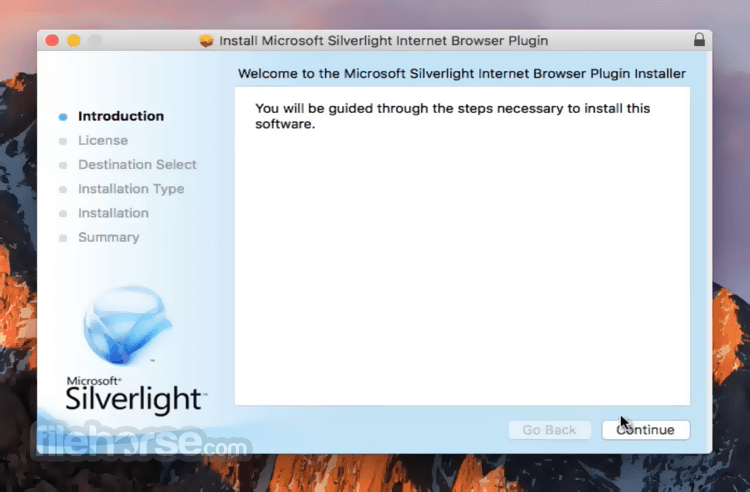
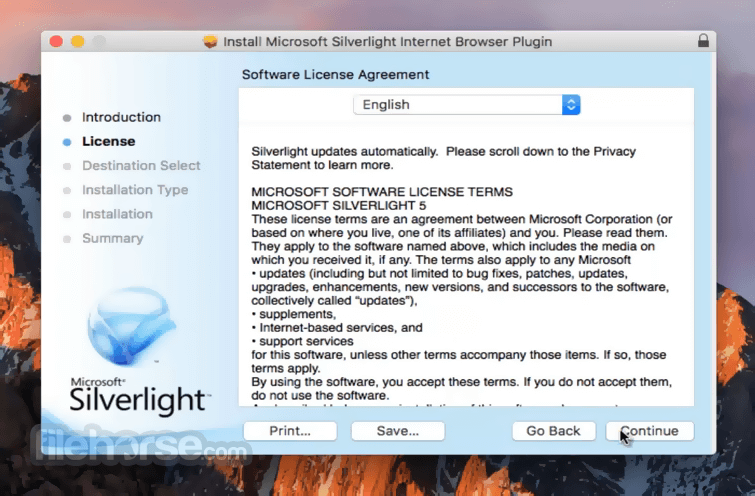
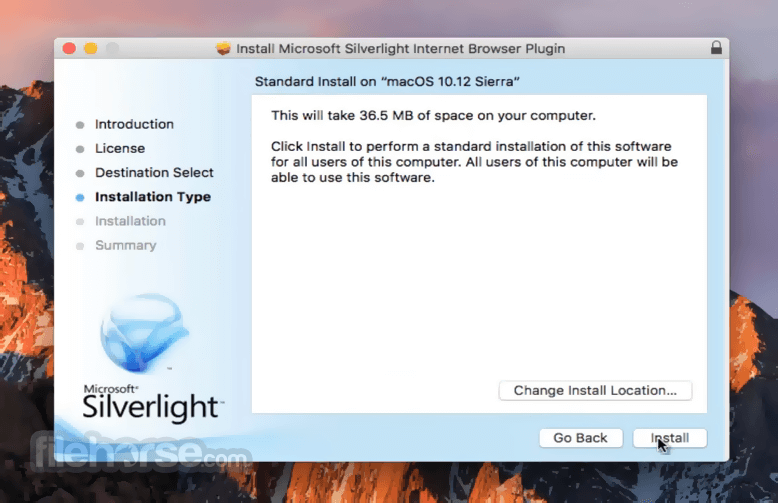
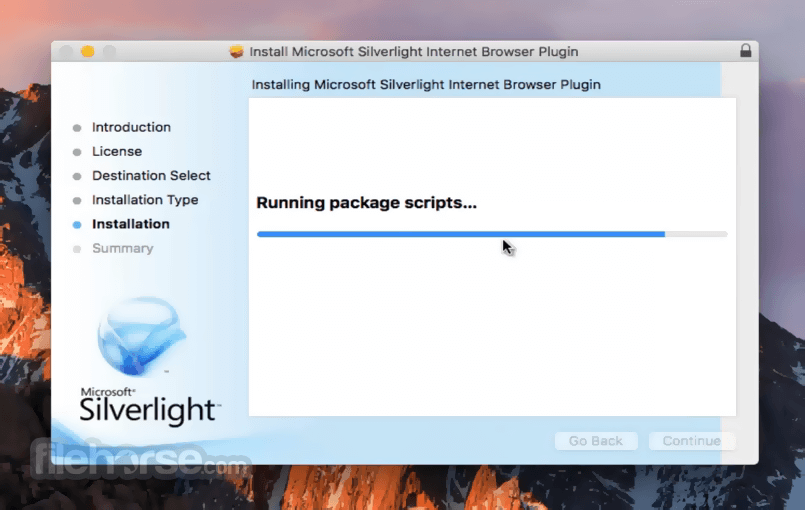
To install Silverlight on your Mac computer, users simply need to install the app by downloading the installer via secure FileHorse servers.
The official download from Microsoft is no longer available, requiring users to sideload it from any reliable source.
How to Use
Once fully installed, users can take advantage of Silverlight to create and view interactive web and mobile applications, as well as to deliver high-quality video content.
The specific tools and features available will depend on the used programming languages and frameworks.
Due to its age and discontinued state of development, users should not expect to find a thriving online community and support documentation.
User Interface
Developing applications for Silverlight was available in numerous development platforms, enabling advanced users to experiment and build interactive frameworks using their preferred tools.
A full description of supported platforms can be found in the app’s official documentation.
FAQ
What is Microsoft Silverlight for Mac?
It is a cross-browser, cross-platform plug-in for delivering interactive applications and media experiences on the Web.
Is it safe?
No. This is outdated software that has not received regular security updates. Content developed and hosted online may be open to unauthorized intrusions and other security issues.
Alternatives
HTML5 – A newer and actively maintained web technology for creating interactive experiences without the need for additional plugins.
OpenSilver – An open-source reimplementation of Silverlight, enabling the development of rich, client-side web applications using C# and XAML without plugins.
Pricing
This discontinued application framework is free for download and use.
System Requirements
This app is optimized for all Intel CPU processors. It requires at least 512MB of RAM and 1GB of free storage space.
PROS
Microsoft Silverlight for Mac is a discontinued tool for creating interactive user experiences for web and mobile applications.
Originally designed for use on the web and Windows Mobile platform, this app framework stopped receiving updates years ago and is now fully discontinued and rarely used by students and enthusiasts.
Note: Requires Intel Core Duo or higher processor.
Also Available: Download Silverlight for Windows
Download Silverlight for Mac Latest Version Why is this app published on FileHorse? (More info)
It is designed from the ground up to support a variety of programming languages, including AJAX, VB, C#, Python, and Ruby, and integrates with existing web applications via a robust set of plugins.
Since its introduction to the public in 2007, Silverlight for macOS quickly become known for its ability to create rich interactive experiences for web and mobile applications, making it a valuable tool for developers and businesses alike. Most developers and media compared it to the multimedia software platform Adobe Flash.
This application framework for the creation of rich internet applications could render a wide variety of dynamic interfaces to interactive media players, making it a versatile tool for enhancing user engagement and interaction.
What`s New
- End of support: Microsoft ended Silverlight support on October 12, 2021, so there are no new updates, fixes, or security patches.
- Mac browsers no longer supported: Microsoft states there is no longer support for any browser on macOS (Silverlight ended up effectively being IE-only near the end).
- Safari 12+ broke Silverlight: Safari removed NPAPI plugin support, so Silverlight won’t run in modern Safari versions.
- Last widely referenced version: Silverlight’s final line is commonly listed as 5.1.50918.0 (legacy downloads only; not actively maintained).
- Practical “what’s new” today: it’s essentially legacy/obsolete on Mac—any “new” items are just third-party repackaging/hosting, not official improvements.
However, after only several years on the market, active development on this application framework stopped in 2012 with the last compatible browser for it being Internet Explorer 11 from 2013. Microsoft officially terminated support for Silverlight in late 2021.
Today, the Silverlight platform serves as a basis of experimentation by home enthusiasts and students, with very little of its content surviving on the modern internet.
Main Features
- Cross-browser and cross-platform compatibility.
- Support for various programming languages.
- Integration with existing web applications.
- Integration with numerous Microsoft tools and platforms.
- Optimized for smooth and reliable delivery of streamed content.
- High-quality video delivery.
- Rich interactive experiences.
- Ability to render 3D visuals.
- Versatile customization.
To install Silverlight on your Mac computer, users simply need to install the app by downloading the installer via secure FileHorse servers.
The official download from Microsoft is no longer available, requiring users to sideload it from any reliable source.
How to Use
Once fully installed, users can take advantage of Silverlight to create and view interactive web and mobile applications, as well as to deliver high-quality video content.
The specific tools and features available will depend on the used programming languages and frameworks.
Due to its age and discontinued state of development, users should not expect to find a thriving online community and support documentation.
User Interface
Developing applications for Silverlight was available in numerous development platforms, enabling advanced users to experiment and build interactive frameworks using their preferred tools.
A full description of supported platforms can be found in the app’s official documentation.
FAQ
What is Microsoft Silverlight for Mac?
It is a cross-browser, cross-platform plug-in for delivering interactive applications and media experiences on the Web.
Is it safe?
No. This is outdated software that has not received regular security updates. Content developed and hosted online may be open to unauthorized intrusions and other security issues.
Alternatives
HTML5 – A newer and actively maintained web technology for creating interactive experiences without the need for additional plugins.
OpenSilver – An open-source reimplementation of Silverlight, enabling the development of rich, client-side web applications using C# and XAML without plugins.
Pricing
This discontinued application framework is free for download and use.
System Requirements
This app is optimized for all Intel CPU processors. It requires at least 512MB of RAM and 1GB of free storage space.
PROS
- Support for various programming languages.
- High-quality video delivery.
- Ability to render interactive experiences.
- Support for web and app delivery.
- Discontinued.
- No security updates.
- Requires advanced knowledge of programming and design.
Microsoft Silverlight for Mac is a discontinued tool for creating interactive user experiences for web and mobile applications.
Originally designed for use on the web and Windows Mobile platform, this app framework stopped receiving updates years ago and is now fully discontinued and rarely used by students and enthusiasts.
Note: Requires Intel Core Duo or higher processor.
Also Available: Download Silverlight for Windows
Download Silverlight for Mac Latest Version Why is this app published on FileHorse? (More info)
##
畫面截圖
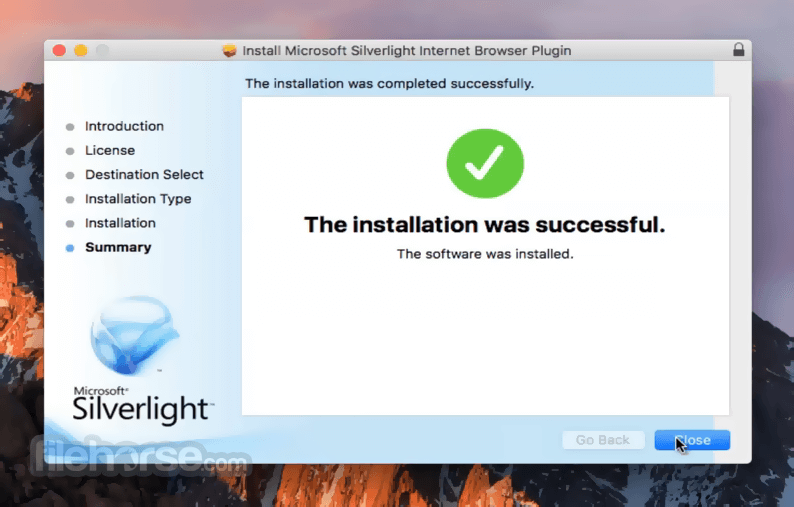
- 2026-02-18 Silverlight 5.1.50901.0 14.4 MB
- 2016-09-14 Silverlight 5.1.50709.0 14.96 MB
- 2016-06-21 Silverlight 5.1.50428.0 14.19 MB
- 2016-01-14 Silverlight 5.1.41212.0 14.19 MB
- 2016-01-08 Silverlight 5.1.41105.0 14.97 MB
- 2015-09-10 Silverlight 5.1.40904.0 14 MB
- 2015-09-03 Silverlight 5.1.40813.0 14.19 MB
- 2015-08-13 Silverlight 5.1.40728.0 14.39 MB