- 目前版本3.5.3492.4840
- 更新日期2026-08-05
- 檔案大小87.5 MB
- 檔案名稱Tresorit.dmg
- 作業系統macOS 10.13 High Sierra or later
- 支援語系English
- 授權型式商業試用
- 開發商 Tresorit Team
- 軟體分類Mac 軟體 / 備份還原
##
翻譯排程處理中,以下暫以英文原文呈現
軟體介紹
Tresorit for Mac is an end-to-end encrypted, secure cloud storageand sharing designed to store, sync and share confidential data.
Decryption is only possible with permission from the owner. Encrypted contents can be shared without needing re-encryption.
Features and Highlights
Work with your team securely, wherever you are
Collaborate across offices or on the road. Zero-knowledge access from any internet browser, desktop, Android, iOS, Blackberry and Windows Phone device.
Share files with partners and customers without losing control
Don't repeat Sony's and Target's mistakes. Keep total control over files, even after you shared them. Access can be modified or revoked anytime.
Send confidential files easily, "unsend" them if you need to
More than 30% of employees have sent email to the wrong person. Email attachments can't be "unsent," putting your sensitive files at risk. With Tresorit for macOS, revoking access only takes a click.
Rest easy knowing your team keeps business data safe
Employee error is the #1 cause of data breaches, but you won't have to worry about mistakes. Prevent access from mobile devices. Limit certain files to office desktops. Suspend any team member's access with a click.
How to Use
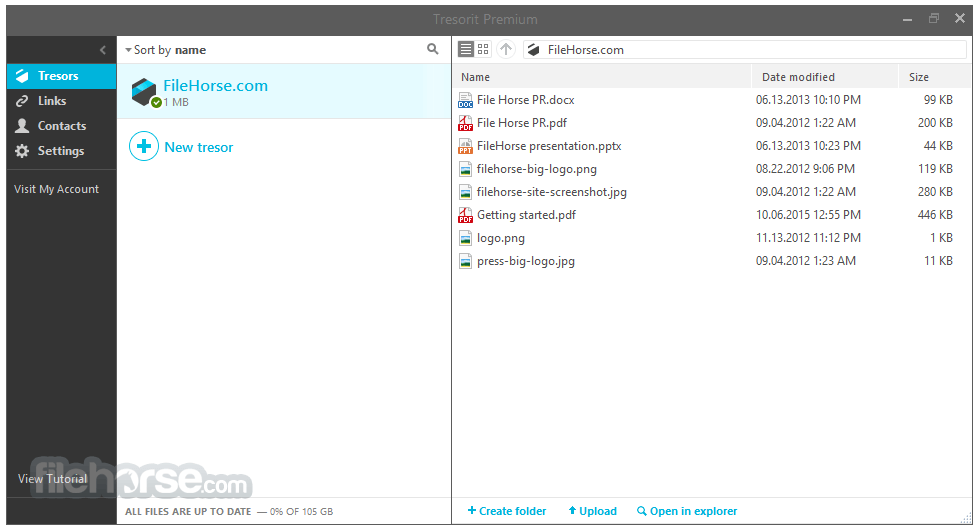
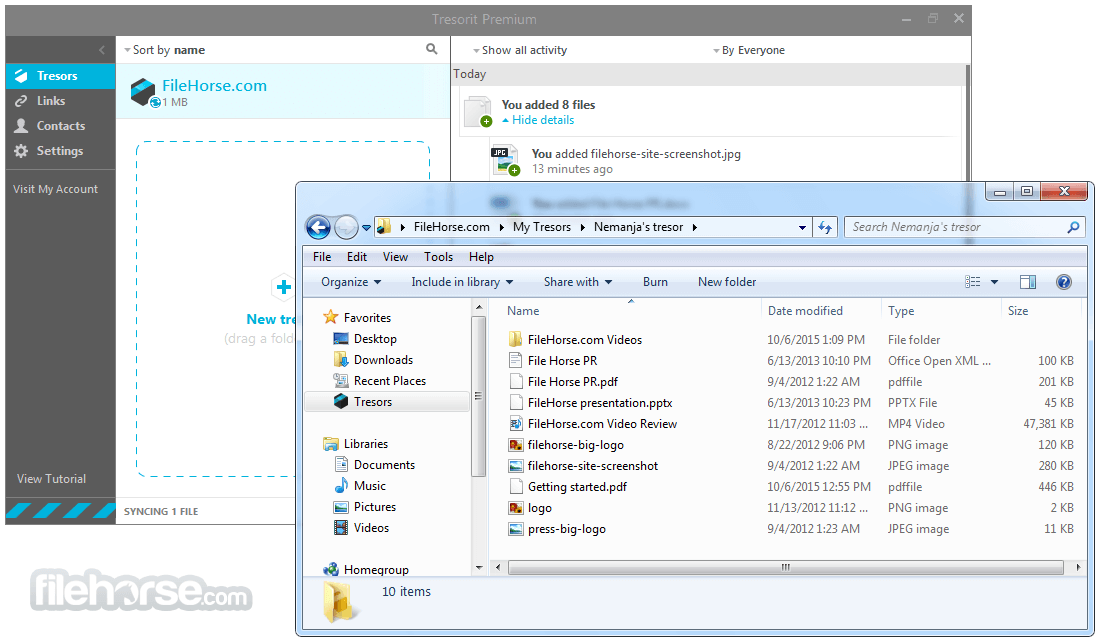
Uploading Files: Drag and drop files into a Tresor folder, where they will be encrypted and uploaded automatically.
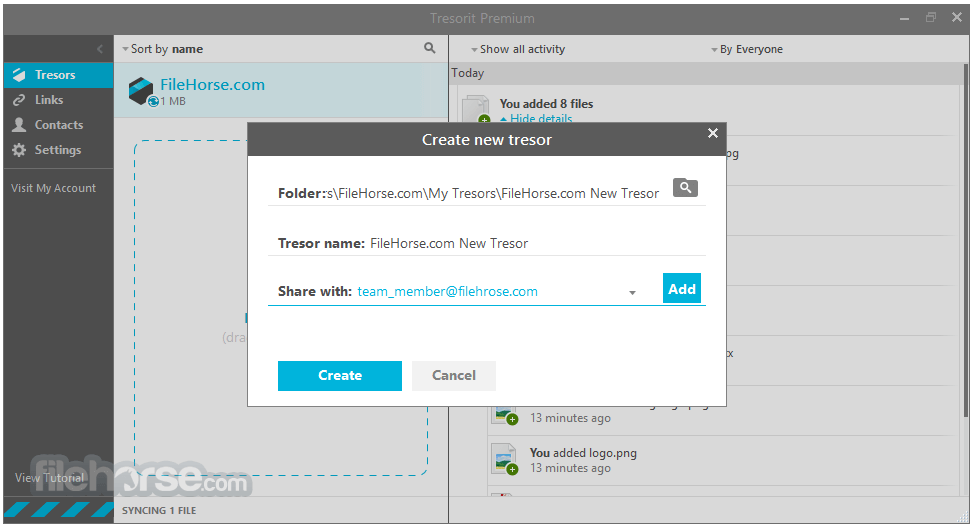
Sharing Files: Click the share icon to create secure links, set permissions, and add password protection.
Accessing Files: Open the app or web interface to view or edit your files securely.
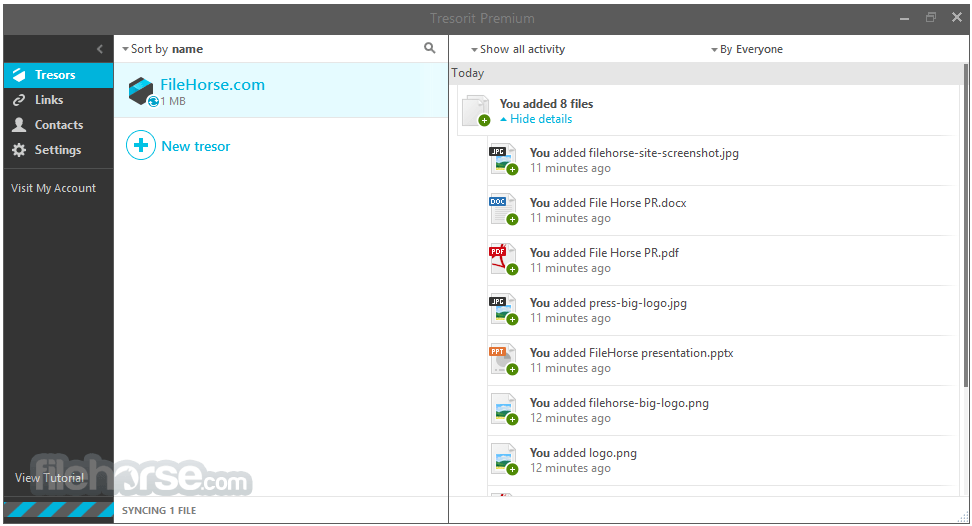
Managing Permissions: Use the admin console to manage team access, set roles, and monitor activity logs.
Recovering Files: Restore deleted files or previous versions through the file history feature.
FAQ
Is Tresorit for Mac truly private?
Yes, it uses end-to-end encryption, meaning only you and authorized collaborators can access your data. Tresorit itself has no access to your encryption keys or files.
Can I try Tresorit for free?
Yes, of course! You can try any of plans for free, for 14 days without any limitations.
Can I use Tresorit offline?
Yes, files stored locally in your Tresor can be accessed offline. Changes made will sync once you're back online.
Is Tresorit suitable for businesses?
Absolutely. It offers enterprise-grade features, including compliance with data protection regulations, centralized management, and integration with productivity tools.
What happens if I forget my password?
Due to Tresorit’s zero-knowledge policy, they cannot recover your password. However, you can reset it using the recovery methods set up during registration.
How does Tresorit compare to free cloud storage services?
Unlike free services, it prioritizes privacy and security with advanced encryption and compliance certifications, which come at a premium price.
Alternatives
Google Drive: Popular for general use but lacks the advanced encryption.
pCloud: Includes client-side encryption as an add-on but lacks some of Tresorit’s business features.
Box: Enterprise-focused with robust collaboration tools but weaker encryption compared to this app.
Sync.com: A cost-effective alternative with strong security but limited business-oriented features.
Pricing
Personal Essential - $9.99 / month (billed annually)
macOS 10.15 or later
PROS
Also Available: Download Tresorit for Windows
Download Tresorit for Mac Latest Version Why is this app published on FileHorse? (More info)
- Securely store, share, scan, and sign sensitive files in one place
- Engage with teams, clients, and partners, ensuring confidentiality
- Stay productive using our integrations - Google, Outlook and more
Decryption is only possible with permission from the owner. Encrypted contents can be shared without needing re-encryption.
Features and Highlights
Work with your team securely, wherever you are
Collaborate across offices or on the road. Zero-knowledge access from any internet browser, desktop, Android, iOS, Blackberry and Windows Phone device.
Share files with partners and customers without losing control
Don't repeat Sony's and Target's mistakes. Keep total control over files, even after you shared them. Access can be modified or revoked anytime.
Send confidential files easily, "unsend" them if you need to
More than 30% of employees have sent email to the wrong person. Email attachments can't be "unsent," putting your sensitive files at risk. With Tresorit for macOS, revoking access only takes a click.
Rest easy knowing your team keeps business data safe
Employee error is the #1 cause of data breaches, but you won't have to worry about mistakes. Prevent access from mobile devices. Limit certain files to office desktops. Suspend any team member's access with a click.
How to Use
Uploading Files: Drag and drop files into a Tresor folder, where they will be encrypted and uploaded automatically.
Sharing Files: Click the share icon to create secure links, set permissions, and add password protection.
Accessing Files: Open the app or web interface to view or edit your files securely.
Managing Permissions: Use the admin console to manage team access, set roles, and monitor activity logs.
Recovering Files: Restore deleted files or previous versions through the file history feature.
FAQ
Is Tresorit for Mac truly private?
Yes, it uses end-to-end encryption, meaning only you and authorized collaborators can access your data. Tresorit itself has no access to your encryption keys or files.
Can I try Tresorit for free?
Yes, of course! You can try any of plans for free, for 14 days without any limitations.
Can I use Tresorit offline?
Yes, files stored locally in your Tresor can be accessed offline. Changes made will sync once you're back online.
Is Tresorit suitable for businesses?
Absolutely. It offers enterprise-grade features, including compliance with data protection regulations, centralized management, and integration with productivity tools.
What happens if I forget my password?
Due to Tresorit’s zero-knowledge policy, they cannot recover your password. However, you can reset it using the recovery methods set up during registration.
How does Tresorit compare to free cloud storage services?
Unlike free services, it prioritizes privacy and security with advanced encryption and compliance certifications, which come at a premium price.
Alternatives
Google Drive: Popular for general use but lacks the advanced encryption.
pCloud: Includes client-side encryption as an add-on but lacks some of Tresorit’s business features.
Box: Enterprise-focused with robust collaboration tools but weaker encryption compared to this app.
Sync.com: A cost-effective alternative with strong security but limited business-oriented features.
Pricing
Personal Essential - $9.99 / month (billed annually)
- 1TB encrypted storage
- 10GB maximum file size
- 10 version history
- Up to 2GB encrypted sharing via links
- Access and Sync across 10 devices
- Essential Link Security
- Access from anywhere
- Auto camera upload
- Secure file sharing
- Free plugin for encrypted attachments via Gmail/Outlook integration
- GDPR Compliant
- Restore deleted files
- Wipe devices remotely or locally
- E-mail- and live chat support
- Document Scanning via App
macOS 10.15 or later
PROS
- End-to-End Encryption
- Zero-Knowledge Security
- Cross-Platform Sync
- Granular Access Control
- Secure File Sharing
- Expensive Subscription Plans
- No Free Storage Option
- Limited Third-Party Integrations
- Slower Upload Speeds
- Complex Setup for Beginners
Also Available: Download Tresorit for Windows
Download Tresorit for Mac Latest Version Why is this app published on FileHorse? (More info)
##
畫面截圖