- 目前版本Visual Studio Community
- 更新日期2026-08-12
- 檔案名稱VisualStudioForMac-8.10.25.2.dmg
- 作業系統macOS 10.13 High Sierra or later
- 支援語系English
- 授權型式未分類
- 開發商 Microsoft Corporation
- 軟體分類Mac 軟體 / 開發者工具
##
翻譯排程處理中,以下暫以英文原文呈現
軟體介紹
Visual Studio Community for Mac is a full-featured and free IDE for creating modern applications for Android, iOS, macOS, as well as web applications and cloud services.
Try out Visual Studio Community for macOS for a fully-featured and extensible IDE; An updated alternative to Visual Studio Express.
A brand-new workload-based installer optimizes your installation to make sure you have everything you need and nothing you don’t. Code with confidence in your language, find and fix code issues quickly, and refactor with ease.
Note: Visual Studio for Mac has been retired as of August 31, 2024 in accordance with Microsoft’s Modern Lifecycle Policy. Visual Studio for Mac is no longer supported.
There will be no further servicing updates to address security issues or updated platforms from Apple.
For the most secure, up-to-date experience, we recommend either Visual Studio (Windows) or moving to Visual Studio Code on the Mac.
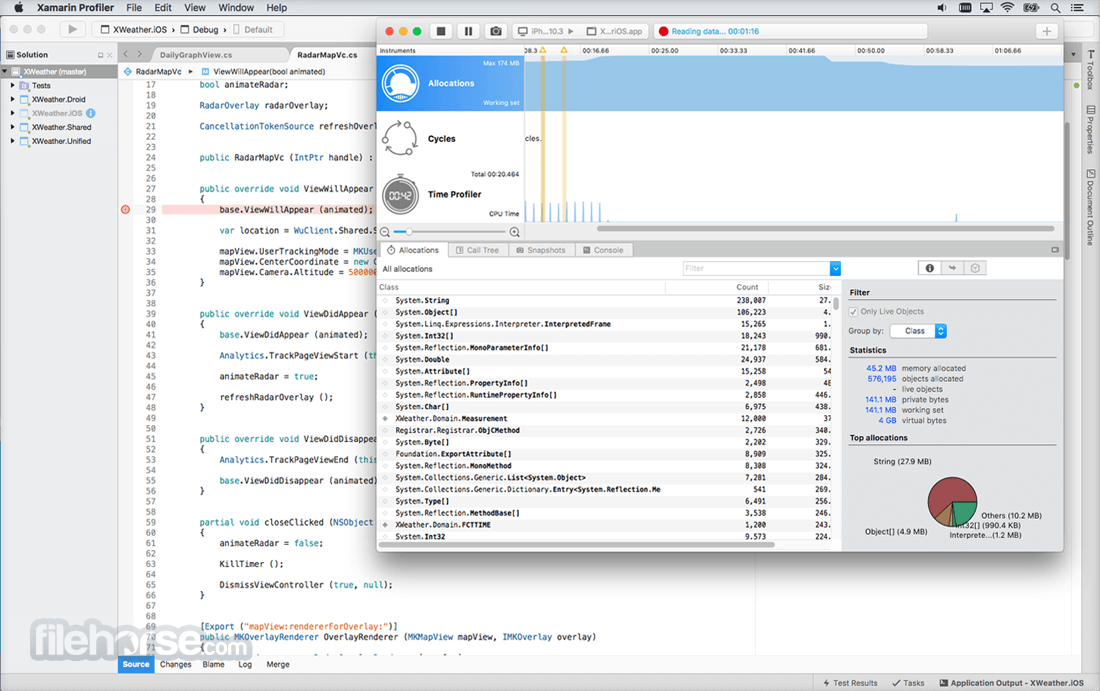
Debug to quickly find and fix bugs. Find and diagnose performance issues with the profiling tools.
Tools for Apache Cordova, Xamarin, and Unity available for download to enable code, debug, test, share, and reuse for more platforms. Develop for the web with ASP.NET, Node.js, Python, and JavaScript. Use with powerful web frameworks such as AngularJS, jQuery, Bootstrap, Django, and Backbone.js.
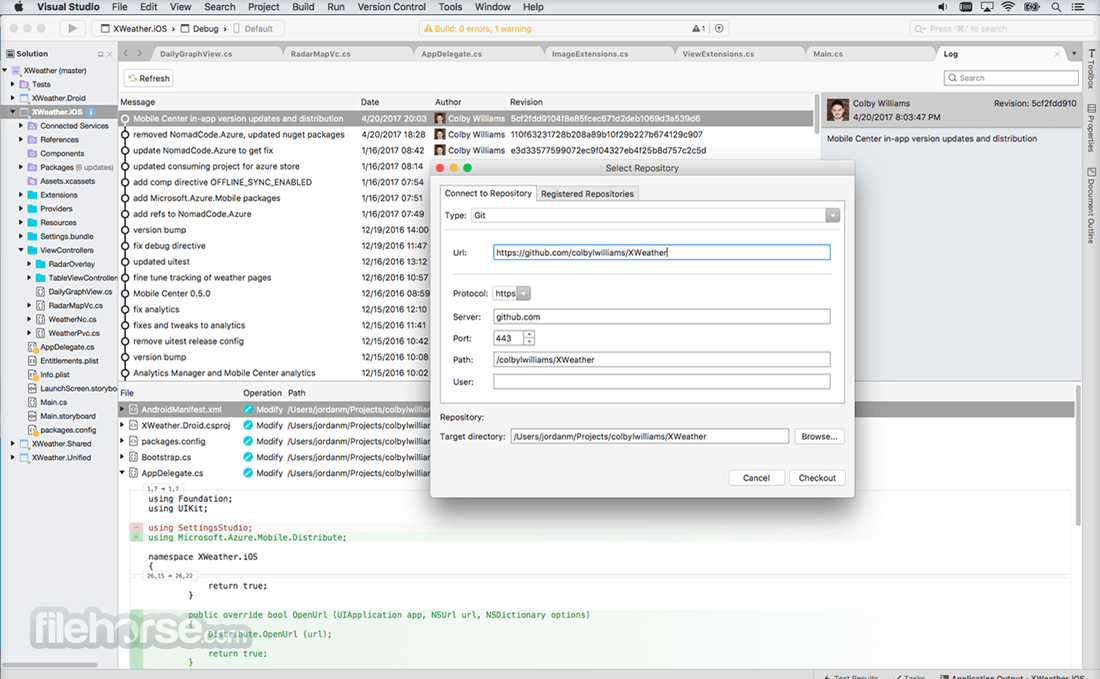
Manage your source code in Git repos hosted by any provider, including GitHub. Or use Visual Studio Team Services to manage code alongside bugs and work items for your whole project.
When you sign into Visual Studio Community for Mac, you get access to a broad set of free developer tools, selected Xamarin University courses on-demand, Pluralsight training, Azure credits, and more as part of Visual Studio Dev Essentials.
Features and Highlights
Customized installer
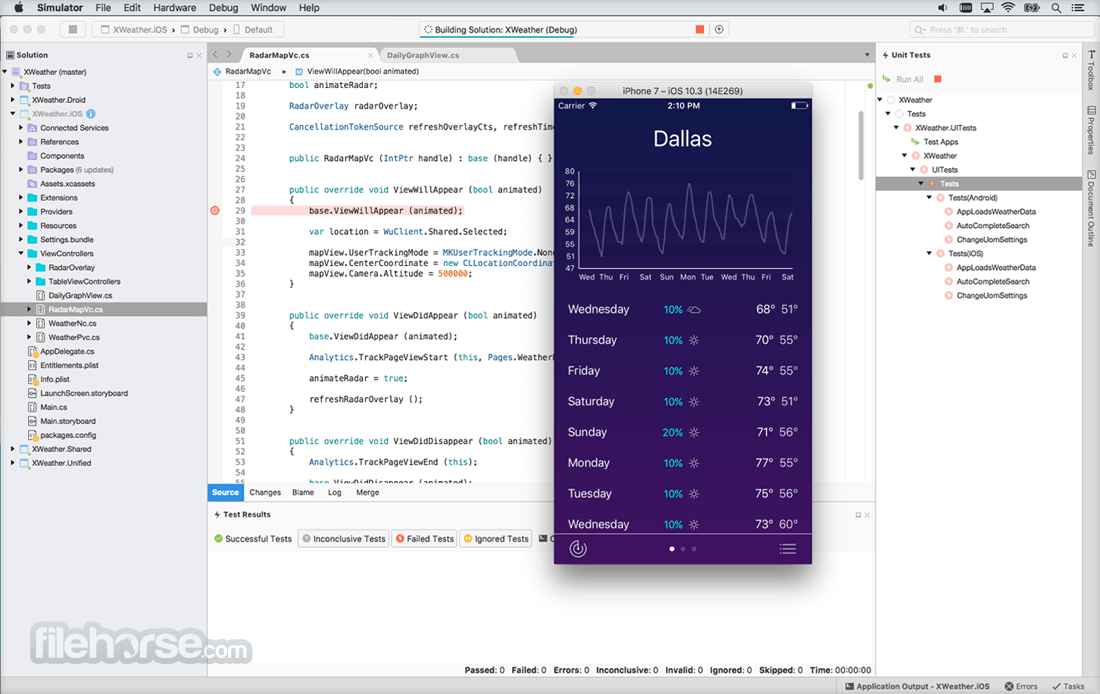
Develop for WPF, WinForms, ASP.NET, Universal Windows Platform, Win32, Android, iOS, macOS and many more platforms all from one IDE with everything you need.
Get to coding faster
With faster project load times and performance improvements, you can get to working faster with your favorite languages such as C/C++, C#, Visual Basic, F#, Python, and more.
Improved productivity
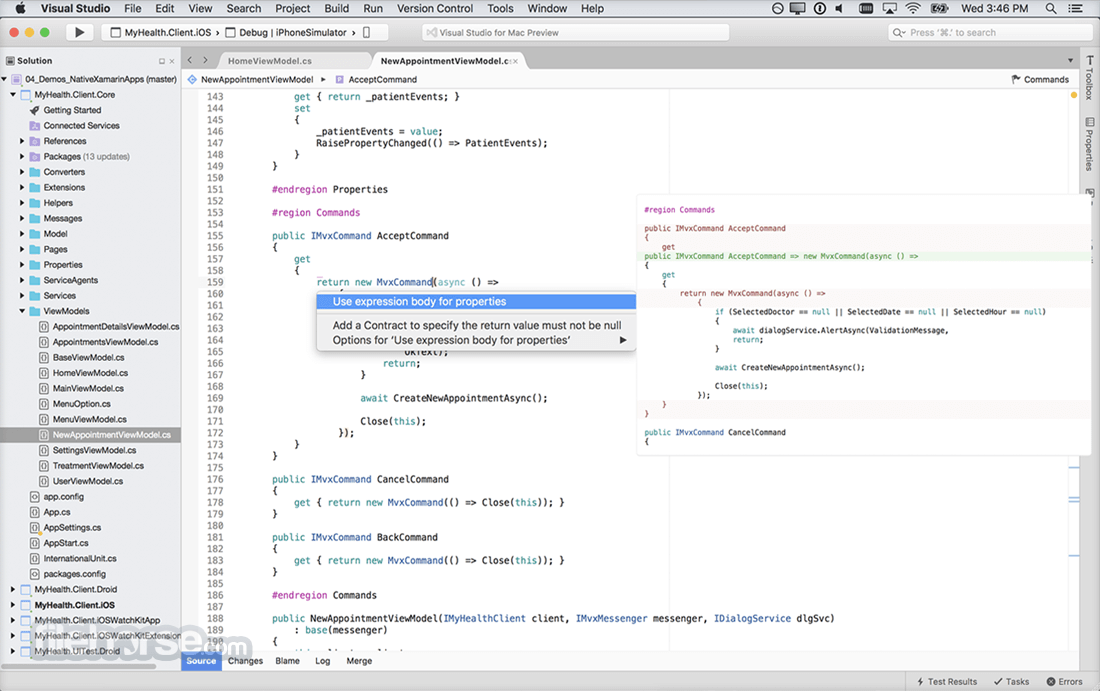
Code editing, navigation, and debugging are made easier with features like XAML Edit & Continue, improved IntelliSense, enhanced code refactoring, live code analysis, and the ability to open any folder without needing projects or solutions.
Modern Web
Tap into modern web development with JavaScript, ASP.NET, Python, and more with powerful coding tools like rich IntelliSense completions, first class debugging, and performance profilers.
Vibrant ecosystem
Access to thousands of extensions that Express lacks, such as GitHub Extension, Resharper, Visual Assist. And Web Essentials.
Alternatives
Visual Studio Code - A free, open-source code editor developed by Microsoft.
Sublime Text - A lightweight and fast code editor known for its speed and responsiveness.
Brackets - An open-source code editor developed by Adobe.
PROS
Also Available: Download Visual Studio Community for Windows
Download Visual Studio Community for Mac Latest Version Why is this app published on FileHorse? (More info)
Try out Visual Studio Community for macOS for a fully-featured and extensible IDE; An updated alternative to Visual Studio Express.
A brand-new workload-based installer optimizes your installation to make sure you have everything you need and nothing you don’t. Code with confidence in your language, find and fix code issues quickly, and refactor with ease.
Note: Visual Studio for Mac has been retired as of August 31, 2024 in accordance with Microsoft’s Modern Lifecycle Policy. Visual Studio for Mac is no longer supported.
There will be no further servicing updates to address security issues or updated platforms from Apple.
For the most secure, up-to-date experience, we recommend either Visual Studio (Windows) or moving to Visual Studio Code on the Mac.
Debug to quickly find and fix bugs. Find and diagnose performance issues with the profiling tools.
Tools for Apache Cordova, Xamarin, and Unity available for download to enable code, debug, test, share, and reuse for more platforms. Develop for the web with ASP.NET, Node.js, Python, and JavaScript. Use with powerful web frameworks such as AngularJS, jQuery, Bootstrap, Django, and Backbone.js.
Manage your source code in Git repos hosted by any provider, including GitHub. Or use Visual Studio Team Services to manage code alongside bugs and work items for your whole project.
When you sign into Visual Studio Community for Mac, you get access to a broad set of free developer tools, selected Xamarin University courses on-demand, Pluralsight training, Azure credits, and more as part of Visual Studio Dev Essentials.
Features and Highlights
Customized installer
Develop for WPF, WinForms, ASP.NET, Universal Windows Platform, Win32, Android, iOS, macOS and many more platforms all from one IDE with everything you need.
Get to coding faster
With faster project load times and performance improvements, you can get to working faster with your favorite languages such as C/C++, C#, Visual Basic, F#, Python, and more.
Improved productivity
Code editing, navigation, and debugging are made easier with features like XAML Edit & Continue, improved IntelliSense, enhanced code refactoring, live code analysis, and the ability to open any folder without needing projects or solutions.
Modern Web
Tap into modern web development with JavaScript, ASP.NET, Python, and more with powerful coding tools like rich IntelliSense completions, first class debugging, and performance profilers.
Vibrant ecosystem
Access to thousands of extensions that Express lacks, such as GitHub Extension, Resharper, Visual Assist. And Web Essentials.
Alternatives
Visual Studio Code - A free, open-source code editor developed by Microsoft.
Sublime Text - A lightweight and fast code editor known for its speed and responsiveness.
Brackets - An open-source code editor developed by Adobe.
PROS
- Free for Individual Developers
- Powerful IntelliSense & Debugging
- Extensive Language Support
- Integrated Git & Version Control
- Rich Extensions & Customization
- Heavy on System Resources
- Long Installation Time
- Occasional Performance Lag
- Complex UI for Beginners
- Limited for Large Teams
Also Available: Download Visual Studio Community for Windows
Download Visual Studio Community for Mac Latest Version Why is this app published on FileHorse? (More info)
##
畫面截圖