
- 目前版本2026.1
- 更新日期2026-05-04
- 作業系統Windows 7 / Windows 8 / Windows 10 / Windows 11
- 支援語系English
- 授權型式未分類
- 開發商 Maplesoft
- 軟體分類Windows 軟體 / 辦公商務
##
編輯短評
Maplesoft Maple 是一款結合符號與數值計算的環境,同時也是一套多範式程式語言軟體。它主要解決技術運算中的複雜問題,提供強大的資料分析、矩陣運算以及視覺化功能,是電腦代數系統中相當知名的選擇。目前該軟體持續更新且維護活躍,在學術與工程領域擁有廣泛的知名度,使用者評價普遍不錯。
這套工具非常適合學生、教育工作者以及研究人員,常用於系統模擬、計算管理與工程研究等專業情境。相較於一般的辦公軟體,它更專注於深層的技術運算而非文書處理。使用者在下載前需留意,目前支援 Windows 與 macOS 平台,且介面語系僅提供英文版,適合能流暢使用英文操作的專業用戶。
##
軟體介紹
Maplesoft Maple 是一套符號與數值運算環境,同時也是多範式程式語言軟體,讓學生、教育工作者與研究人員能在技術運算的各個層面獲得深入見解,包括視覺化、資料分析、矩陣運算與連通性。
這套屢獲殊榮的軟體與服務套件,今日在全球廣泛應用於教育、工程與研究領域,專為進階系統模擬、計算管理與系統工程所設計,已被證實是電腦代數系統與數值運算領域中,你所能找到的最佳軟體解決方案之一。
Maplesoft Maple 結合了目前商業產品中最強大的數學引擎,搭配精簡的介面,促進數學概念的輕鬆探索、數學理論的分析、各種複雜度任務的視覺化,以及你找到最困難數學問題解答的可靠途徑。
如今,Maplesoft Maple 被《財星》500 大企業採用,作為快速精確解決問題與深入分析新數學表達式的核心工具之一。其直觀的介面也完全適合教育環境,教師可以快速引入、展示,並為學生提供獨特的教學體驗。
新手可以快速利用現成元件,輕鬆整合底層演算法與常式;進階使用者則能以多範式程式語言撰寫自訂模組與演算法,擴充應用程式功能,涵蓋 Maple 應用程式的所有層面,包括(但不限於)複數、區間運算、微分代數、矩陣操作、統計模型、機率與組合函數、數論工具、符號張量函數、平行程式設計等。
這套著名的數學軟體最早於遙遠的 1982 年問世,歷經超過 50 次重大版本更新。最新版本可透過多種授權方案購買(學術版、專業版、學生版與個人版),也可免費試用 15 天。
這套屢獲殊榮的軟體與服務套件,今日在全球廣泛應用於教育、工程與研究領域,專為進階系統模擬、計算管理與系統工程所設計,已被證實是電腦代數系統與數值運算領域中,你所能找到的最佳軟體解決方案之一。
Maplesoft Maple 結合了目前商業產品中最強大的數學引擎,搭配精簡的介面,促進數學概念的輕鬆探索、數學理論的分析、各種複雜度任務的視覺化,以及你找到最困難數學問題解答的可靠途徑。
如今,Maplesoft Maple 被《財星》500 大企業採用,作為快速精確解決問題與深入分析新數學表達式的核心工具之一。其直觀的介面也完全適合教育環境,教師可以快速引入、展示,並為學生提供獨特的教學體驗。
新手可以快速利用現成元件,輕鬆整合底層演算法與常式;進階使用者則能以多範式程式語言撰寫自訂模組與演算法,擴充應用程式功能,涵蓋 Maple 應用程式的所有層面,包括(但不限於)複數、區間運算、微分代數、矩陣操作、統計模型、機率與組合函數、數論工具、符號張量函數、平行程式設計等。
這套著名的數學軟體最早於遙遠的 1982 年問世,歷經超過 50 次重大版本更新。最新版本可透過多種授權方案購買(學術版、專業版、學生版與個人版),也可免費試用 15 天。
##
影片介紹
##
畫面截圖
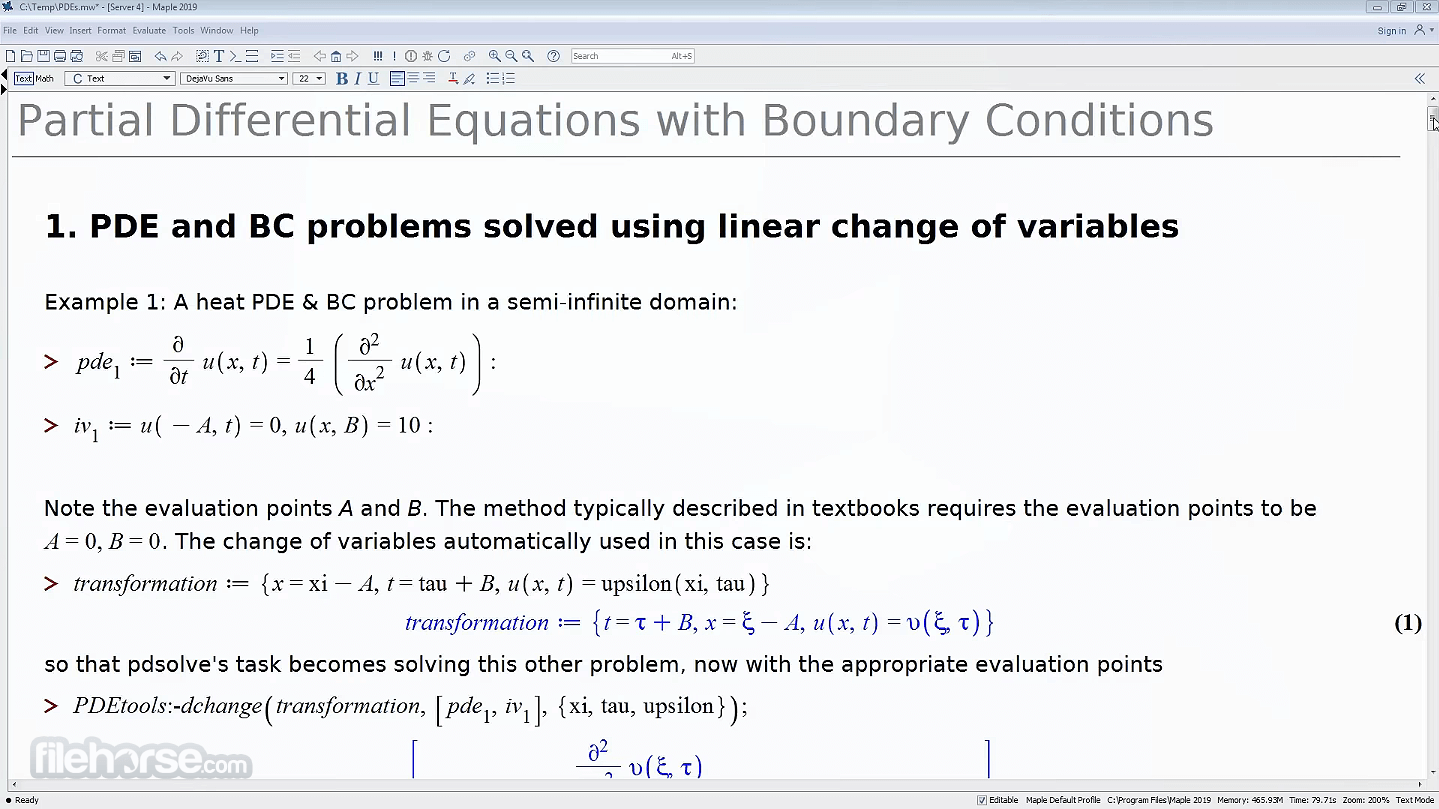
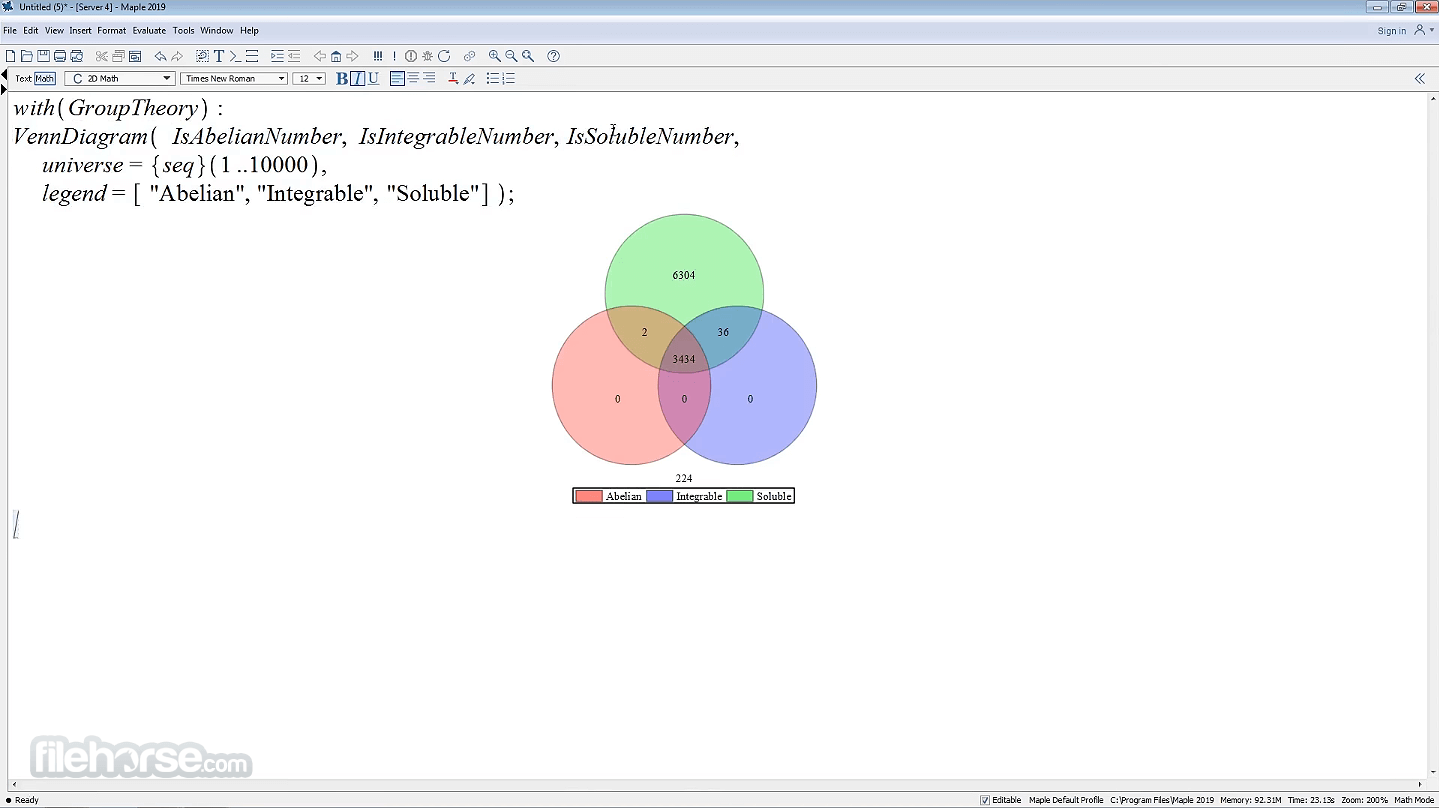
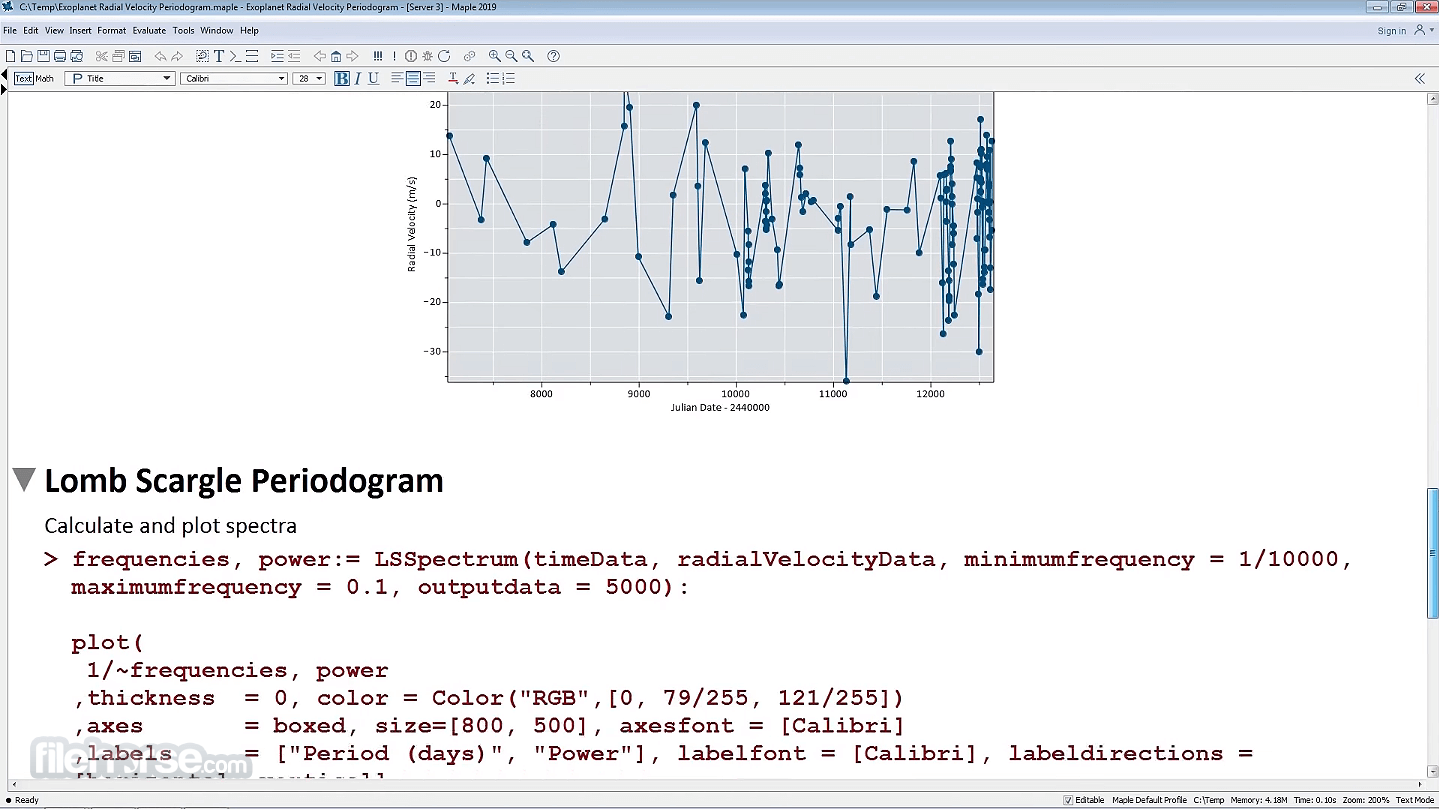
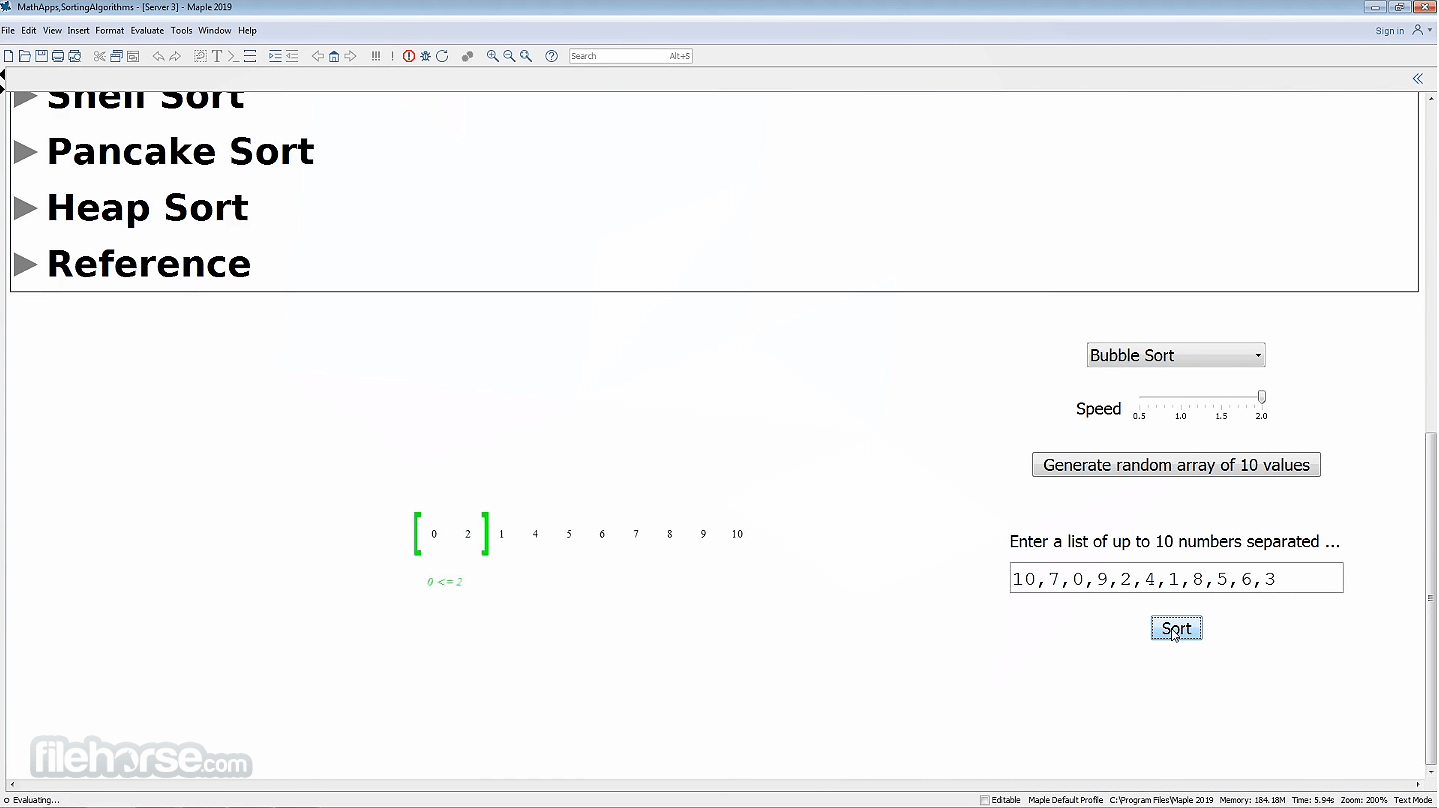
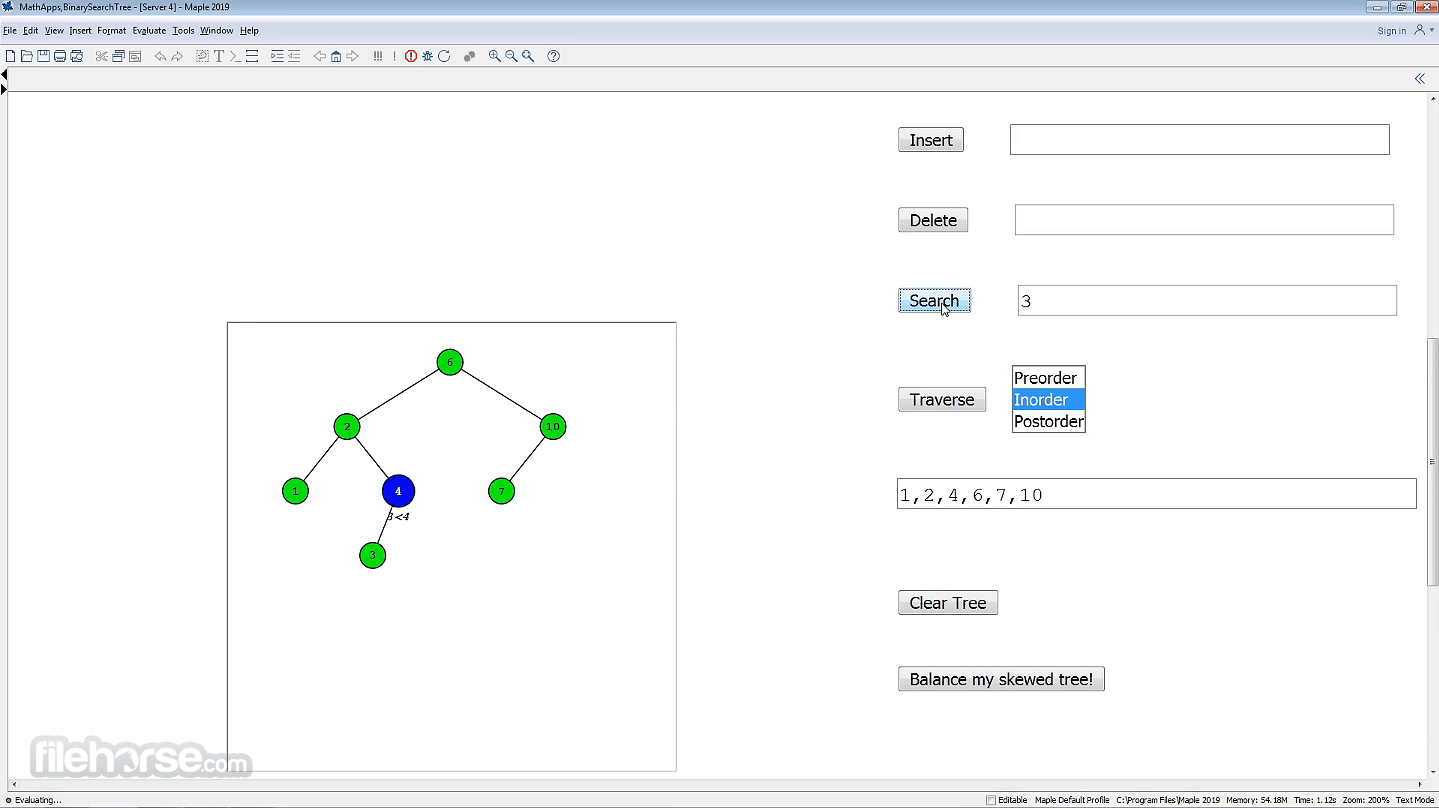
##
更新日誌
2026.1
AI Formula Assistant - NEW
Maple 2024 introduces a powerful AI-driven Formula Assistant to help you find the formulas and equations you need. It provides a selection of relevant options, explanations for each, and an easy way to insert the chosen formula into your document as a Maple expression.
Simplified Commands
With Maple 2024, you can execute unfamiliar commands correctly on the first try without needing to consult help pages. The command completion feature, combined with automatic argument completion, guides you through the process, ensuring you get the right arguments in the correct order.
Advanced Complex Solvers
New algorithms in Maple 2024 enable the software to find and approximate all complex roots of multivariate polynomial systems with guaranteed accuracy. It also offers significantly faster solutions for univariate cases.
Enhanced Check My Work
The Check My Work feature has been expanded to analyze each step of a student's solution in problems related to factoring, simplification, and limits, helping them identify and correct mistakes more efficiently.
Improved Simplify Command
The simplify command now expresses many trigonometric expressions more simply by utilizing the full range of standard trig functions, rather than relying solely on sine and cosine.
And many more!
Features and Highlights
Help students learn faster and more deeply by enabling them to focus on new concepts without getting bogged down in the mechanics of calculations. Provide them with illuminating visualizations that enhance understanding and help them develop intuition through interactive explorations with immediate results.
Keep students engaged and eager to learn with motivating examples and applications that are too complex and time-consuming to tackle by hand. Utilize point-and-click problem-solving to make experimentation easy and interactive learning tools that spark interest and build confidence.
Gain a trusted tool to advance your research with powerful software that assists in understanding and solving complex mathematical problems from virtually any branch of mathematics. Easily develop your own algorithms and applications, and efficiently tackle large-scale problems.
Installation and Use
The latest version of Maplesoft Maple is distributed in a package that weighs around 2 GB in size. To successfully run it on your home or work PC, you will need to have at least the following hardware configuration: 1GHz processor, 2GB of system RAM, and 4GB of free storage space.
In addition to the latest versions of Windows OS, Maple software can also be run on older Windows XP. For the best experience, developers recommend modern PC configuration with a quad-core CPU and 8GB of RAM.
PROS
Download Maplesoft Maple Latest Version Why is this app published on FileHorse? (More info)
Maple 2024 introduces a powerful AI-driven Formula Assistant to help you find the formulas and equations you need. It provides a selection of relevant options, explanations for each, and an easy way to insert the chosen formula into your document as a Maple expression.
Simplified Commands
With Maple 2024, you can execute unfamiliar commands correctly on the first try without needing to consult help pages. The command completion feature, combined with automatic argument completion, guides you through the process, ensuring you get the right arguments in the correct order.
Advanced Complex Solvers
New algorithms in Maple 2024 enable the software to find and approximate all complex roots of multivariate polynomial systems with guaranteed accuracy. It also offers significantly faster solutions for univariate cases.
Enhanced Check My Work
The Check My Work feature has been expanded to analyze each step of a student's solution in problems related to factoring, simplification, and limits, helping them identify and correct mistakes more efficiently.
Improved Simplify Command
The simplify command now expresses many trigonometric expressions more simply by utilizing the full range of standard trig functions, rather than relying solely on sine and cosine.
And many more!
Features and Highlights
- Comprehensive suite for analyzing, exploring, visualizing, and solving complex math, engineering and computation problems.
- Support for combined numeric and symbolic computations.
- Advanced analysis tools for all types of mathematical equations.
- Support for mathematics and traditional mathematical notation, custom interfaces, and multi-paradigm programming language.
- Built-in components for easy integration of underlying algorithms and routines.
- The perfect tool for students, educators, and researchers.
- Used extensively in Fortune 500 companies located all around the world.
- Optimized for all modern versions of Windows OS (7, 8, 10, 11).
- Modest PC system requirements.
- Accessible under multiple premium licenses.
- Available for FREE via a 15-day trial.
Help students learn faster and more deeply by enabling them to focus on new concepts without getting bogged down in the mechanics of calculations. Provide them with illuminating visualizations that enhance understanding and help them develop intuition through interactive explorations with immediate results.
Keep students engaged and eager to learn with motivating examples and applications that are too complex and time-consuming to tackle by hand. Utilize point-and-click problem-solving to make experimentation easy and interactive learning tools that spark interest and build confidence.
Gain a trusted tool to advance your research with powerful software that assists in understanding and solving complex mathematical problems from virtually any branch of mathematics. Easily develop your own algorithms and applications, and efficiently tackle large-scale problems.
Installation and Use
The latest version of Maplesoft Maple is distributed in a package that weighs around 2 GB in size. To successfully run it on your home or work PC, you will need to have at least the following hardware configuration: 1GHz processor, 2GB of system RAM, and 4GB of free storage space.
In addition to the latest versions of Windows OS, Maple software can also be run on older Windows XP. For the best experience, developers recommend modern PC configuration with a quad-core CPU and 8GB of RAM.
PROS
- Powerful Symbolic Computation: Excellent for symbolic mathematics, including algebra, calculus, and differential equations.
- Comprehensive Toolset: Extensive collection of mathematical functions and tools for various fields like physics, engineering, and finance.
- User-Friendly Interface: Intuitive and easy-to-navigate interface with a combination of command-line and worksheet-style interactions.
- Visualization Capabilities: High-quality 2D and 3D plotting tools for data visualization and analysis.
- Integration and Connectivity: Can integrate with other software tools and programming languages like MATLAB, Python, and Excel.
- Extensive Documentation: Thorough documentation, tutorials, and community support for learning and troubleshooting.
- High Cost: Expensive licensing, which might not be affordable for individual users or small businesses.
- Performance Issues: Can be slow with very large computations or complex symbolic manipulations.
- Limited Numerical Precision: In some cases, numerical precision and performance might not match that of specialized numerical software.
- Compatibility Issues: May have compatibility issues with certain operating systems or versions, requiring careful management of updates and patches.
Download Maplesoft Maple Latest Version Why is this app published on FileHorse? (More info)