⚠ 這是歷史版本頁面 — 查看 Max 最新版本 →

- 目前版本8.5.2
- 更新日期2022-12-14
- 檔案大小643 MB
- 檔案名稱Max852_221213.zip
- 作業系統Windows 7 64 / Windows 8 64 / Windows 10 64 / Windows 11
- 支援語系English
- 授權型式商業試用
- 開發商 Cycling '74
- 軟體分類Windows 軟體 / 音訊軟體
##
編輯短評
Max 是 Cycling '74 推出的視覺化程式設計環境,以虛擬接線串連各種物件,用來打造互動聲音、圖形與自訂特效。它的最大辨識度在於圖形化接線邏輯,並能結合 Jitter 處理即時影像與 3D/2D 向量圖形,讓聲音與視覺創作得以整合。這套軟體長期維護、更新頻率穩定,在同類工具中屬於專業領域的熱門選擇;雖然評分人數不多,但使用者評價普遍不錯,顯示其在小眾但專業的社群中備受肯定。
適合音樂家、多媒體藝術家與聲音設計師,常用於製作互動裝置、自訂合成器或現場演出。與 Virtual DJ 或 iTunes 這類播放管理軟體不同,Max 是創作工具,取捨在於學習曲線較陡,但換來極高的彈性與深度。目前提供試用版,僅支援英文介面,且僅限 Windows 平台,使用前需留意授權限制與語系門檻。
##
翻譯排程處理中,以下暫以英文原文呈現
軟體介紹
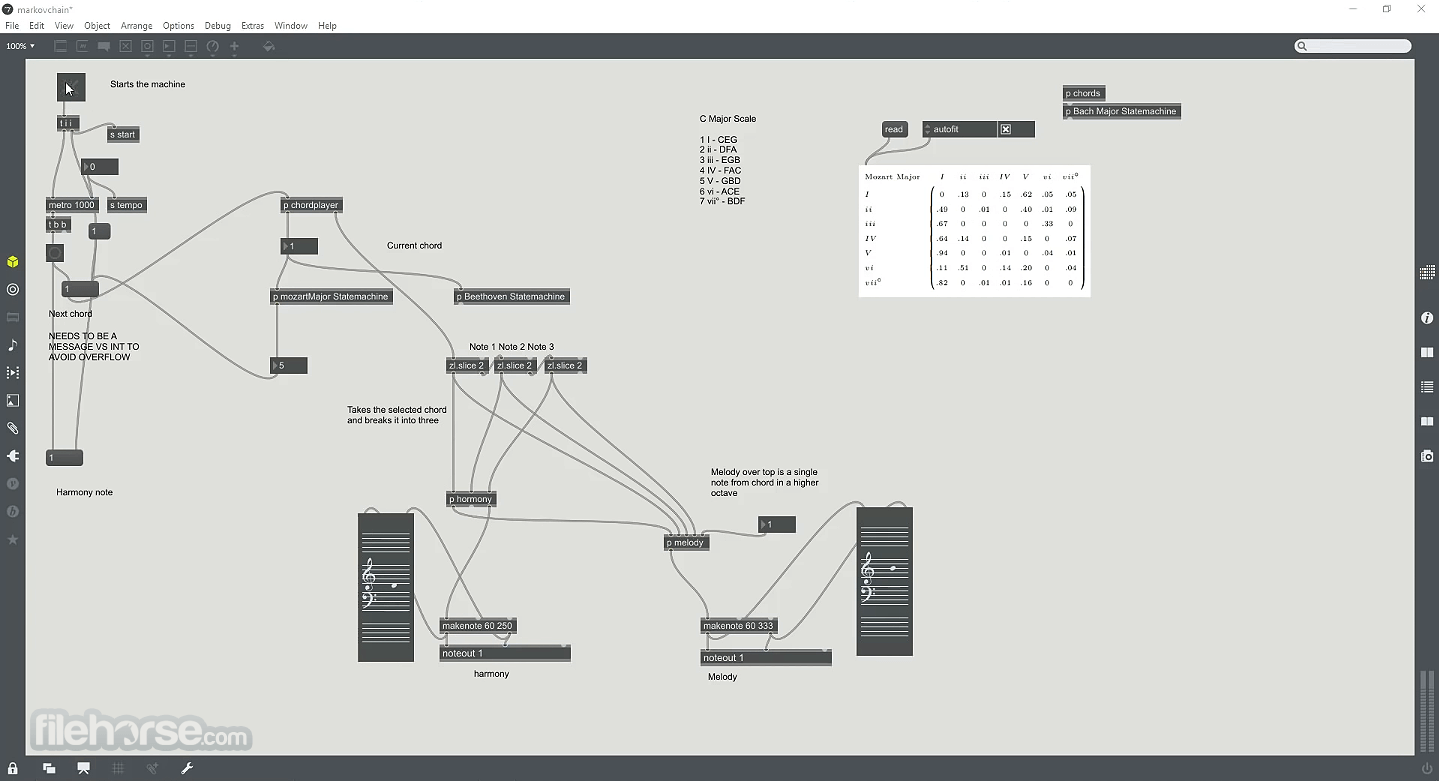
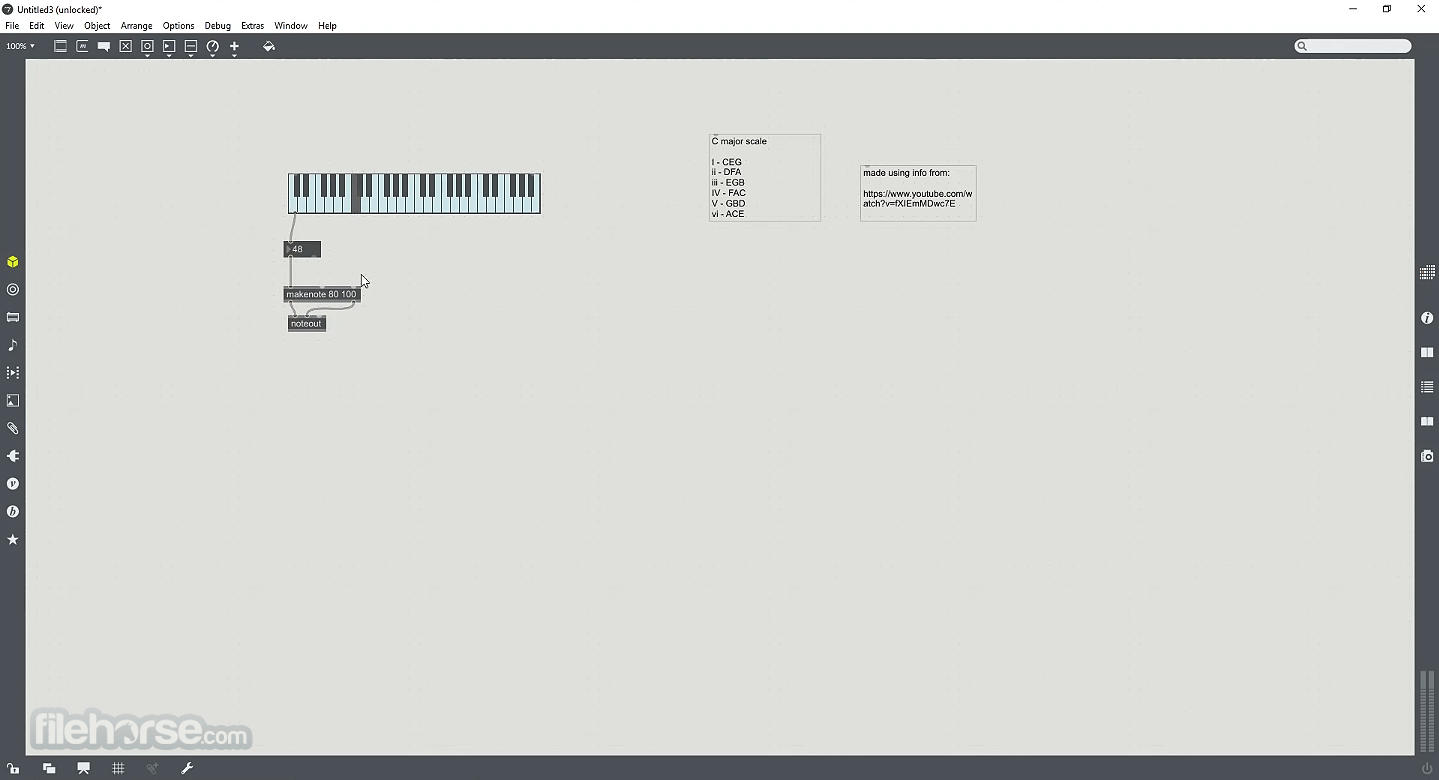
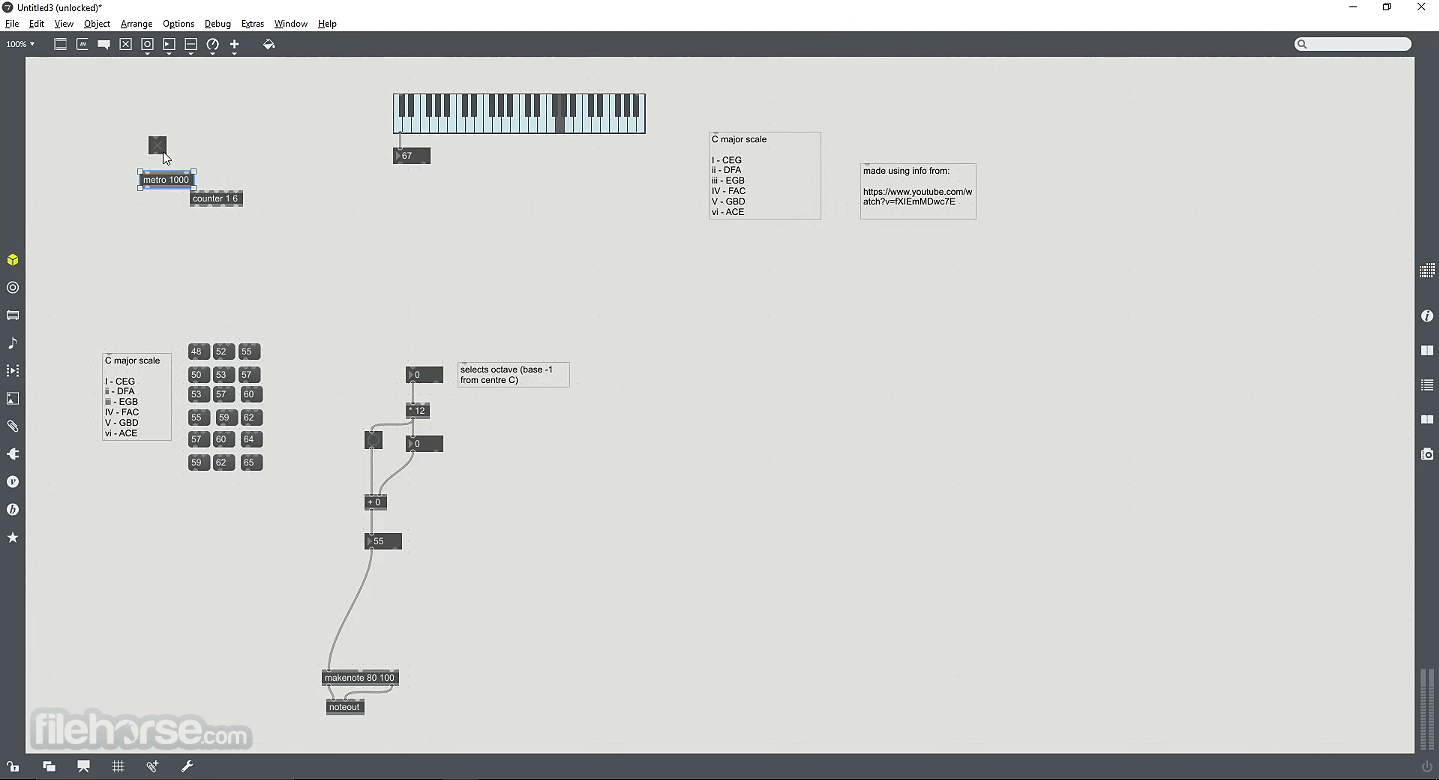
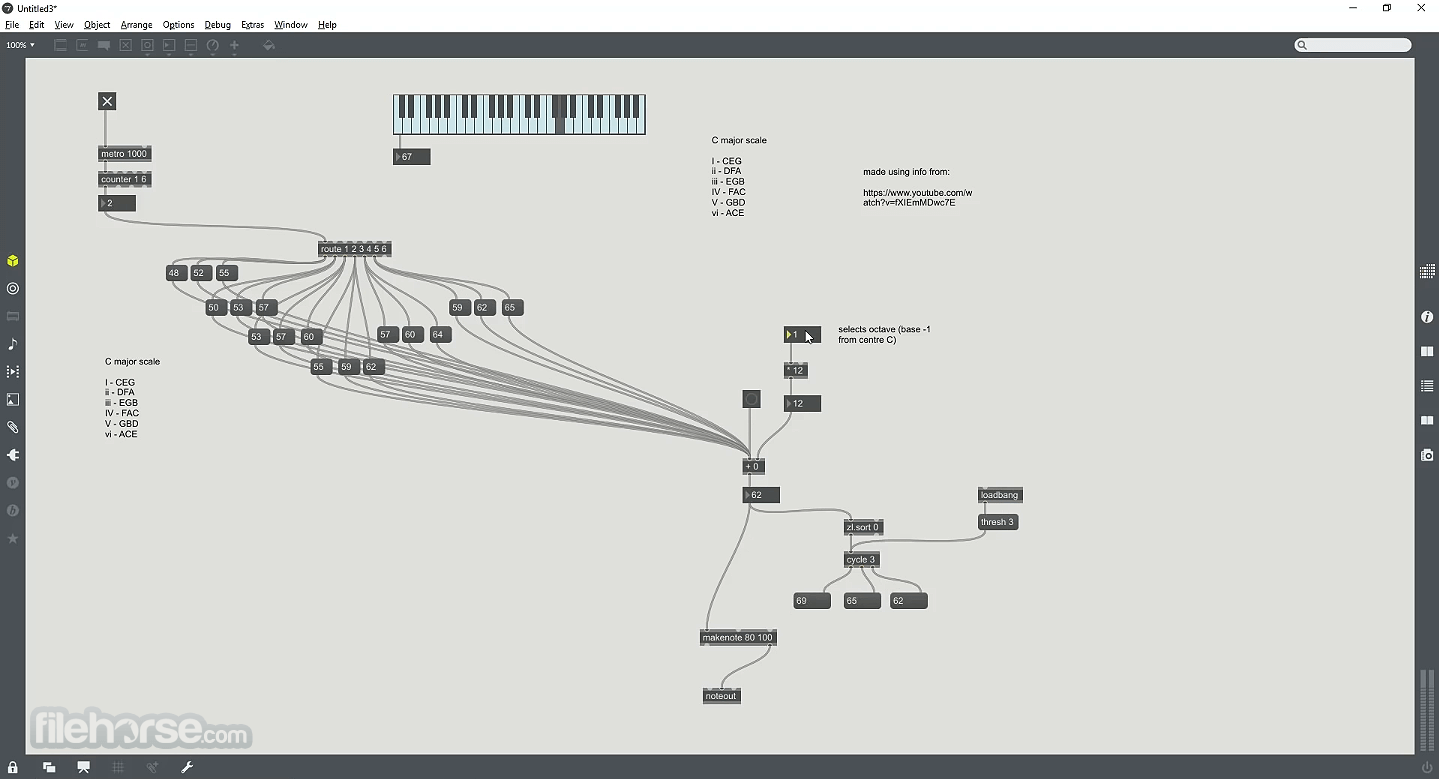
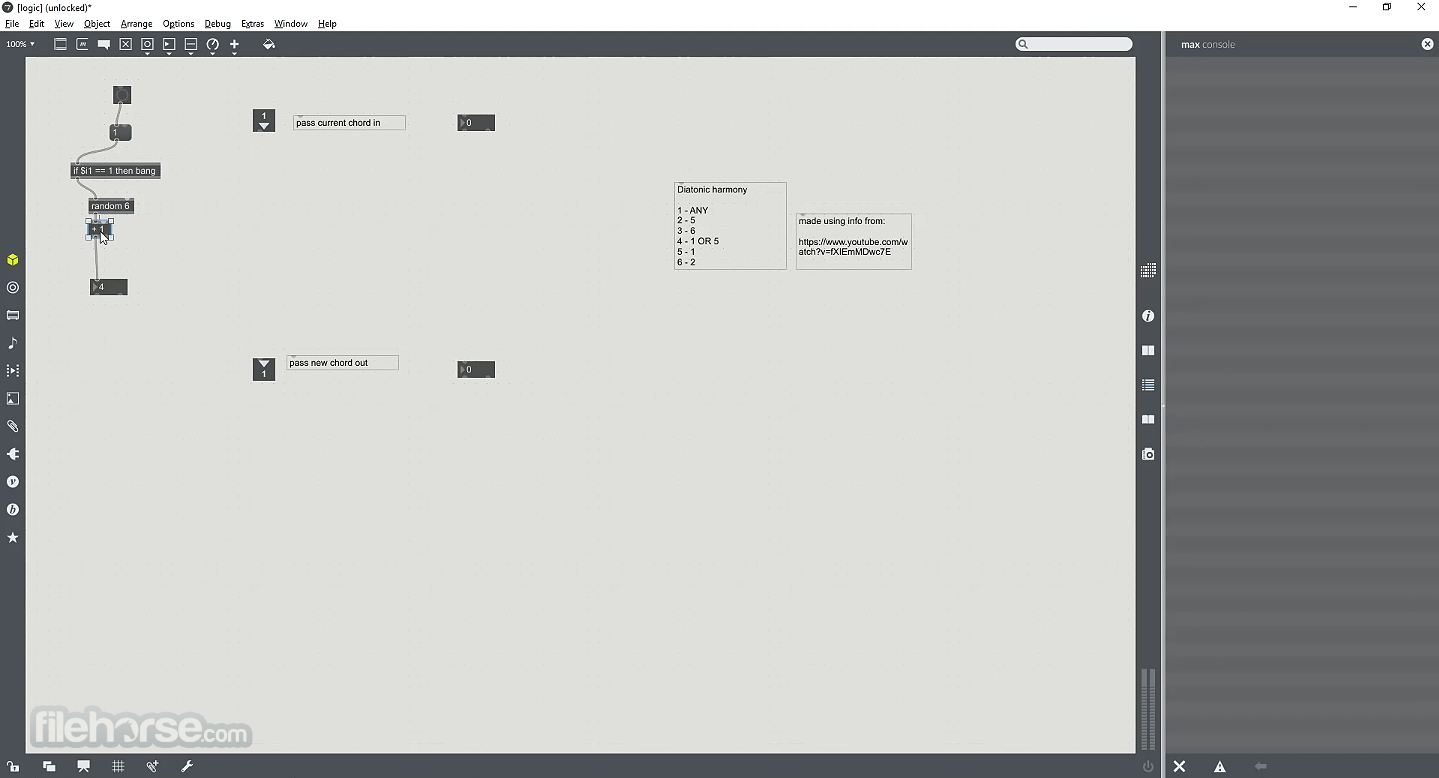
Max connects objects with virtual patch cords to create interactive sounds, graphics, and custom effects. Connect your Max patches to the wide universe of MIDI and other external controllers.
Use Max's user interface objects to make your own control interfaces with full support for MIDI/MPE, and OSC protocols.
Make your own unique synths, or craft your own swirling webs of delay. Teach your audio samples new tricks by using algorithms of your design, automation, and external hardware.
Combine Max’s flexibility with Jitter – real-time video, 3D/2D vector graphics, and effects. Experiment with audio-to-video control (and vice-versa) to create your own video processing routing and feedback systems.
Gen integrates Max's familiar visual patching environment with the power of real-time code generation and compilation.
BEAP provides a robust library of high-level modules that you’ll know and love from the analog synth world. Patch them up and interface them with your own analog synth modules for a world of new possibilities and sounds.
Vizzie’s high-level visual processing modules let you make everything from VJ rigs or interactive video work with real-time controls to little patches that do amazing things with your webcam.
Connect to Max
Arduino
Use Max's serial communications to interface with electronic sensors, motors, and other components using your Arduino board.
Controllers
Max's built-in MIDI handling tools connect to any MIDI controller with knobs, sliders, buttons, or keyboards.
Synthesizers
Combine hardware synths with the app to create custom editors. It supports the full MIDI/MPE spec, so you can talk to any MIDI device.
DMX Lighting
Add audio-responsive and interactive elements to your show system lighting with the program.
Projectors
Take control of your visuals with interactive support for multiple screens, OpenGL hardware graphics, and video playback.
Live Inputs
Connect live instruments and sound sources to Max and experiment. Audio interfaces, USB Microphones, and built-in hardware all work seamlessly.
How to Use
Also Available: Download Max for Mac
Download Max Latest Version Why is this app published on FileHorse? (More info)
Use Max's user interface objects to make your own control interfaces with full support for MIDI/MPE, and OSC protocols.
Make your own unique synths, or craft your own swirling webs of delay. Teach your audio samples new tricks by using algorithms of your design, automation, and external hardware.
Combine Max’s flexibility with Jitter – real-time video, 3D/2D vector graphics, and effects. Experiment with audio-to-video control (and vice-versa) to create your own video processing routing and feedback systems.
Gen integrates Max's familiar visual patching environment with the power of real-time code generation and compilation.
BEAP provides a robust library of high-level modules that you’ll know and love from the analog synth world. Patch them up and interface them with your own analog synth modules for a world of new possibilities and sounds.
Vizzie’s high-level visual processing modules let you make everything from VJ rigs or interactive video work with real-time controls to little patches that do amazing things with your webcam.
Connect to Max
Arduino
Use Max's serial communications to interface with electronic sensors, motors, and other components using your Arduino board.
Controllers
Max's built-in MIDI handling tools connect to any MIDI controller with knobs, sliders, buttons, or keyboards.
Synthesizers
Combine hardware synths with the app to create custom editors. It supports the full MIDI/MPE spec, so you can talk to any MIDI device.
DMX Lighting
Add audio-responsive and interactive elements to your show system lighting with the program.
Projectors
Take control of your visuals with interactive support for multiple screens, OpenGL hardware graphics, and video playback.
Live Inputs
Connect live instruments and sound sources to Max and experiment. Audio interfaces, USB Microphones, and built-in hardware all work seamlessly.
How to Use
- Launch the software and explore the interface
- Use the patching environment to create visual programs
- Connect objects with patch cords for signal flow
- Experiment with built-in tutorials and examples
- Use Max for MIDI, audio, and video processing
- Integrate external hardware like MIDI controllers
- Write custom scripts using JavaScript or Gen
- Export standalone applications from your projects
- Join the Max community for support and resources
- OS: Windows 11 or Windows 10 (64-bit)
- Processor: Intel Core i5 or better
- RAM: 4GB minimum (8GB recommended)
- Storage: 1GB free disk space
- Graphics: OpenGL 3.0 compatible GPU
- Audio: ASIO-compatible sound card recommended
- Flexible visual programming environment
- Strong integration with Ableton Live
- Extensive library of objects and patches
- Supports MIDI, audio, and video processing
- Large community and online resources
- Requires a powerful PC for complex patches
- High price for full license
- Limited traditional DAW features
- Can be overwhelming with too many options
Also Available: Download Max for Mac
Download Max Latest Version Why is this app published on FileHorse? (More info)
##
影片介紹
##
畫面截圖