Minecraft Education Edition 1.21.90
v 1.21.90
Windows
商業試用
8.2/10 (60)
- 目前版本1.21.90
- 更新日期2026-08-12
- 檔案大小1 MB
- 檔案名稱Minecraft Education Installer.exe
- 作業系統Windows 10 / Windows 11
- 支援語系English
- 授權型式商業試用
- 開發商 Mojang
- 軟體分類Windows 軟體 / 遊戲
##
翻譯排程處理中,以下暫以英文原文呈現
軟體介紹
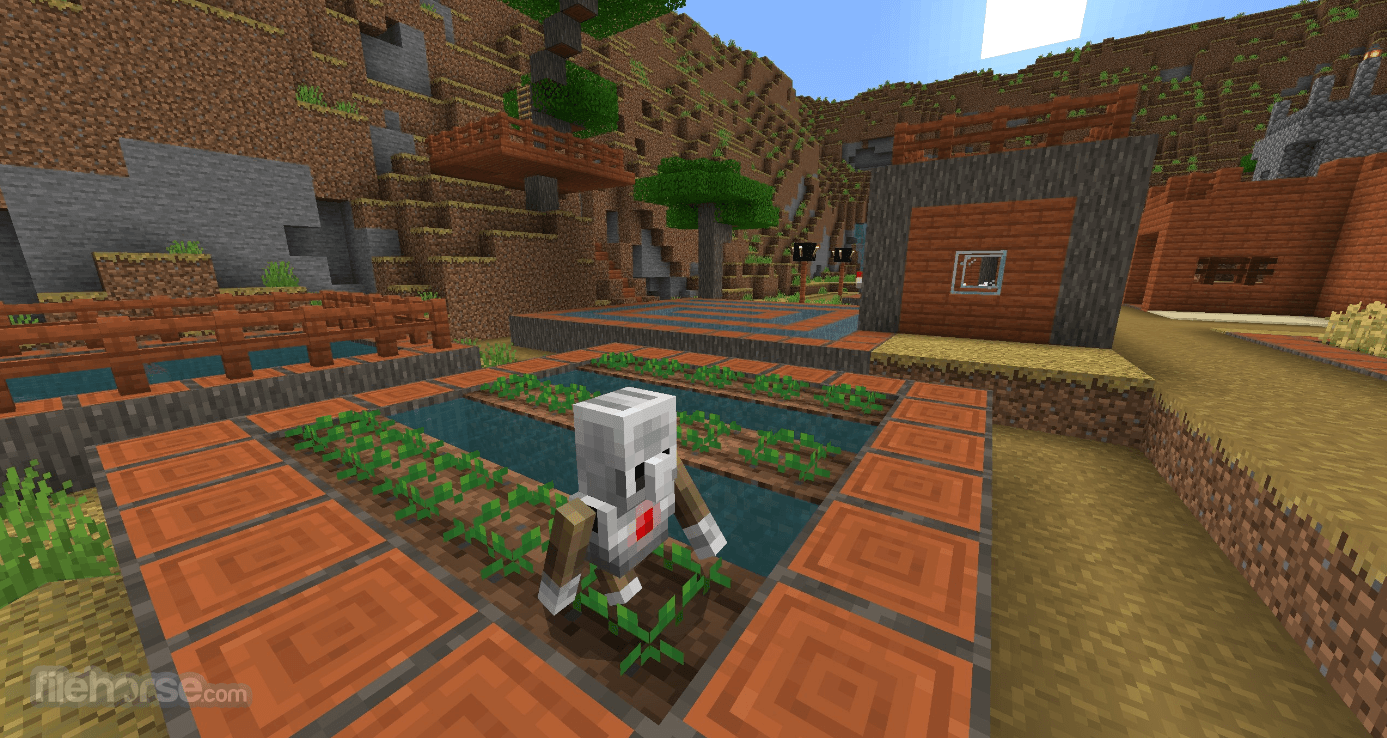
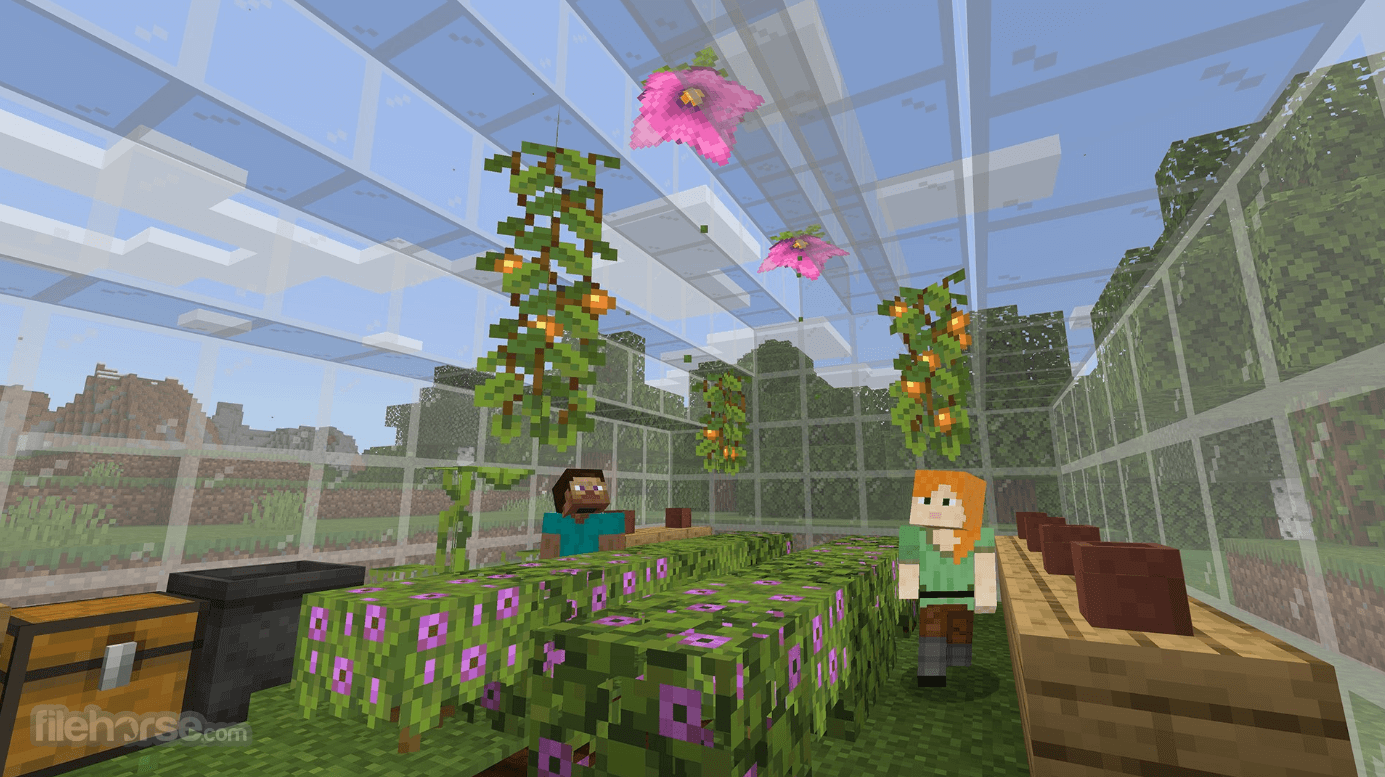
Minecraft Education is a special version of the popular sandbox game Minecraft that is optimized for school and education environments, with built-in tools that enable teachers and educators to promote collaboration, problem-solving, and creation directly inside this engaging video game that is today played by hundreds of millions of kids from all around the world.
AI in Action: Using AI Tools Responsibly
With the advent of the 2020 worldwide pandemic and the rise of homeschooling efforts, this version of Minecraft has become even more important than ever before.
Teachers and educators who decide to infuse Minecraft Education Edition into their daily sessions with their kids and students can quickly find out how much this tool has evolved over the years.
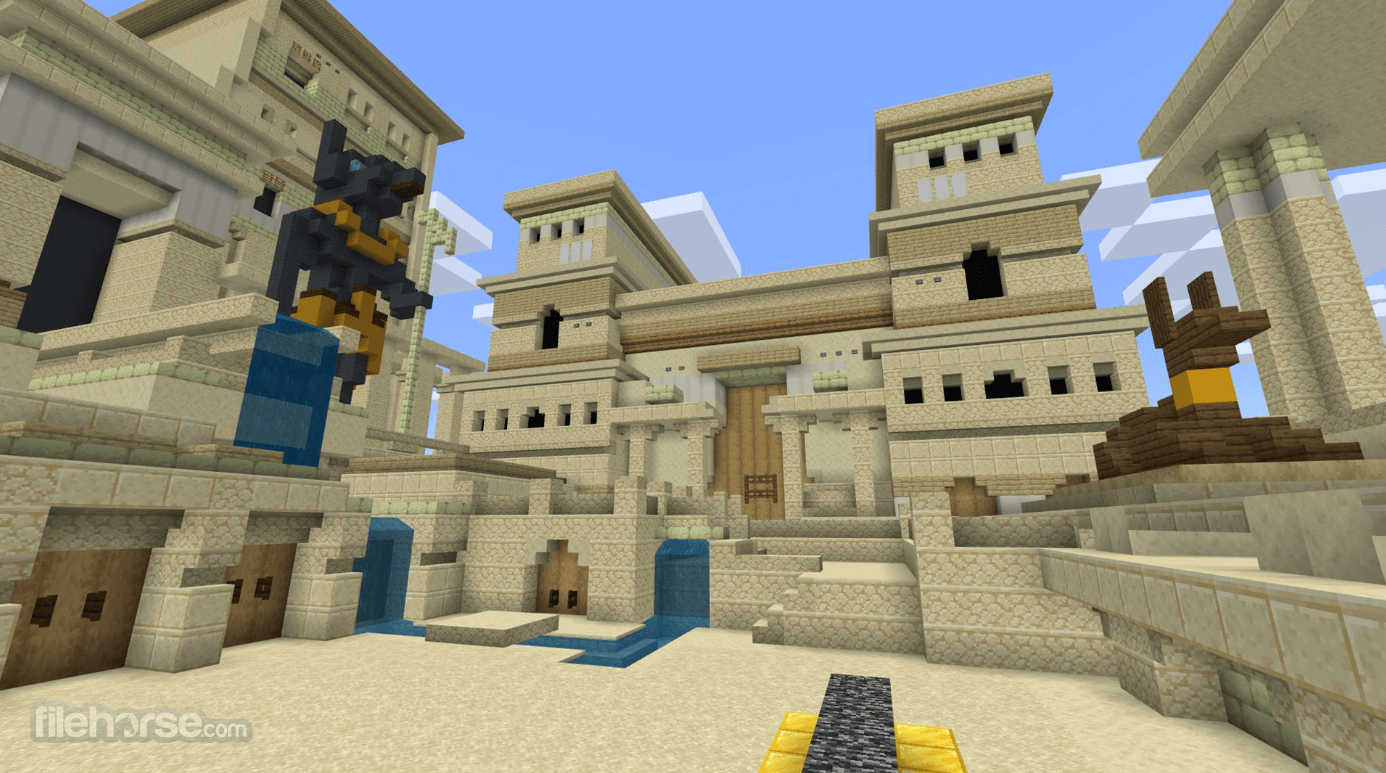
While there are many other web-based solutions for managing online learning, they all look a bit bland when compared to Minecraft Education Edition, which can offer kids and students a truly engaging 3D environment where they can learn while having fun and have direct communication with their peers.
The app promotes engagement, having fun, immersive and innovative problem-solving, and endless creativity.
While educators can set up lesson plans, video tours, and comprehensive FAQs, the students just need to stick to their schedule and appear on time in online sessions. Tools present in this game can be used to teach many types of school subjects, such as mathematics, basic engineering and architecture, virtual tourism and history education, languages, geography, biology, biodiversity, and even coding!
To organize all this, educators can access a fully featured downloadable starter kit where they can learn about all features present in this app and start working on their lesson plans. They can even engage with other educators from all around the world, getting tips and recommendations on best practices for learning inside the game environment.
All in all, Minecraft Education is a fully-featured education platform that hides many new features behind the surface that shows a fun game to all participating students.
While students may feel that gameplay inside the blocky 3D world is heavily controlled by the teacher, even to the point that it may limit their creativity, this app is a truly great tool for remote educators who can take full control over their curriculum and provide an engaging environment for learning.
The app is optimized for all modern versions of Windows OS.
Key Features
Secure Student Logins: Provides individual student accounts, ensuring privacy and data security, while customizable skins enhance engagement by personalizing the learning experience.
Cameras and Portfolios: Enable students to document and capture evidence of their learning, fostering opportunities for formative assessments within the Minecraft environment.
Customizable World Settings for Educators: Teachers can tailor world settings, manage student inventories, and more, creating a balanced and immersive learning environment that encourages both focus and engagement.
Education Edition Blocks: Features unique blocks such as Boards for setting learning goals and Border Blocks for defining specific building areas for individuals or group collaboration.
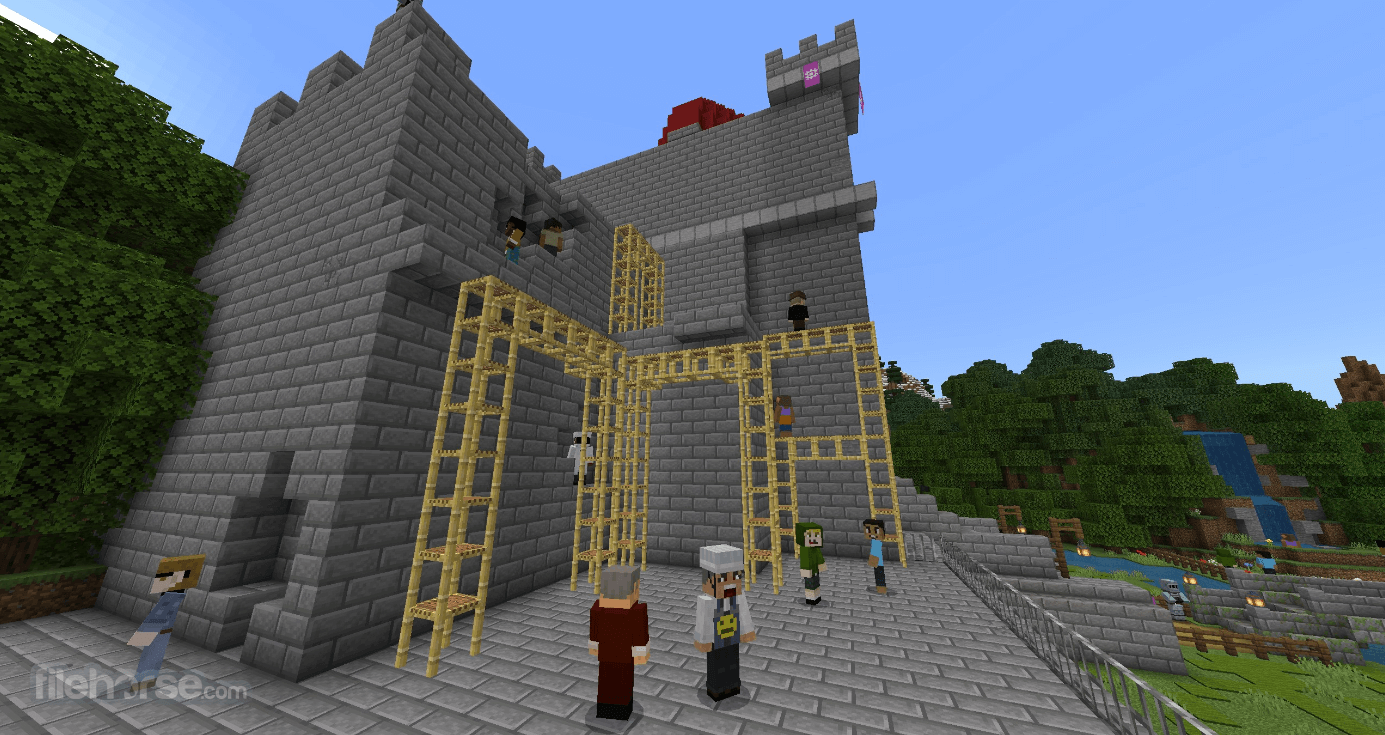
Improved Multi-Player Mode: Allows up to 30 students to collaborate and participate in shared learning activities without needing a separate server.
Educator Tutorials and Starter Resources: Includes tutorials, starter worlds, and lesson plans to help educators easily integrate Minecraft into their existing curriculum for a successful teaching experience.
What’s New
What is Minecraft Education and how is it different from Minecraft?
Minecraft Education is a classroom-focused version of Minecraft designed specifically for schools and educational organizations. It includes exclusive features such as classroom management tools, built-in assessments, coding activities, immersive lessons, and collaborative learning experiences that are not available in the standard consumer version of Minecraft.
What subjects can students learn with Minecraft Education?
Minecraft Education supports a wide range of subjects, including STEM, coding, computer science, mathematics, science, history, language arts, digital citizenship, and social-emotional learning. The platform also provides hundreds of standards-aligned lessons created by educators and Microsoft.
Can anyone use Minecraft Education?
Yes. While Minecraft Education is primarily intended for schools and educational institutions, it is also available for parents, homeschool families, and individual learners through eligible Microsoft accounts and trial options. It runs on Windows, macOS, Chromebook, Android, and iPad.
What unique features does Minecraft Education offer?
Minecraft Education includes classroom-specific features such as cloud world storage, dedicated multiplayer servers, classroom management tools, coding with MakeCode and Python, chemistry experiments, immersive reader support, camera and portfolio tools for student assessment, and secure multiplayer environments designed for education.
Is Minecraft Education still relevant in 2026?
Yes. Minecraft Education continues to receive regular updates and remains one of the world's most widely adopted game-based learning platforms. Microsoft has expanded the platform with new lessons covering AI literacy, cybersecurity, digital citizenship, and STEM, while continuing to add gameplay features, cloud capabilities, and classroom tools for educators worldwide.
PROS
Download Minecraft Education Latest Version Why is this app published on FileHorse? (More info)
AI in Action: Using AI Tools Responsibly
With the advent of the 2020 worldwide pandemic and the rise of homeschooling efforts, this version of Minecraft has become even more important than ever before.
Teachers and educators who decide to infuse Minecraft Education Edition into their daily sessions with their kids and students can quickly find out how much this tool has evolved over the years.
- Multiplayer mode enables collaboration in-game across platforms, devices, and hybrid environments
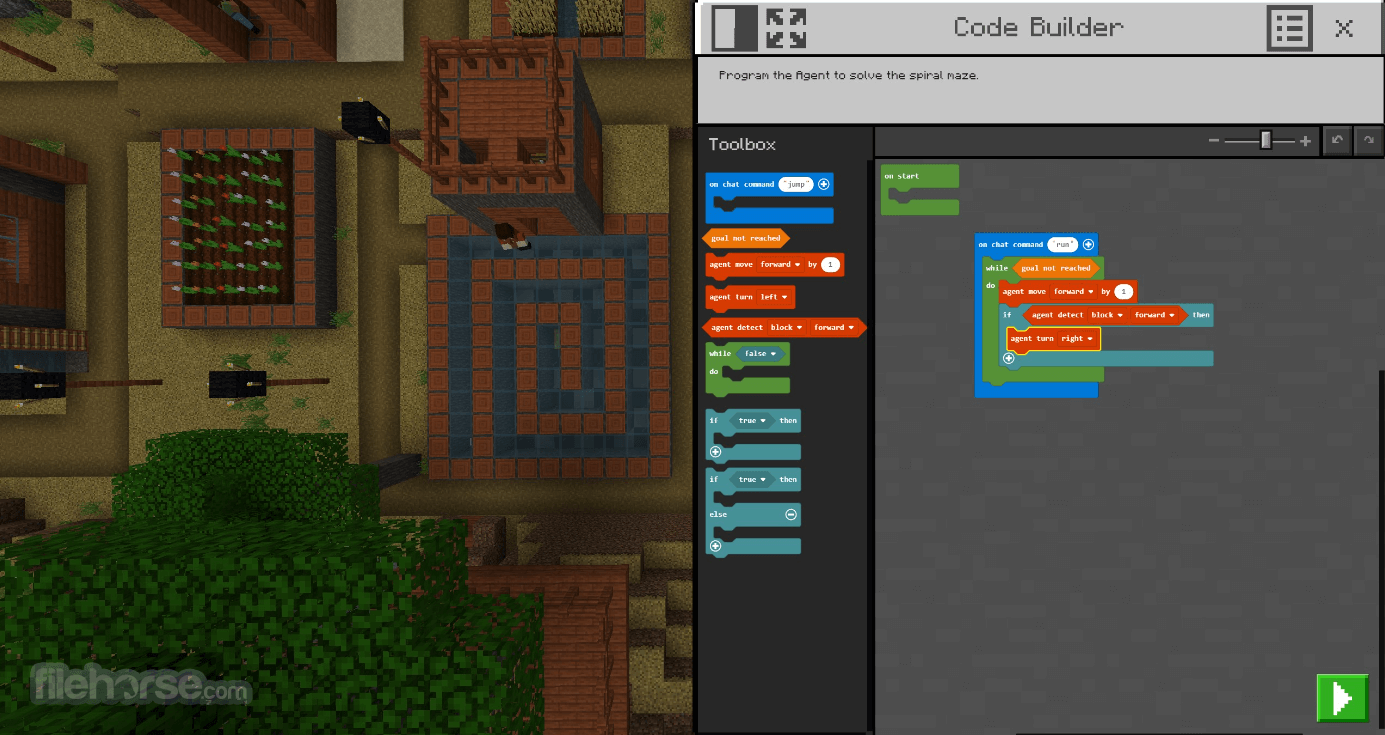
- Code Builder supports block-based coding, JavaScript, and Python with an intuitive interface and in-game execution
- Immersive Reader helps players read and translate text
- Camera and Book & Quill items allow documentation and export of in-game creations
- Integration with Microsoft Teams and Flipgrid supports assessment and teacher controls
While there are many other web-based solutions for managing online learning, they all look a bit bland when compared to Minecraft Education Edition, which can offer kids and students a truly engaging 3D environment where they can learn while having fun and have direct communication with their peers.
The app promotes engagement, having fun, immersive and innovative problem-solving, and endless creativity.
While educators can set up lesson plans, video tours, and comprehensive FAQs, the students just need to stick to their schedule and appear on time in online sessions. Tools present in this game can be used to teach many types of school subjects, such as mathematics, basic engineering and architecture, virtual tourism and history education, languages, geography, biology, biodiversity, and even coding!
To organize all this, educators can access a fully featured downloadable starter kit where they can learn about all features present in this app and start working on their lesson plans. They can even engage with other educators from all around the world, getting tips and recommendations on best practices for learning inside the game environment.
All in all, Minecraft Education is a fully-featured education platform that hides many new features behind the surface that shows a fun game to all participating students.
While students may feel that gameplay inside the blocky 3D world is heavily controlled by the teacher, even to the point that it may limit their creativity, this app is a truly great tool for remote educators who can take full control over their curriculum and provide an engaging environment for learning.
The app is optimized for all modern versions of Windows OS.
Key Features
Secure Student Logins: Provides individual student accounts, ensuring privacy and data security, while customizable skins enhance engagement by personalizing the learning experience.
Cameras and Portfolios: Enable students to document and capture evidence of their learning, fostering opportunities for formative assessments within the Minecraft environment.
Customizable World Settings for Educators: Teachers can tailor world settings, manage student inventories, and more, creating a balanced and immersive learning environment that encourages both focus and engagement.
Education Edition Blocks: Features unique blocks such as Boards for setting learning goals and Border Blocks for defining specific building areas for individuals or group collaboration.
Improved Multi-Player Mode: Allows up to 30 students to collaborate and participate in shared learning activities without needing a separate server.
Educator Tutorials and Starter Resources: Includes tutorials, starter worlds, and lesson plans to help educators easily integrate Minecraft into their existing curriculum for a successful teaching experience.
What’s New
- Dedicated Multiplayer Servers: Introduced dedicated server support for larger multiplayer sessions, improved performance, and cross-tenant gameplay
- Copper Age Content: Added the Copper Golem along with new copper tools, armor, lanterns, chests, shelves, and other copper-based items and blocks
- New Mobs & Items: Expanded gameplay with new creatures including the Nautilus, Zombie Nautilus, Zombie Horse, Camel Husk, and Parched, plus the new Spear weapon
- Code Builder Upgrade: Moved all in-game coding to MakeCode, replacing Python Notebooks with a unified coding environment for Blocks, JavaScript, and Python
- MakeCode Improvements: Integrated the latest MakeCode enhancements for a more stable and feature-rich coding experience
- Dedicated Server Management: Added a web-based administration portal and scripting support for easier multiplayer server management
- Chat & Security Enhancements: Introduced optional chat logging for dedicated servers and strengthened sign-in security
- Performance Improvements: Improved overall game stability, multiplayer reliability, and Code Builder performance through various optimizations
What is Minecraft Education and how is it different from Minecraft?
Minecraft Education is a classroom-focused version of Minecraft designed specifically for schools and educational organizations. It includes exclusive features such as classroom management tools, built-in assessments, coding activities, immersive lessons, and collaborative learning experiences that are not available in the standard consumer version of Minecraft.
What subjects can students learn with Minecraft Education?
Minecraft Education supports a wide range of subjects, including STEM, coding, computer science, mathematics, science, history, language arts, digital citizenship, and social-emotional learning. The platform also provides hundreds of standards-aligned lessons created by educators and Microsoft.
Can anyone use Minecraft Education?
Yes. While Minecraft Education is primarily intended for schools and educational institutions, it is also available for parents, homeschool families, and individual learners through eligible Microsoft accounts and trial options. It runs on Windows, macOS, Chromebook, Android, and iPad.
What unique features does Minecraft Education offer?
Minecraft Education includes classroom-specific features such as cloud world storage, dedicated multiplayer servers, classroom management tools, coding with MakeCode and Python, chemistry experiments, immersive reader support, camera and portfolio tools for student assessment, and secure multiplayer environments designed for education.
Is Minecraft Education still relevant in 2026?
Yes. Minecraft Education continues to receive regular updates and remains one of the world's most widely adopted game-based learning platforms. Microsoft has expanded the platform with new lessons covering AI literacy, cybersecurity, digital citizenship, and STEM, while continuing to add gameplay features, cloud capabilities, and classroom tools for educators worldwide.
PROS
- Engaging Interactive Learning Environment
- Supports Collaboration and Teamwork
- Promotes Creativity and Problem Solving
- Customizable Lessons and Subjects
- Cross-Platform Compatibility
- Requires Internet and Device Access
- Can Be Distracting for Some Students
- Limited for Advanced Programming Tasks
- Subscription-Based Pricing Model
- Not Suitable for All Age Groups
Download Minecraft Education Latest Version Why is this app published on FileHorse? (More info)
##
影片介紹
##
畫面截圖